Postbeam Update: How I Fixed the Brand Voice (Rating Now 4.3)
Right after my Postbeam review, I went back in to fix the thing that bothered me most: the AI had my brand voice completely wrong. The posts it generated were about HR and employee onboarding, which has nothing to do with LearnWire.
The fix turned out to be easy, and it changed my opinion enough that I raised my rating from 3.8 to 4.3. Here is what I did.
What was wrong with the generated posts
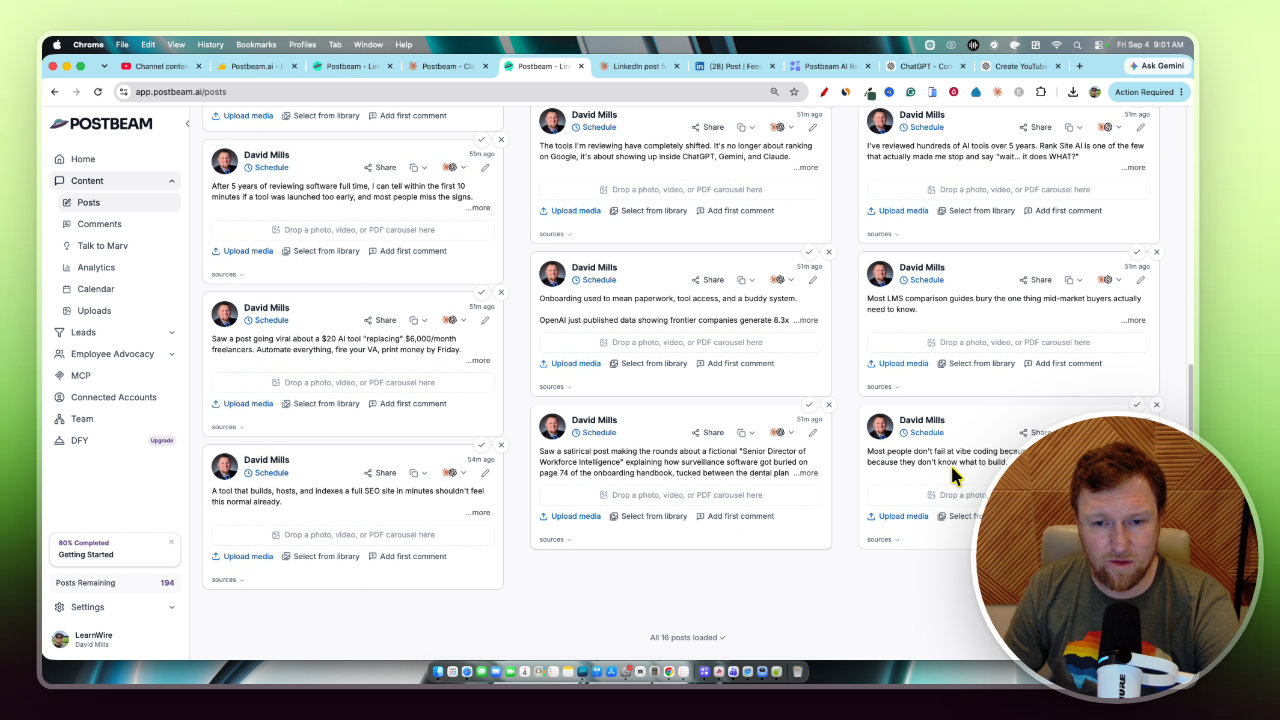
When I opened the content and posts area, the suggestions were off. One was about a satirical post on a fictional Senior Director of Workflow Intelligence. Another quoted a stat about how few employees rate their company's onboarding.
None of that fits my Automate Everything, fire your VA angle. It was a lot of employee management content, and that is not my brand. Side note: the page now shows three columns instead of two, so they seem to be working on the software even as I record.
Why the onboarding call with Marv failed
I spent 10 to 15 minutes on the onboarding conversation with Marv, and it still got my voice wrong. I assumed the training section in settings would be tutorial videos. It is actually where you can start a new call with Marv, and also where the brand voice data lives.
My advice: skip the onboarding conversation. It did not work for me. Go straight to settings, open training, and fill it out yourself.
How I fixed the training step by step
Postbeam will not let you select and copy the whole training page. Ctrl+A does not work, so you can only copy one box at a time. Here is my workaround:
- Take a full screenshot of the training page.
- Upload it to Claude (ChatGPT would work too).
- Tell it the brand voice is incorrect and ask it to fix and create one for your brand, keeping the same headings as the screenshot.
- Copy each corrected section back into Postbeam: mission, ICP, formatting rules and content sources.
- Save the training.
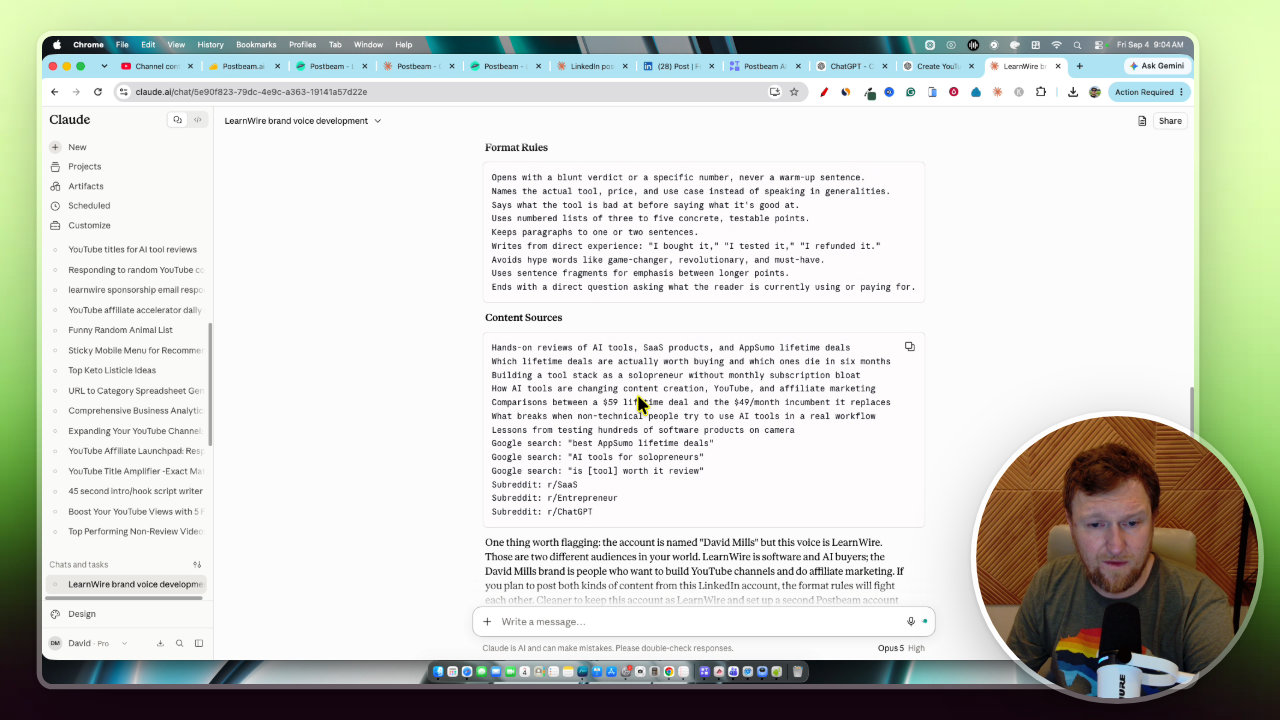
Claude already knew LearnWire, so I just said go. It spotted the mismatch right away and rebuilt the voice around honest, hands-on software and AI tool reviews, lifetime deals, and solopreneurs. The formatting rules open with a blunt verdict, and it even suggested some subreddits to target.
The original ICP was completely off, so replacing it mattered most. You may already have a brand voice written somewhere, which would make this even quicker.
Generating new posts
After saving, I hit the generate posts button. Postbeam says it takes five to ten minutes, and in my case it was still creating content at around nine minutes. Do not leave that page while it generates, but you can right click and open the calendar in a new tab.
The results were much better. Posts started stacking up on the calendar: one went out today, another was set for tomorrow, and so on. They were on brand, and it felt like five minutes a day is all this would take.
Editing and scheduling a post
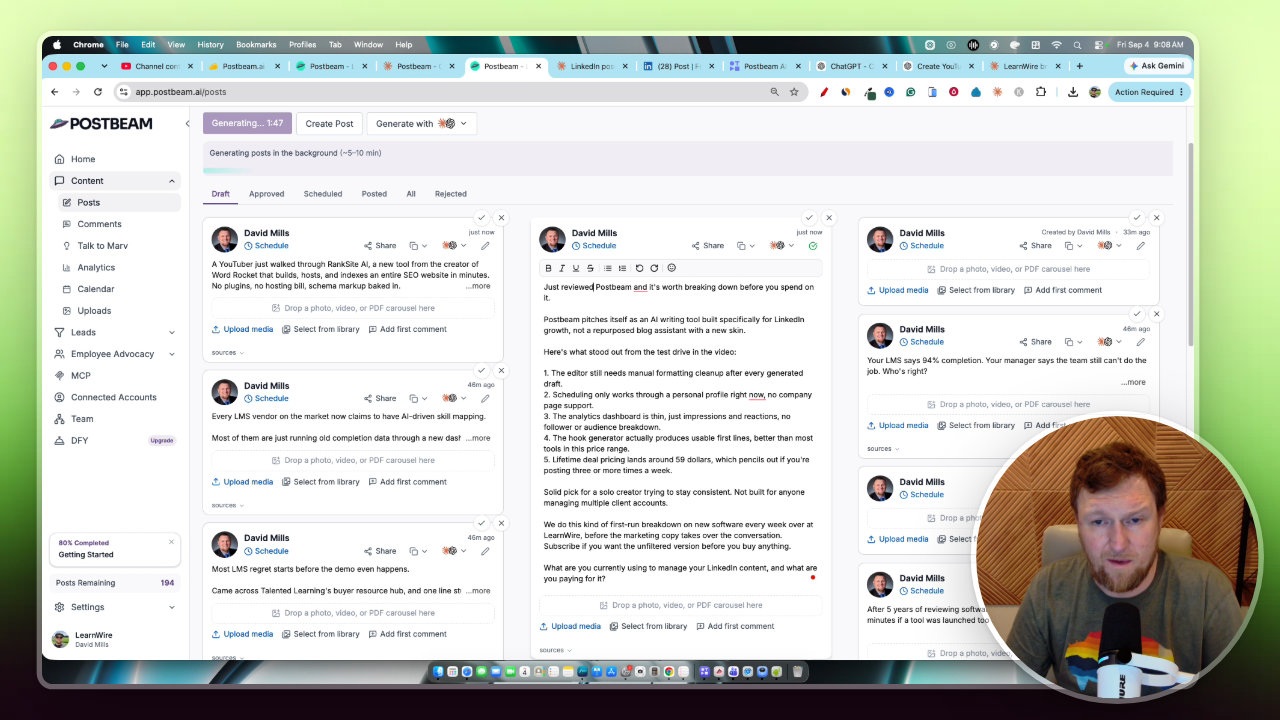
One new post was based on the Postbeam review video I had just published, and it was exactly what I was after. It still needed edits, which is why you should always read before you schedule.
- Wrong price: the draft said the lifetime deal started at $59. It is actually $89, which is a bit pricier than most tier one deals around the $50 mark.
- Voice: I did not like the video walkthrough post because it was not written in first person.
- Link: I added my review link, and Postbeam shortened it for LinkedIn.
It also asks for engagement at the end, which is a nice touch. The media was already attached, so this is a good workflow. I scheduled it for Sunday at 10am.
Tweaking the training further
To fix the first person problem, I went back into training and added a line to the formatting rules: write with authority, in first person, and say that I reviewed the tool, not that I found it. Then I updated the saved training.
I also wanted more posts sourced from my own content. The YouTube sourced posts are my favorites because they review tools, while the ones sourced from X are not. I did not find a setting for something like 80% of posts coming from my content. So I added my YouTube channel link in the content sources and noted it should be the most used source.
The onboarding had actually asked me for my YouTube channel, but it never showed up in training, which makes sense since the onboarding did not work. If the output stays good, I may remove the other sources and keep only LearnWire.
Early results on LinkedIn
This is very early, so keep expectations low. The first LinkedIn post got one comment, one reaction and 18 impressions. The comment was from a thumbnail designer, the kind of person who reaches out to sell services, so it was not real engagement from a buyer.
I plan to use Postbeam for LinkedIn, while I post my videos on X myself. I will add it to my toolkit for at least the next month and may follow up with stats.
Why my rating went from 3.8 to 4.3
The software did not change. What changed is that I learned how easy the training is to fix. That moves Postbeam up a notch for me.
I still have not forgotten the 10 to 15 minutes lost with Marv. And you still need to proofread every post, as the price mistake showed. But with a corrected brand voice, the posts are on brand and scheduling is fast.
The takeaway
If Postbeam gets your voice wrong, do not give up. Go to settings, open training, rewrite the mission, ICP, formatting rules and content sources, and add your YouTube channel. Then proofread everything before it goes out.
Postbeam is live as a lifetime deal on AppSumo, and I have the link in my video description.
Tools in this post
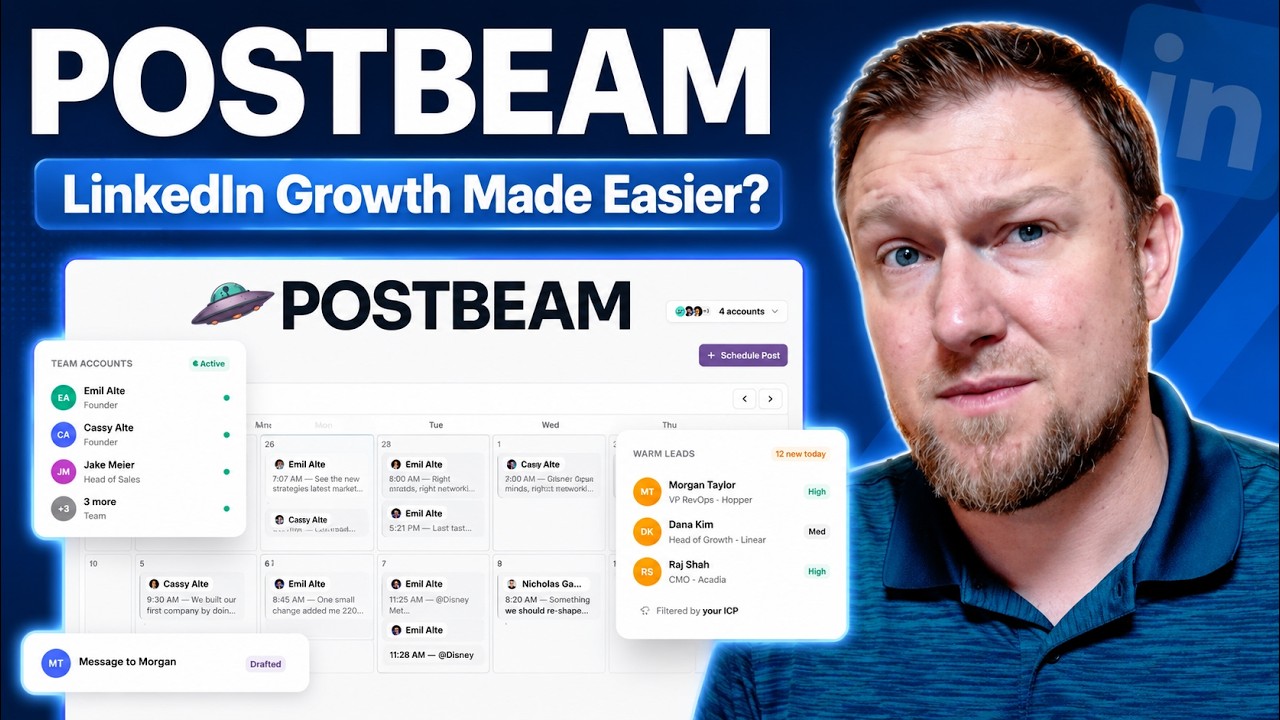 Not on AppSumo now
Postbeam
AI tool that drafts, schedules and manages LinkedIn posts and turns engagement into leads.

More on these tools
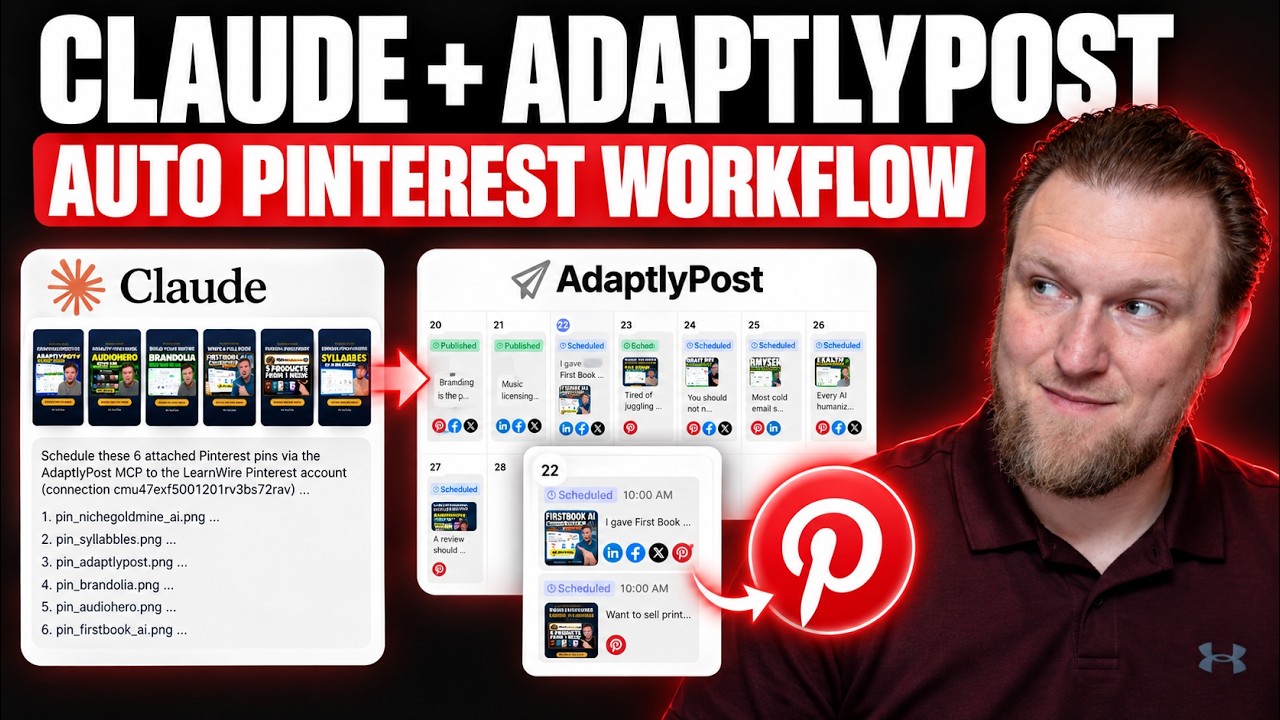
My AdaptlyPost and Claude MCP Workflow for Pinterest Pins
I connected Claude to AdaptlyPost through MCP to turn my YouTube thumbnails into scheduled Pinterest pins. Here is the workflow, the board ID workaround, and what still takes manual work.
What Should I Sell? How I Pick a Product Idea With ProductSpark AI
I built ProductSpark AI to fix the "what should I sell?" problem. Here is the exact walkthrough, from finding a sub niche to a master prompt you can build from.
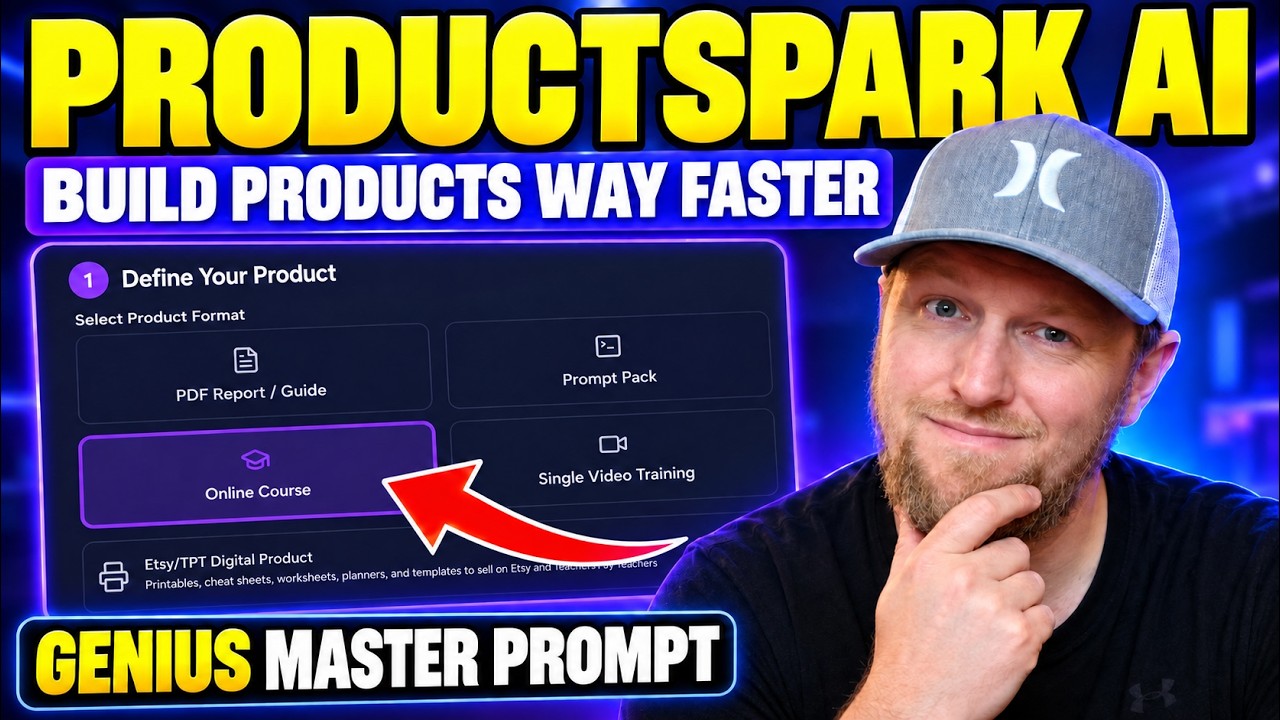
Stop Brainstorming Product Ideas: Build a Course with ProductSpark AI
I built ProductSpark AI, and in this walkthrough I take a vague niche (vibe coding) and turn it into a trimmed course outline and sales page copy in about 15 minutes. Here is the process and where the real work still starts.
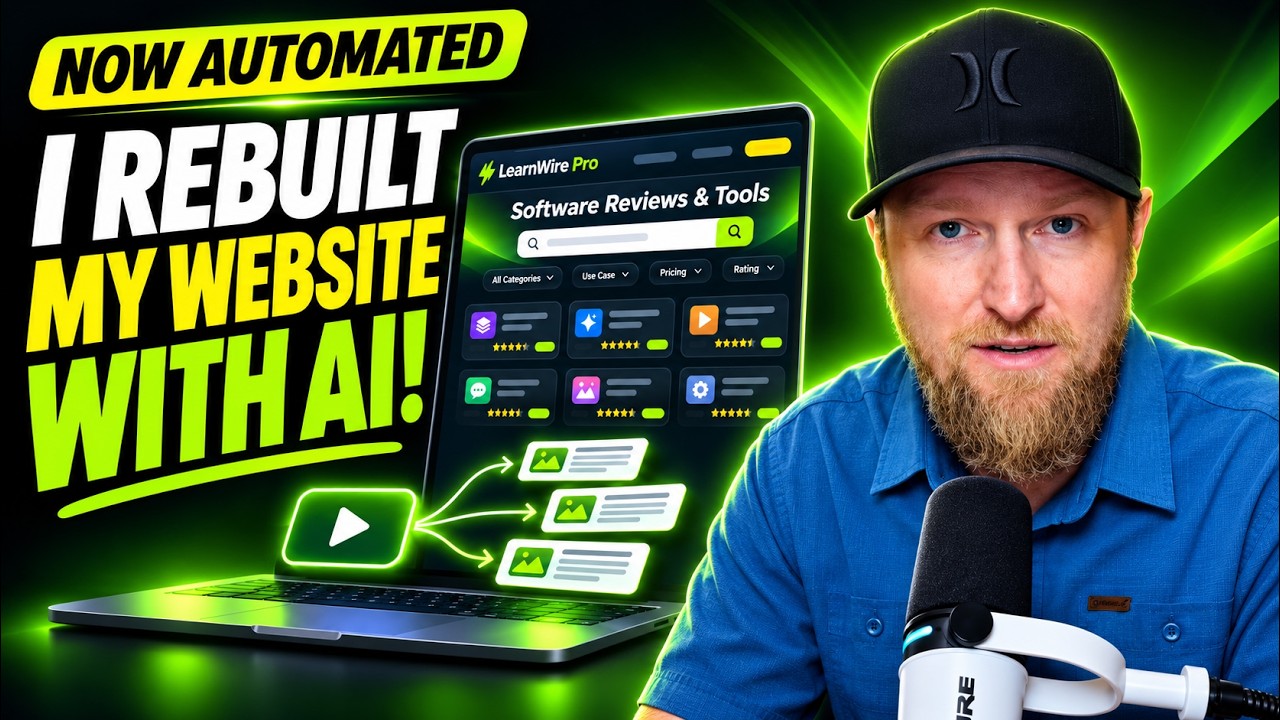
I Rebuilt My Website With AI: Ghost Migration and Autopilot Posts
I moved LearnWire Pro off Ghost and rebuilt it as a software review directory with Claude and Flute. Here is what it does, how I did it, and what it really took.

How I Build a Pay Per Call Website with AI and RHIMS 10
Pay per call gives you a Rank and Rent style site without the cold outreach. Here is how I research a niche, build the prompt and have Claude generate the site.
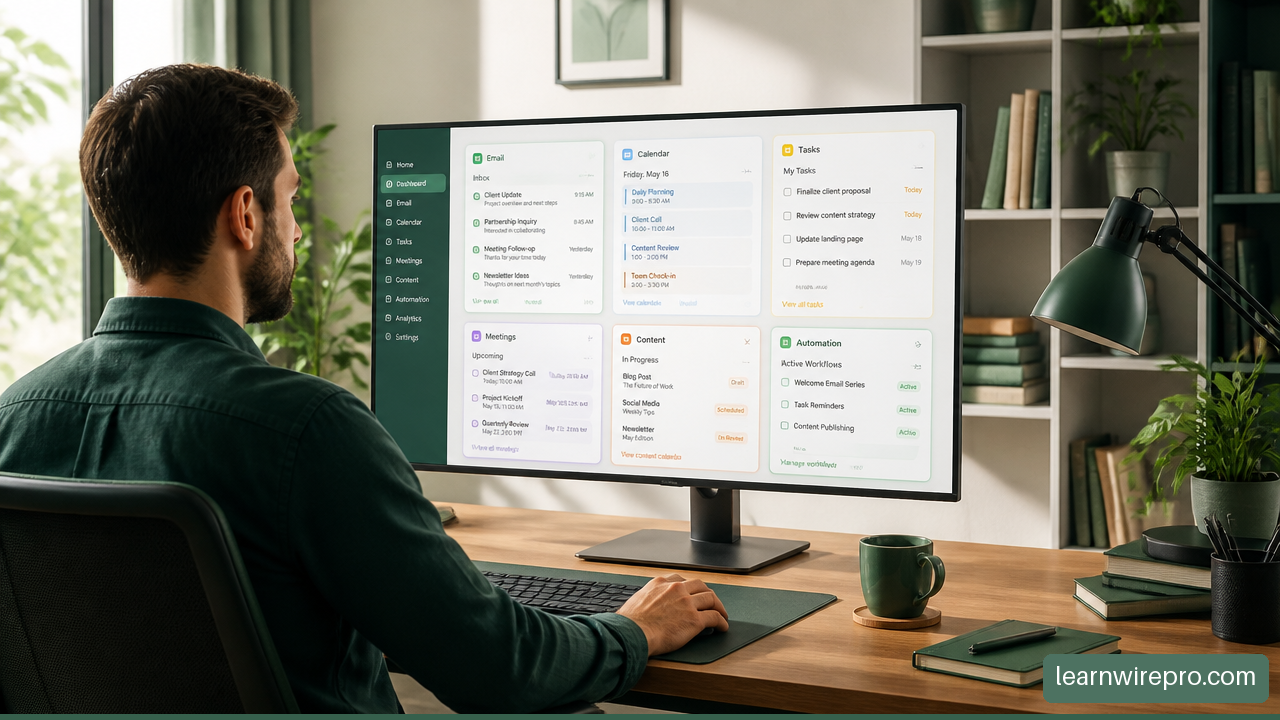
Best AI Productivity Tools for Managing Multiple Businesses
Discover the best AI productivity tools for solo entrepreneurs managing multiple businesses, from automation and planning to meetings and content.
More in Social Media Marketing & Automation
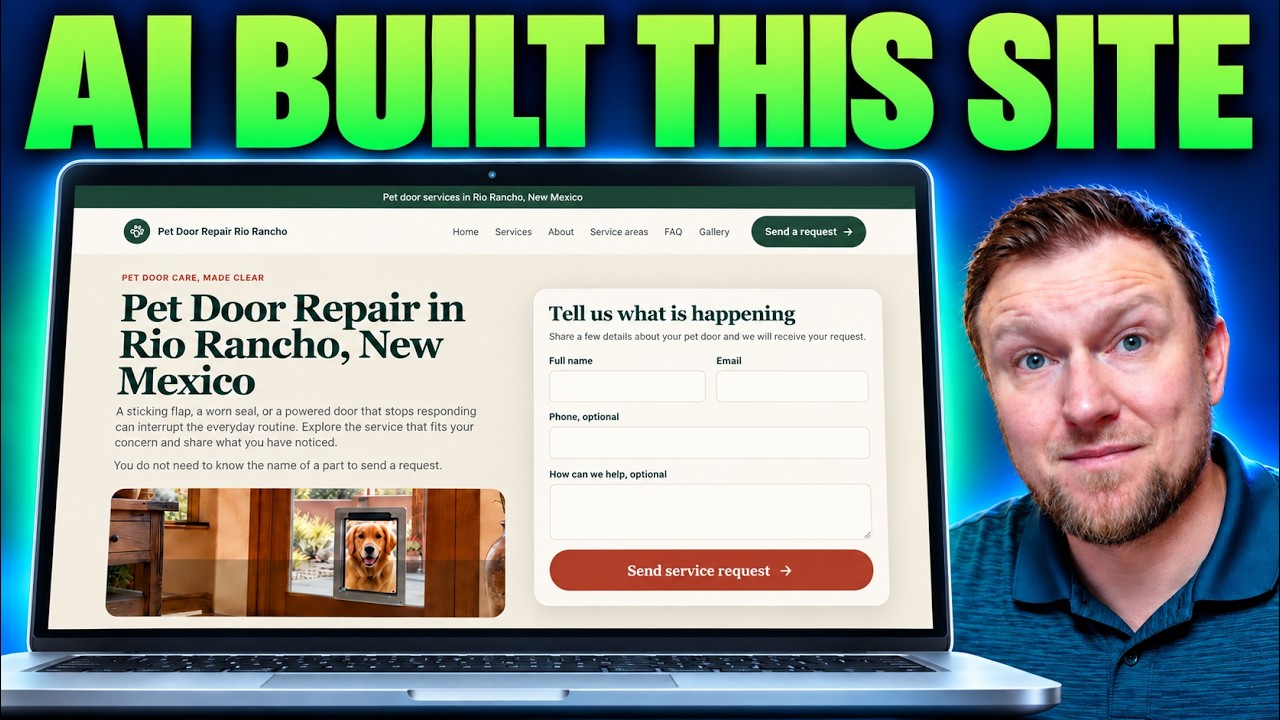
Building a Local Site With Local Site Creator and Replit
I built a pet door repair site for Rio Rancho with Local Site Creator and Replit. Here are the steps, the hiccups with the free plan, and what I'd fix.

How I Send Pinterest Traffic to My Own Website With Pin to Profit
Pin to Profit wants to build you an affiliate page, but you can point the pins at a site you already own. Here is exactly how I set that up, including the bugs.
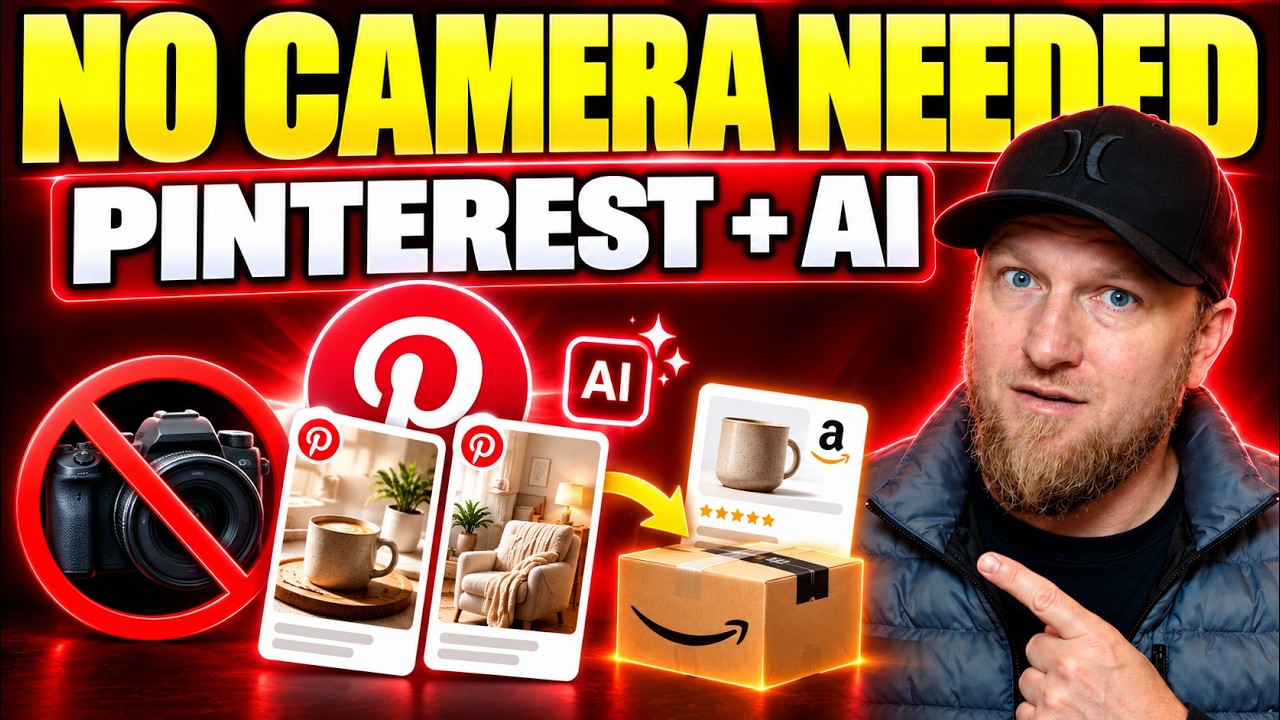
Pinterest Affiliate Strategy with AI: Pin2Profit Setup Walkthrough
I walked through a full Pinterest affiliate setup with Pin2Profit: niche research, account setup, a 21-pin campaign and a live affiliate page. Here are the steps and where I hit snags.