How I Send Pinterest Traffic to My Own Website With Pin to Profit

Pin to Profit builds an affiliate page for every campaign by default. In my video I wanted to do something different: send Pinterest traffic to a website I already own, using a roundup article I built myself.
It works, but the software nudges you toward its own pages, so there are a few workarounds. Here is the full process, including the things that annoyed me.
Where I Started
I already had campaigns running in Pin to Profit when I recorded this. That was 38 pins created and 2 affiliate pages, with traffic already reaching the Pinterest accounts I made in the 3 or 4 days since the product launch.
The launch was ending in about 2 days (October 21st, around 1:00 PM Central), so the timing matters if you want the launch pricing.
Step 1: Find a Niche With Pin Niche Miner
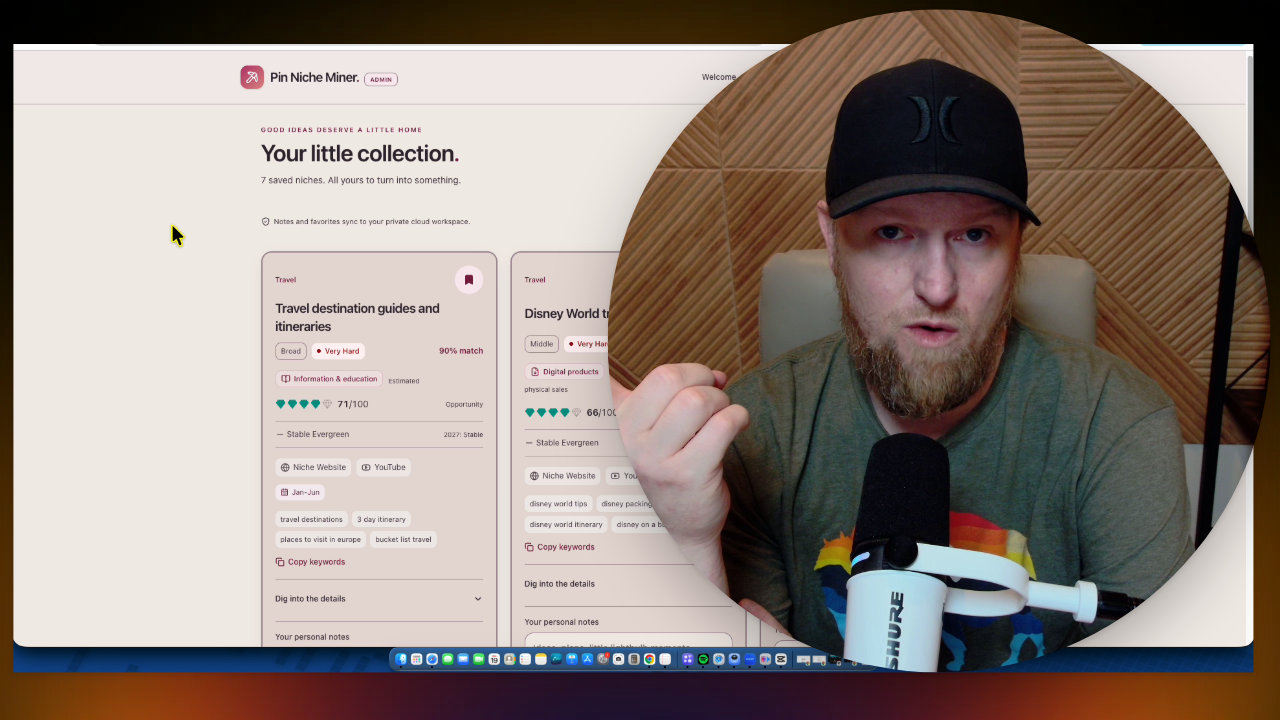
I used Pin Niche Miner to find an idea I liked: Career Change Resumes for Teachers. Scrolling down, I spotted a related keyword, Career Change Guides.
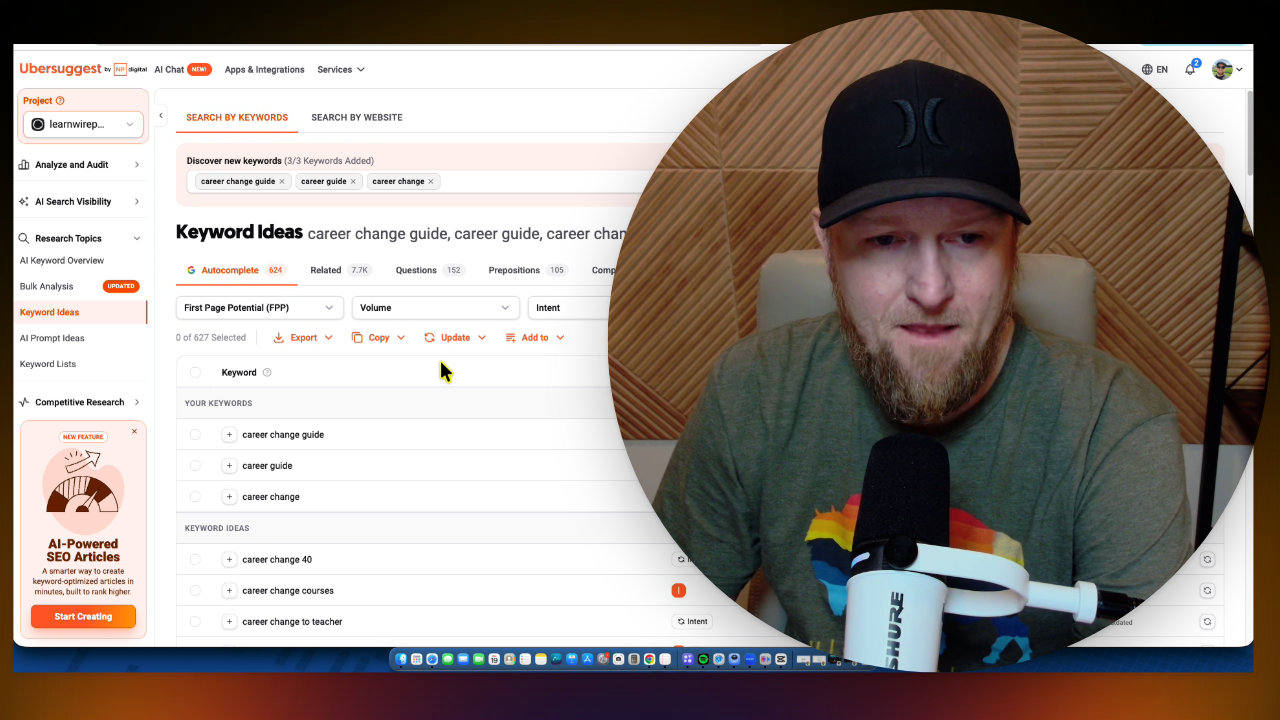
That fit one of my older sites, Realistic Pay. I then ran searches in Ubersuggest for career change guide, career guide and career change. The big winner was simply career change. There are plenty of smaller keywords around it, so you could build many separate campaigns from that micro niche.
Step 2: Build the Roundup Page With Claude
I researched products on Amazon, picked my top 5 books and grabbed my affiliate link for each one. I screenshotted the book images, then wrote one big prompt and had Claude build the entire page, thumbnail included.
The result is an interactive roundup. The quick picks are clickable and jump you to each book. The cover images start tilted and straighten up when you click. It includes an affiliate disclosure and share links.
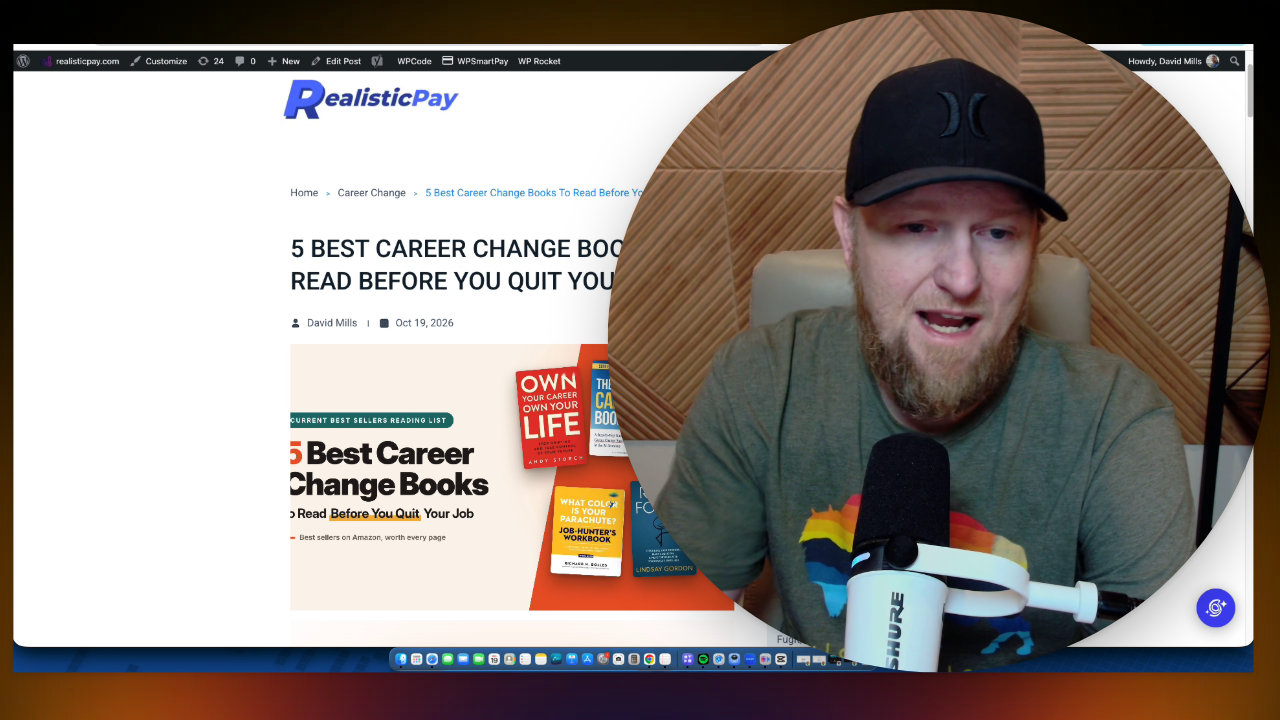
I copied the HTML onto my website. Honestly, I think this page looks better than the affiliate pages Pin to Profit creates, and you have far more control over it.
Where the affiliate pages still make sense
The built-in affiliate pages are great for a single product. They are fast and efficient. But for a roundup that people might actually share, I prefer building my own.
My WordPress frustration
My site is on SiteGround running WordPress, and it does not look as good as it should. I selected no sidebars in my theme and the sidebars still show. I have updated all my plugins and it still isn't right.
I am thinking about moving the site to Netlify, since it is now easier to get a site looking exactly how you want with AI. If you want a full tutorial on converting a WordPress site that way, let me know.
One slug tip
Do not put a year in your URL slug. It was October 2026 when I recorded this, and in two months that slug would be stale with no way to change it cleanly. A year in the title is fine, but you will have to update those later.
Step 3: Create the Campaign in Pin to Profit
I did this live, so it was my first time. Here is what I did:
- Skip the pick a product route, since I did not want an affiliate page.
- Paste my existing page URL where it asks for the affiliate page URL.
- Enter a product name, which I made "Best Career Change Books."
- Upload the 5 book images for inspiration.
- Select my Pinterest account (already connected).
- Name the campaign "5 best career change books."
The software would not let me continue until I selected at least one product, so I picked the first one, from Andy Storch. That is just how the tool works: it builds an affiliate page no matter what, but you do not have to use it.
For the pin style, I would avoid curated finds. In my experience it gives you a purple image with some text, and it is not aesthetically appealing. I left the others selected, set it to 3 pins per day for 30 days, and hit create.
How Fast It Builds the Pins
The campaign generated 90 pins with AI in under 10 minutes. I checked at about 7 minutes and it was on the last step before building the posting schedule. For a campaign that big, that is impressive.
Warm-Up and Pin Frequency
This Pinterest account is older, but I had not published on it in months. Throwing 10 pins a day at it could put it at risk. Pin to Profit uses a warm-up period for any account you add, even a seasoned one, and I agree with that.
- New account: 7 days at 3 pins per day is 21 pins.
- After that, I would go to 5 per day and ease up slowly over a month or so.
- The system caps you at 10 per day.
I set mine to 3 per day for a month.
Reviewing the Generated Pins
The pins come with headlines, descriptions and keywords, and you can regenerate any image you do not like. I thought the style looked like real Pinterest content, not over the top, and the people in the images looked good.
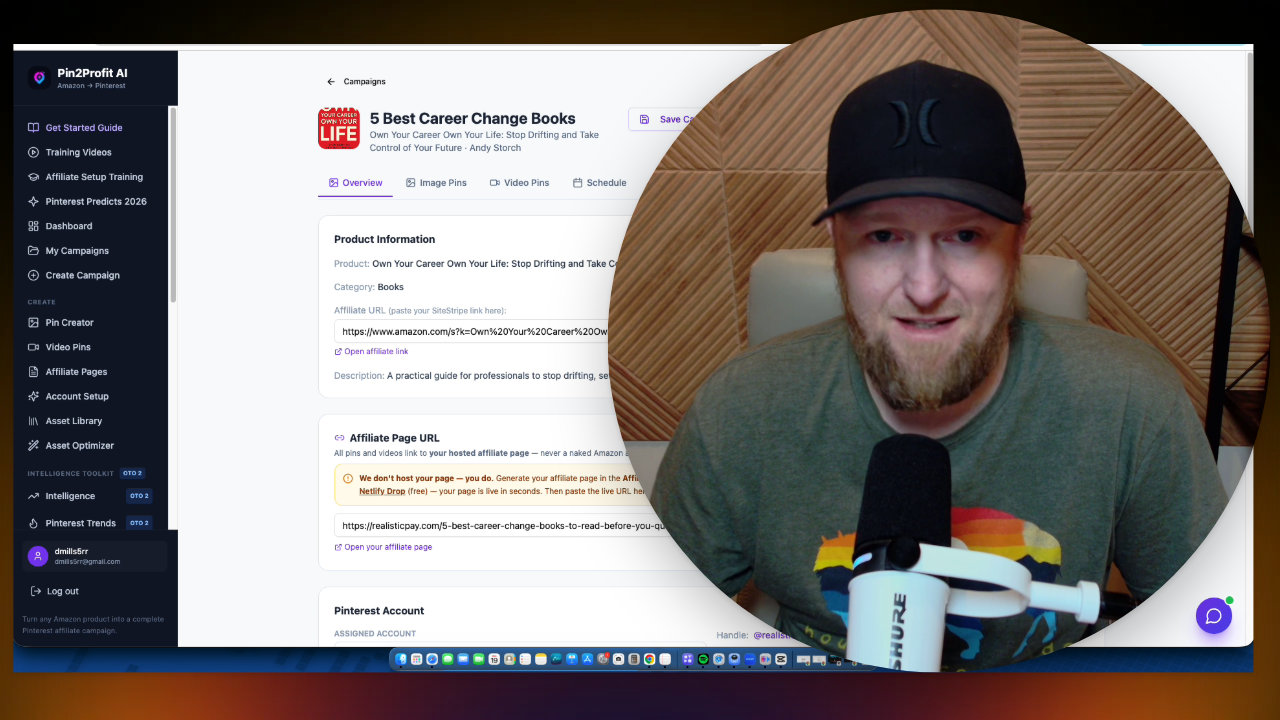
One flaw: even though I did not select curated finds, one of the 90 pins came out in that style. I tried changing it to lifestyle and regenerating, and it did not work at first. I would like a simple delete option for a pin, and a way to set the board from the overview. In the end, the bad pin was removed from the schedule, leaving 89.
Scheduling: The Next Day Rule
This is the part that bugged me. With the Pro upgrade you get a one-click automation button, so you skip downloading files and uploading to Pinterest by hand. But when I tried to schedule a start for the same day, at 11 AM and then 2 PM, it failed with "The start date must be in the future."
So campaigns have to start the next day. I would have liked to start that morning, but it is not possible. I set it for 9 AM the next day, scheduled 89 pins, and saved the campaign.
Also, I picked the Career Change board I created, and after talking with Demetrius, the approach is to click Schedule 10 pins and manually pick 3 per day.
Using This for Any Website
The same method works for a site you already have, even a law firm. You still have to enter an affiliate link and product because of how the software works. I would love a way to bypass that and send traffic straight to your site. You can still control the images, and use ones from your own website or services.
Pricing and Bonuses
The front end starts at $27. I recommend at least the Pro version, OTO 1, which I believe is $47. The bundle is $247 at checkout. Pro gives you 10 accounts, unlimited affiliate pages and posts, and the full automation button.
My bonuses: the front end includes Pin Niche Miner. Anyone who buys any OTO or the bundle also gets my advanced training and prompts. I plan to make that 45 minute to 1 hour course a full beginner setup: domain, new website, Pinterest account and Netlify.
Takeaway
If you already own a site, Pin to Profit can feed it with Pinterest traffic, as long as you accept the workarounds. Build a strong page first, avoid curated finds, plan to start the day after, and go slow with new accounts. I have not shown sales results yet, so I will have to see what 30 days of pins does.
Other tools in this post
 WarriorPlusMy Product
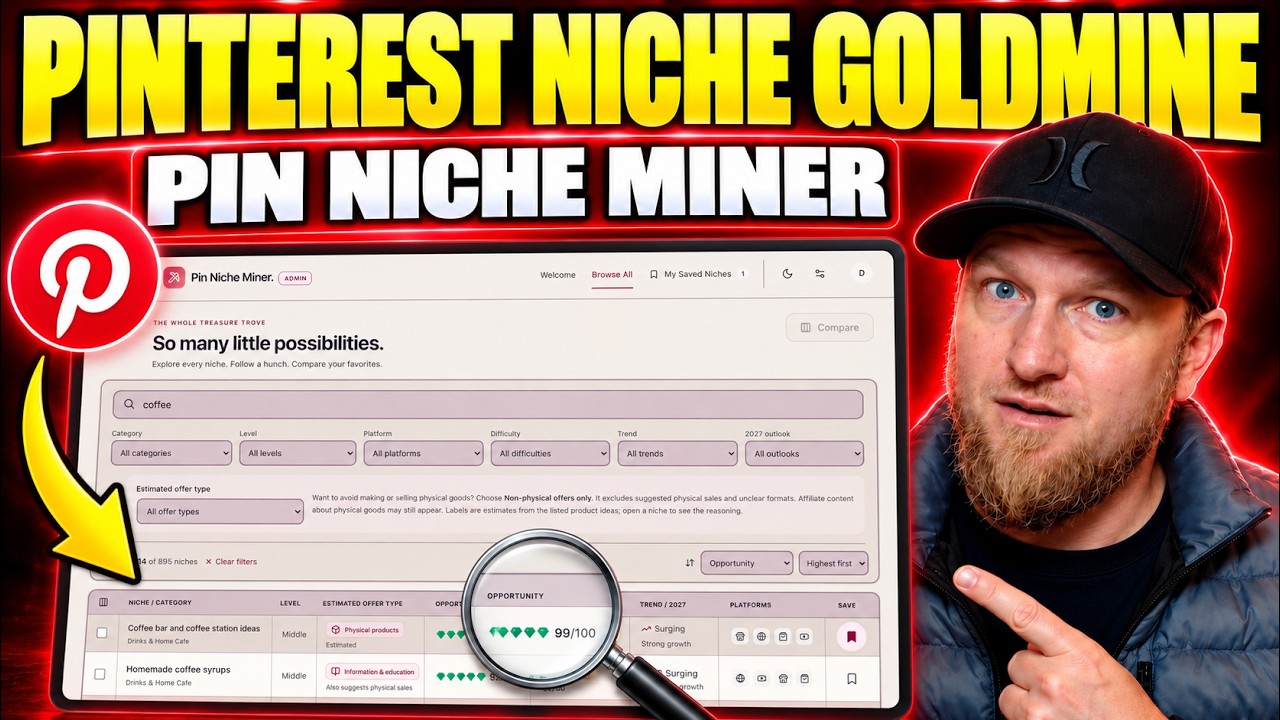
Pin Niche Miner
Pinterest niche research software with about 900 niches, a matching wizard and filters


More in Affiliate Marketing & Traffic Generation

Pinterest Affiliate Strategy with AI: Pin2Profit Setup Walkthrough
I walked through a full Pinterest affiliate setup with Pin2Profit: niche research, account setup, a 21-pin campaign and a live affiliate page. Here are the steps and where I hit snags.

Free Traffic Without Ads: Parasite SEO on Reddit with Traffic Black Box
I show real Reddit posts of mine that still pull traffic from Google months later, then build a new one from scratch with Traffic Black Box. No ads, no camera, no website needed.

AppSumo 100% Commission Offer: My YouTube Affiliate Campaign Plan
AppSumo is offering affiliates 100% commission on TidyCal and SendFox from Black Friday through December 31st. Here is how I would build a YouTube campaign around it.