Pinterest Affiliate Strategy with AI: Pin2Profit Setup Walkthrough
I wanted to show you early results from Pin2Profit and then build a second campaign from scratch, so you can see the whole process. That means a new Pinterest account, a new niche, a new affiliate page and a scheduled batch of pins. No camera involved.
Here is the walkthrough, including the parts that didn't go perfectly.
The early results on a brand new account
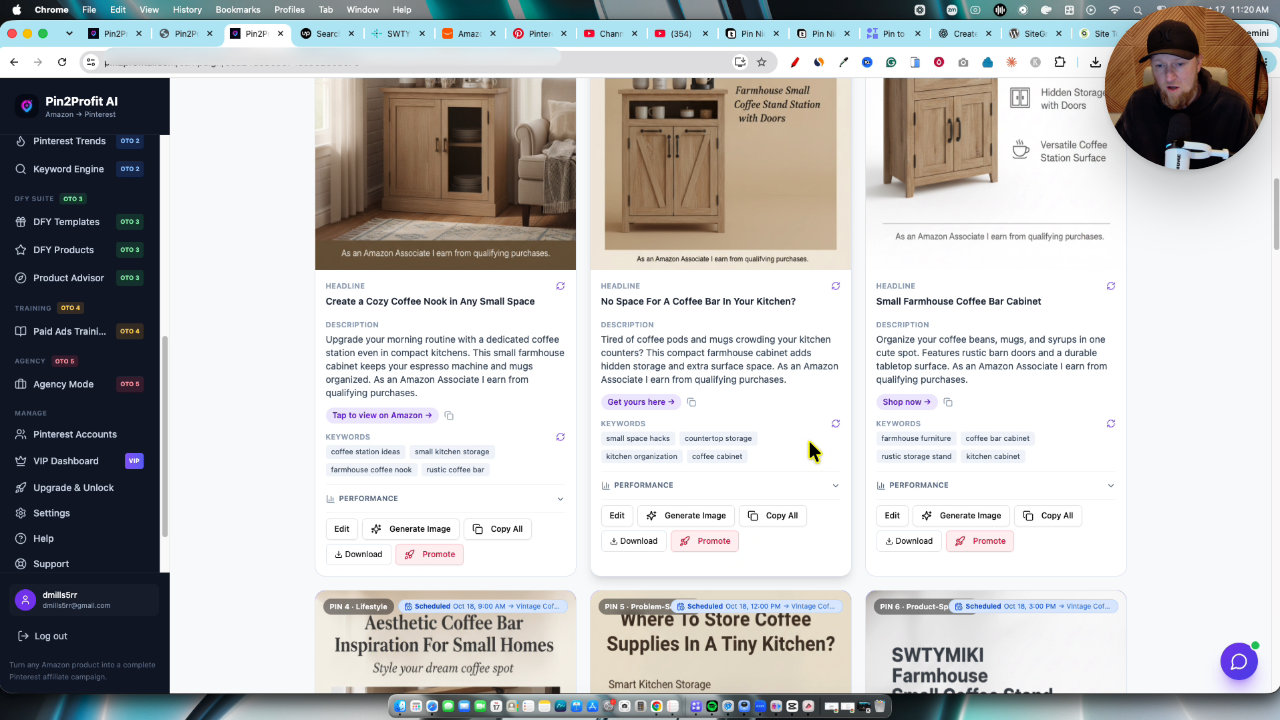
I started in the campaigns area of the dashboard with my coffee bar campaign from my first review video. It has 3 pins published, and you can open the campaign to see every pin that was created and the schedule sent to Pinterest.
If you have the All Access Pass or the paid ads training, there is also a promote button that helps you set up paid promotions. I didn't use it here.
On the Pinterest side, those 3 pins are already getting impressions and clicks. This is a brand new account, so I'm happy with that. The scheduling worked, the pin creation worked, and there is early traction. It's a small sample, so I'm not claiming more than that.
Finding a niche with Pin Niche Miner
Pin Niche Miner is the bonus I include if you buy through my link. I used it to find the idea for this second campaign.
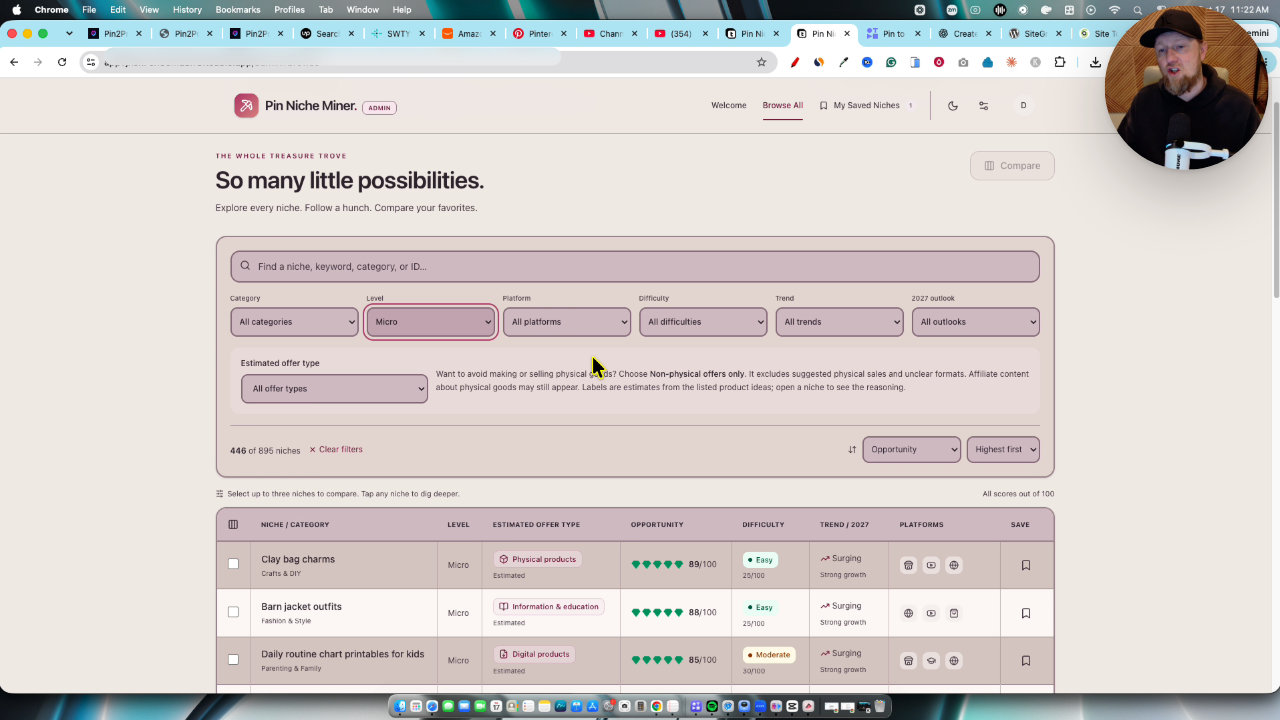
In Browse All Niches, I filtered to the micro category and set difficulty to easy. That still left almost 200 niches. I like micro niches because the account won't be massive, but it serves a specific audience and has a better chance to rank with less competition.
I sorted by opportunity score and picked barn jacket outfits. The tool listed the target audience as women aged 22 to 45 who like country and equestrian style, plus growth info and related keywords. You can save the niche to your saved niches.
Connecting a new Pinterest account
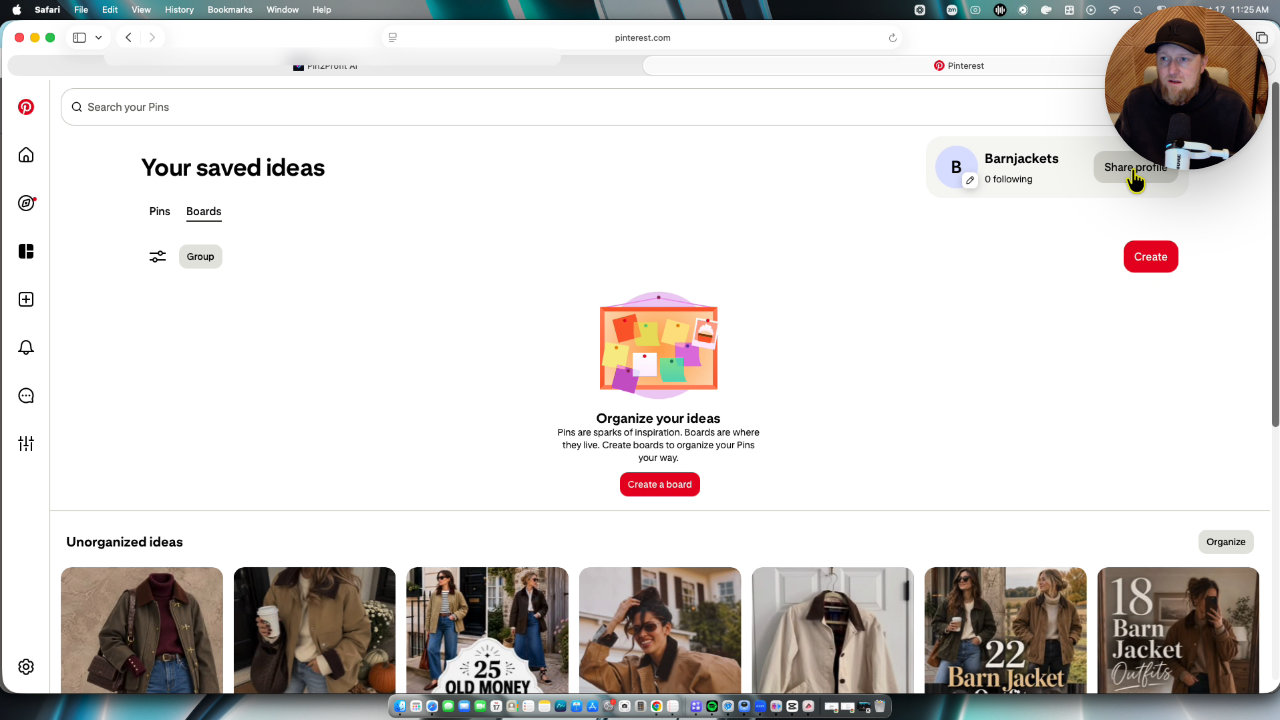
I had already created a new email and a new Pinterest account. The easiest way to connect it is to be signed into that Pinterest account, then go to Manage, then Pinterest Accounts, and click connect. It automatically tries to link the account you're signed into.
One requirement: the account must be a business account to work with Pin2Profit. Upgrading is free, and I did it right then. Pinterest also recommends claiming your site.
Using the account builder
I hadn't really used the account setup feature yet, so this was a test drive. I entered the niche, set the category to fashion and clothing, chose Amazon as the offer, added a target audience and my tracking ID, and generated an optimized account.
It gave me an account name, handle suggestion and a profile tagline (elevated everyday country check and barn jacket outfits). You don't have to use it, but it handles the SEO keyword work for you.
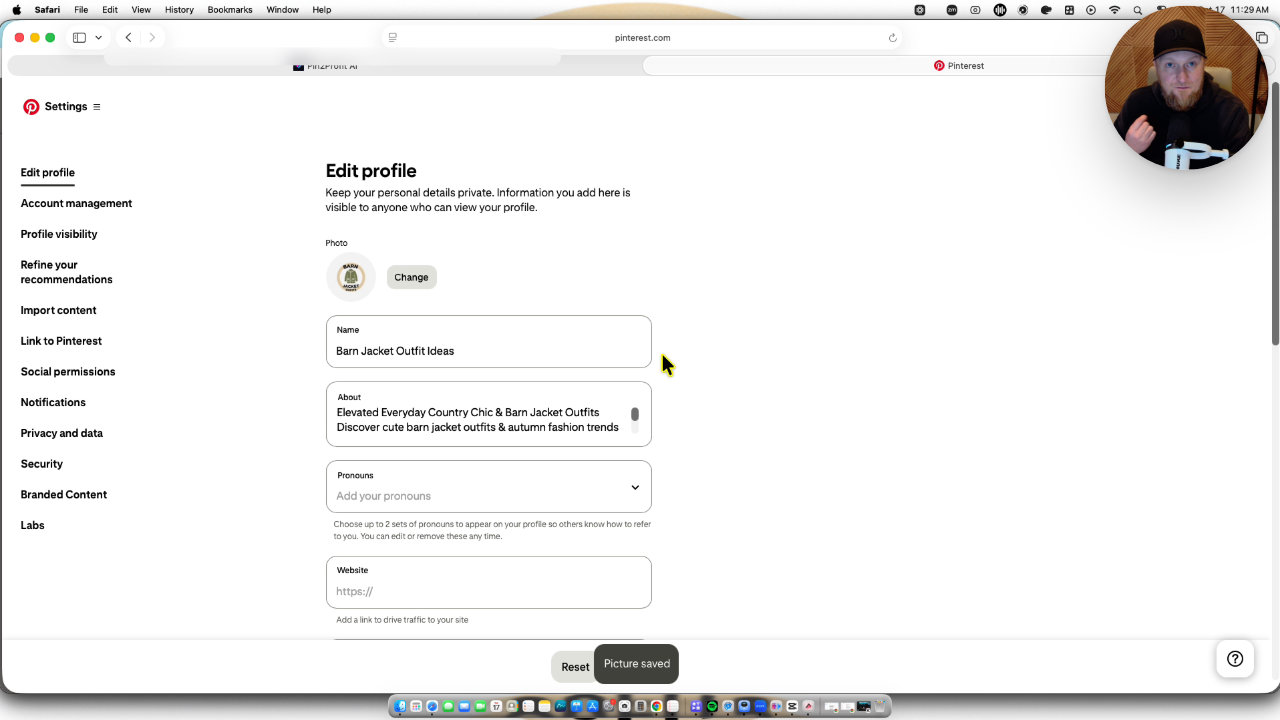
I copied those into my Pinterest profile settings. Then I generated a profile picture and cover banner from the suggestion, downloaded them and uploaded the picture. It isn't perfect, but it looks far better than a blank profile. What you're paying for here is simplicity and efficiency, and I like software that does that.
A side note: I used Safari because Chrome has issues with Pinterest on my machine. Clearing the cache didn't fix it.
Boards, keywords and the strategy PDF
The tool suggests SEO-optimized boards. I skipped the ones tied to 2026 since the year is almost over, and saved those for next year. I created a Barn Jacket Outfits board, saved a few pins to make it look natural, and pasted in the suggested description and keywords.
It also gives broad, long-tail, problem-solving and seasonal keywords, plus a 30-day strategy with weekly content mix and best pinning times. I wasn't sure it saved automatically, so I copied it into a Word doc, then tried the PDF button. The PDF saves boards, keywords and strategy.
One catch: it doesn't save the generated images, so download them before you leave.
Building the campaign
I went to Create Campaign, picked Product Offer and Amazon affiliate. There's a search Amazon feature, but I believe it needs the Pro upgrade. I typed casual barn jacket ideas as the main keyword and picked a Judy Blue barn jacket from the results.
I selected my tracking ID, and since I didn't have the upgrade, I uploaded a product image from a screenshot. Target audience: women 20 to 50. I chose 3 pins per day because the account is new, and a 7-day posting schedule.
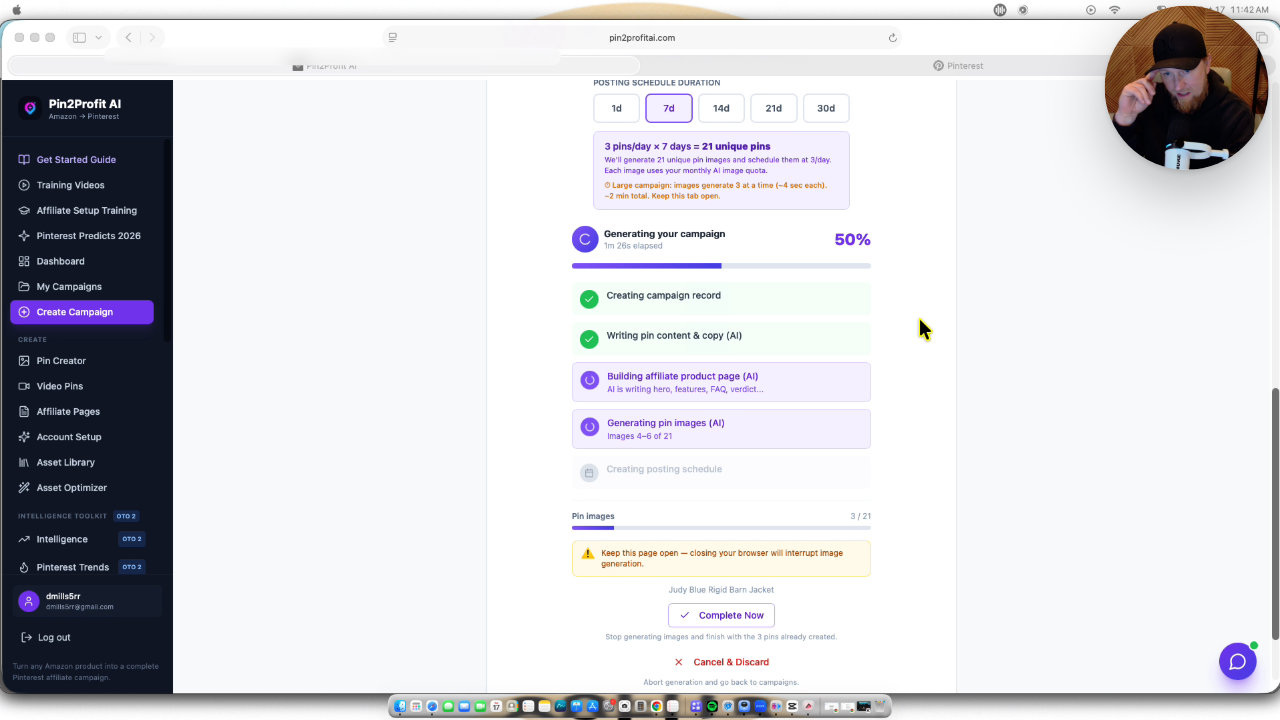
It generated 21 pins over 7 days. I could watch the progress: creating the campaign record, writing pin content, generating images and building the affiliate product page in the background.
Reviewing pins and fixing the affiliate page
The AI images mostly came out really well, with a mix of mannequin shots and real people wearing jackets, plus fall themes. A couple didn't generate properly, so I regenerated them. I didn't love the purple curated finds pin, since I'd like jackets on it, but I left it.
The affiliate page's default image was weak. I turned off the product image, picked better pin images, and placed them after the features and pros and cons sections. The images are pinnable, and links go back to your affiliate link.
Publishing to Netlify and scheduling
With the Pro version, a button publishes the page to Netlify for you. With only the front-end offer, you download it and do a few extra manual steps. I published it as barn jacket outfit ideas through my signed-in Netlify account.
The app pulled the live URL back into the campaign automatically. I didn't have to copy and paste it.
Then I scheduled to Pinterest. There is a warmup phase, and I chose the 3-day option. I tried to start today, but the start date must be in the future, so I set 9 AM tomorrow. 18 pins were scheduled.
Where my bonus fits and the limits
These generated pages are fine for simple pages, and adding them quickly is the advantage. I want better homepages, listicles and affiliate pages, so my bonus training for the bundle pass covers Netlify, AI and prompts to build a nicer site, including hooking up a domain.
Anyone who buys any Pin2Profit product through my link gets Pin Niche Miner free, with no AI credits to pay for. The bundle all access pass, which I mentioned at 247 during checkout, adds my advanced training, full site setup and advanced prompts.
My takeaway
The workflow is quick once you've done it once: research a micro niche, set up the account, build the campaign, publish the page, schedule. Some steps depend on the upgrade, and a few images needed regenerating.
I like the metered approach: a few high-quality, product-driven pins a day. Physical products tend to work on Pinterest, and the audience is largely female. I'll share more updates as the accounts age.
Other tools in this post
 WarriorPlus
Pin2Profit
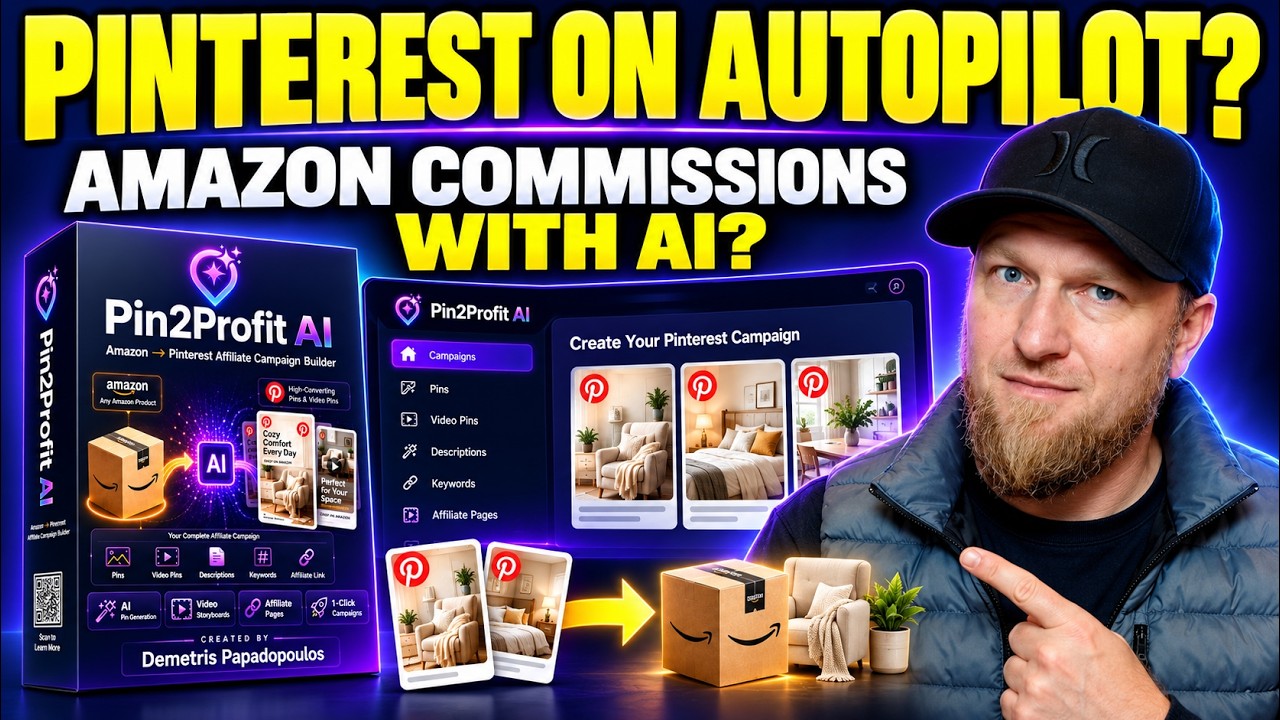
Pinterest automation software that builds pins, affiliate pages and schedules for Amazon offers
 WarriorPlusMy Product
Pin Niche Miner
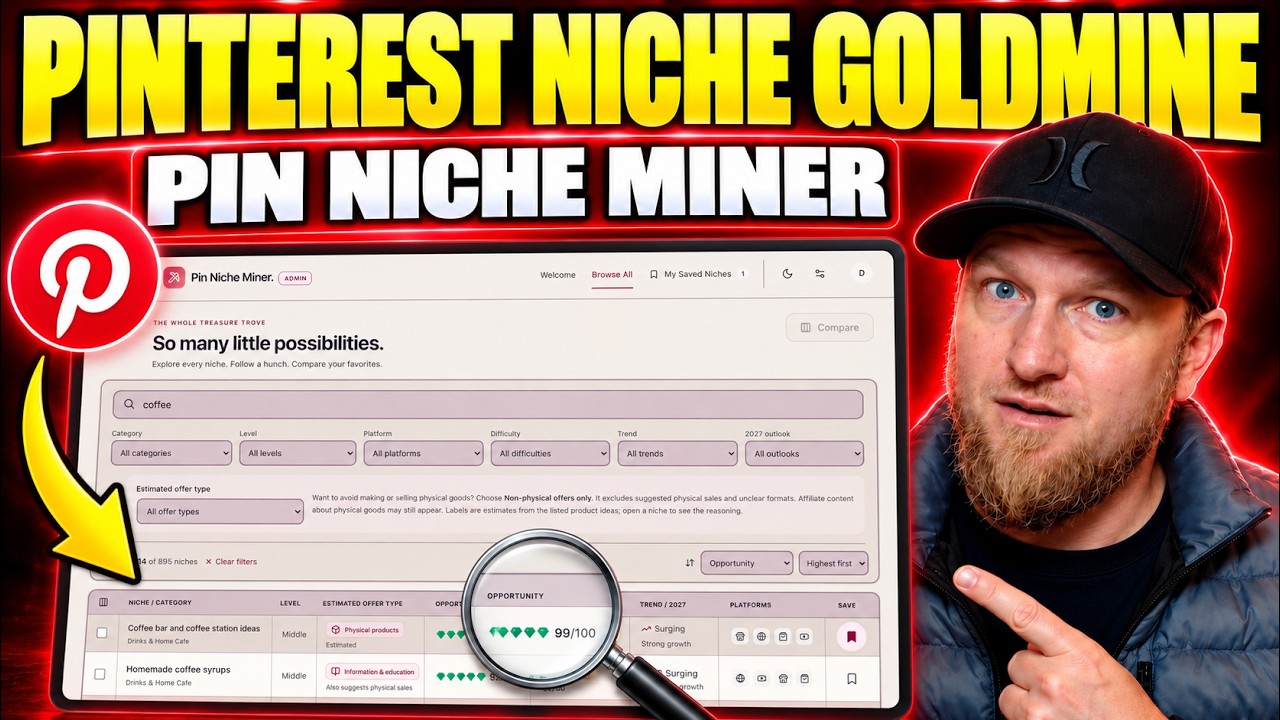
Pinterest niche research software with about 900 niches, a matching wizard and filters
More in Affiliate Marketing & Traffic Generation
How I Send Pinterest Traffic to My Own Website With Pin to Profit
Pin to Profit wants to build you an affiliate page, but you can point the pins at a site you already own. Here is exactly how I set that up, including the bugs.
Free Traffic Without Ads: Parasite SEO on Reddit with Traffic Black Box
I show real Reddit posts of mine that still pull traffic from Google months later, then build a new one from scratch with Traffic Black Box. No ads, no camera, no website needed.
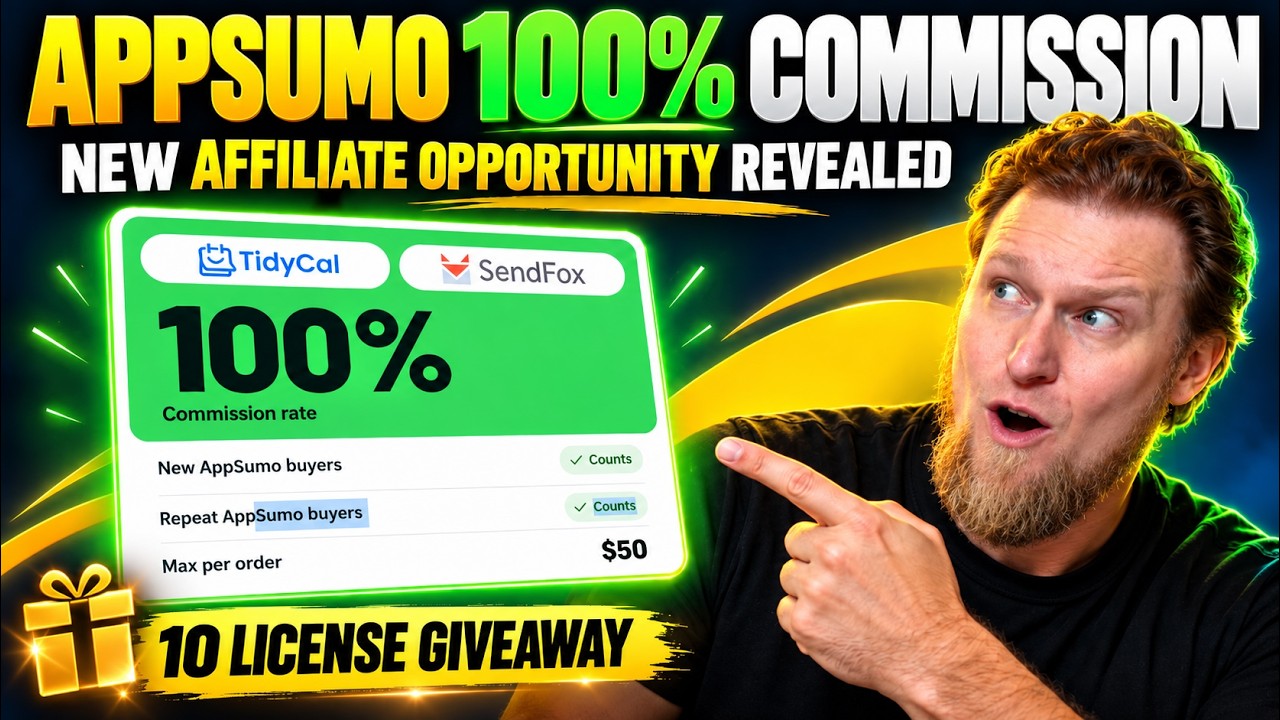
AppSumo 100% Commission Offer: My YouTube Affiliate Campaign Plan
AppSumo is offering affiliates 100% commission on TidyCal and SendFox from Black Friday through December 31st. Here is how I would build a YouTube campaign around it.