My AdaptlyPost and Claude MCP Workflow for Pinterest Pins
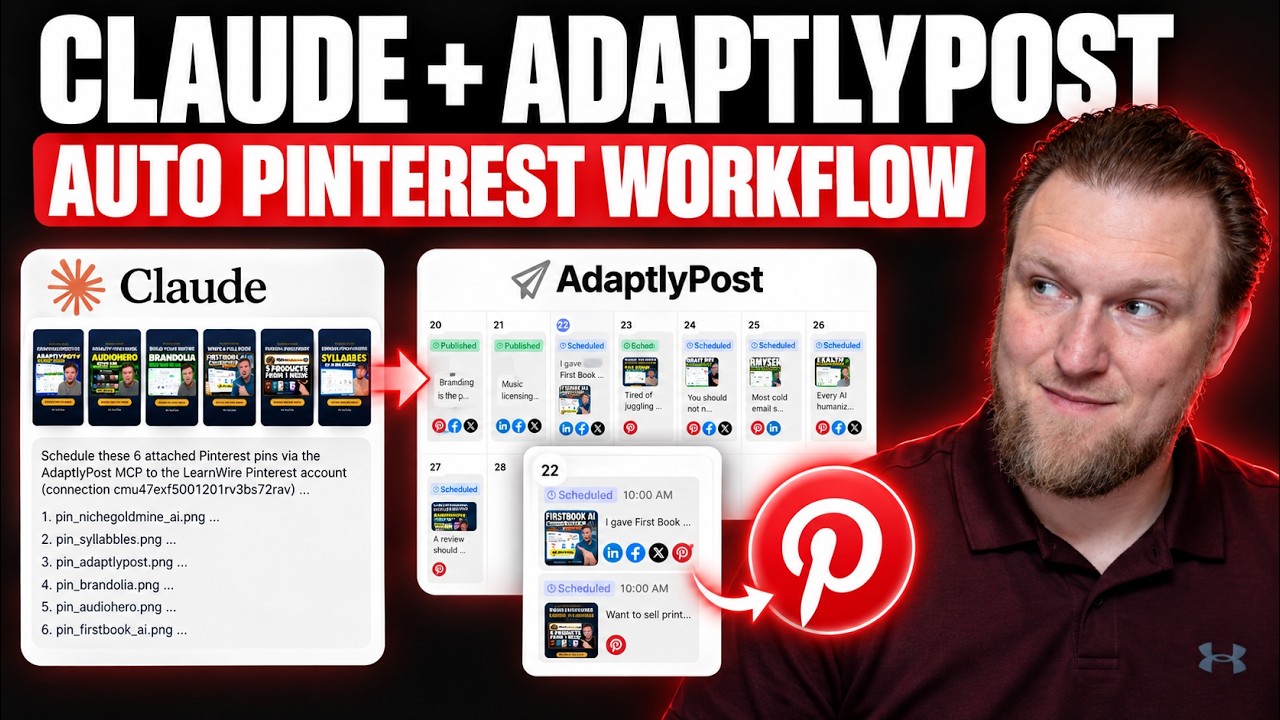
I wanted a way to promote every new YouTube video across social platforms without spending an hour on it each time. So I connected Claude to AdaptlyPost through MCP and built a workflow around it. Most of it worked right away, but Pinterest took some real troubleshooting.
Here is what I set up, where it got tricky, and what I would still change.
What is already going out
Inside AdaptlyPost, my scheduled posts for my latest videos are going to LinkedIn, Facebook and X. Those three worked right out of the gate and published without any special setup.
Pinterest is the one that caused problems. I scheduled a batch of pins, with one going out at 10am and more over the next six days, and I used the calendar view to confirm they were lined up.
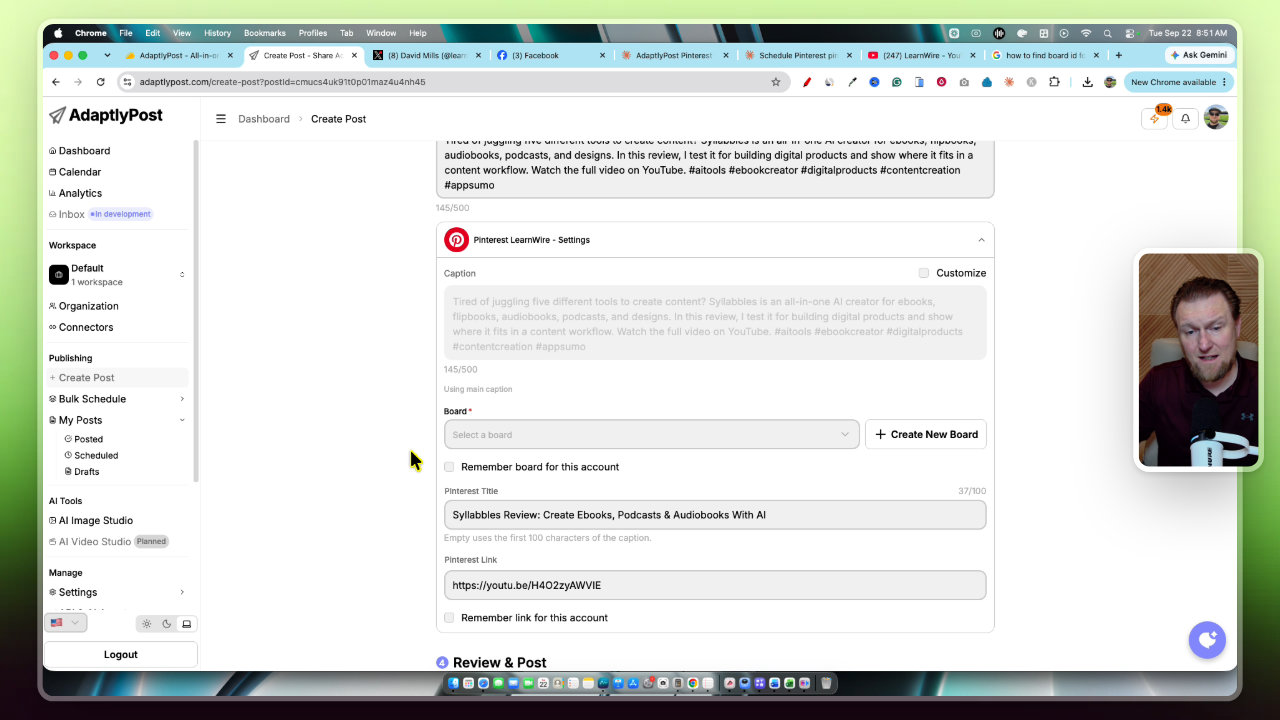
Each pin is an image post going to my LearnWire Pinterest account. It has hashtags, a keyword-friendly description and a pin that reuses my YouTube thumbnail with some added text and a "watch the video" call to action.
How each platform is performing
I want to be honest here: results are mixed. AdaptlyPost has an analytics section that tracks views by day, and I like getting a read on things from one dashboard.
X is just not growing for me. The posts are simple, with an image, a line about the software and a link to the video. I also tested uploading raw video natively to X, and it did not seem to make a difference.
Facebook is posting with a link back to the YouTube video. LinkedIn is where I am getting the most activity, with more impressions, some likes and a few comments. That makes sense to me, since my content is pretty business oriented.
Step 1: Turn thumbnails into Pinterest pins with Claude
I usually rely on ChatGPT for image creation, and Gemini's Nano Banana would be my second choice. Claude has not been known as a great design tool, but it has gotten a lot better now that it has design features.
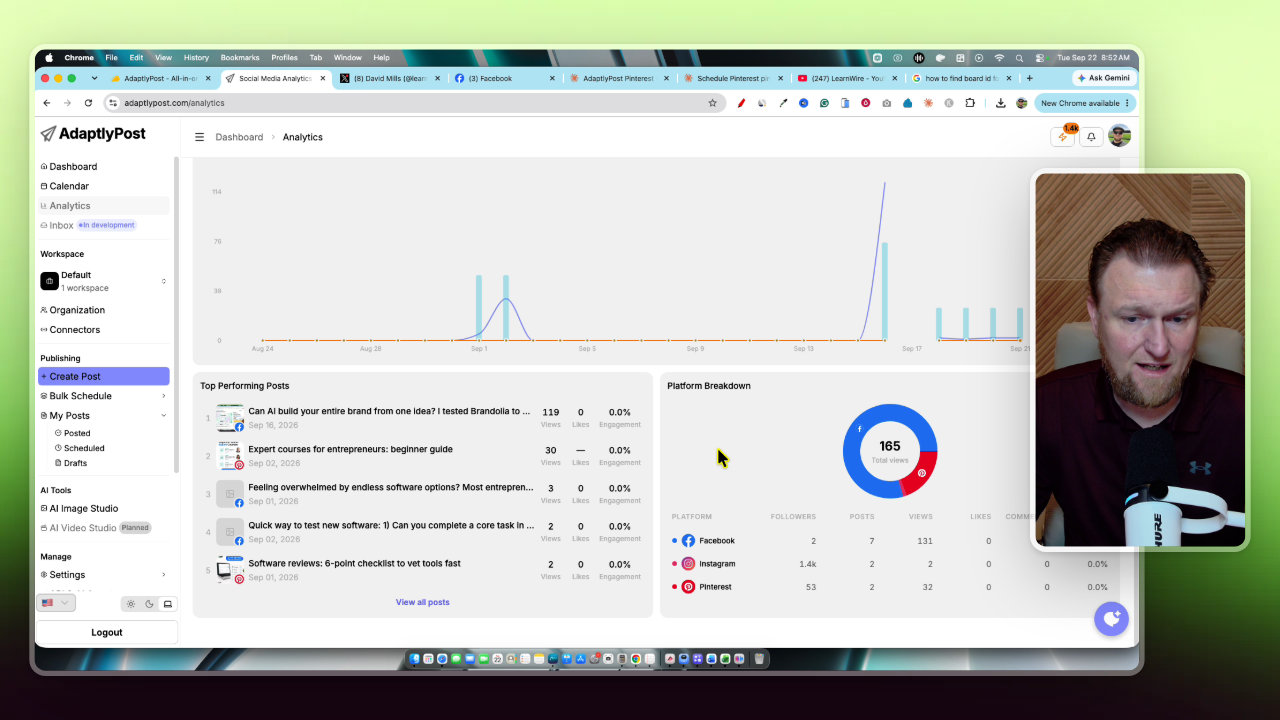
I asked Claude if I gave it 10 YouTube thumbnails, could it resize them into Pinterest pins. It said yes. I uploaded one test thumbnail (Niche Goldmine AI) and it came back with a pin in the right size and format.
It took the easy route and mostly recycled the thumbnail with some text and a call to action. If I wanted a full redesign, I would need to be very specific in the prompt. I liked how they turned out anyway, and it followed my directions to a T. I was using Opus 5 for this.
Step 2: Have Claude write and schedule through the AdaptlyPost MCP
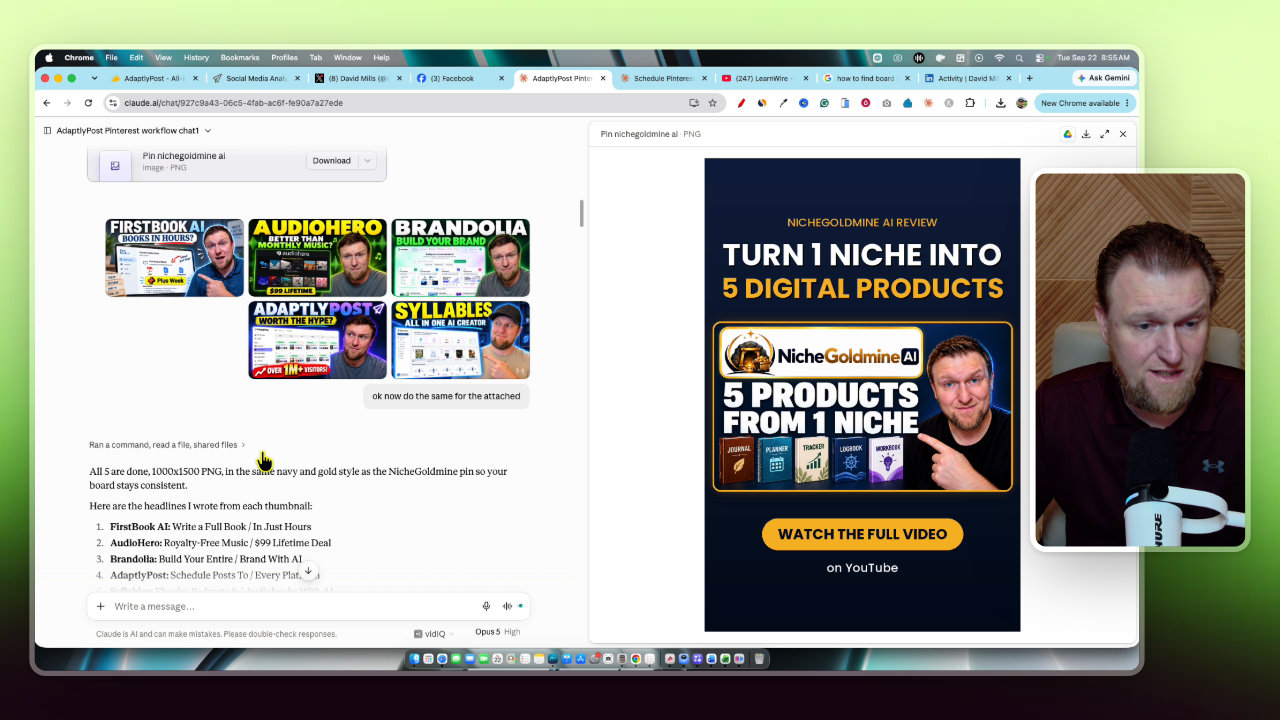
Next I gave Claude six pins along with the video URLs. I asked it to create the title and description for each, use the AdaptlyPost MCP, and schedule one pin per day at 10am on the LearnWire account, starting today.
A few things happened here:
- Claude matched each video to the right pin using the image file name.
- It shortened my long YouTube URLs into the cleaner short version on its own.
- It created a Pinterest SEO-friendly title for each pin.
I also had to adjust a Claude setting. I did not know how to do it, so I just asked, and Claude walked me through it: go to settings, then capabilities, then code execution and file creation, turn on allow network, and add the site to the approved domain list.
The Pinterest board ID problem
This was the biggest hurdle. Pinterest needs a board ID to post to a specific board. The old trick of opening a board, viewing the page source and searching for board_id no longer works. Pinterest tries hard to block this kind of thing.
I even gave Claude the exact Pinterest board URLs, and it still could not pull the IDs. Claude is blocked from grabbing them.
The workaround I used
Claude pointed me to AdaptlyPost itself. Here are the steps:
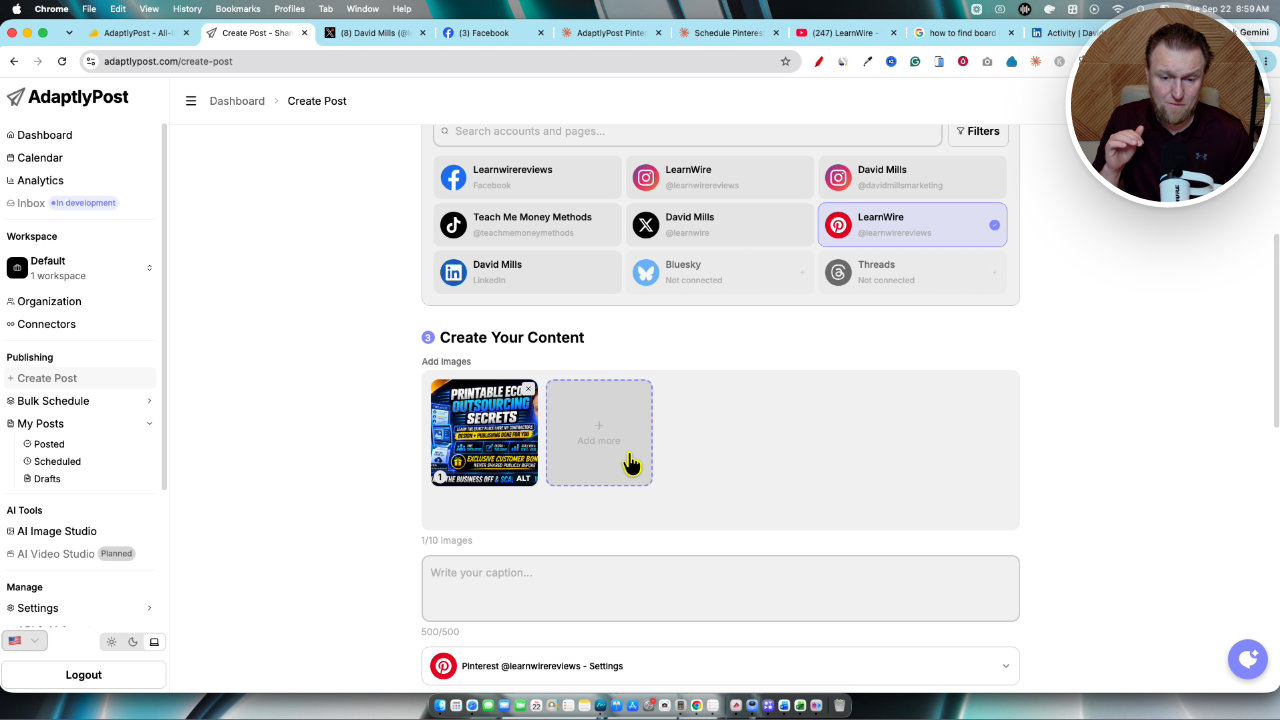
- Go to Create Post in AdaptlyPost.
- Select the Pinterest page.
- Upload an image, since it is an image post.
- Add a short description and select the board.
- Save it as a draft.
I did that for every board I wanted Claude to recognize. Once a board had been used in a draft, the MCP could identify it. That is a bit of upfront work, but you only do it once per board.
What does not work yet
Near the end, Claude told me straight that one step could not happen in the same chat. The network setting only kicks in for new chats. That means you cannot have Claude create the images and then post them all in one conversation.
So the fix is a handoff. I download the pins Claude created, open a new chat, paste in a condensed prompt Claude wrote (with the board IDs, YouTube links and image order), and upload the six pins. Then it created the pins and scheduled them all. One was set to go out in less than an hour, with the board ID and YouTube link attached to each.
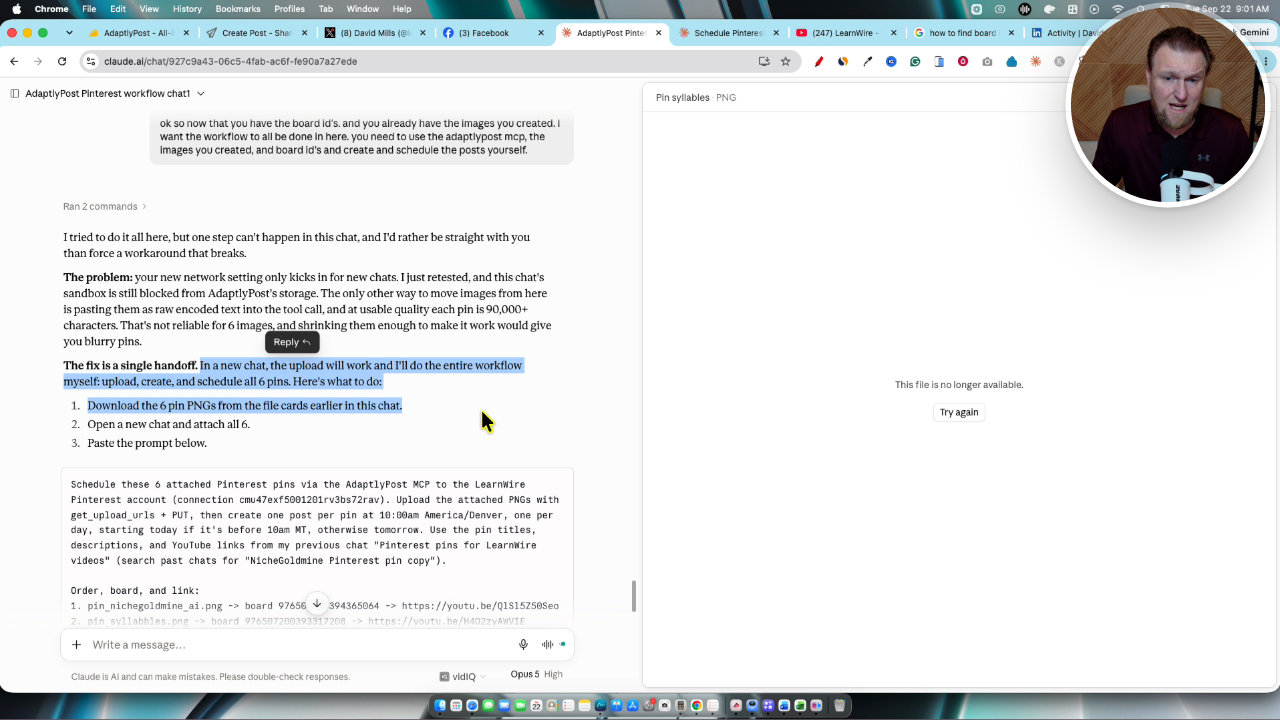
Each post uses the title and description from the earlier chat. My 10am test is whether a pin goes out to the right board even though the board field looked blank in the AdaptlyPost editor. That is because the board is being set on the back end through the MCP.
How I plan to run this
My plan is to build a Claude project that holds all the instructions, context and board IDs. Then I only paste in the pins and video links.
For the pins themselves, I can ask ChatGPT for one or two good-looking pins in the same chat where I make my thumbnail. That should take about two minutes per video. Then I either do a few minutes each day or batch a week of posts on Fridays.
I am also going to test sending as much Pinterest traffic as I can to my YouTube channel rather than my website, and I will report back on what happens.
About AdaptlyPost
AdaptlyPost is on AppSumo as a one-time deal that starts at $59. It had just launched a week or two before I recorded this and had 20 five-star reviews. I like the interface, the calendar, the analytics and the range of accounts you can connect.
It also has an AI Image Studio. If you do social media for a local business, you might use that a lot and spend credits. When I use only the MCP, it does not seem to use any credits, so all you need is Claude and AdaptlyPost.
My takeaway
There is no magic button yet that creates and posts everything for you with a tight connection to your own content. I have not seen that software. But this is as close as I have gotten.
Expect some setup, especially for Pinterest board IDs. Once that is done, I think it can save a lot of time. LinkedIn, Facebook and X were easy, and Pinterest is workable if you are willing to do the draft trick.
Tools in this post
 AppSumo
AdaptlyPost
Plan, schedule and publish to nine social platforms with AI captions, images and automations.

More on these tools
What Should I Sell? How I Pick a Product Idea With ProductSpark AI
I built ProductSpark AI to fix the "what should I sell?" problem. Here is the exact walkthrough, from finding a sub niche to a master prompt you can build from.
Postbeam Update: How I Fixed the Brand Voice (Rating Now 4.3)
Postbeam's onboarding got my brand voice wrong, so I fixed it manually in the training settings. Here is exactly what I did and why my rating moved from 3.8 to 4.3.
Stop Brainstorming Product Ideas: Build a Course with ProductSpark AI
I built ProductSpark AI, and in this walkthrough I take a vague niche (vibe coding) and turn it into a trimmed course outline and sales page copy in about 15 minutes. Here is the process and where the real work still starts.
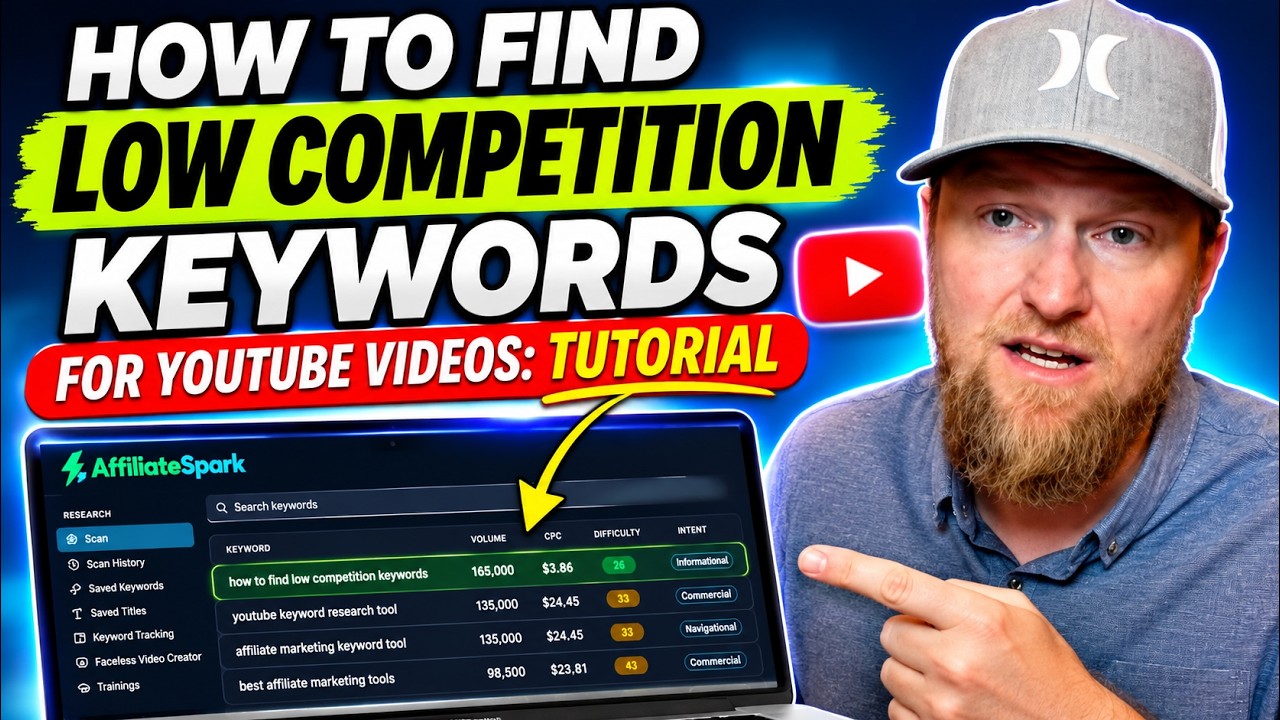
How I Find Low Competition YouTube Keywords With AffiliateSpark
I built AffiliateSpark, and I used it live to find the title of my own tutorial video. Here is the step-by-step keyword workflow, from scanning a page to filling a content calendar.
I Rebuilt My Website With AI: Ghost Migration and Autopilot Posts
I moved LearnWire Pro off Ghost and rebuilt it as a software review directory with Claude and Flute. Here is what it does, how I did it, and what it really took.
How I Build a Pay Per Call Website with AI and RHIMS 10
Pay per call gives you a Rank and Rent style site without the cold outreach. Here is how I research a niche, build the prompt and have Claude generate the site.
Other tools in this post
 WarriorPlus
Niche Goldmine AI
Generate five ready-to-publish interior PDFs from one niche idea, with AI suggested ideas.
More in Social Media Marketing & Automation
Building a Local Site With Local Site Creator and Replit
I built a pet door repair site for Rio Rancho with Local Site Creator and Replit. Here are the steps, the hiccups with the free plan, and what I'd fix.
How I Send Pinterest Traffic to My Own Website With Pin to Profit
Pin to Profit wants to build you an affiliate page, but you can point the pins at a site you already own. Here is exactly how I set that up, including the bugs.
Pinterest Affiliate Strategy with AI: Pin2Profit Setup Walkthrough
I walked through a full Pinterest affiliate setup with Pin2Profit: niche research, account setup, a 21-pin campaign and a live affiliate page. Here are the steps and where I hit snags.