How I Find Low Competition YouTube Keywords With AffiliateSpark

I built AffiliateSpark, my own keyword research software that I sell on WarriorPlus, so this is me showing you how I use it, not a neutral review. In my video I used it to pick the exact title of that video, and I'll walk through the same steps here.
The goal is simple: find keywords you have a real chance of ranking for on YouTube, then turn them into titles you can publish this week.
Step 1: Scan a product page to get keywords
I started with the sales page for AffiliateSpark itself. You paste the page URL into the software and scan it. It reads the product, figures out who the customers are, and pulls keywords they could be searching for, along with real SEO data.
My scan was blocked, which I was actually glad about because it shows the workaround. That only happens maybe 20% of the time, I think because I host with Flute. When it happens, you open the page, hit Ctrl+A, Ctrl+C, and paste the page text into the scanner instead.
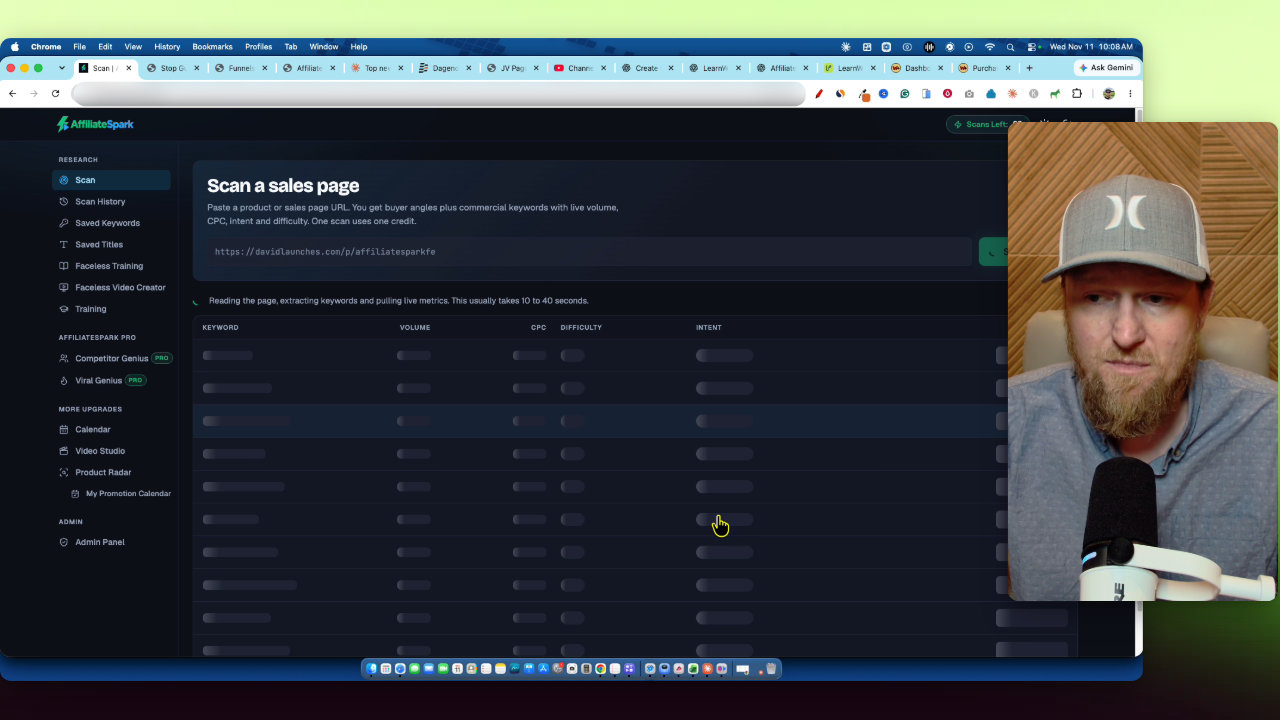
The scan came back with 64 keywords. Some, like AffiliateSpark review, tutorial, pricing and alternatives, aren't useful for me yet because it's my own launch and nobody knows about it. Others, like YouTube keyword research tool, affiliate marketing keyword research tool and AI tools for affiliate marketing, were much better.
Step 2: Filter by difficulty and save the good ones
Next I used the difficulty filter and dragged it down to about 30. That left me with 12 keywords with search volume. You can also look at commercial intent and cost per click. One keyword, best affiliate marketing tools, showed a $46 cost per click, which tells you buyers are searching it.
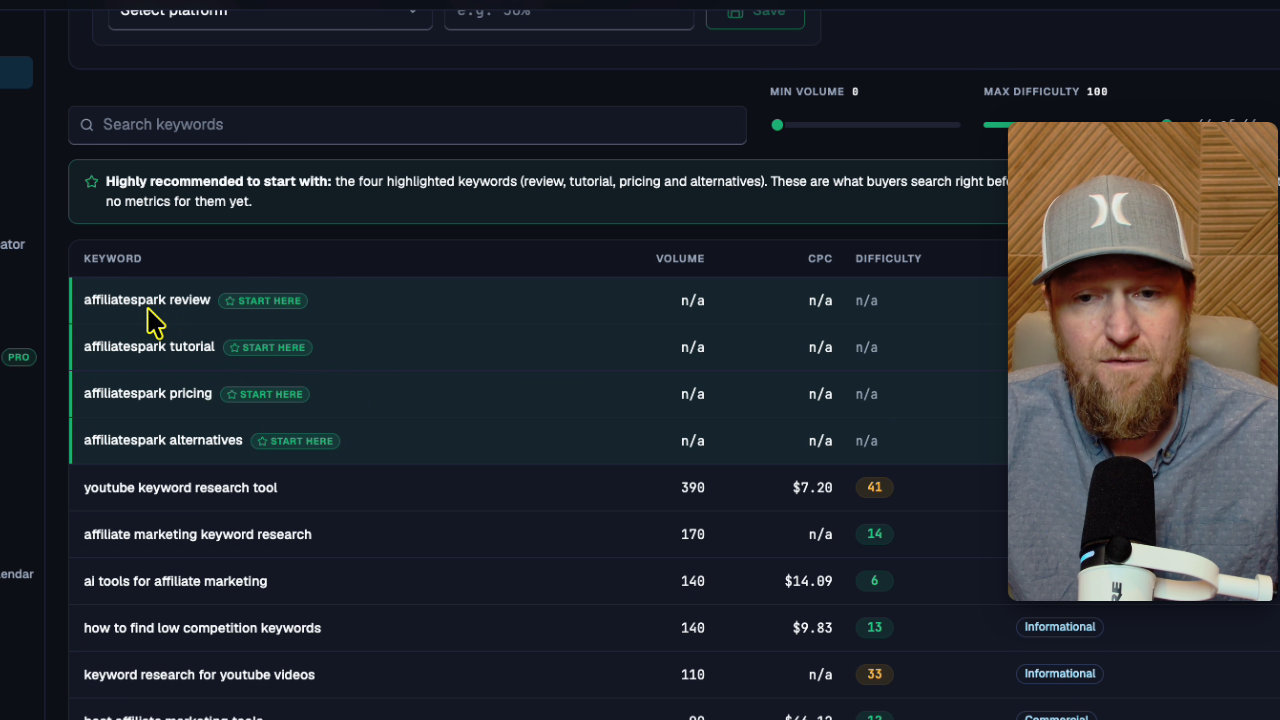
I liked all 12, so I saved them. Then I opened the saved keywords list and selected the product (AffiliateSpark) to see everything I had just researched in one place.
Step 3: Check the real YouTube competition
One keyword stood out: how to find low competition keywords. I added the words "for YouTube" to it, since that's the platform I wanted. I also added that as a new feature while recording, which is how I tend to improve the software: when I'm using it and think something should be there, I build it.
Then you run the competition analysis. It uses APIs with YouTube to see how many videos are ranking for the exact keyword. Green is a good signal that you have a good chance to rank.
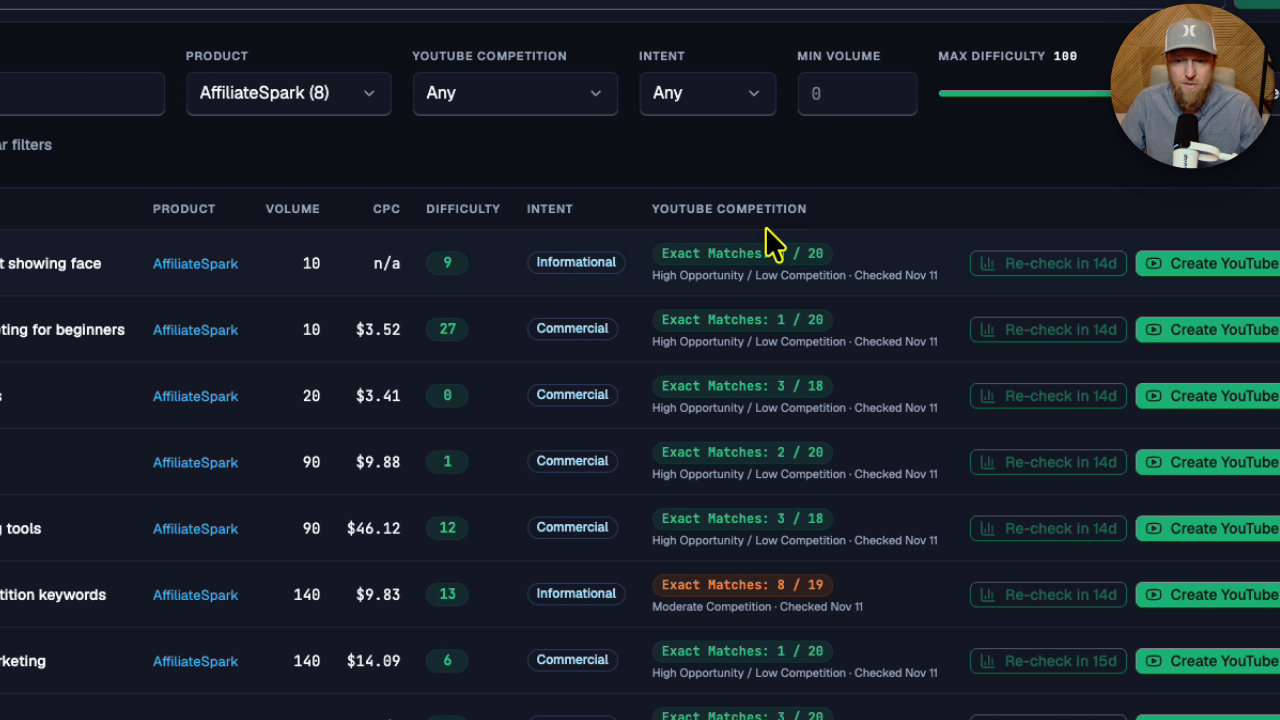
My main keyword came back at 5 out of 20, which is moderate competition. I added a second one and that one looked rankable. I'll be honest about my main pick: I still think it's a competitive keyword, and it didn't show much search volume. It's valuable, but it's hard to rank for. I'm going for it anyway and I'll check how I rank over the next week or two.
Step 4: Turn keywords into titles and a calendar
From there you create YouTube titles. Mine already matched the keyword, so I didn't need a new one: How to find low competition keywords for YouTube videos, as a tutorial. I saved it to my titles.
With the front end, you can export your titles and keep your affiliate information organized. With the calendar upgrade, which I recommend for efficiency, you send titles to a calendar and schedule them. I placed this one as my second video for the day.
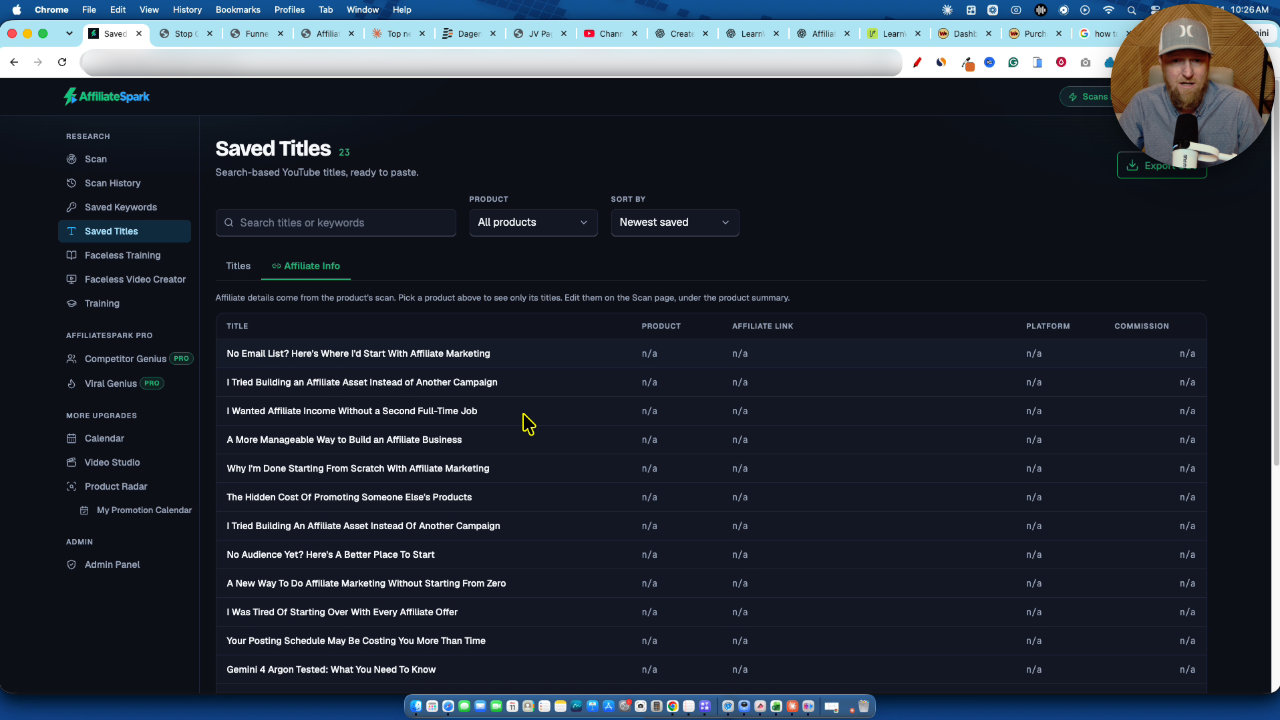
You can also attach a tracking link to each item. I put in my vendor link, labeled it LearnWire YouTube, and selected WarriorPlus as the network. Then the link is right there in the calendar when you're ready to make content.
Step 5: Try it on an AppSumo product
To show a different example, I used AdaptlyPost, an AppSumo product. I use it in my own business for social media posting, connected through MCP, with Claude and ChatGPT creating and scheduling content.
I scanned its page and set the software to dig up to 150 keywords, since it was only returning around 60. It found 150. Filtering to volume of 50 and up still left 111 keywords, with obvious video ideas like AdaptlyPost tutorial, pricing and alternatives.
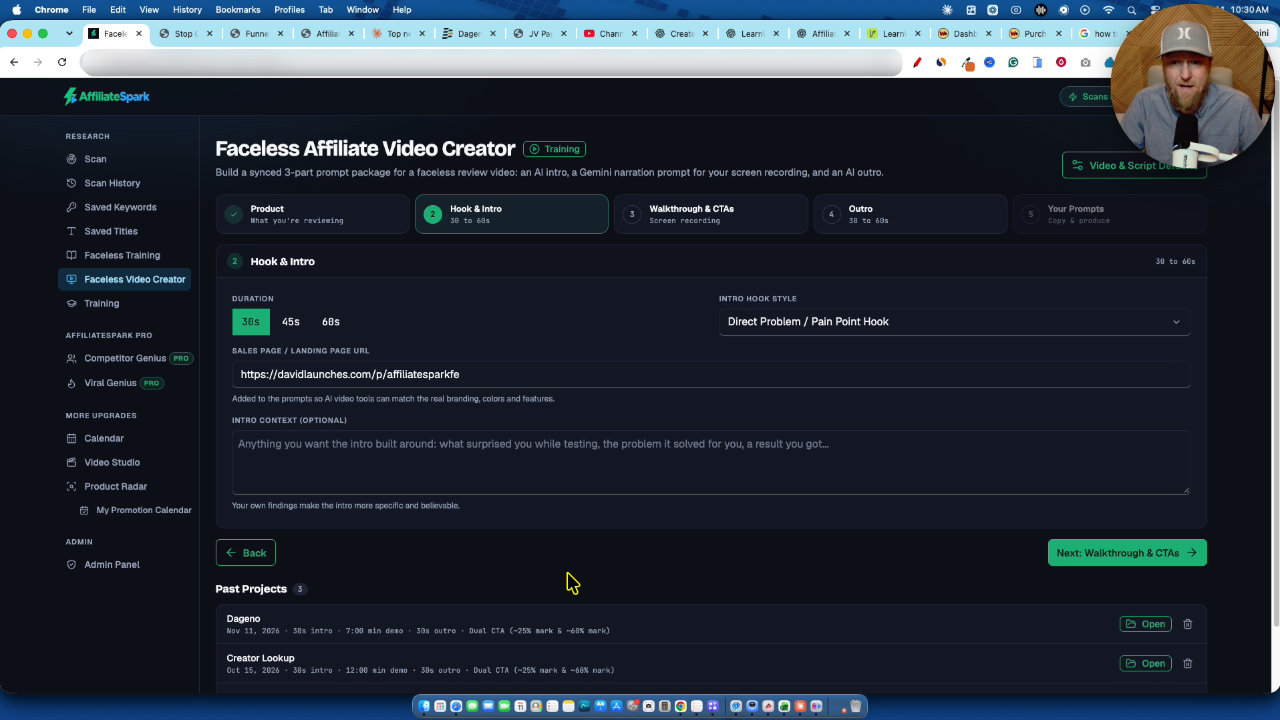
Some of those won't show data in a keyword tool. My tip is to check the product's traffic with SimilarWeb. AdaptlyPost was getting almost half a million visits on a downturn, and over a million in September. With traffic like that, you can bet those product keywords get searched.
I then lowered difficulty to 25, which left 76 keywords. I picked ones I could make videos about, like how to schedule TikTok posts, Buffer alternatives, how to schedule YouTube videos and manage social media for a small business. I skipped things like social media management salary, which only makes sense if your whole channel is about that.
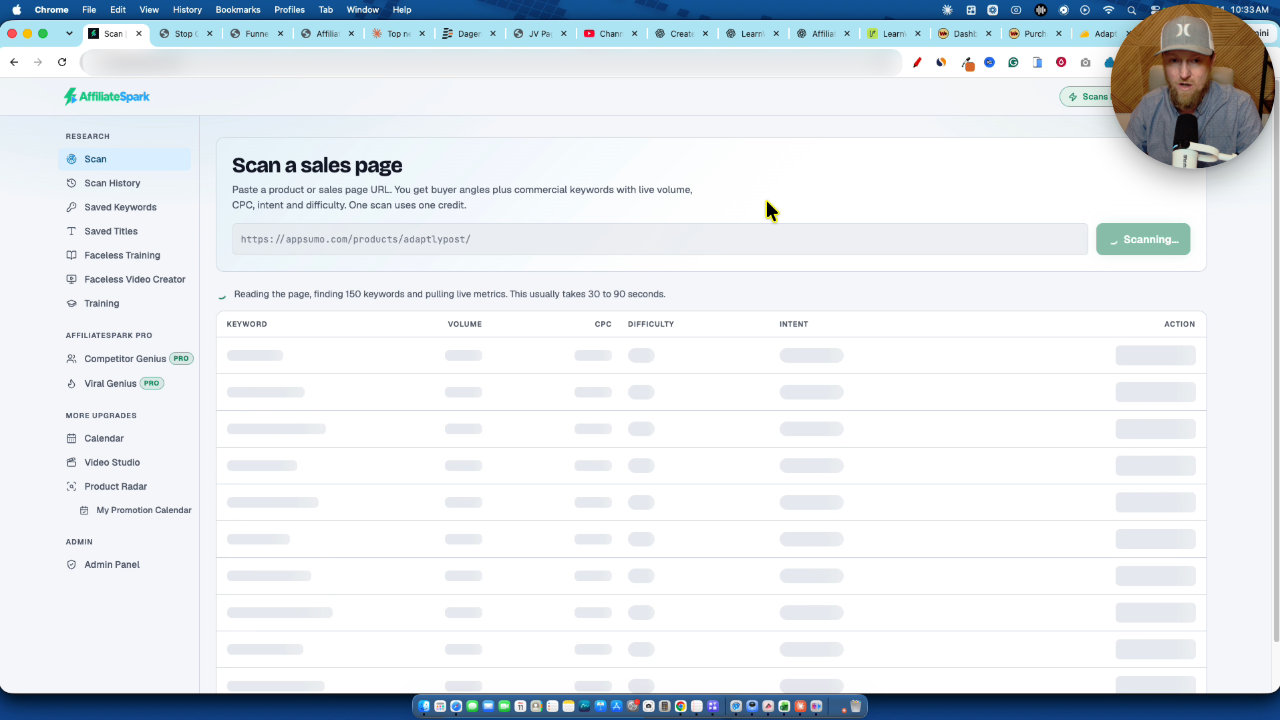
I saved 10 keywords, ran the competition analysis again, and got Google and YouTube competition for each. Green ones are ready to go. Orange ones are moderate and still possible.
Don't get stuck researching
This is my biggest tip. Find 5 to 10 promising keywords, make the videos, publish and see what works. Most people won't even make 5 videos from 60 keywords, so more keywords isn't the bottleneck. Action is.
I showed proof on my sales page: a product that had just come out, with only 600 views, made almost $2,000 from 65 sales at a 34% conversion rate. And a StoryChief review I made on an AppSumo product, out since 2017, ranked number 1 with 676 views and has already made sales. The right views matter more than lots of views.
Faceless videos: possible, but more work
The training includes a faceless video creator module. I'll be straight: it ends up being more work than just recording your voice and showing your screen. I always recommend doing that first. The faceless route is there if something stops you from doing it.
Pricing and who it's for
The front end is $37 and includes 100 scans, and the launch ends November 15th. The price then goes up to $57. Here is what I covered on upgrades:
- Tube Niche Miner: $17, with 800 niches.
- AffiliateSpark Pro: $67, adds 150 lifetime scans (250 total), Viral Genius title creator and Competitor Genius, where you add up to 10 competitor YouTube channels and model titles after them.
- Everything: $252 total.
If you can only pick one upgrade, I'd take Pro. I'm also adding an option to top off 100 credits if you run out.
My takeaway
For an affiliate marketer doing YouTube, I think this is a dream tool because you get actual data: scan a page, see who wants that software, check Google and YouTube competition, and plan your content. Pick your 5 to 10 keywords and publish.
My AffiliateSpark review
 WarriorPlusMy Product
AffiliateSpark
Scan product pages for buyer keywords, check YouTube competition, and generate video titles.
Other tools in this post

More in YouTube Growth & Creator Tools
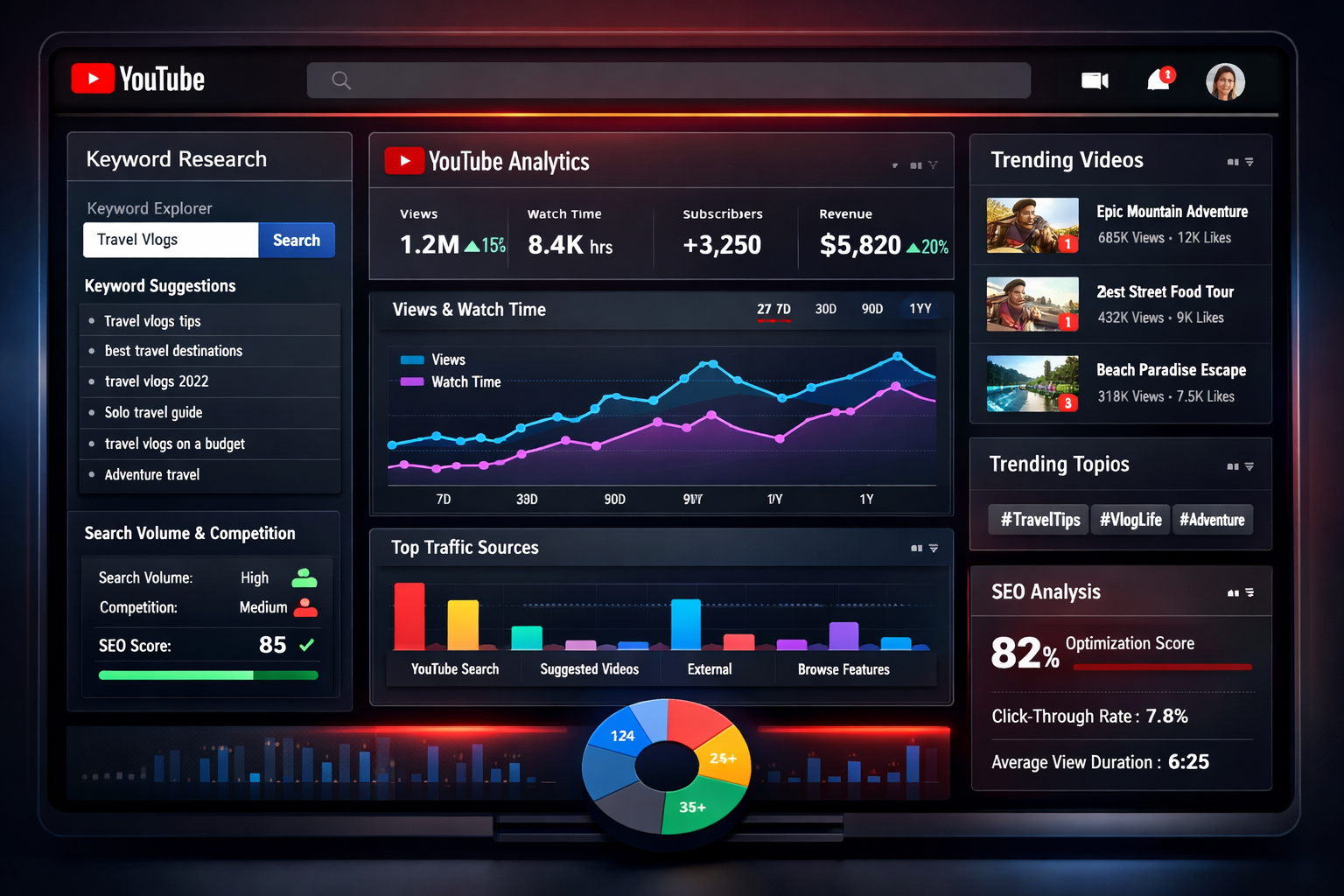
10 Best YouTube Keyword Research Tools: The 2026 Growth Stack That Actually Works
Here's the uncomfortable truth about YouTube in 2026: the creators who are crushing it aren't just using keyword research tools—they're using the right combination of tools at the right time in their content creation…
I Rebuilt My Website With AI: Ghost Migration and Autopilot Posts
I moved LearnWire Pro off Ghost and rebuilt it as a software review directory with Claude and Flute. Here is what it does, how I did it, and what it really took.

How I Build a Pay Per Call Website with AI and RHIMS 10
Pay per call gives you a Rank and Rent style site without the cold outreach. Here is how I research a niche, build the prompt and have Claude generate the site.