What Should I Sell? How I Pick a Product Idea With ProductSpark AI
I built ProductSpark AI, and I sell it on WarriorPlus, so keep that in mind as you read. This post is me walking through what it does and who it's for, not a neutral review. The problem it targets is simple: you don't need more AI tools, you need to know what to sell next.
Below is the exact walkthrough from my video, using a faceless YouTube affiliate niche as the example. I'll also tell you where the limits are.
The problem with ideas that live in a chat
A lot of people open ChatGPT and type something like "create me a product, what niche should I be in?" You might even get a great conversation out of it.
Then weeks go by, you want to go back, and you can't find it. Even if you pinned it. That happens to me all the time.
If you didn't save the idea into a Google Doc or something similar, chances are you won't find it again. So I wanted two things: a way to figure out what to sell, and a place where the results stay organized.
Step 1: Find a sub niche first
Before I touch ProductSpark AI, I do some trend research with an AI chat tool. In my example I said I'm in affiliate marketing and want a product that hits a specific sub niche inside Make Money Online. Then I asked for 10 trending sub niches.
It came back with options based on research it ran at that moment, including TikTok Shop affiliate, AI assisted digital product creation, and faceless YouTube affiliate tutorials for software tools.
I grabbed the last one. My advice here is to go narrower rather than broader, especially if you don't have a big audience. A sub niche beats a giant category.
Step 2: Set up the product in ProductSpark AI
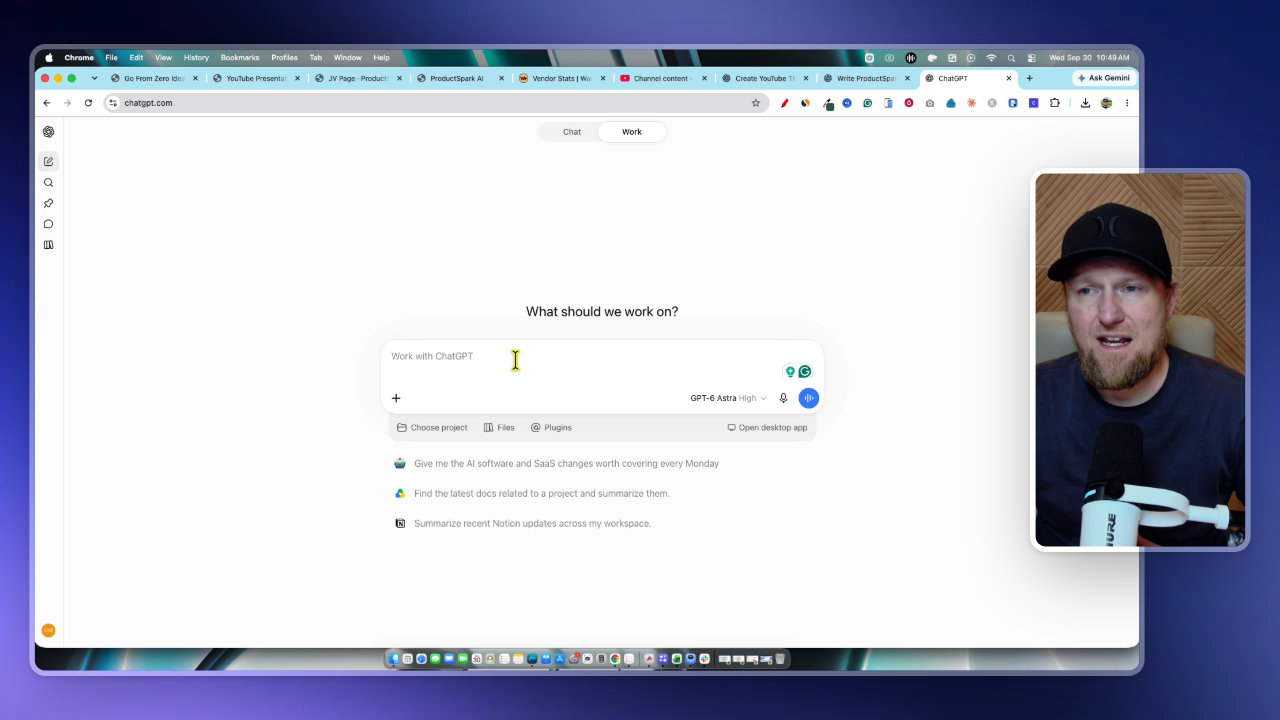
Inside ProductSpark AI, I create a new product and choose what I want to make. You can pick things like an online course or software. I went with a software idea.
Then I typed in the niche: faceless YouTube affiliate tutorials for software tools. You can get more specific, for example aiming it at people who want faceless YouTube side hustle income. The main point is that it stays tied to faceless YouTube.
If you don't have a niche yet, there's an option for that too. Since I had one, I chose "let AI decide" for the idea direction, picked a balanced setting, and hit generate ideas.
Step 3: Review the 10 product ideas
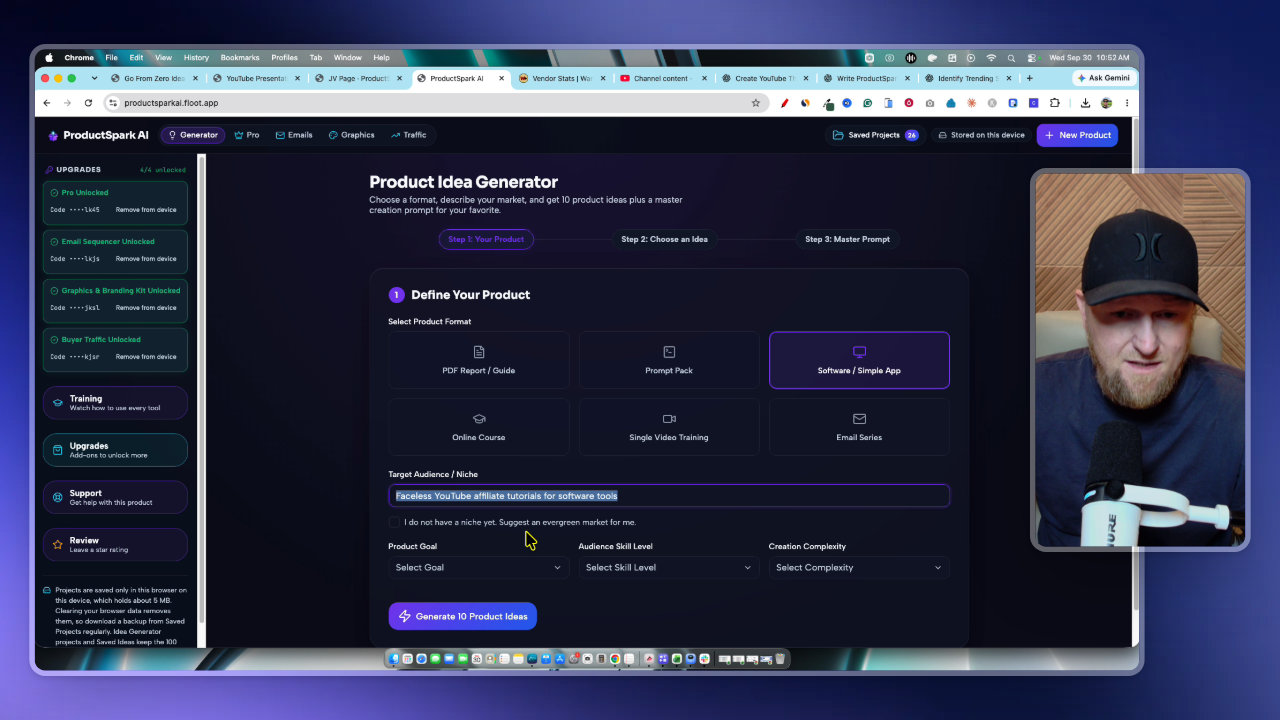
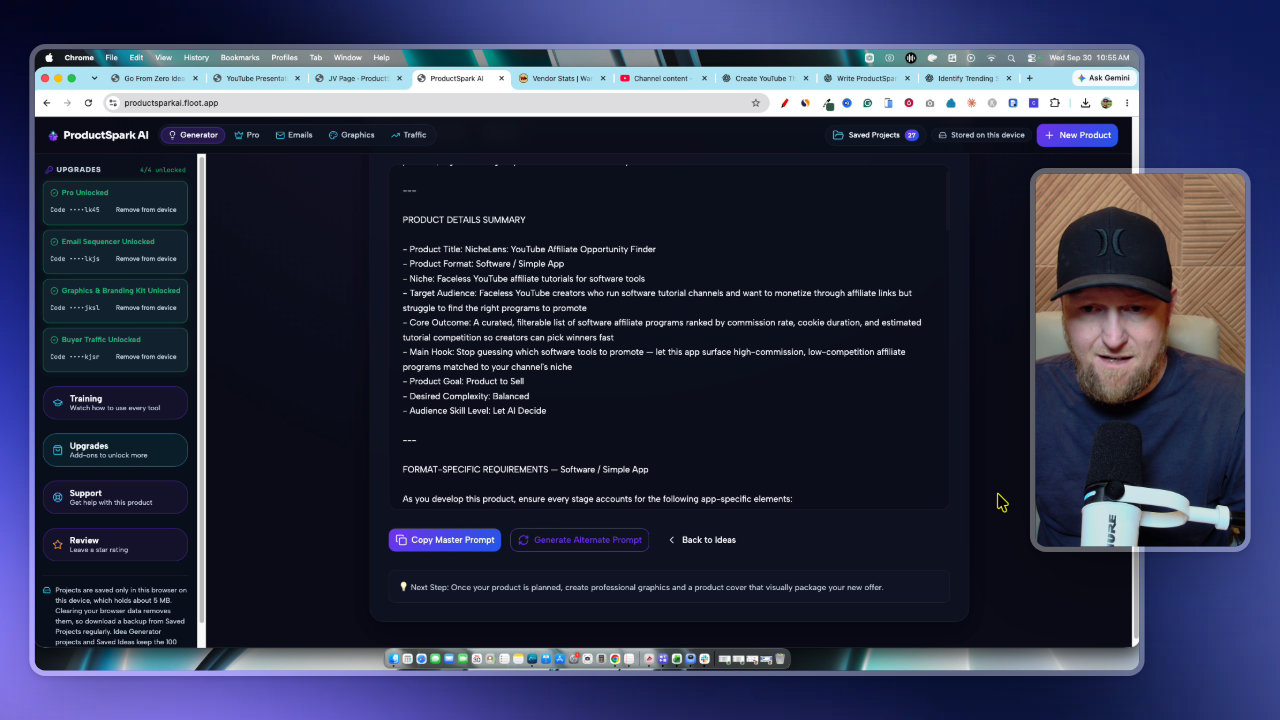
The tool returns 10 ideas. Each one includes a target audience, a tagline and a product title, and all of them are focused on software because that's what I selected. The AI also check-marks the one it thinks is best.
A few of the ideas that came back:
- Script Forge AI, a tutorial script generator for software reviews
- Link Layer, a smart affiliate link manager for YouTube descriptions
- Thumbnail IQ, a split tester simulator for tutorial channel thumbnails
- Niche Lens, a YouTube affiliate opportunity finder
You can read through them, save them, or pick a different one than the AI suggests. I went with Niche Lens. It's meant to stop you from guessing which software tools to promote by surfacing high commission, low competition affiliate programs matched to a channel's niche.
The target buyer is a faceless YouTube creator running software tutorial channels who wants to earn through affiliate links but struggles to find the right programs.
Step 4: Generate the master prompt
Once I pick an idea, I create a master prompt. ProductSpark AI researches the sub niche I entered and also takes the specific product idea into account. The result is a detailed prompt I can use to start building.
This saves automatically to the library, so I can come back to it anytime. That directly fixes the lost-chat problem I started with.
Step 5: Paste it into ChatGPT and build in stages
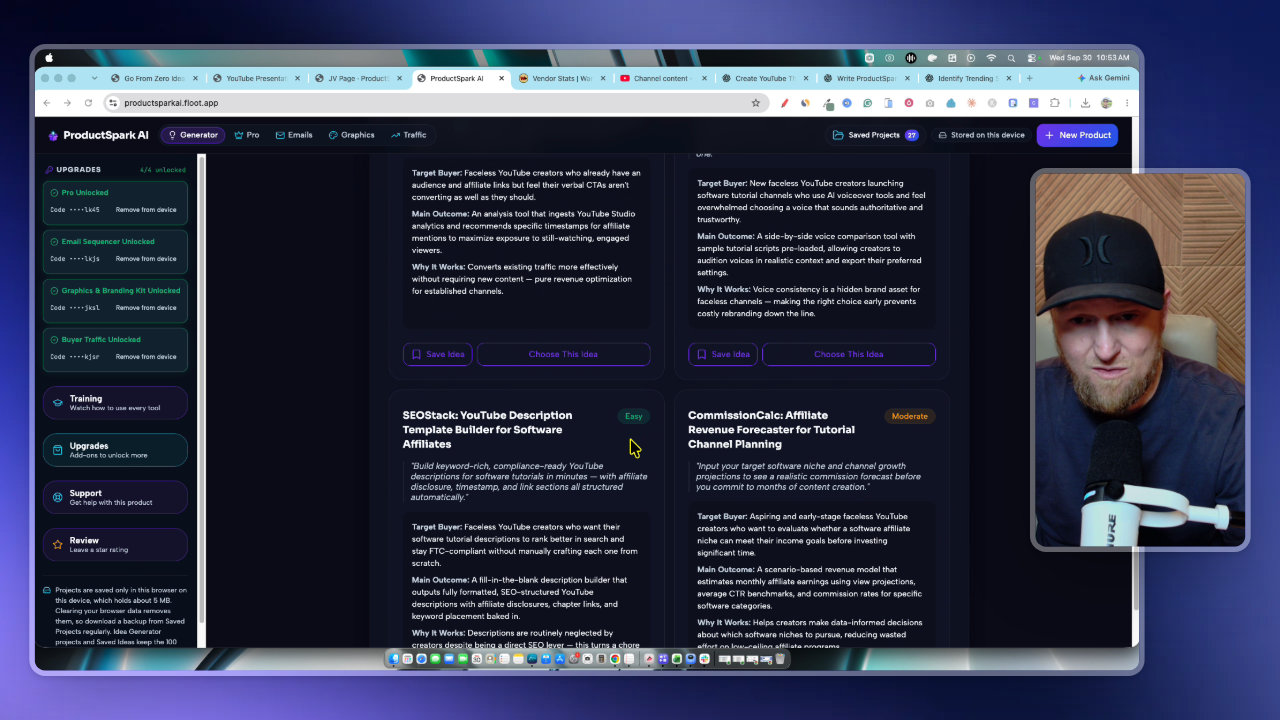
I copy the master prompt and paste it into ChatGPT. You could use Claude too. I just stuck with one chat.
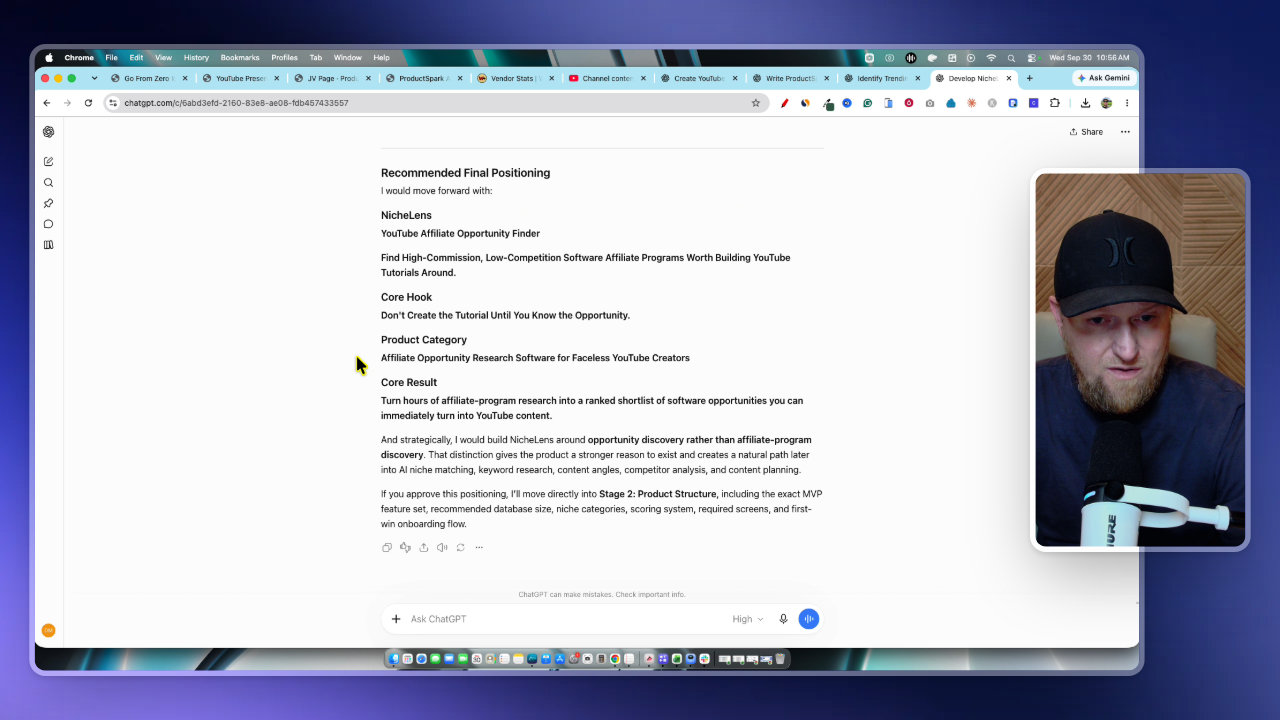
It works stage by stage. Stage one is product positioning: how the product relates to the target customer, the ideal customer profile, the customer avatar, and several name and title options. Then I tell it to go, and it moves to stage two.
Stage two mapped out what the dream software would look like. It's a lot of information, honestly too much to paste straight into an AI coding tool.
Step 6: Turn it into a build prompt for a vibe coding app
Here's the trick I use. I ask ChatGPT for a master prompt I can use to start building the software in Base44. In my experience, 8,000 characters or less works better, so I ask for 7,000 characters or less.
That gives me a clean outline that knows the whole core concept. I copy it into my vibe coding app of choice: Base44, Replit, Cursor, Bolt or Lovable. I'd also recommend Claude Code. You can then host the result on your own hosting if you want.
My estimate is that you can build a software product like this in a couple of days by vibe coding, then start marketing and launching it.
It isn't only for software
If I had chosen an ebook instead, I'd create the ebook inside ChatGPT or whichever chat tool I use. You'd end up with a final product to sell or give away as a lead magnet. ProductSpark AI can also handle PDFs, guides, course outlines and email marketing series.
To be clear about what it is: it's the research and prompt-building layer. The actual product gets built in ChatGPT, Claude, or a coding app.
Upgrades and pricing
There are upgrades if you want to go further:
- ProductSpark AI Pro: a full funnel creator that builds a sales funnel with upgrades
- Sequencer: creates the emails to promote your new product
- Graphics and branding kit: graphics aligned to one color palette
- AI buyer traffic: how to get buyers and affiliates to promote your product
There's also full training included. The front end starts at $9.95, with no credit limits, no credit packs and no subscriptions. The launch ends Sunday, Oct 4th at midnight, and the price rises by at least $50 for the entire funnel.
My takeaway
If you're stuck on what to sell, start with a trending sub niche, generate ideas, pick one, and let the master prompt do the heavy lifting. Then build it somewhere else.
One honest caveat: the output is a plan and a prompt, not a finished, proven product. You still have to build it, check it, and market it. But having it all researched and saved in one library beats scrolling through old chats.
Tools in this post

More on these tools
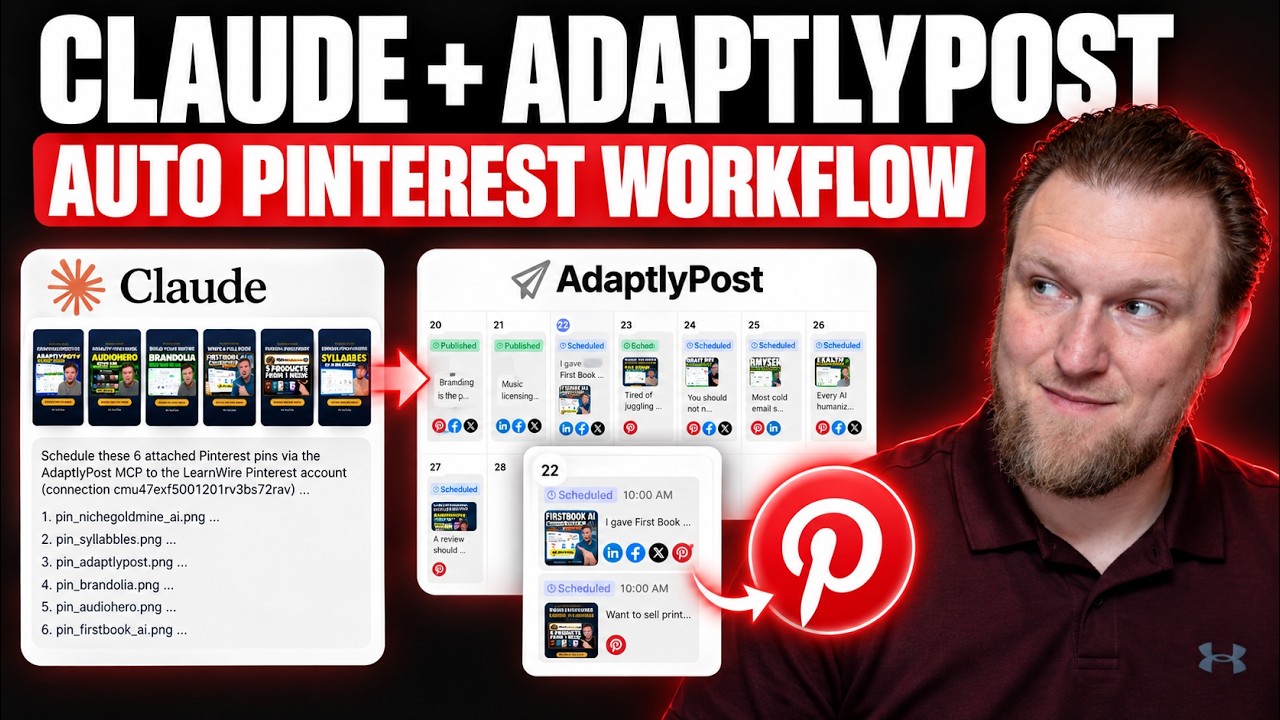
My AdaptlyPost and Claude MCP Workflow for Pinterest Pins
I connected Claude to AdaptlyPost through MCP to turn my YouTube thumbnails into scheduled Pinterest pins. Here is the workflow, the board ID workaround, and what still takes manual work.
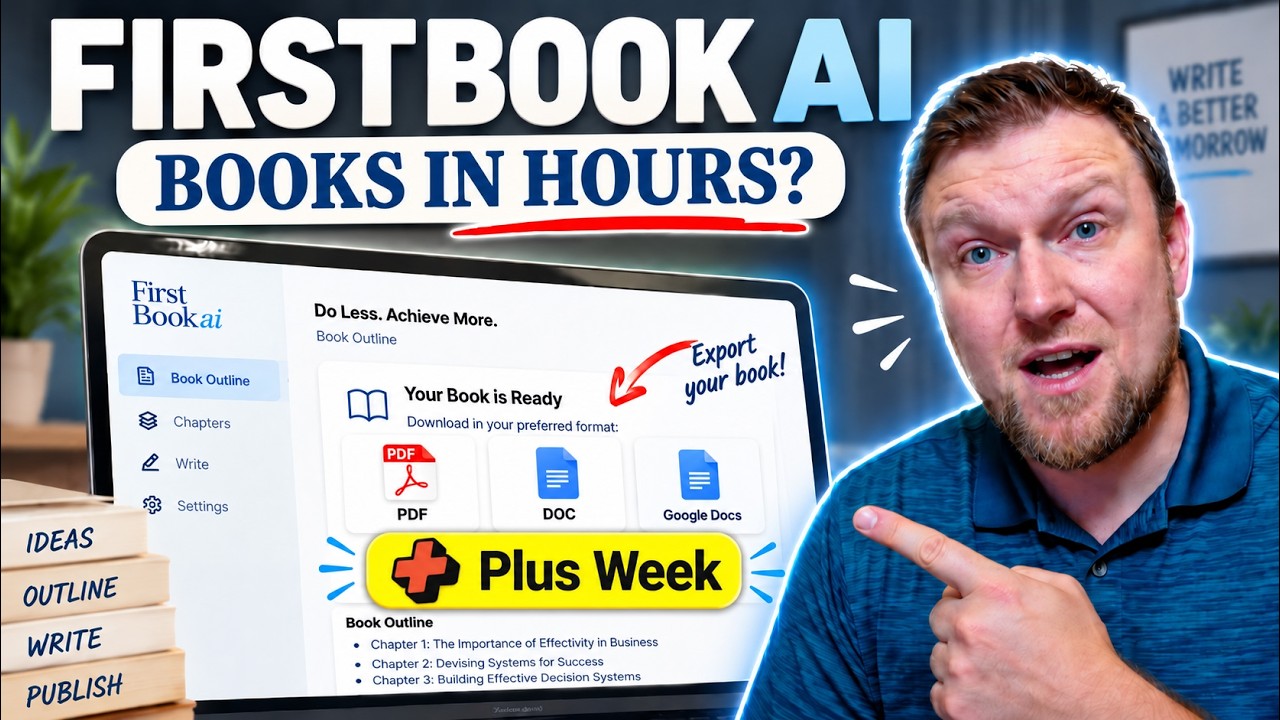
First Book AI Second Look: Writing an Ebook During AppSumo Plus Week
I took a second look at First Book AI during AppSumo Plus Week, wrote a chapter from scratch and tested it. I also show my real Draft2Digital sales and explain my Plus Week bonus package.
Postbeam Update: How I Fixed the Brand Voice (Rating Now 4.3)
Postbeam's onboarding got my brand voice wrong, so I fixed it manually in the training settings. Here is exactly what I did and why my rating moved from 3.8 to 4.3.
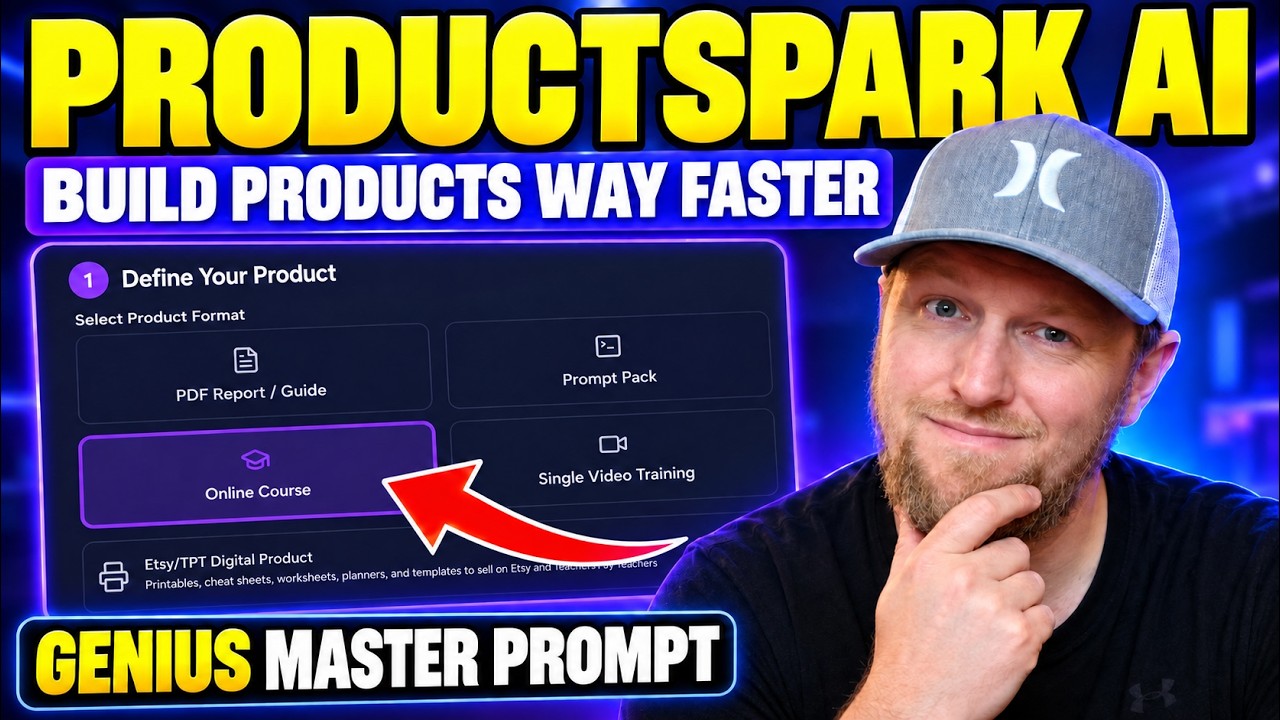
Stop Brainstorming Product Ideas: Build a Course with ProductSpark AI
I built ProductSpark AI, and in this walkthrough I take a vague niche (vibe coding) and turn it into a trimmed course outline and sales page copy in about 15 minutes. Here is the process and where the real work still starts.
I Rebuilt My Website With AI: Ghost Migration and Autopilot Posts
I moved LearnWire Pro off Ghost and rebuilt it as a software review directory with Claude and Flute. Here is what it does, how I did it, and what it really took.
How I Build a Pay Per Call Website with AI and RHIMS 10
Pay per call gives you a Rank and Rent style site without the cold outreach. Here is how I research a niche, build the prompt and have Claude generate the site.
More in Amazon KDP & Digital Product Creation
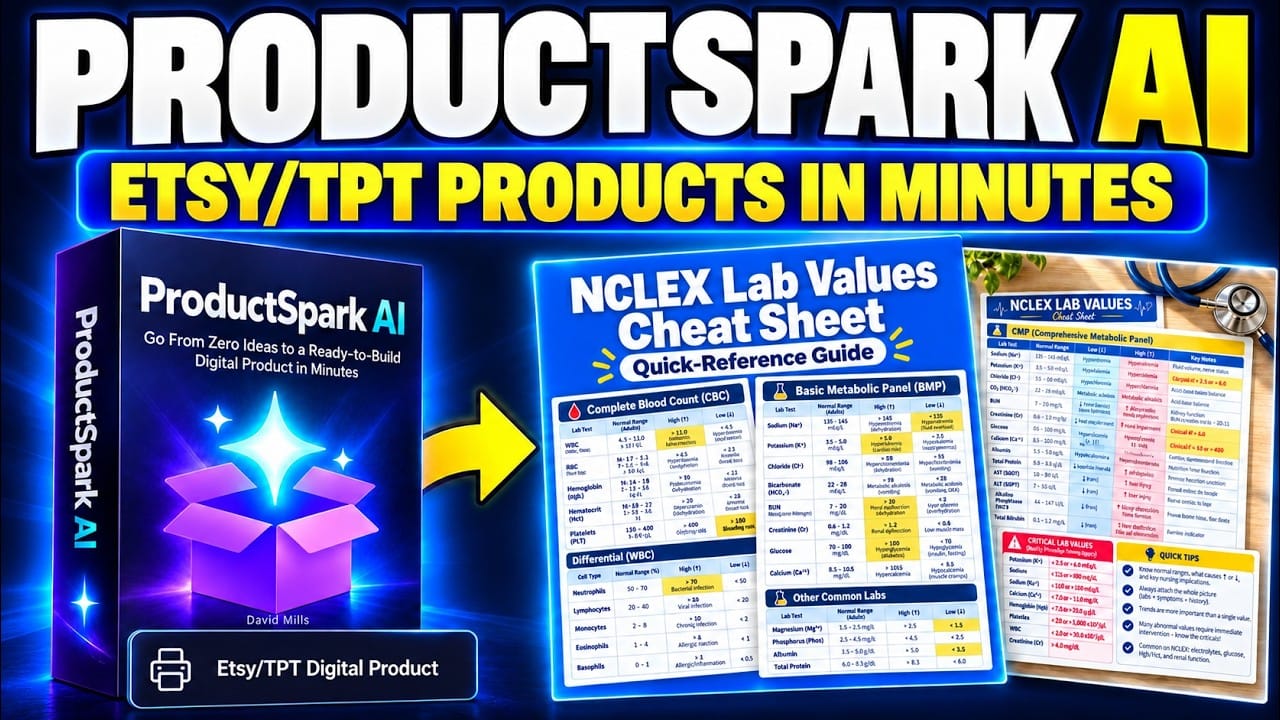
Can ProductSpark AI Help You Build a Profitable Etsy Shop?
Creating an Etsy digital product sounds simple until I start listing everything it needs: a useful idea, solid content, printable files, attractive mockups, a clear description, and a way to bring people to the listing…
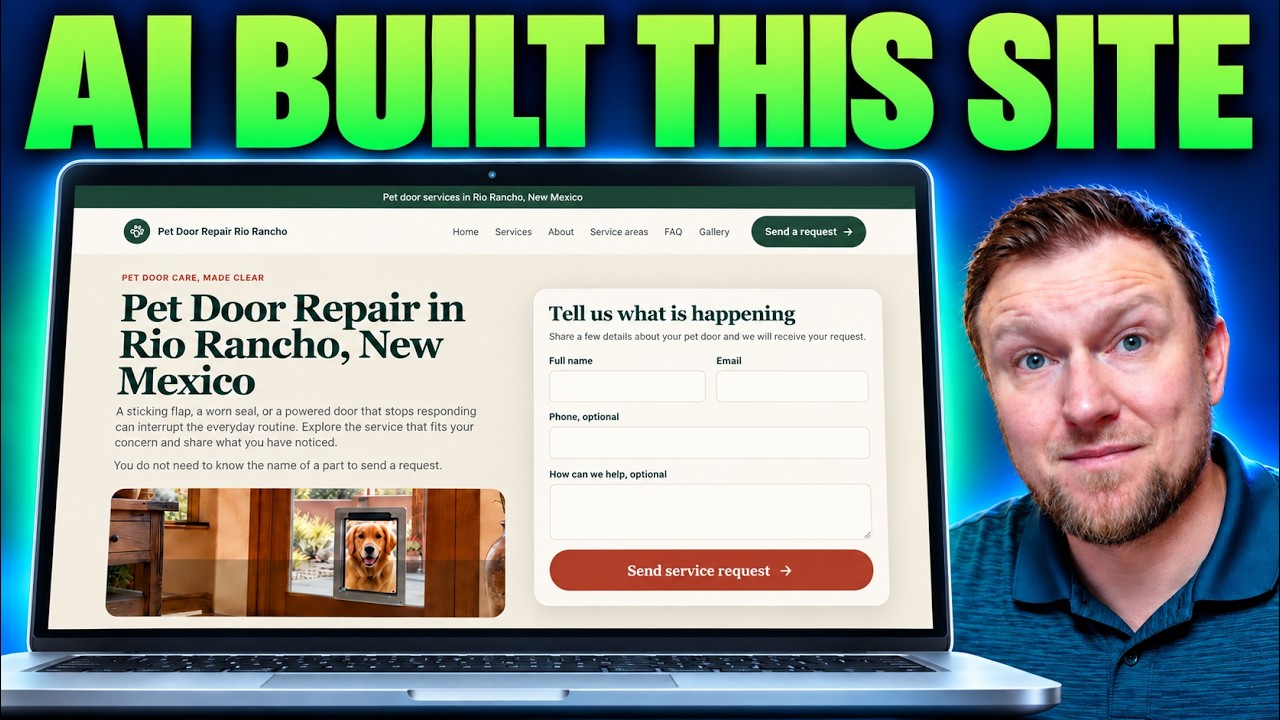
Building a Local Site With Local Site Creator and Replit
I built a pet door repair site for Rio Rancho with Local Site Creator and Replit. Here are the steps, the hiccups with the free plan, and what I'd fix.
How I Send Pinterest Traffic to My Own Website With Pin to Profit
Pin to Profit wants to build you an affiliate page, but you can point the pins at a site you already own. Here is exactly how I set that up, including the bugs.