Building a Local Site With Local Site Creator and Replit
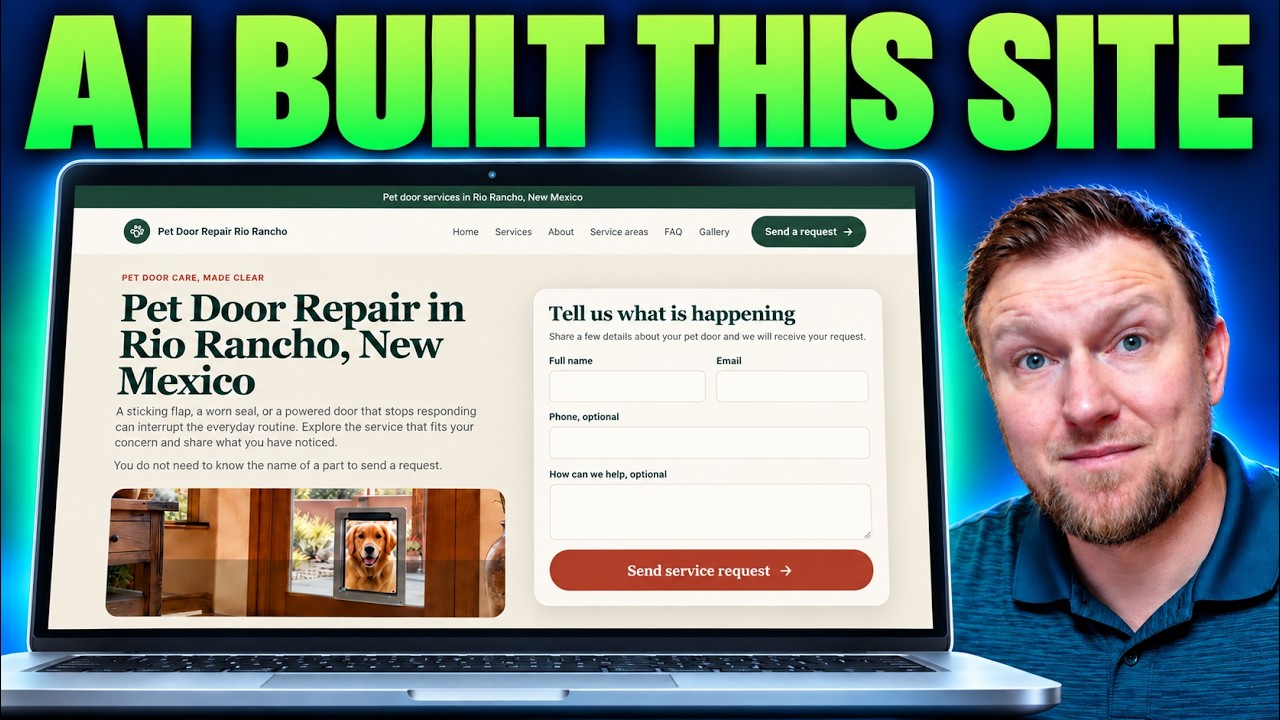
I wanted to actually sit down in Local Site Creator and build a local business website from start to finish, so you can see what the process looks like. I picked pet door repair in Rio Rancho, New Mexico, ran the research tools, generated a prompt, and handed it to Replit.
It worked, but not as smoothly as I hoped. Here is the full walkthrough, including the parts that went wrong.
What you get inside Local Site Creator
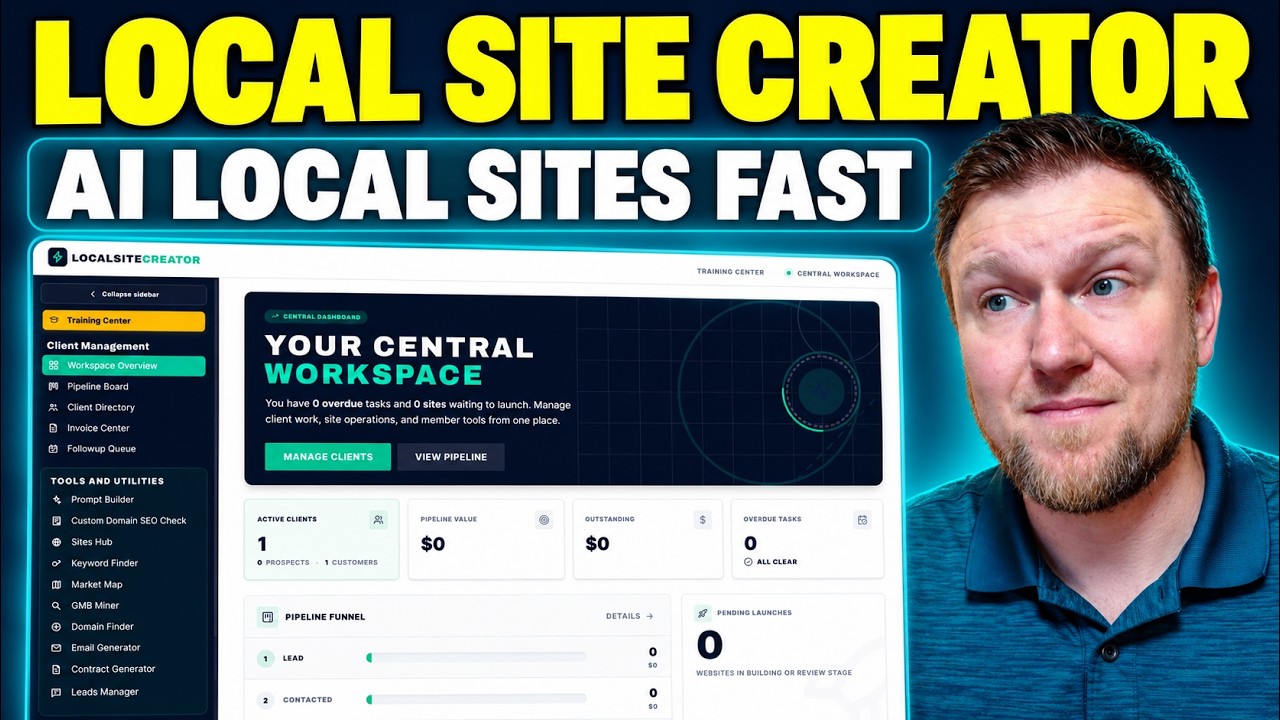
Local Site Creator is $7 to get started. That gets you the training course on vibe coding local websites, plus the central workspace. The idea is to build local sites, rank them, then either sell the leads, rent the sites out (somewhere from $100 to $1,000 a month, rank and rent style) or sell the website outright.
The workspace includes a training center, a pipeline board, a client directory, an invoice center, a follow-up queue and a prompt builder. Think of it as a simple CRM for the business you are building.
There is also a $297 bundle with the rest of the tools: keyword finder, domain finder, market map, site hub, analytics, email generator, contract generator and leads manager. I do recommend the bundle if you want the whole thing. I'll be honest that the bundle is where I make a real commission. On the $7 offer I make about $3.
Which vibe coding tool does it use?
The training is built around Replit. I don't use Replit myself. I use another tool called Flute for my vibe coding, but I've heard good things about Replit. Once you learn one of these environments (Base44, Lovable, Bolt, Cursor, Replit), moving to another is fairly easy because they share a lot.
If you sign up for Replit through the link in the training, you get $20 in free credits, and the person who referred you gets $20 too. It is more of a referral program than an affiliate program, but I like that both sides benefit.
Step 1: Research before you build
Before touching the prompt builder, I used the research tools inside the app. I had already done keyword research, so I skipped the details here. My earlier review covers that.
- Keyword finder: I chose pet door repair, with related terms like dog door repair, cat door repair and broken pet door. I'd love a copy button on the main keyword, because there isn't one right now.
- Market map: I searched Albuquerque and looked at the surrounding cities and neighborhoods. I wasn't totally sure what to do after selecting one, so it felt more like a research view.
- Domain finder: I entered the keyword and city and it checked domains and suggested brandable names. I'd probably go with something like Pet Door Repair Rio Rancho. Chris uses Namecheap for domains, and so do I.
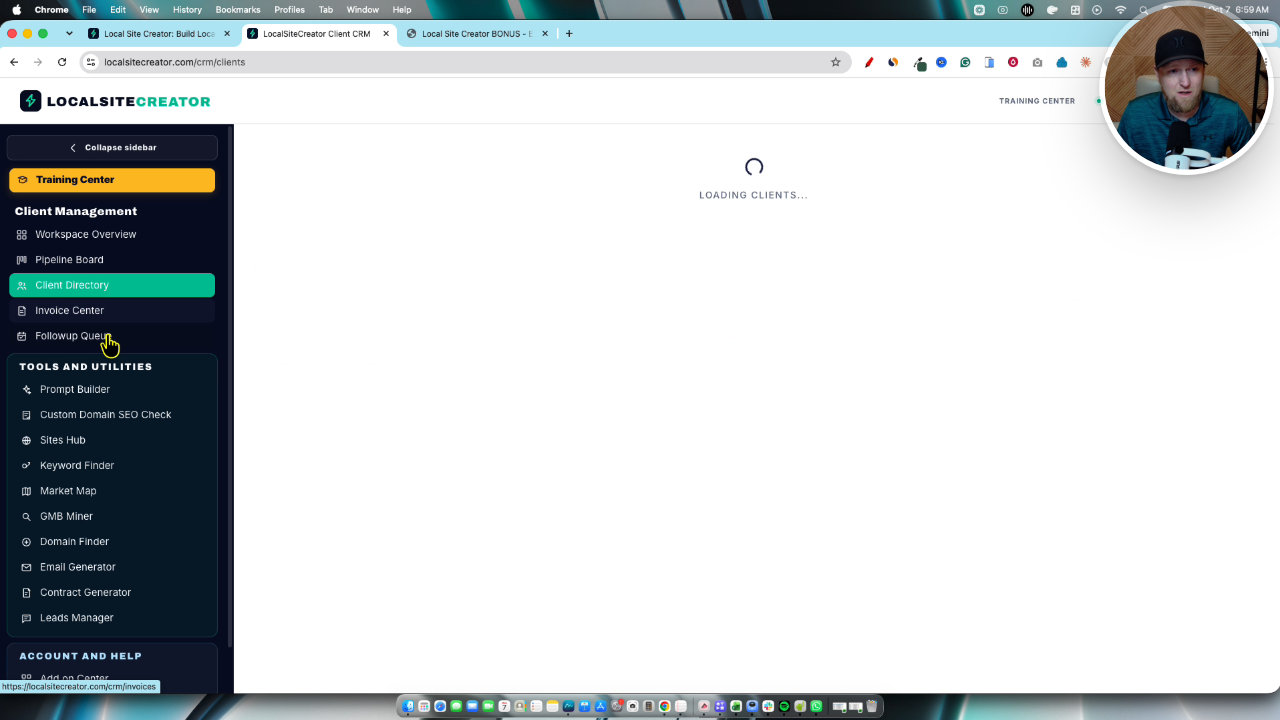
Doing this first makes sense to me because it can change the site name and domain you choose. And having it all in one app is convenient.
Step 2: Fill out the prompt builder
Next I opened the prompt builder and kept things simple. I entered the business type (pet door repair), business name (Pet Door Repair Rio Rancho), state (New Mexico), city and primary service.
For the look, I chose Modern Professional over Warm and Friendly or Clean and Minimal. I left the suggested pages as they were, since you can add testimonials later. Then I picked target keywords: pet door repair, dog door repair, pet door replacement, pet door installation, pet door seal replacement and electronic pet door repair.
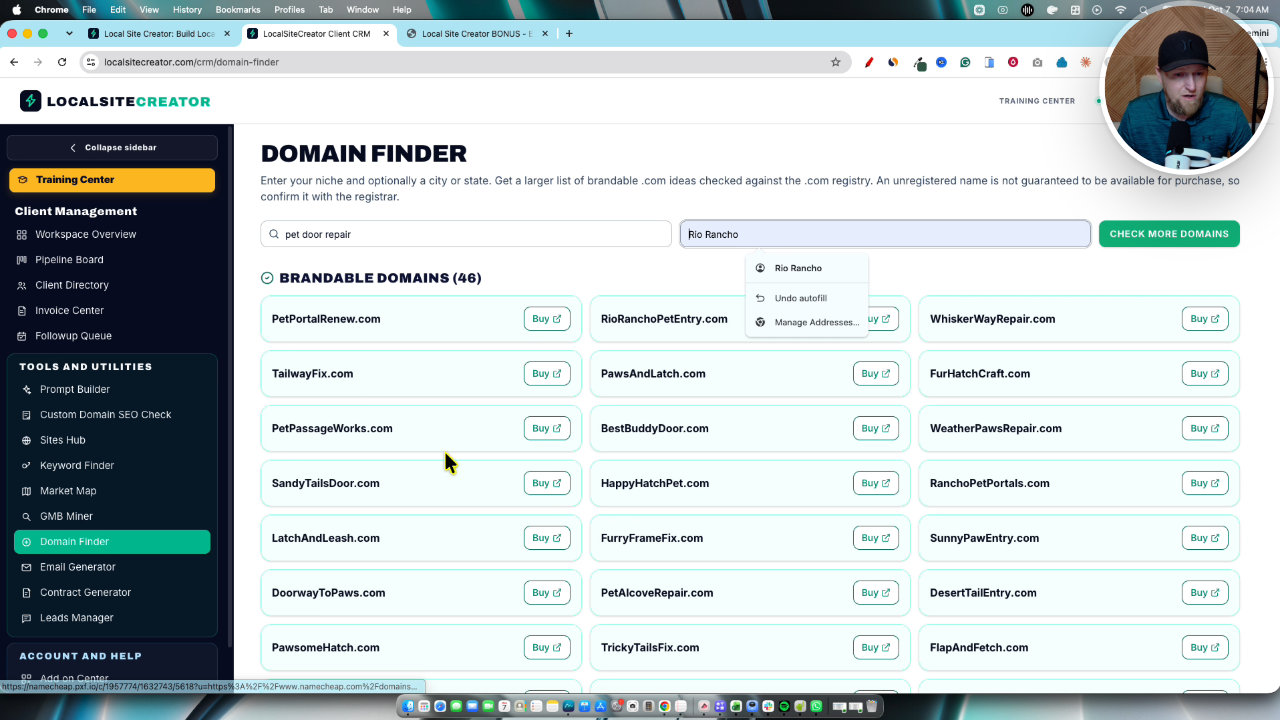
Chris recommends AI-generated images, which requires an OpenAI API key. He also says to keep the special notes short, because too much information can overwhelm the AI and give worse results. So I kept it standard. The builder then gives you a finished prompt with a copy button.
Step 3: Paste the prompt into Replit
In Replit I pasted the prompt into the chat box, picked a model and pressed go. That was it. It reads the attached brief and starts building.
Chris recommends at least the Power or Max mode. I started on the free plan because I already pay hundreds of dollars a month for my own tools. It then asked for an OpenAI API key, a leads admin password and a leads routing URL. I used the same key for all three, which may not have been right.
Where the free plan fell apart
This is the part I'm glad I tested for you. Chris says the site build takes about 10 to 15 minutes. On the free plan, I ran out of daily credits around the 21 minute mark and the build stalled.
Do not plan on using a free Replit account for this. I upgraded to the $20 a month Core plan, refreshed, switched to Power mode on automatic (what Chris recommends) and continued. I believe you need the paid plan before the $20 referral reward kicks in too.
Overall the build took roughly 45 minutes to an hour. I'm used to 15 minutes or less in other apps. Switching plans mid-build may have caused some of the hiccups, but I can't say that for sure. My advice: sign up for the Core plan right away.
The finished site
The site looks really good. The homepage leads with pet door services in Rio Rancho, New Mexico, and Replit handles the database and hosting, so you don't deal with that separately. It includes:
- Pages for pet door repair, installation and replacement
- An about page, FAQs, a gallery, a contact page and a request form
- Privacy policy and terms of use
- A written blog article with realistic AI images
The page structure is set up well for SEO, with Rio Rancho appearing several times on the homepage. Still, some of the service pages did not mention Rio Rancho in their content. You would want to spend time optimizing each page for terms like pet door replacement Rio Rancho, since you can't stuff every keyword onto the homepage.
What was broken
I'm not going to pretend it was perfect.
- A margin problem on the services page that needs fixing. You can just tell the AI to fix it.
- A bad image: a dog with a hand floating in space. That one needs replacing. Other images, like someone fixing a door and a tape measure next to a dog, looked good.
- The form kept showing after submission. It said my request was received, but the form stayed on the page.
- Leads didn't arrive. I submitted a test request, then checked the leads manager and nothing was there. I probably have the connection or settings set up wrong, and I didn't get to fix it in the video.
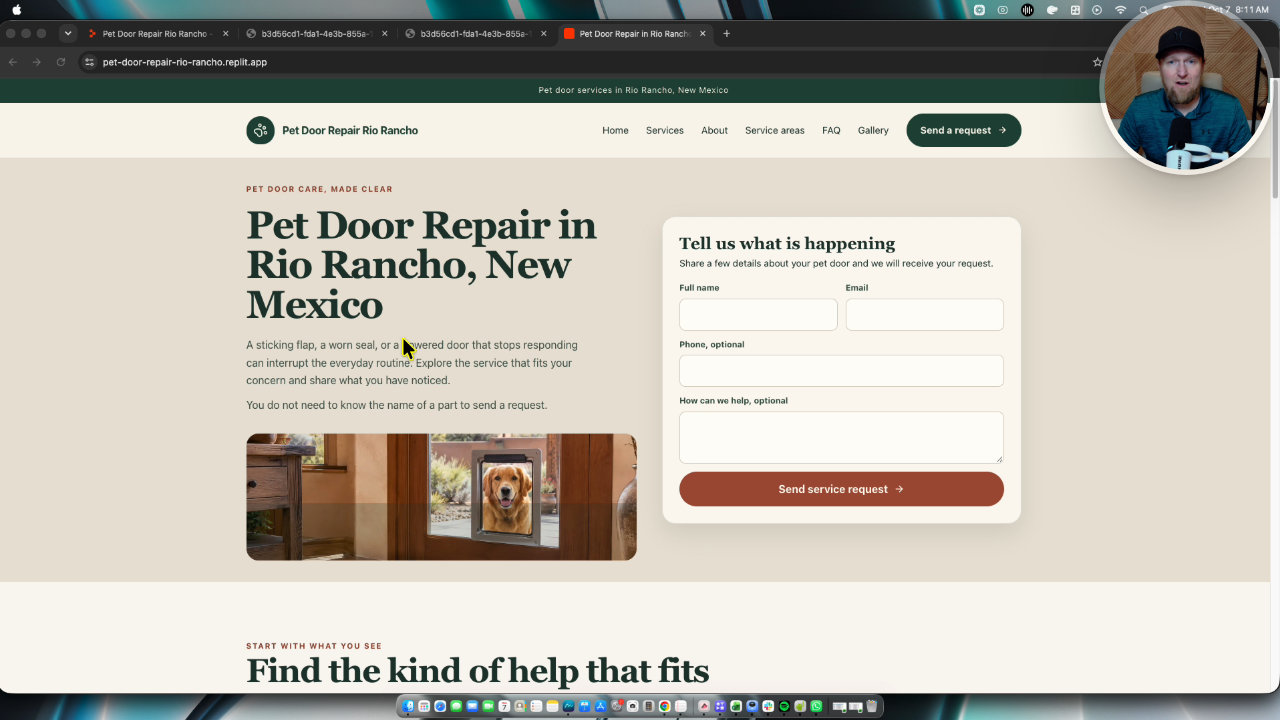
Half of the site was built on free and half on Core, so I suspect a full Core build would have looked better.
The bonuses I add for the $7 offer
If you buy through my link, I include a bonus package:
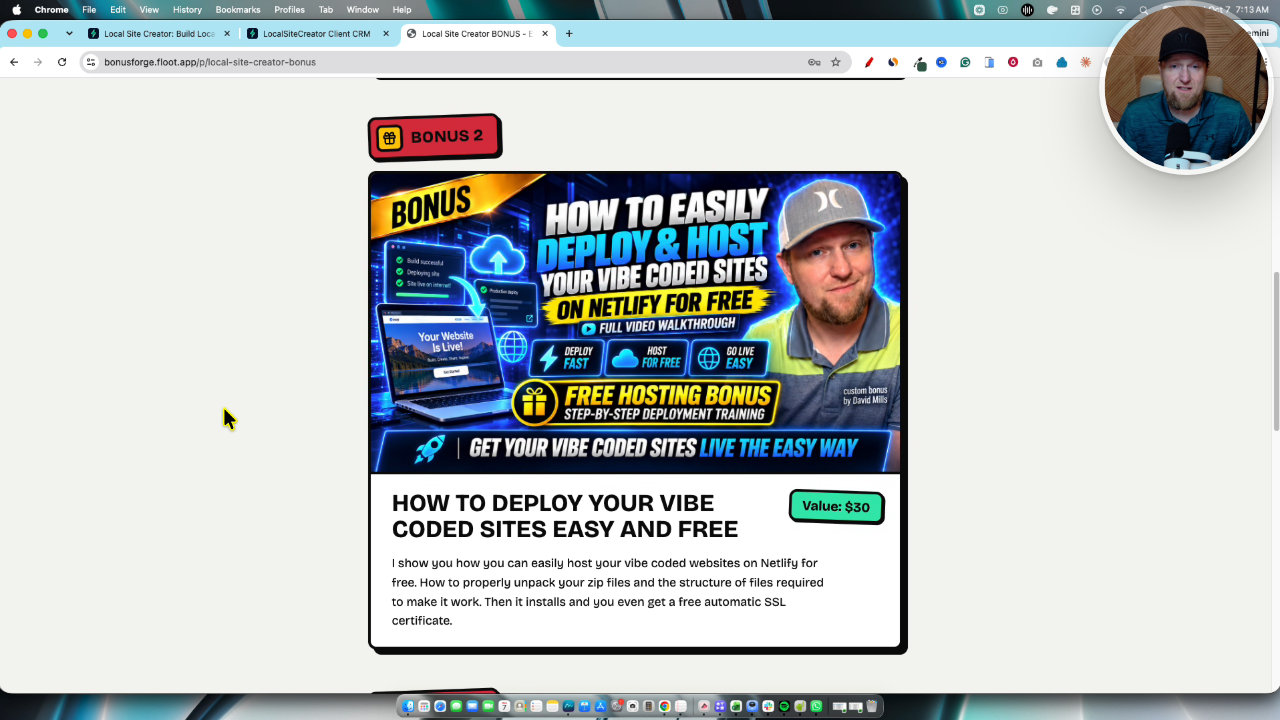
- My Vibe Coding Method: a three to four hour case study where I build an app with Base44, add Stripe payments and sell it, making over $1,000 in free-traffic revenue. It applies to any tool, including Replit.
- Netlify training: how to deploy and host vibe coded sites, including unpacking the zip folder and uploading it correctly.
- The Five Minute Handshake: how to make a short personalized video for a prospect instead of cold emailing 100 people a day.
You could also take the prompt to Claude, ChatGPT or Gemini and ask it to adapt the code for that platform, then host on Netlify. I haven't shown that in this video, so treat it as an option to test.
My takeaway
For $7, the training and workspace are a lot of value, and the prompt builder produced a good looking local site. But expect to pay for Replit's $20 plan, expect it to take longer than 15 minutes, and expect to clean up some details. The lead routing is the thing I'd want to sort out before trusting it with real clients.
If you want the whole toolset, the $297 bundle is the one I'd pick.
My Local Site Creator review
 JVZooLaunch Ended · Now Evergreen
Local Site Creator
Training and software for building, ranking and managing AI-built local business websites.
Other tools in this post

More in Website Builders, WordPress & Hosting
SiteGround vs. Bluehost: My Honest Review After Trying Both in 2025
SiteGround and Bluehost are WordPress-recommended web hosting providers offering domains, email hosting, and flexible plans. Read my comparison to see which host is the better choice for your website.
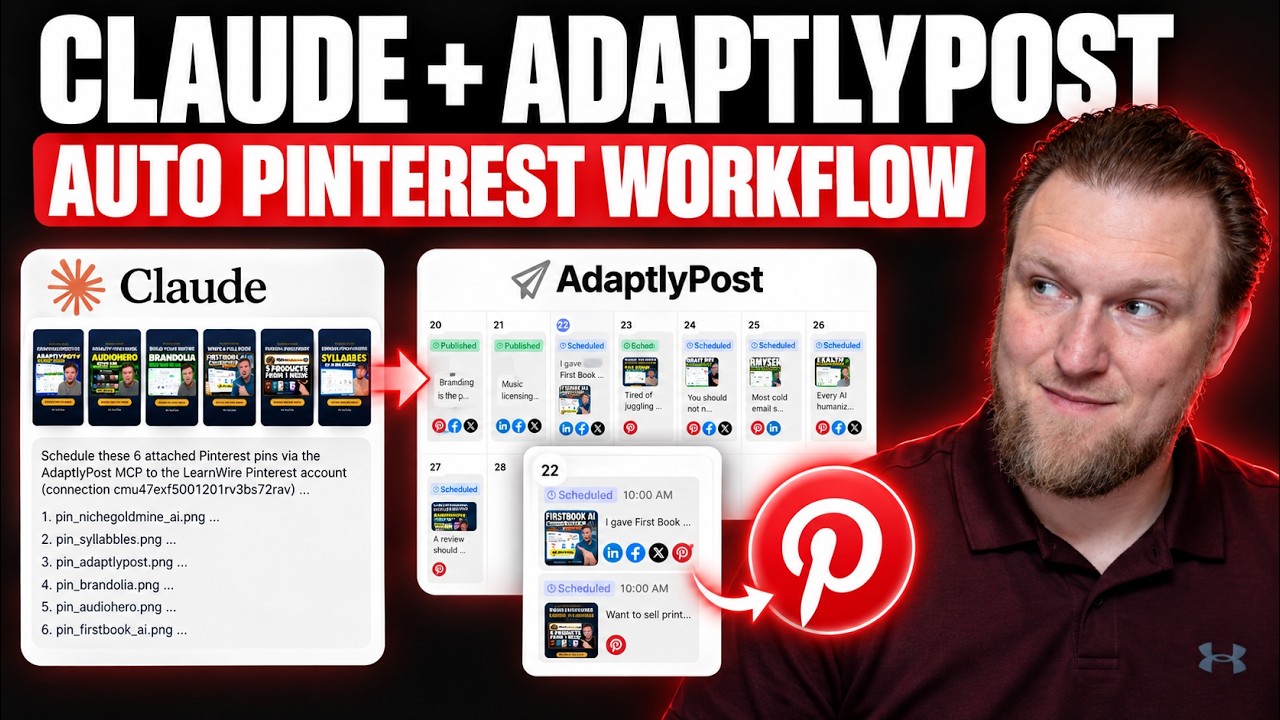
My AdaptlyPost and Claude MCP Workflow for Pinterest Pins
I connected Claude to AdaptlyPost through MCP to turn my YouTube thumbnails into scheduled Pinterest pins. Here is the workflow, the board ID workaround, and what still takes manual work.
What Should I Sell? How I Pick a Product Idea With ProductSpark AI
I built ProductSpark AI to fix the "what should I sell?" problem. Here is the exact walkthrough, from finding a sub niche to a master prompt you can build from.