Stop Brainstorming Product Ideas: Build a Course with ProductSpark AI
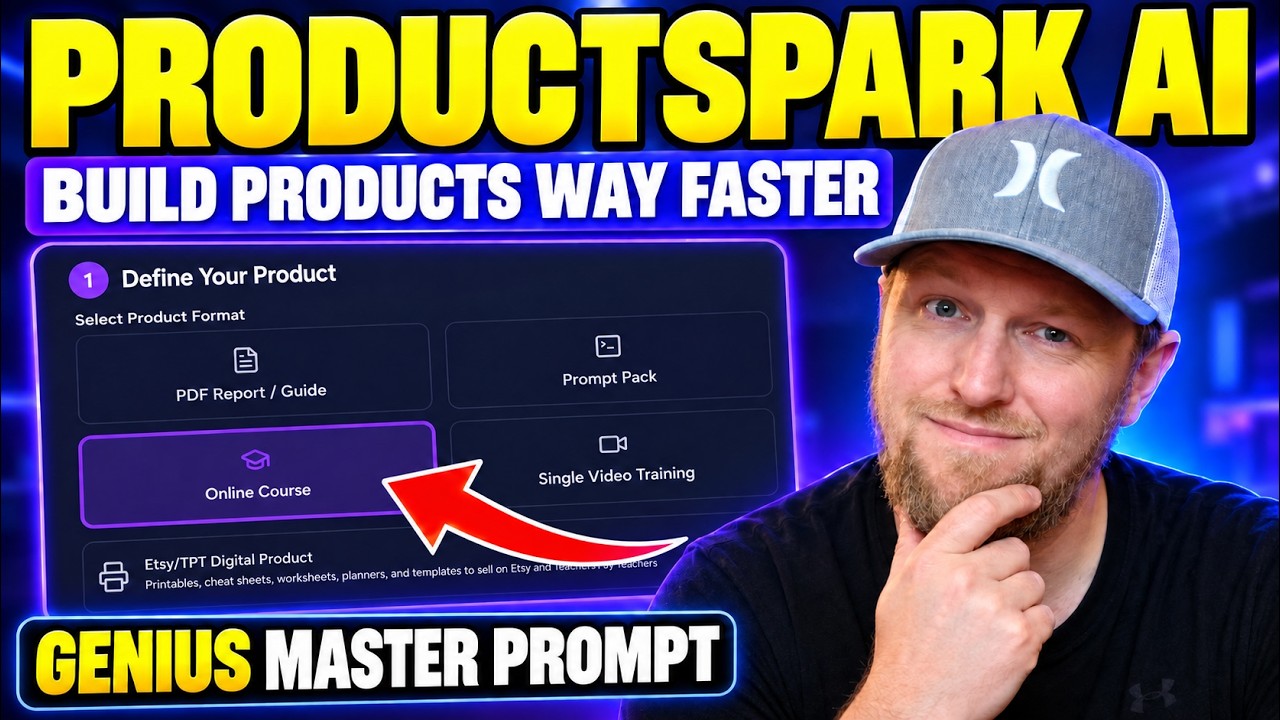
I built ProductSpark AI and sell it on WarriorPlus, so read this as the creator showing you what it does, not a neutral review. In my video I wanted to show you how to stop brainstorming digital product ideas from scratch. I started with a rough niche and ended up with a course outline and sales page copy in about 15 minutes.
It was day three of the launch when I recorded it, and I'll be straight about one thing up front: the tool speeds up planning, but you still have to put in effort to make something good.
What ProductSpark AI creates
ProductSpark AI works with several product formats: software, email series, prompt packs, single video trainings, online courses and PDF guides. I also added an Etsy and Teachers Pay Teachers digital product module within the last day or two before recording. My last video covers that one with a cheat sheet example.
I picked the course module for this walkthrough because it takes the most effort. A course means videos, and videos take longer than writing a PDF.
Why effort still matters
I've made thousands of dollars on both Etsy and Teachers Pay Teachers, so I can tell you this approach works when you put in the time. Pairing ProductSpark AI with your favorite large language model speeds things up a lot.
But every time I've taken a complete shortcut, I haven't gotten very good results. Everyone is using AI tools now. If you add some extra effort, your product shines and people notice it in how you present it.
Step 1: Enter a niche and generate ideas
I typed in a niche: people who want to learn vibe coding and sell their first web app. Then I set a few options:
- Type: a product to sell
- Price range: low ticket
- Skill level: beginner
- Creation style: fast and easy, balanced
I went with beginner on purpose. Most people outside our bubble have no idea you can build apps like this with vibe coding. Think of the people you see on the road, plumbers, electricians, office workers. That market is still huge.
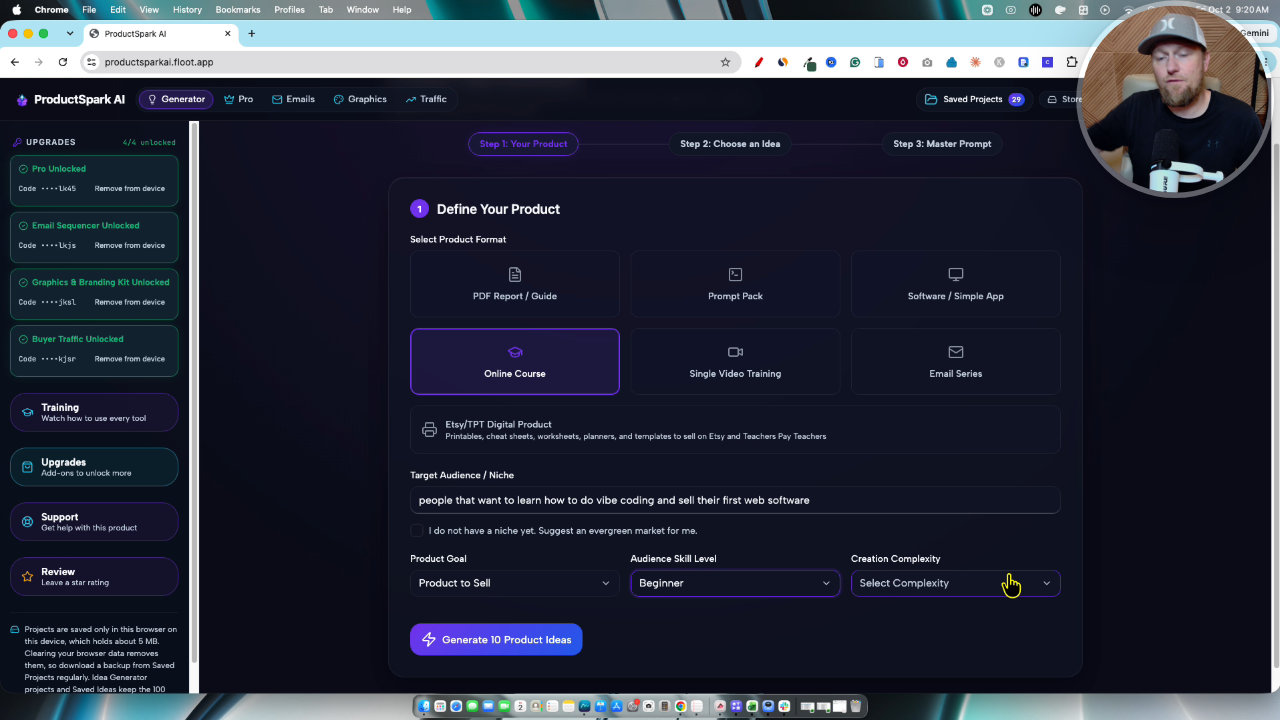
The ideas came back with the best ones at the top. I liked "Zero to SaaS," and "The Vibe Coders Launchpad: From Idea to First Sale in 30 Days." That one stood out because it gives a timeline and a clear result. I also saved a niche-and-build idea about finding a software idea and building it in a weekend.
One I skipped was "AI Dev Stack for Beginners." It sounded too technical for a true beginner audience. You can save the ideas you like, and I saved two.
Step 2: Build the master prompt and paste it into Claude
I chose the Vibe Coders Launchpad and built the master prompt. It saves automatically to your projects. I copied it into Claude, though you can use ChatGPT, Gemini, Grok or any large language model. In my video I used Opus 5.5.
The prompt walks through stages. Stage one gives title options and a recommended angle. I accepted its pick of title one with subtitle two and told it to continue.
Step 3: Reshape the course by talking to it
The first structure came back as six modules, 23 lessons and about three hours 40 minutes of video. That was too much for a beginner course.
So I simply asked for three modules and two hours total. The result was three modules, 12 lessons and about an hour and twenty minutes. That is something someone can finish in an afternoon and feel good about buying.
I've created dozens of courses over six years, and big four hour courses are not what people want to sit through. Three hours is the longest I'd make again. I really like one hour micro courses because more people actually watch them and feel they can act afterward.
The three modules were easy to follow: pick an idea and prove it, build it, then launch and get buyers. Each lesson has an objective and an action step.
Step 4: Get the outline and sales page copy
I skipped stage three and asked for the official outline plus marketing copy for a landing page, with a main heading and tagline. I didn't like one of the names it came up with ("napkin to checkout"), so I told it to change the course name back to the original and update all lessons and copy to match.
Within about 15 minutes I had gone from "I like vibe coding" to a full course plan, because the prompt already includes the niche research, ideal customer profile and avatar.
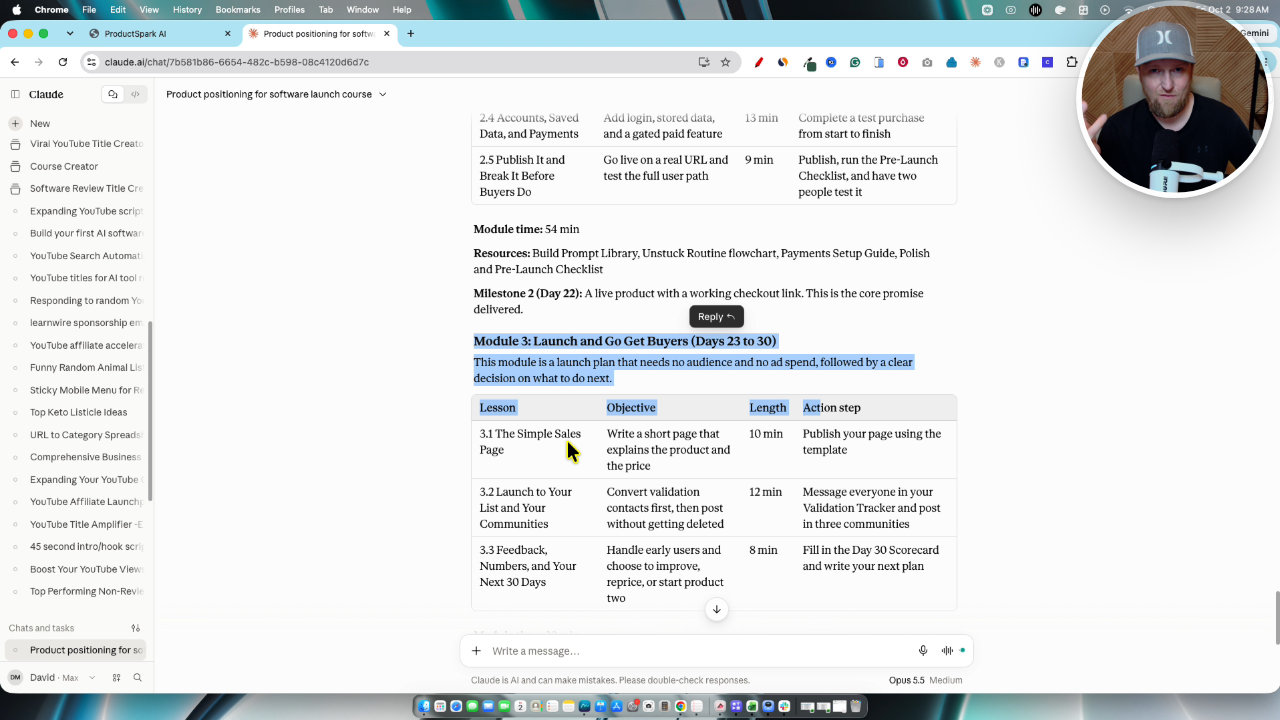
The sales page copy included a hero section, problem and solution, FAQs and calls to action. The headline was aimed at side hustlers with a software idea and a day job: go from idea to first sale in 30 days. The button said "Start my 30 day build" instead of something generic like instant access.
What you still have to do
The tool maps the course. You still have to record the videos yourself. AI can help write scripts, and you can turn a script into a voiceover with ElevenLabs if you want to stay hands off or faceless.
The real effort is screen recordings showing students how to do the thing. That can take four times as long as just recording yourself talking, maybe more. You don't have to be on camera, and plenty of courses are just screen recording and voice.
My plan would be to record four lessons in a day, one module per day, and finish in about three days. I use Tella for this because it removes filler words and silences, and Descript works the same way. I don't use older tools like Camtasia since they lack those AI features.
For the sales page, you can have Claude build it and host it yourself, or use Replit or Lovable. Even on ThriveCart you could put the copy on a second monitor and build a good page in about an hour. The hardest part, the copy, is already done.
Ideas for extending the product
- Turn each lesson into a PDF or turn your video transcripts into an ebook.
- Offer the ebook as a bonus or upsell. For example, ebook at $14.95 and course at $67, as an illustration.
- Record one-off bonus trainings. Those have been a big driver of my revenue.
Funnels, pricing and limits
The front end is under $10 during launch pricing. The upgrades build out the full funnel: an OTO offer, spreadsheet and calculator, marketing email campaigns, graphics and color palettes, and traffic ideas. I showed a saved Pro funnel in the dashboard. If you buy the whole funnel it comes to about $84.
There are no credits, no refills and no subscriptions. I wanted it low ticket, and I plan to keep updating it. There is training for all the modules and support if you need it.
It does not create your videos for you, and you still need your own LLM. That's the honest picture.
Takeaway
If you're stuck at the idea stage, give ProductSpark AI a niche, pick from the generated ideas, and let your LLM shape the plan. Then do the real work of recording something good.
Tools in this post

More on these tools
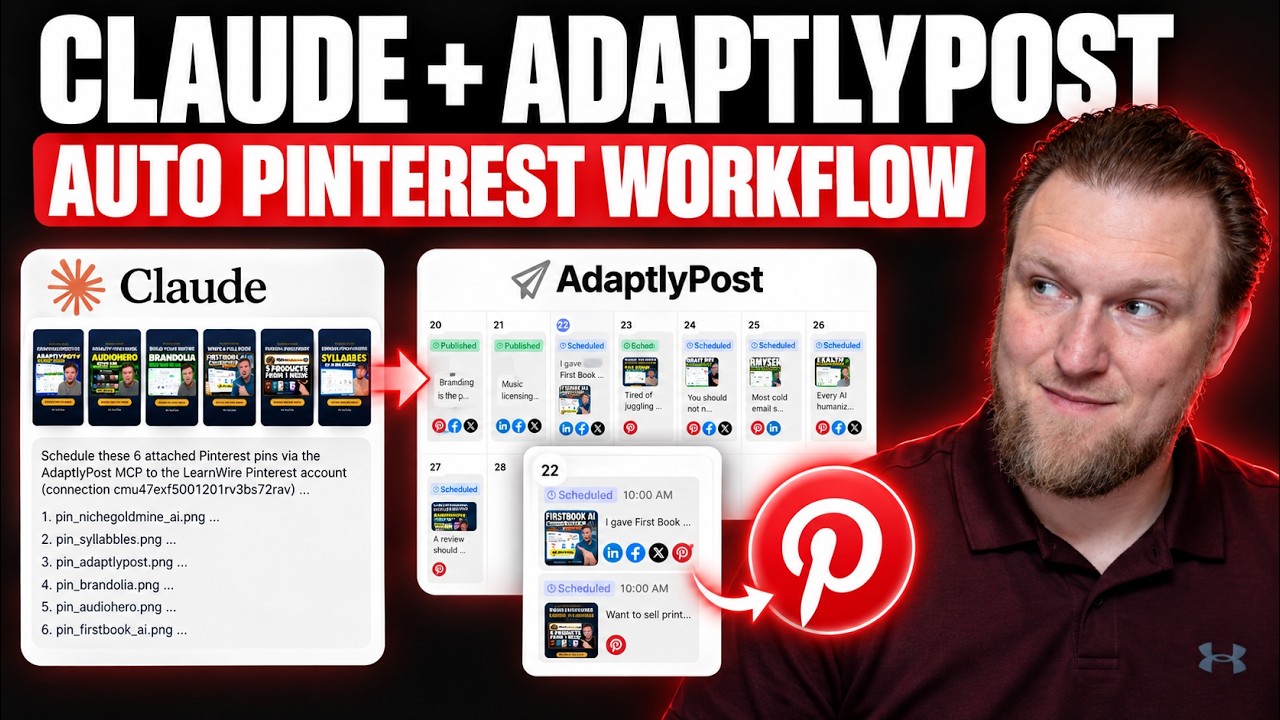
My AdaptlyPost and Claude MCP Workflow for Pinterest Pins
I connected Claude to AdaptlyPost through MCP to turn my YouTube thumbnails into scheduled Pinterest pins. Here is the workflow, the board ID workaround, and what still takes manual work.
What Should I Sell? How I Pick a Product Idea With ProductSpark AI
I built ProductSpark AI to fix the "what should I sell?" problem. Here is the exact walkthrough, from finding a sub niche to a master prompt you can build from.
Postbeam Update: How I Fixed the Brand Voice (Rating Now 4.3)
Postbeam's onboarding got my brand voice wrong, so I fixed it manually in the training settings. Here is exactly what I did and why my rating moved from 3.8 to 4.3.
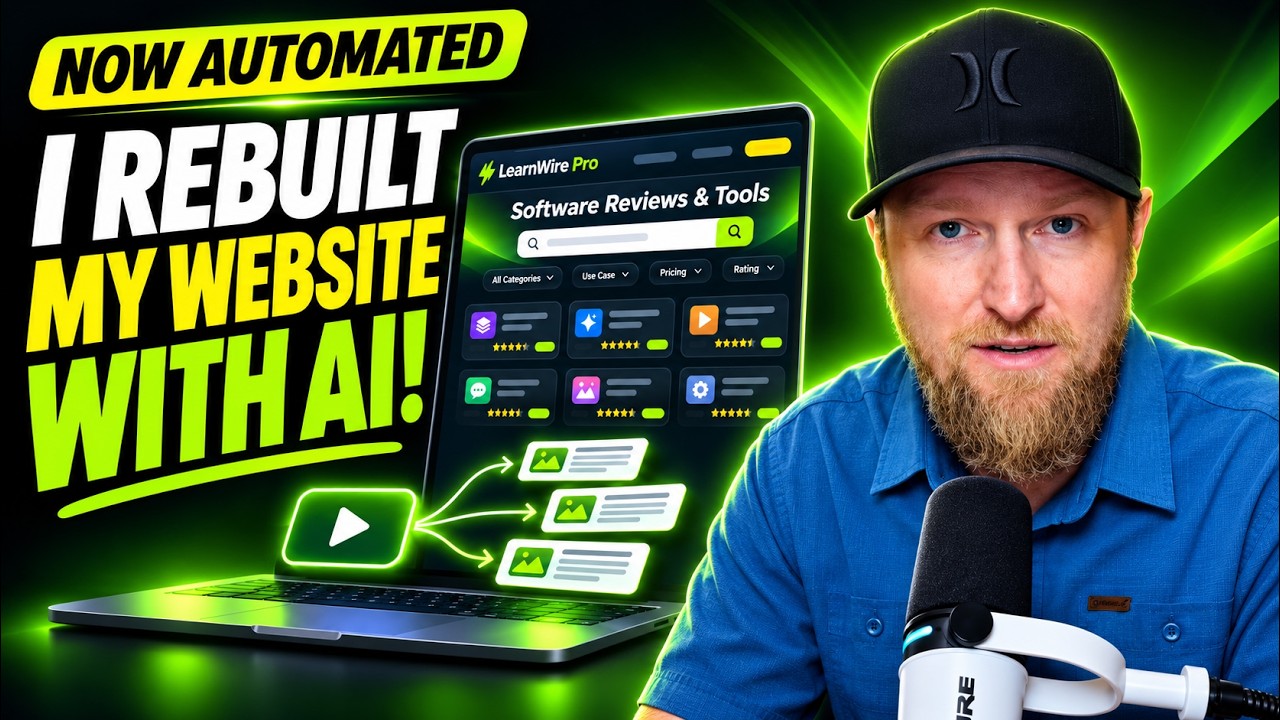
I Rebuilt My Website With AI: Ghost Migration and Autopilot Posts
I moved LearnWire Pro off Ghost and rebuilt it as a software review directory with Claude and Flute. Here is what it does, how I did it, and what it really took.
How I Build a Pay Per Call Website with AI and RHIMS 10
Pay per call gives you a Rank and Rent style site without the cold outreach. Here is how I research a niche, build the prompt and have Claude generate the site.
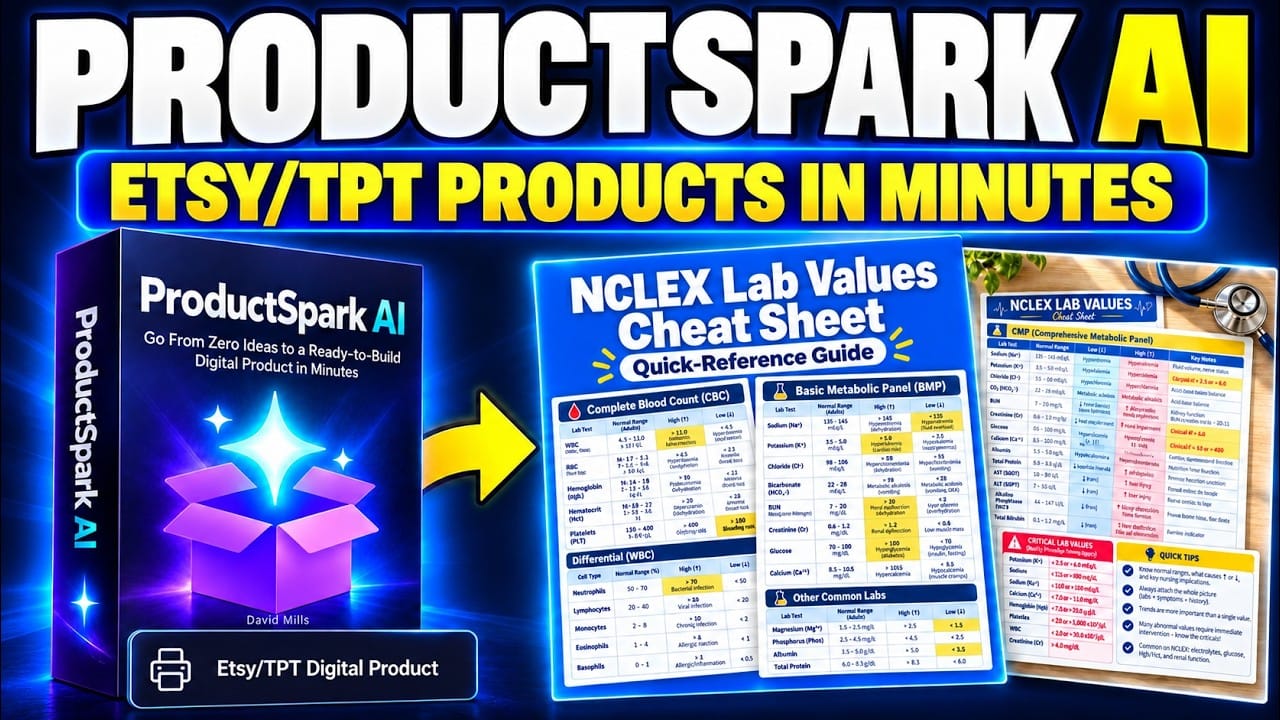
Can ProductSpark AI Help You Build a Profitable Etsy Shop?
Creating an Etsy digital product sounds simple until I start listing everything it needs: a useful idea, solid content, printable files, attractive mockups, a clear description, and a way to bring people to the listing…
More in Amazon KDP & Digital Product Creation
First Book AI Second Look: Writing an Ebook During AppSumo Plus Week
I took a second look at First Book AI during AppSumo Plus Week, wrote a chapter from scratch and tested it. I also show my real Draft2Digital sales and explain my Plus Week bonus package.
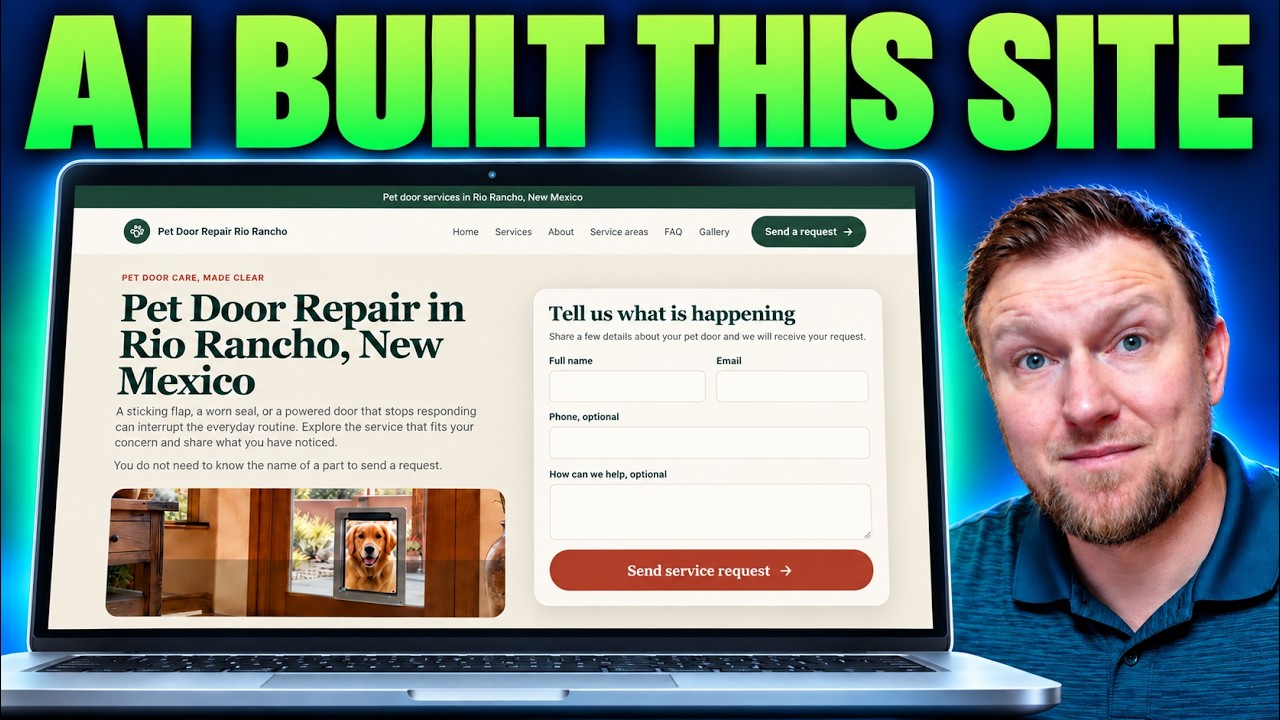
Building a Local Site With Local Site Creator and Replit
I built a pet door repair site for Rio Rancho with Local Site Creator and Replit. Here are the steps, the hiccups with the free plan, and what I'd fix.
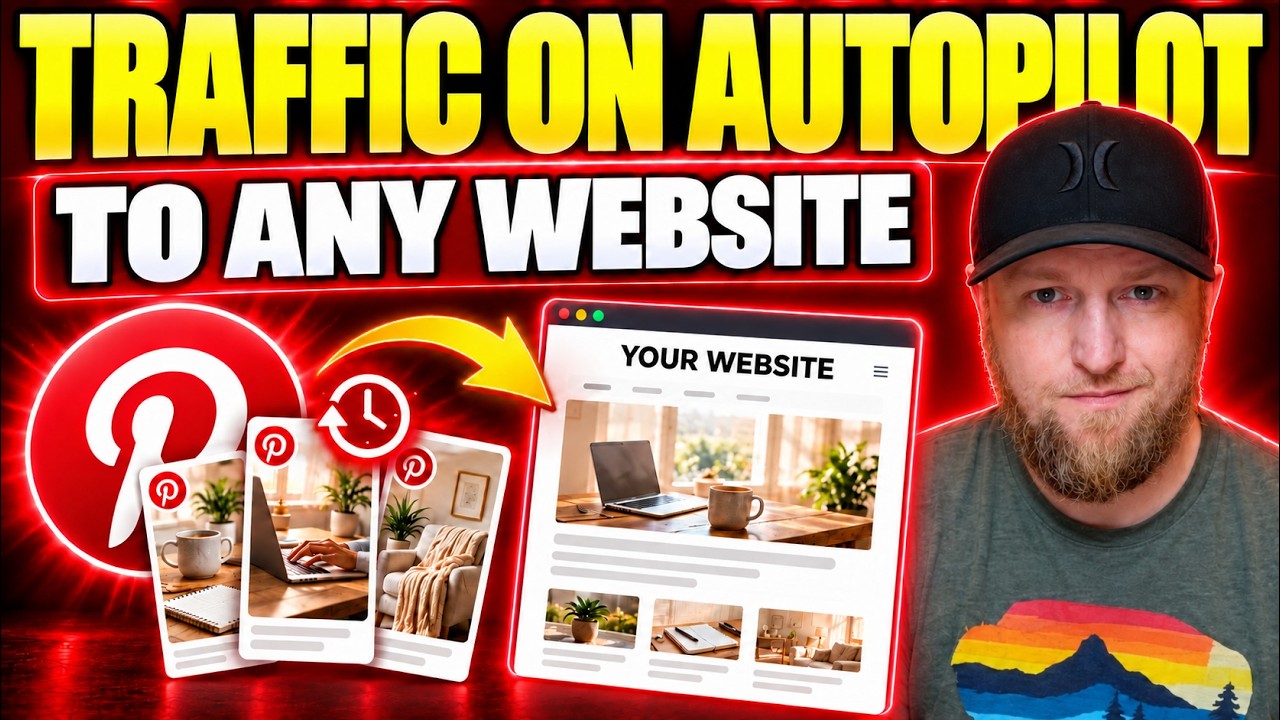
How I Send Pinterest Traffic to My Own Website With Pin to Profit
Pin to Profit wants to build you an affiliate page, but you can point the pins at a site you already own. Here is exactly how I set that up, including the bugs.