AdaptlyPost
Plan, schedule and publish to nine social platforms with AI captions, images and automations.
Watch my full review
- What it is
- AdaptlyPost is a social media scheduling and automation tool that publishes to nine platforms and includes an AI Image Studio for creating post assets.
- Pricing
- The AppSumo deal has three license tiers at $49, $119 and $279, with unlimited scheduled posts on every tier.
- Best for
- Solopreneurs, small teams and agencies that want scheduling and image creation in one tool.
- LearnWire's Rating
- 4.8 / 5
My review
Here is my AdaptlyPost review, a social media scheduler that also builds AI images and captions for nine platforms. What jumped out at me was how painless account connecting and team setup were, while my 14 minute video test ran into errors. If you are hunting for the best social media scheduling tool for agencies on AppSumo, here is how it held up.
I tried AdaptlyPost during AppSumo Plus Week because there is no shortage of social media tools, and most of the recent ones I looked at were really just schedulers. They did not create the assets you need. I wanted to know if this one could actually do both.
Setup and connecting accounts
I like showing the onboarding, because it can make or break a tool for your use case. I picked Creator for my profile and moved on to connecting accounts.
Facebook was easy, and it brought in every page on my account. Instagram worked through that same Facebook connection, and it picked up both of my Instagram pages automatically. TikTok, X, Pinterest and LinkedIn were each basically one click.
I ended up with seven accounts connected, mostly LearnWire and a little of my marketing stuff. That was **two for two, then six for six**, with no friction.
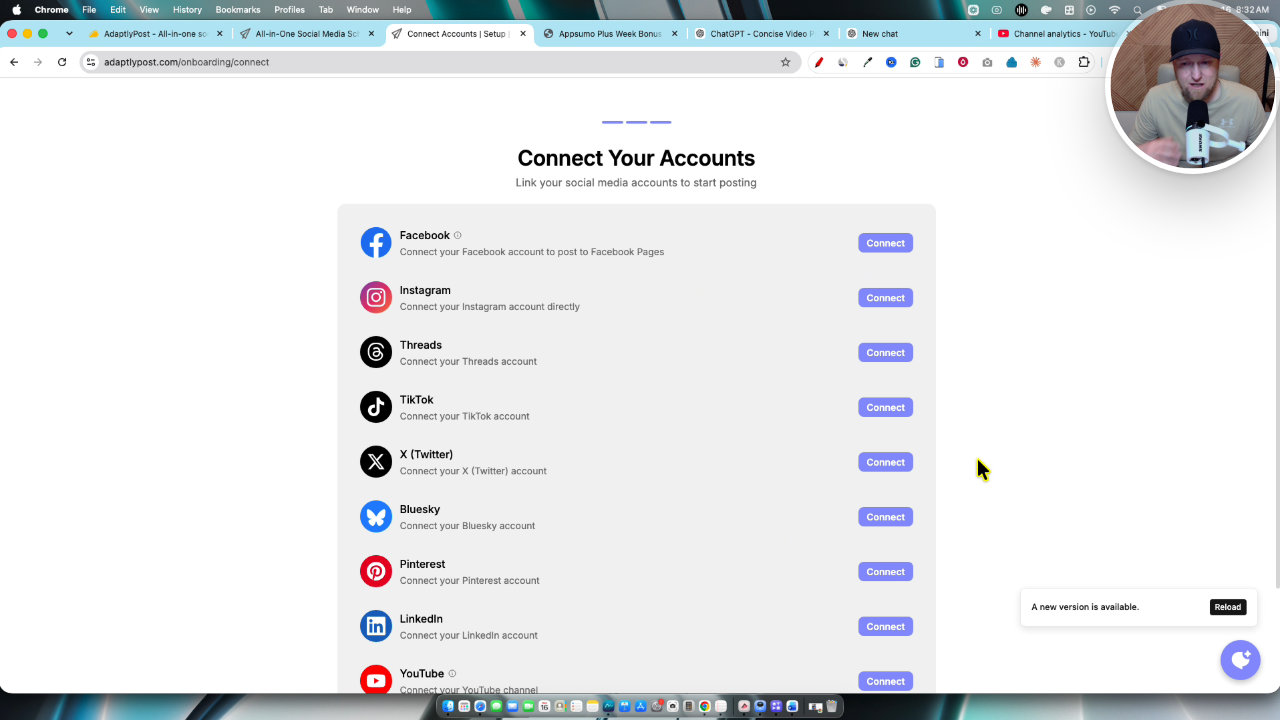
The dashboard, teams and workspaces
The dashboard has create post, schedule, AI Image Studio, connectors, APIs, MCPs, analytics and a calendar. There is also a dark mode, which I switched off again for the walkthrough.
The team page impressed me. You enter an email, choose admin or member, and assign the person to a workspace. I am always hunting for where tools hide this, and here it was just done.
Creating and publishing posts
The create post flow starts with choosing a content type: image, text or video. Options change by platform. I tried a video post to Facebook, X, Pinterest and LinkedIn using my 14 minute video.
This is where I hit trouble. The tool flagged the video as too long for some platforms, and unchecking them did not clear the errors until I reloaded and started again. I also did not like that the caption sits at the top but you still have to customize it per platform below, and I wished there was AI that could read a transcript and write the caption for me. I used ChatGPT instead.
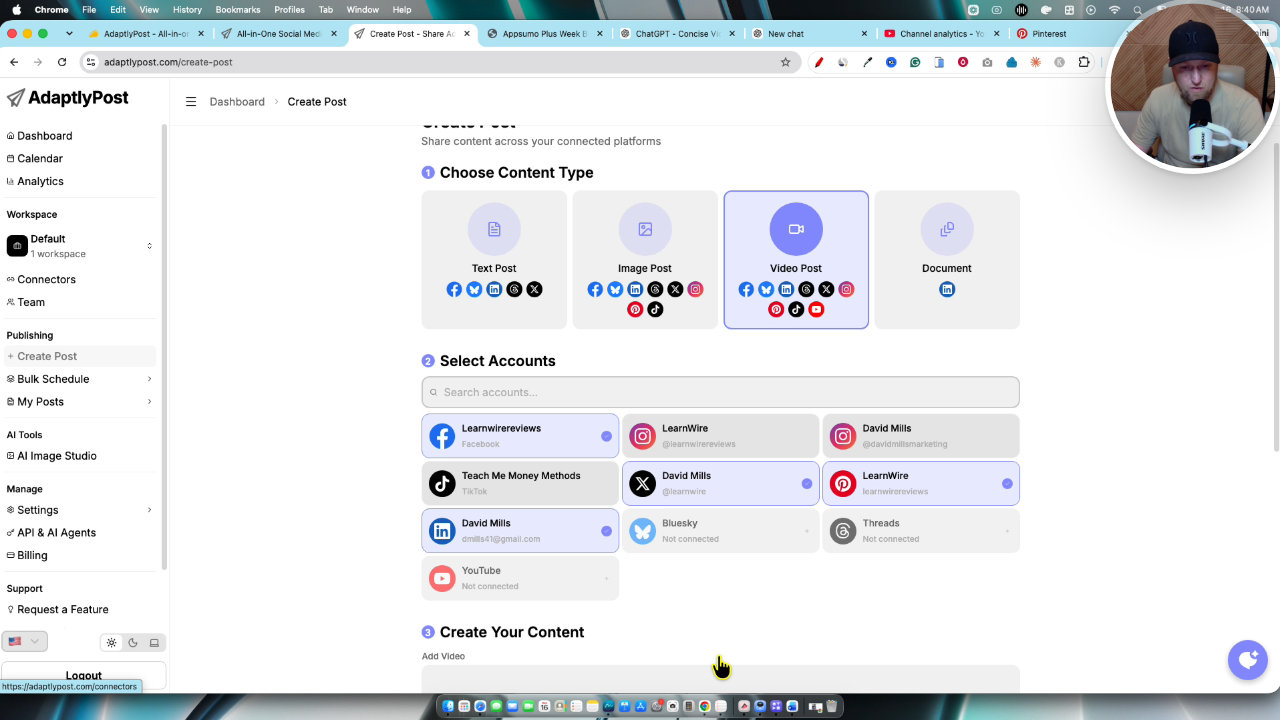
Once I did it properly, posting worked. It did take a while because it is a 14 minute video, and that is not really the tool's fault. My advice is to keep videos at two minutes or less. You can post now, schedule or save a draft, and the My Posts area lets you view details, repost or retry failures.
AI Image Studio
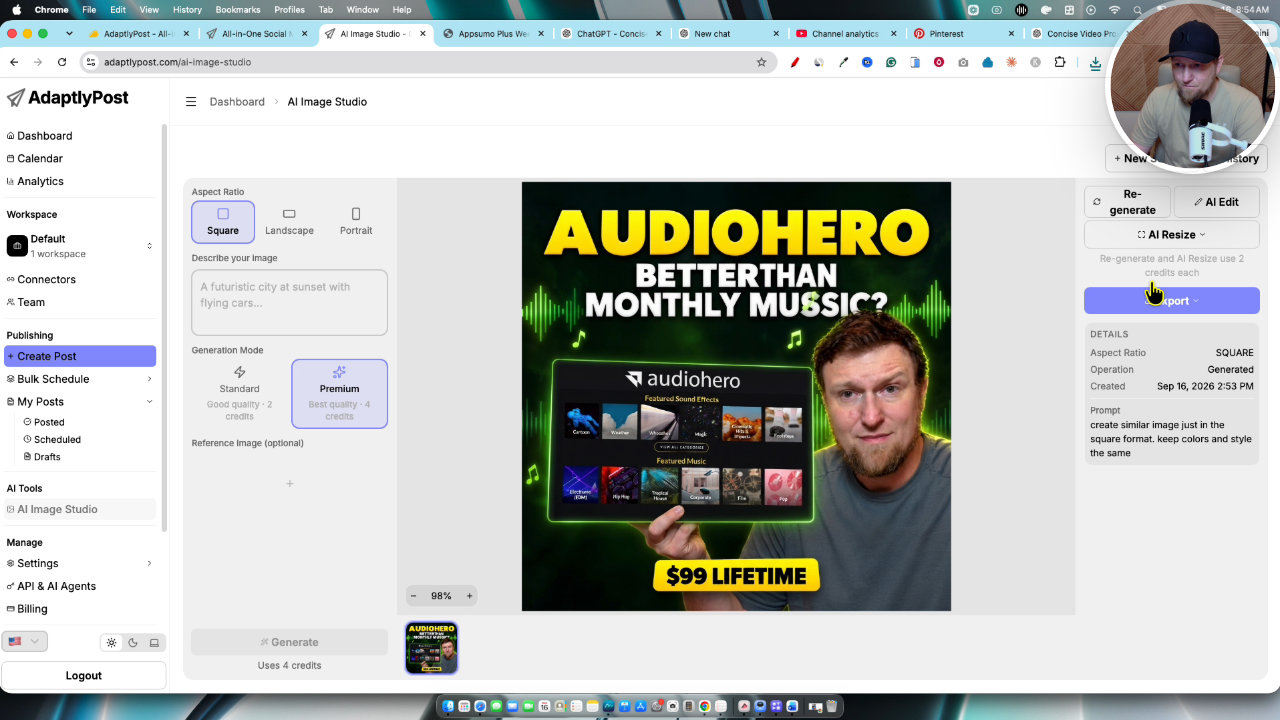
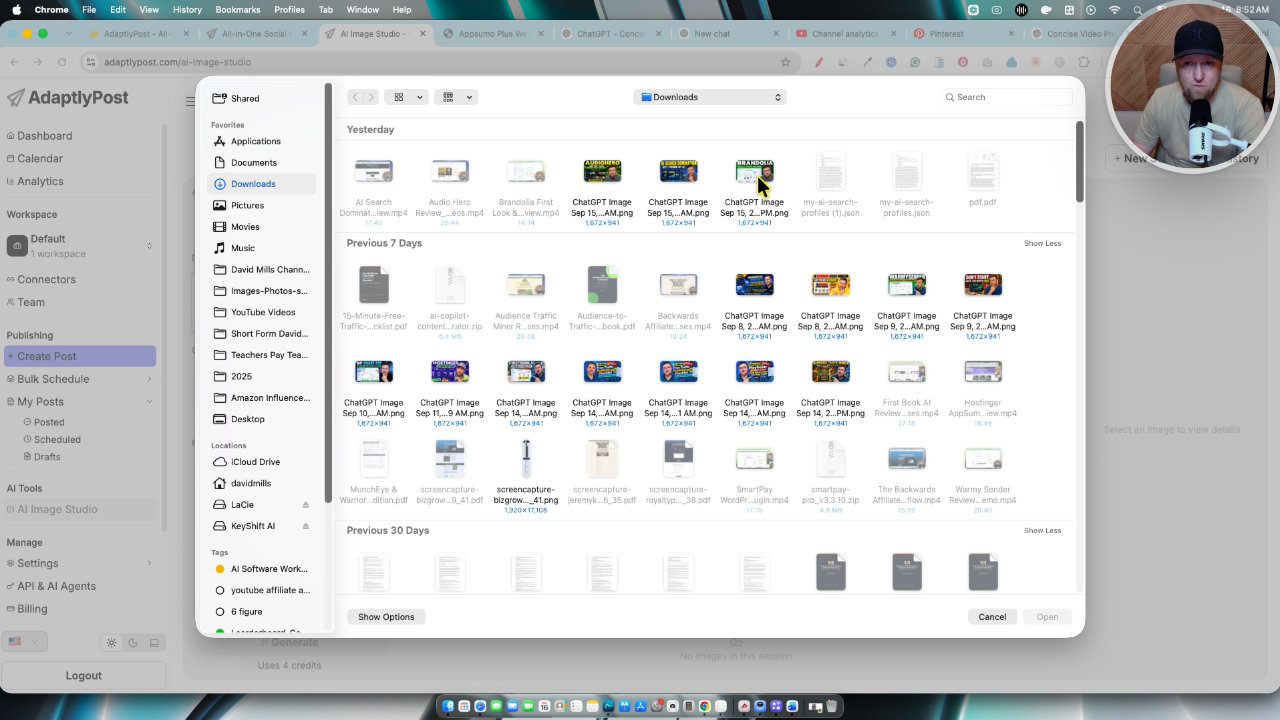
You need your images ready before building an image post, so I went to the AI Image Studio. It offers square, landscape and portrait formats, and standard or premium mode (premium uses four credits).
I used a reference image and asked for a similar image in square format. It was very fast and followed the instructions well, but the wording came out wrong. I used AI Edit to fix the text. It fixed the spelling of music, but did not fix the two-word issue I asked for, even on premium.
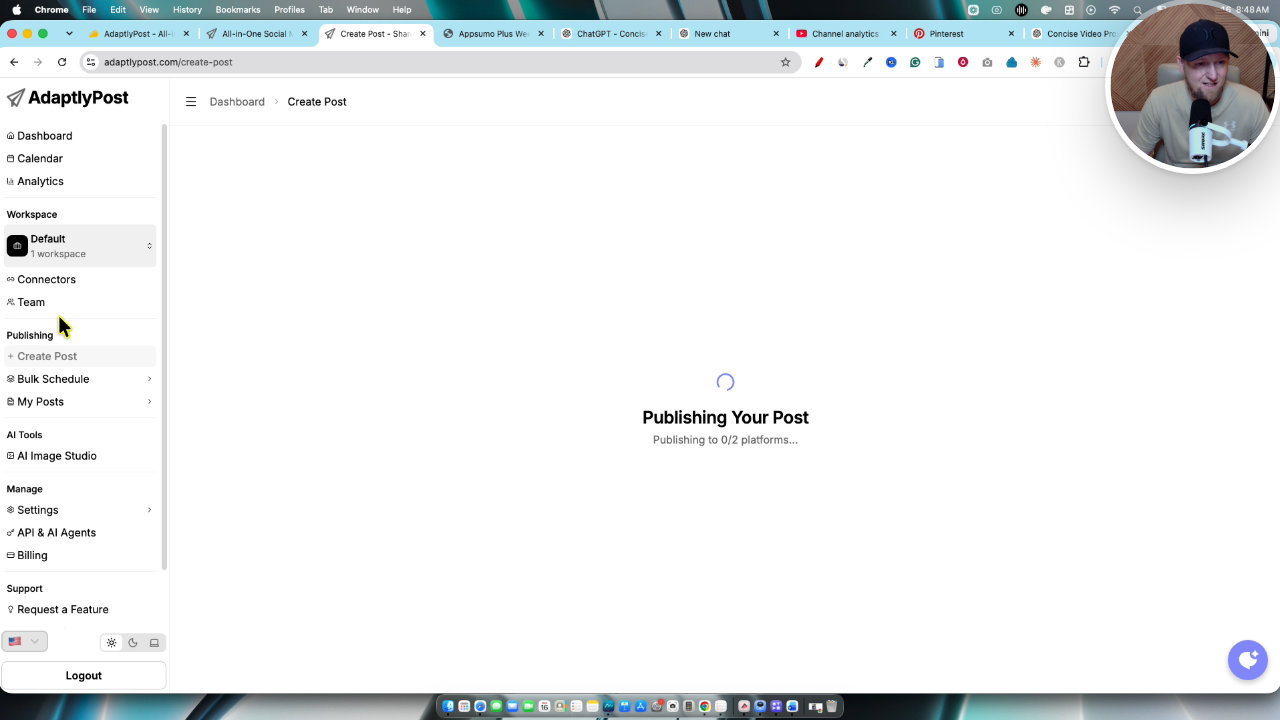
Then I tried a fresh prompt, a businessman in a coffee shop holding a cup that says I love coffee. That was fast and the quality was really good. So for new images from a prompt, I like it. For reference image work, it was weaker in my test.
Bulk scheduling, calendar and analytics
Bulk scheduling lets you drag and drop a CSV, apply captions to all posts and set the gap between posts. You could build a CSV with hundreds of posts, upload it and be done.
The calendar shows everything by day, week or month. The analytics tab pulled real data from my account, including followers and top performing posts, which I thought was a nice touch.
My verdict
I do not have many negatives. The image post flow means a detour through the Image Studio, and long videos are a headache, though that is partly a platform issue. Everything else felt fast and easy, from connectors to team members to workspaces.
I am on Tier 3, and with 1,400 credits a month it would be hard to run out, so it works well for an agency. The site also showed 1.1 million monthly visitors in under a year, which gives me confidence it will stick around. I give AdaptlyPost a **4.8 out of 5** and I highly recommend it.
Key features
Multi-platform publishing
You can plan, schedule and publish to nine social platforms. I connected Facebook, Instagram, TikTok, X, Pinterest and LinkedIn with a few clicks each.
Post types by platform
The create post flow lets you choose image, text or video posts, with options that depend on the platform. You can customize the caption and settings per platform.
AI Image Studio
Generates images from a prompt or a reference image in square, landscape or portrait formats. It offers standard and premium modes, AI resize, regenerate and AI edit.
Bulk scheduling
Upload a CSV file, apply captions to all posts and set the time between posts, such as 2, 8 or 12 hours.
Teams and workspaces
Inviting a team member takes an email address and a role of admin or member, then you assign them to a workspace.
Calendar and analytics
A calendar shows what is going out by day, week or month. The analytics tab pulled real follower and top post data from my account.
Connectors and API
The dashboard includes APIs, connectors and MCP options, plus an OpenClaw integration listed on the offer page.
Pricing
- 25 social accounts
- 200 credits per month
- 1 team member
- 3 workspaces
- Unlimited scheduled posts
- 50 social accounts
- 605 credits per month
- 5 team members
- 15 workspaces
- 100 social accounts
- 1,400 credits per month
- 20 team members
- 50 workspaces
Pros and cons
What I liked
- Connecting Facebook, Instagram, TikTok, X, Pinterest and LinkedIn was quick and easy
- Unlimited scheduled posts even on License Tier 1
- Adding team members and switching workspaces is simple
- AI Image Studio is fast and good for prompt-based images
- Bulk scheduling by CSV and a calendar view are built in
- Analytics pulled in real data from my accounts
What could be better
- The AI Image Studio made text mistakes when I used a reference image, even on premium
- Long videos are a problem, since my 14 minute video errored on some platforms and took a while to post
- You need your images ready before creating an image post, so you go to the Image Studio first
- The caption field is not AI generated inside the post flow, and the per-platform settings felt confusing
Who it's for
Solopreneurs and creators
You need an efficient tool that handles scheduling and creates assets without a pile of separate subscriptions.
Small teams
Team invites, roles and workspaces are easy to manage.
Agencies and SMMA owners
Tier 3 has 100 social accounts, 1,400 credits a month and 50 workspaces, which suits managing multiple brands.
Limitations: when to look elsewhere
- If you mainly post long-form videos, expect errors and slow uploads. I would keep videos to two minutes or less.
- If you need perfectly accurate text inside AI images, expect to fix it manually.
FAQ
Reader reviews
AdaptlyPost alternatives
 AppSumo
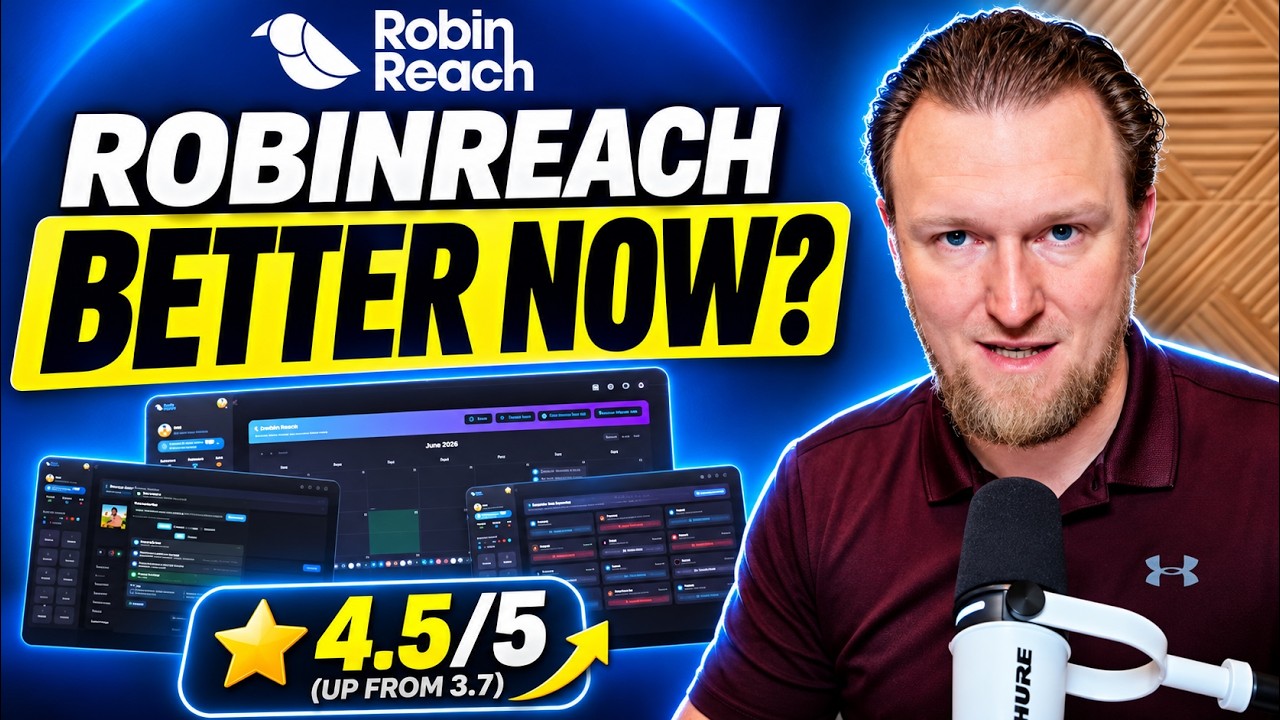
RobinReach
Social media scheduler with AI posts, repurposing, automations and MCP for Claude and ChatGPT.
 Not on AppSumo now
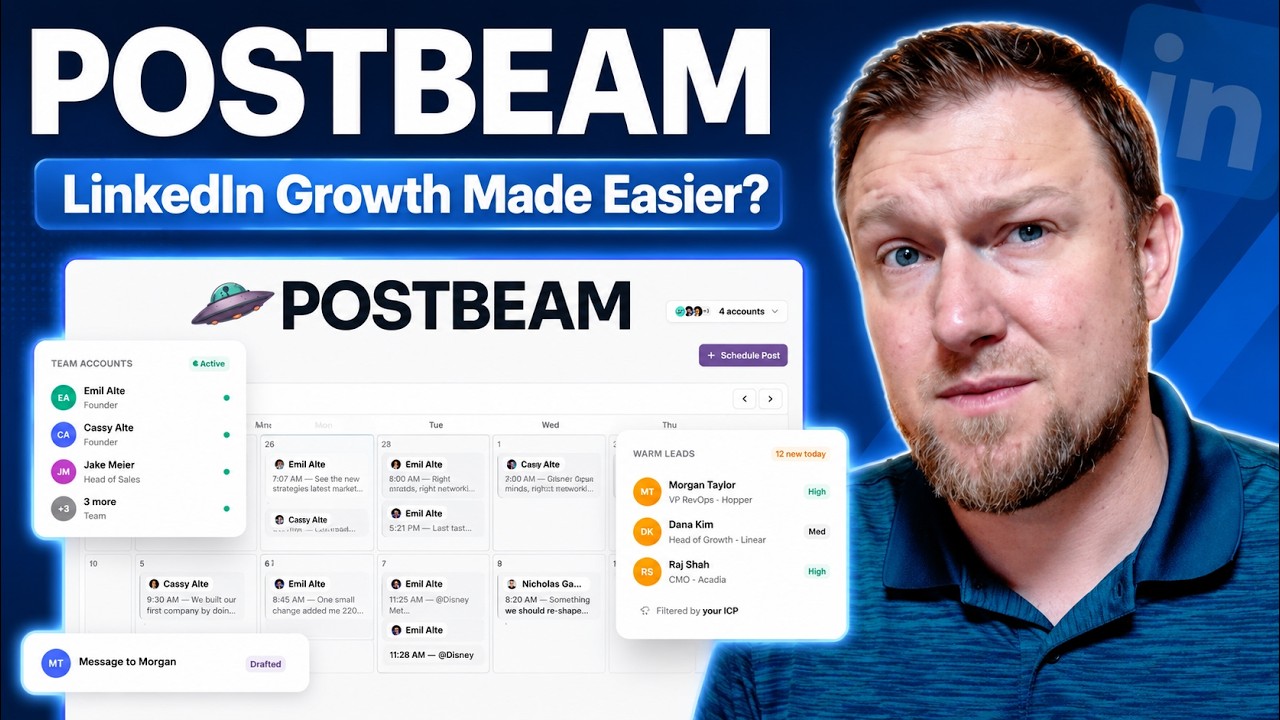
Postbeam
AI tool that drafts, schedules and manages LinkedIn posts and turns engagement into leads.
 WarriorPlusMy Product
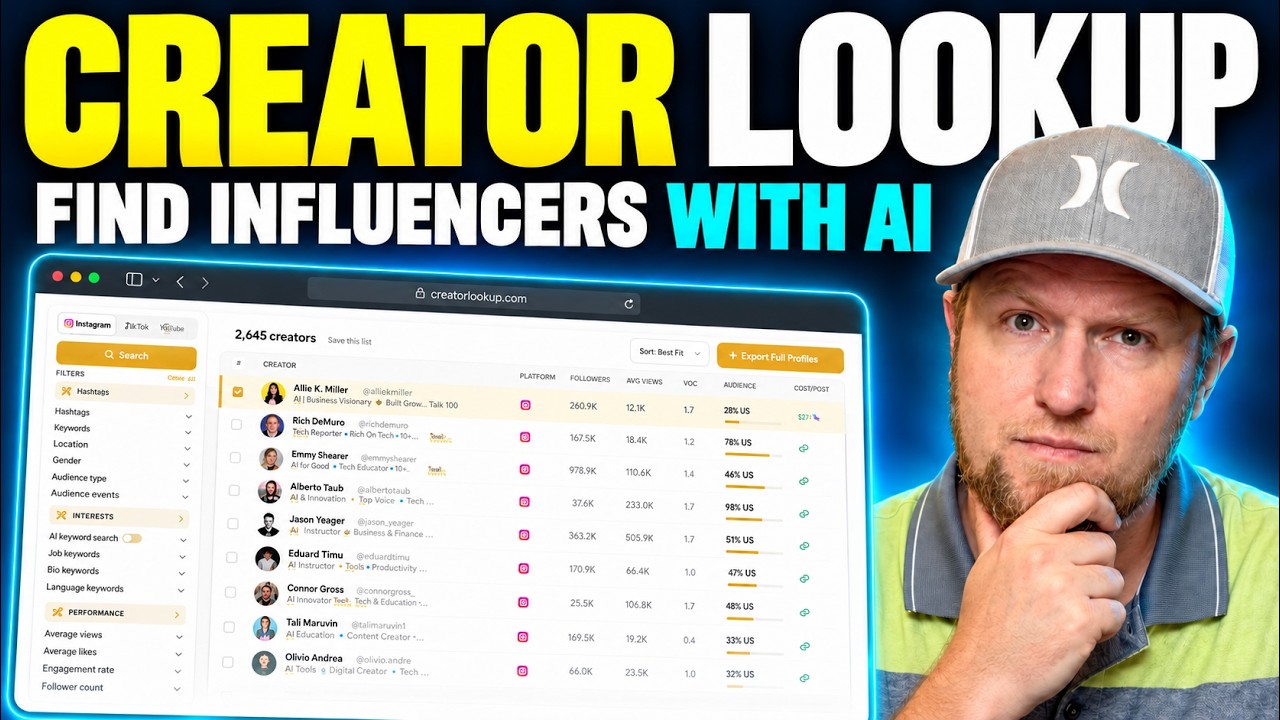
Creator Lookup
Search 400M+ creators on Instagram, TikTok and YouTube and export verified emails.