Creator Lookup
Search 400M+ creators on Instagram, TikTok and YouTube and export verified emails.
Watch my full review
- What it is
- Creator Lookup is an AI-powered influencer database covering 400 million plus creators across Instagram, TikTok and YouTube. You filter, unlock contact details and export lists for outreach.
- Pricing
- The lifetime deal runs $59 for license tier one, $119 for tier two and $229 for tier three, and I recommend tier two or higher.
- Best for
- E-commerce brands, marketing agencies, social media marketers and SaaS creators who want paid creator reviews to drive traffic.
My review
I built Creator Lookup, so this Creator Lookup review comes from the person who made the influencer search tool for Instagram, TikTok and YouTube. What stood out when I ran a search was how quickly 4,197 YouTube creators narrowed to a workable list once I filtered by views. If you want the best way to find influencers for paid sponsorships, this is the workflow I use.
I built Creator Lookup and sell it on WarriorPlus, so I'm showing you what it does as the creator, not as a neutral reviewer. The deal is also live on AppSumo as a lifetime deal. The goal is simple: find influencers who fit your product, get their contact details and reach out about paid reviews.
Why I Made It
I get 10 to 15 people reaching out to me daily who are willing to pay me for videos. I rarely accept, but I've taken between $200 and $1,000 per video. That tells me paid creator sponsorships work, and most people just don't know who to contact.
Getting Started
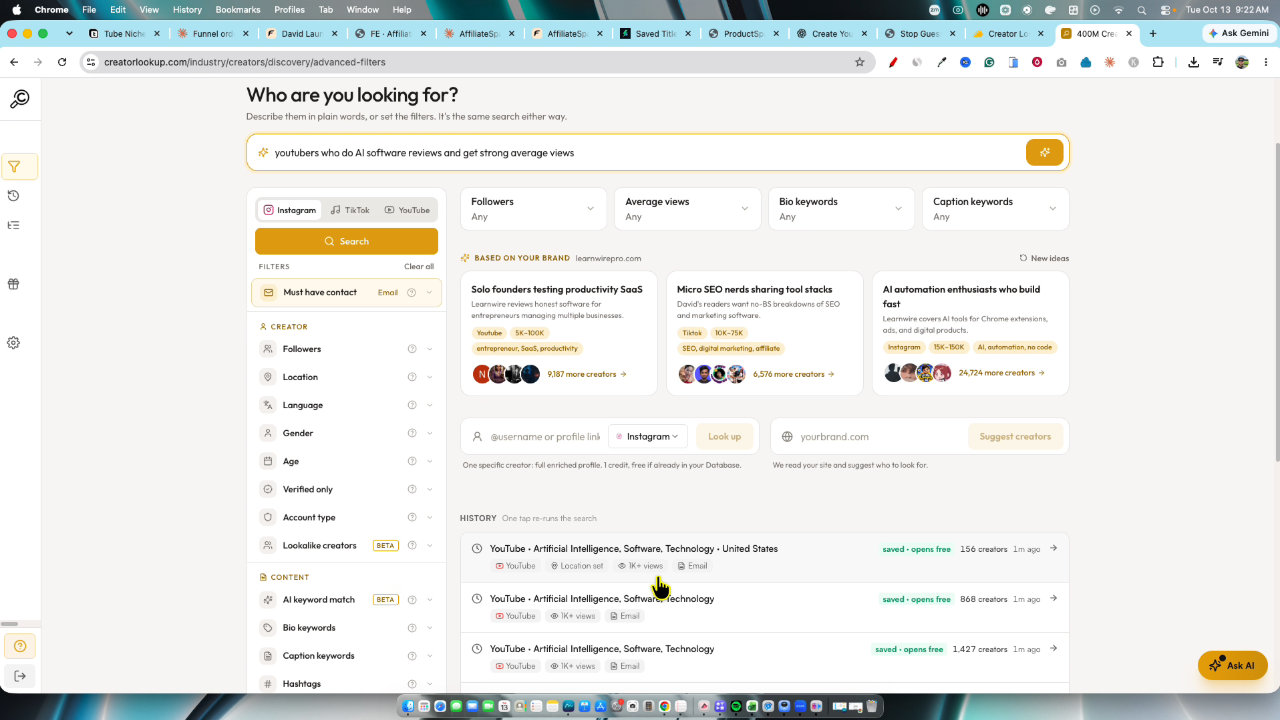
Onboarding asks a few questions, including your website or product. I put in learnwirepro.com. Based on that, the app suggests new creator groups each time you log in, like solo founders testing productivity SaaS or micro SEO nerds sharing tool stacks.
Here's a flaw I'll be honest about: I recently launched ProductSpark and wanted to promote that instead. I couldn't find where to change the product in settings. It doesn't matter much since the suggestions were still relevant, but I may have to reach out to support on that.
Searching With AI
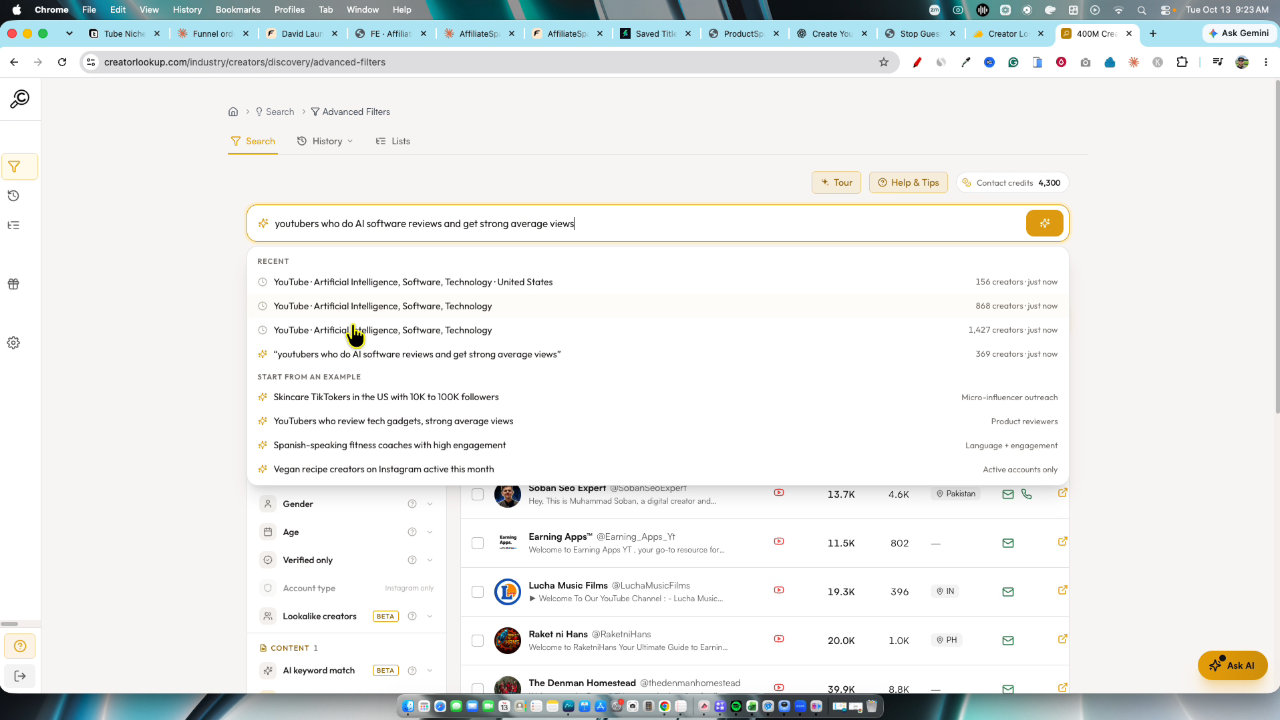
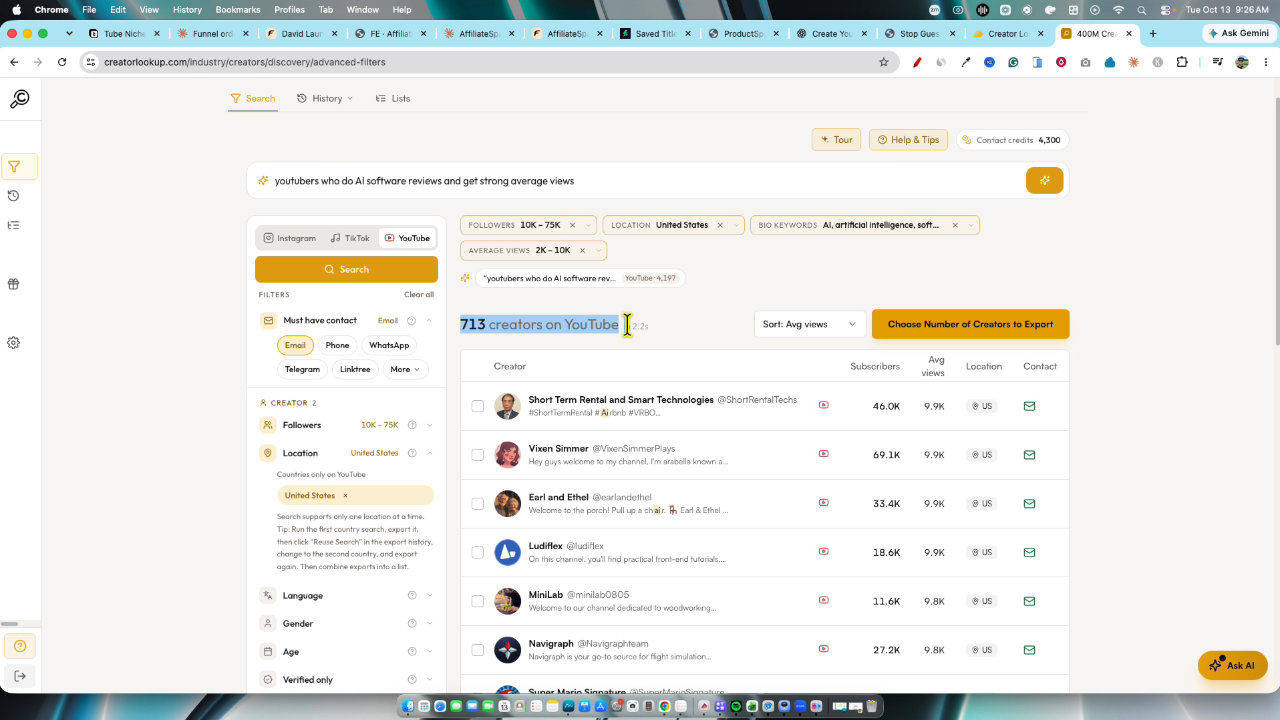
The best part is the search box. You write what you want in plain language. I typed YouTubers who do AI software reviews and get strong average views. It ran the search and gave me a rundown, and I could ask follow-up questions to refine it.
That gave me 4,197 YouTube creators, which is far too many. I don't want someone with 50 million views, because that just won't work on a normal budget.
Filtering Down to a Useful List
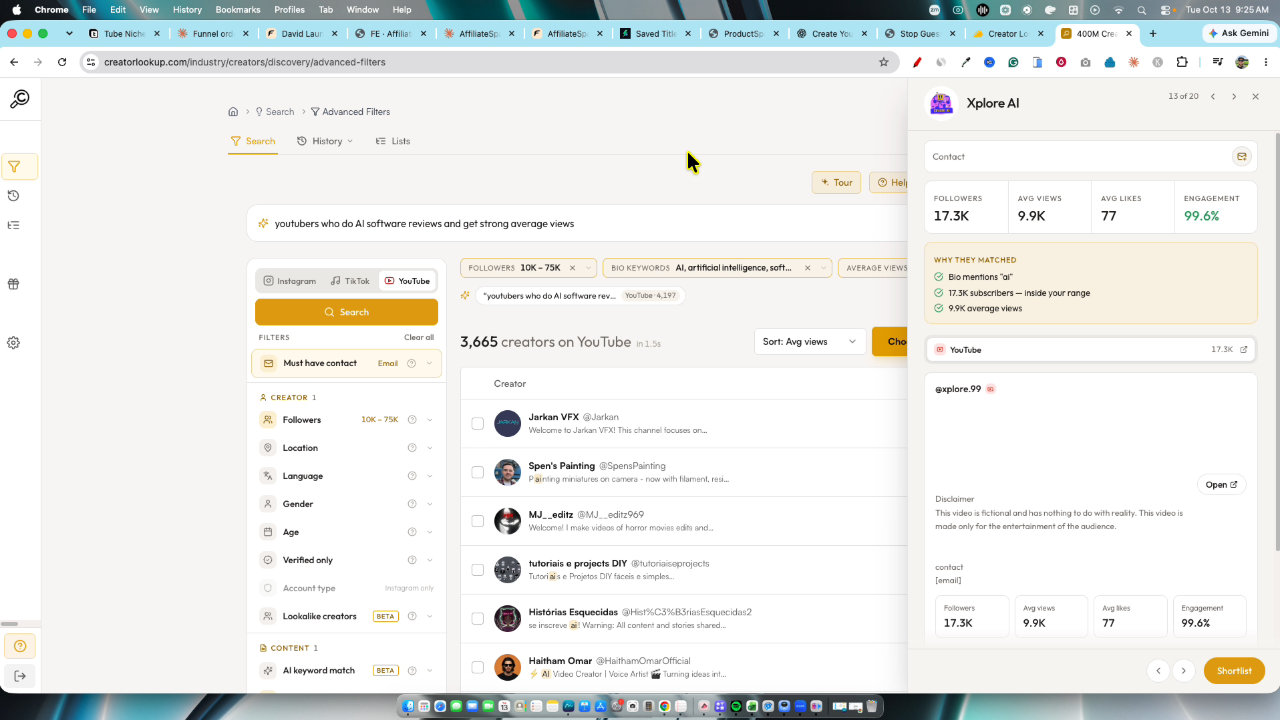
Setting the filter to 1,000 plus views still lets in plenty of creators with millions. So I set average views from 2,000 to a max of 10,000. Then I set language to English and location to United States, which brought it to about 700 creators.
You can also filter by followers and bio keywords. I added AI and software, and I used the exclude box for words like wood, since a woodworking channel won't fit. You'll still sort through some results by hand.
Unlocking Contacts and Exporting
Click any creator and a panel opens. Contact defaults to must-have contact, and you can choose email, phone, WhatsApp, Telegram, Linktree and more. Email is the one I care about.
Then you choose how many creators to export. I picked 100, and it shows exactly how many credits that uses. After the export, hovering the email shows the address. I'd download the CSV and send a set number of emails per day.
History and Exports
Your history keeps past searches. Even if you don't press save, the export is still under exports. You can add creators to a list, refetch live data and stats, or just manage everything from the CSV, which I find easier.
The Budget Reality
This is a paid marketing tool, so plan your spend. With a $1,000 budget and $200 per video, you get five videos. Serious creators probably won't go below $200, and the lowest you'll likely see is around $100. Below that, you probably won't get many views or commercial intent.
You can also sweeten the offer with an affiliate program, like $300 for the video plus 30, 40 or 50 percent of sales.
My Verdict
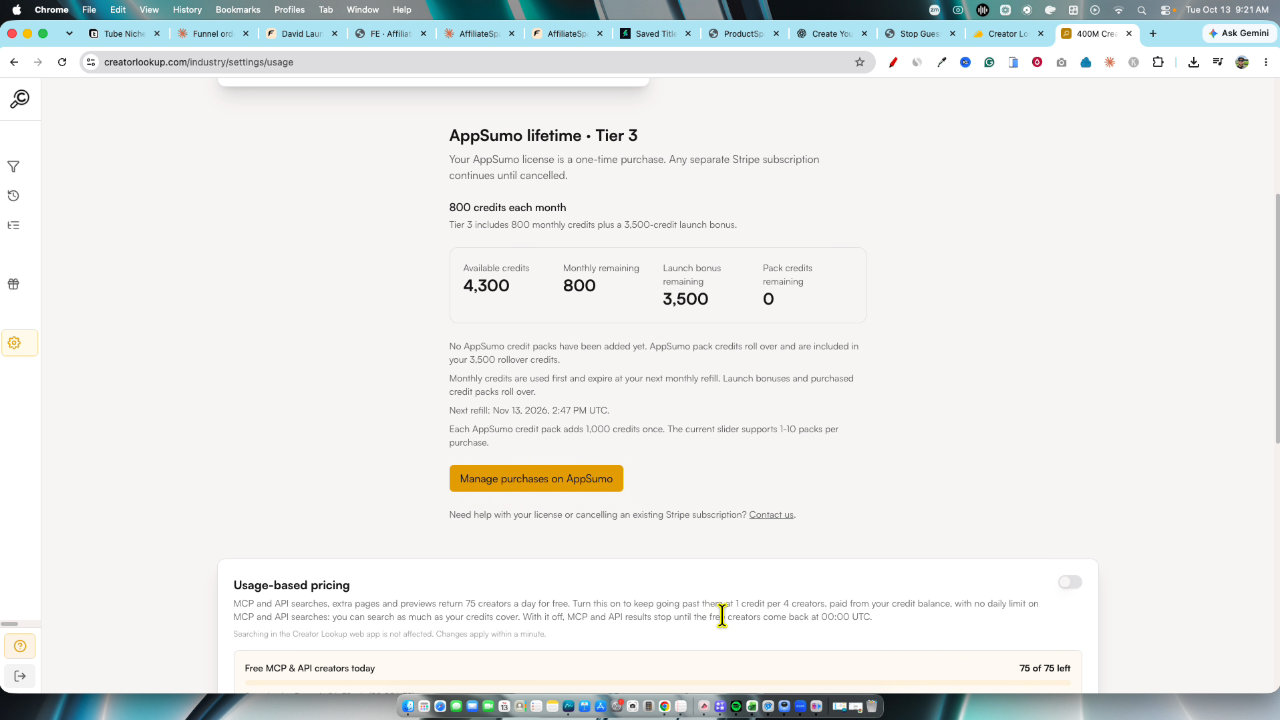
It's a very simple app, and that's a strength. I recommend tier two or higher: it has the extra 1,500 launch bonus credits and 300 exports a month. The product switching issue is my main complaint. If you just built a tool and want real traction, this is a solid alternative to running paid ads.
Key features
400M+ creator database
Search creators across Instagram, TikTok and YouTube. All tiers get access to the full database, and the difference is how many you can export.
AI search box
Type what you want in plain language, like YouTubers who do AI software reviews with strong average views, and it runs the search and summarizes the results. You can ask follow-up questions to refine it.
Filters
Narrow by platform, view counts, language, location, followers, bio keywords and exclude keywords. I used a 2,000 to 10,000 average views range and added exclusions like wood.
Contact unlocking and export
Choose how many creators to export and see exactly how many credits it uses. Exports include verified emails and can be downloaded as a CSV.
Daily creator suggestions
Based on the website you enter during onboarding, it surfaces new creator groups such as solo founders testing productivity SaaS.
History and exports
Past searches and exports are saved, so you can go back to your results even if you did not press save.
Lists and live data refresh
Add creators to lists and refetch live data and stats to update information.
MCP access
Tier three includes MCP so you can use it with Claude or ChatGPT.
Pricing
- 100 email exports per month
- Full 400M+ creator database
- 300 exports per month
- 1,500 launch bonus credits
- Full 400M+ creator database
- 800 exports per month
- MCP access for Claude or ChatGPT
- Full 400M+ creator database
Pros and cons
What I liked
- Huge database across Instagram, TikTok and YouTube
- Plain-language AI search plus detailed filters
- Credit cost is shown before you export
- CSV export makes outreach easy to manage
- Exports are saved in history automatically
What could be better
- I couldn't find a way to change the website or product after onboarding
- Results can include irrelevant creators, like woodworking channels, so you still have to sort through them
- The email signal on profiles wasn't where I expected it
- Outreach and sponsorships still cost real money
Who it's for
SaaS founders
If you just built a tool and want traction, paid creator reviews are a different take on running ads.
E-commerce brands
Find creators in your niche and reach out about sponsored content.
Marketing agencies
Pull targeted creator lists with emails and export them as CSV for campaigns.
Social media marketers
Filter by views, location and keywords to find creators who fit a campaign.
Limitations: when to look elsewhere
- If you want a tool that sends outreach emails for you, this is not that. I export to CSV and send emails myself.
- If you need to switch products often, the lack of an obvious way to change your product after onboarding may annoy you.
FAQ
Reader reviews
Creator Lookup alternatives
 AppSumo
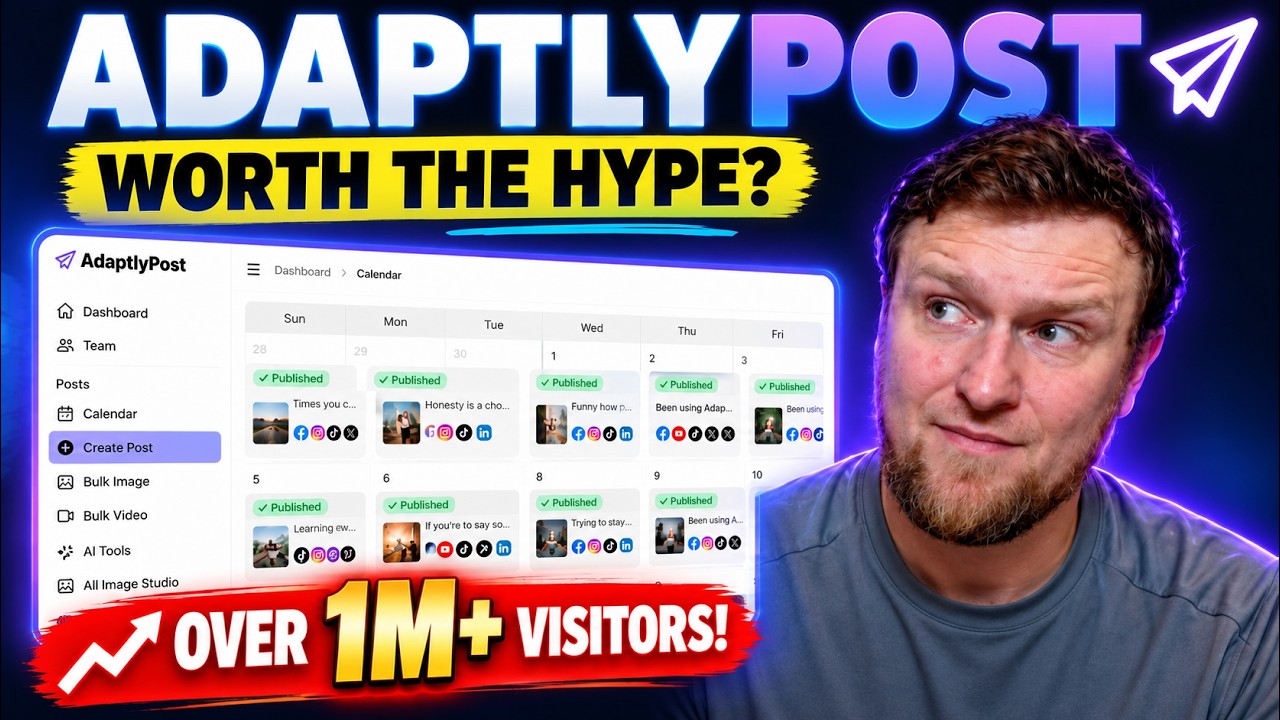
AdaptlyPost
Plan, schedule and publish to nine social platforms with AI captions, images and automations.
 AppSumo
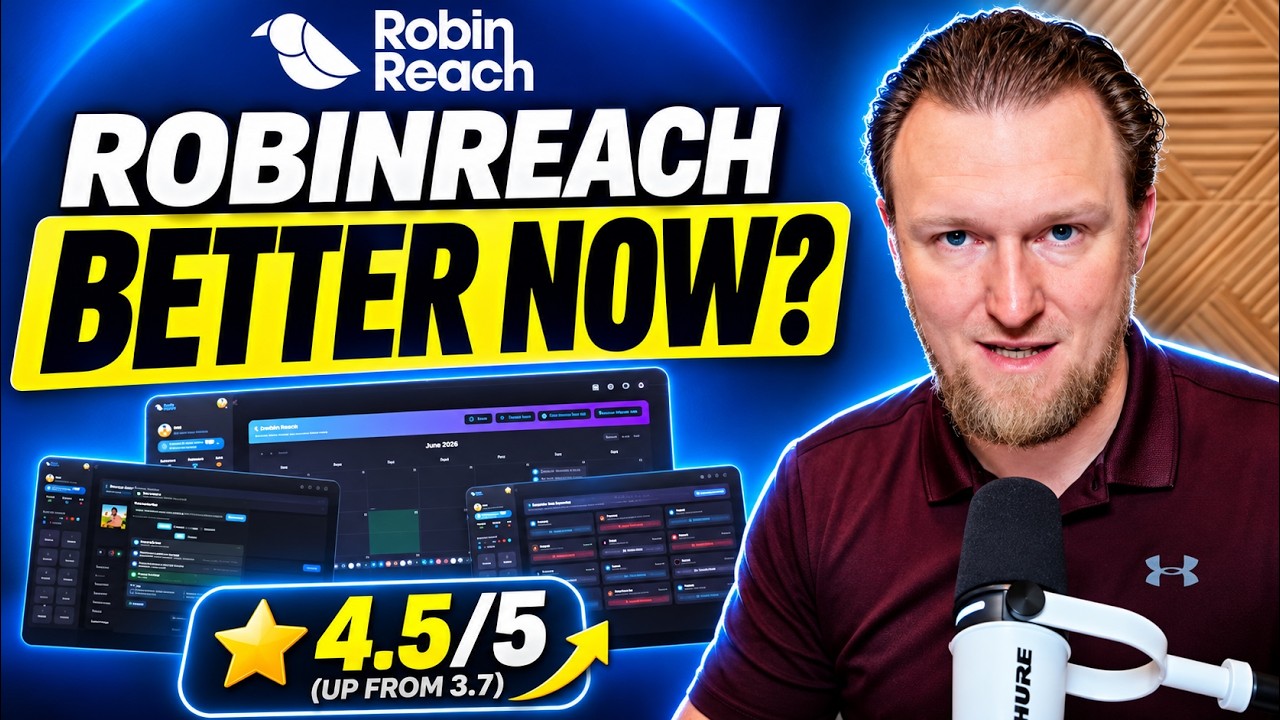
RobinReach
Social media scheduler with AI posts, repurposing, automations and MCP for Claude and ChatGPT.
 Not on AppSumo now
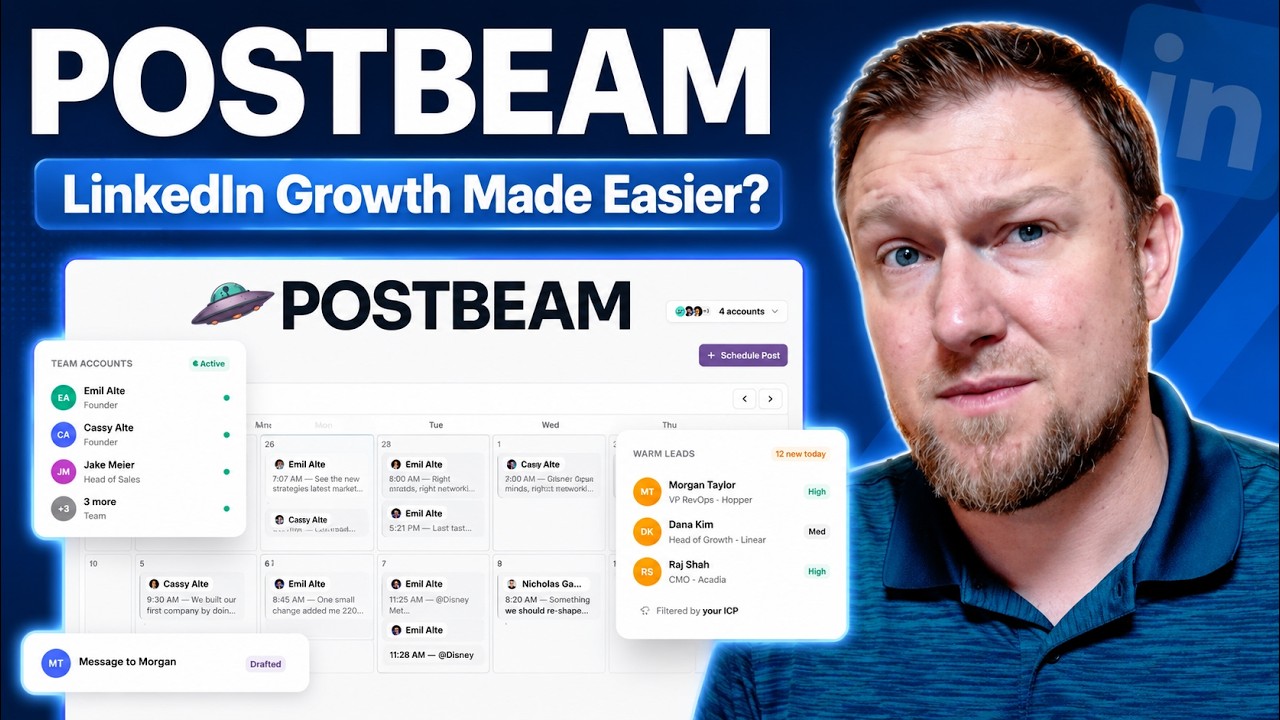
Postbeam
AI tool that drafts, schedules and manages LinkedIn posts and turns engagement into leads.