RobinReach
Social media scheduler with AI posts, repurposing, automations and MCP for Claude and ChatGPT.
Watch my full review
- What it is
- RobinReach is a social media scheduling and automation platform with a calendar, AI post and image generation, content repurposing, an inbox and MCP/API integrations.
- Pricing
- License Tier 1 is $69 on AppSumo during the launch window, with higher tiers adding more profiles, AI usage and features, and prices were set to rise after about 43 hours.
- Best for
- Beginners and small teams who want simple scheduling now, with room to automate through Claude or ChatGPT on License Tier 2 or higher.
- LearnWire's Rating
- 4.5 / 5
My review
Here is my RobinReach review, a social media scheduling and automation tool that now includes AI post writing and MCP support. What stood out most was that the post I created and published this time worked flawlessly, which was not my experience last time. If you are looking for the best social media scheduler with MCP for Claude, the tier you pick matters.
I first reviewed RobinReach in May 2025 and gave it a 3.7 out of 5. It came back as part of AppSumo's Black Friday 2026 marketing drop, so I wanted to see what changed after roughly 18 months.
Why I Took a Second Look
The tool has been around since 2023, holds a 4.6-star rating across 112 AppSumo reviews, and has sold over 20,000 licenses. The refund rate sits at 19%, which is not horrible. My main reason for revisiting it is that I had trouble posting last time, and that was a big part of the lower score.
Customer support was one thing I praised before, and it still looks strong. There is a help center, email support, live chat with a wait under 5 minutes, and a community. I like seeing all those options in one place.
The Dashboard Has Barely Changed
Watching my old video, the platform looks almost the same. I see that as a good thing, because it is still simple and easy for beginners. I never feel lost about what to do next.
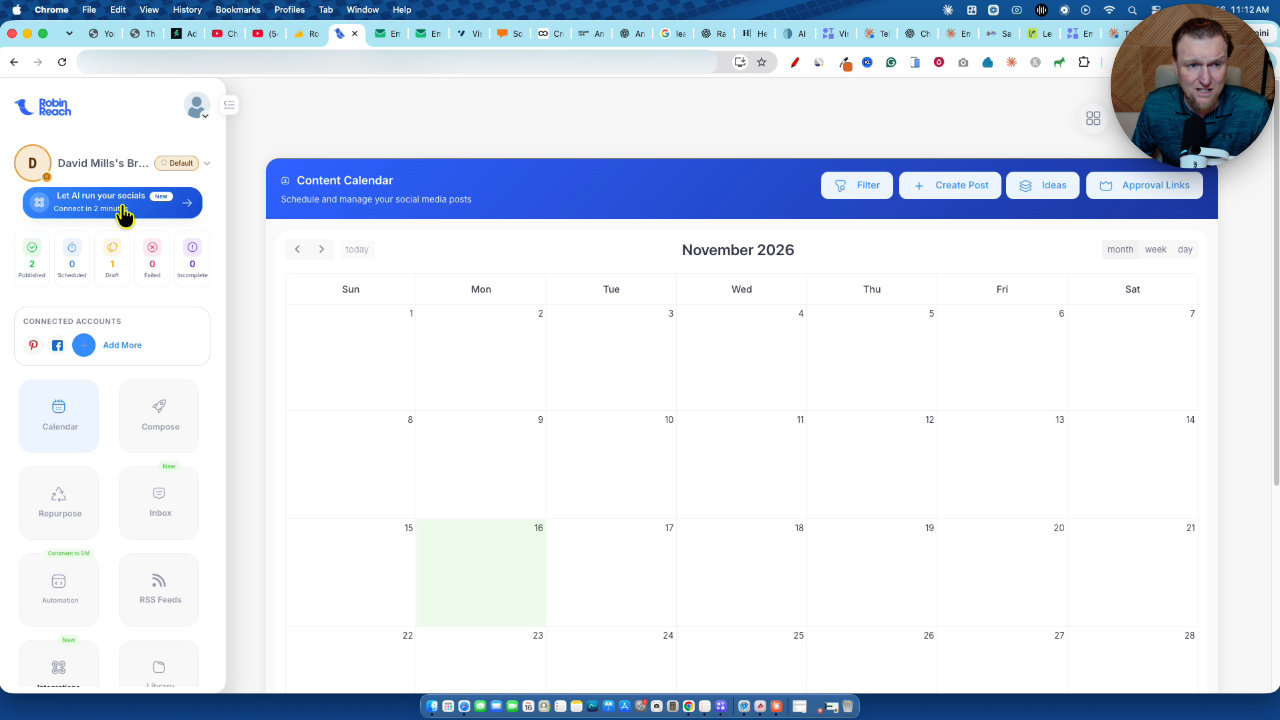
The calendar is the home base, with a new option to let AI run your socials. Compose is right there, with labels, hashtag groups, write with AI, media options and AI image all within reach.
Repurposing, Inbox and Connections
The repurposing area lets you create tasks from a source, like my LearnWire Reviews page on Facebook, and turn that content into new posts. It also lists social import and converting an article into platform-ready posts. The inbox is new and lets you answer comments inside the dashboard, which I love.
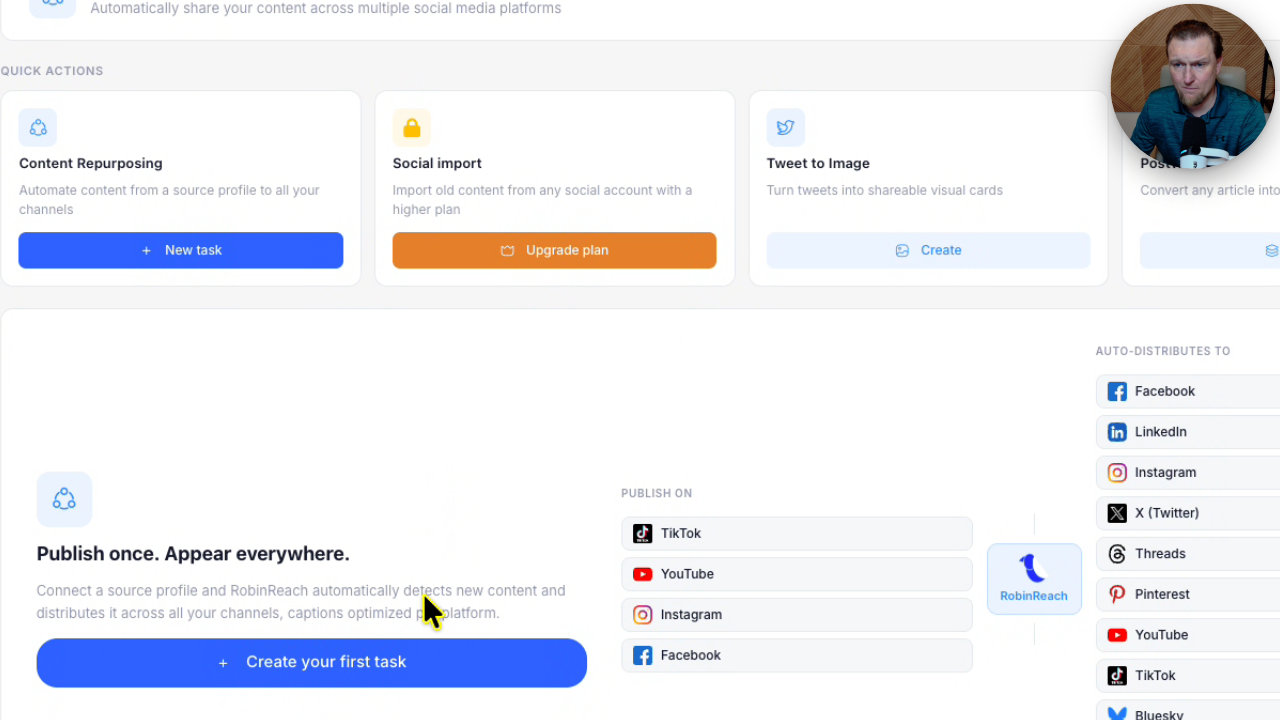
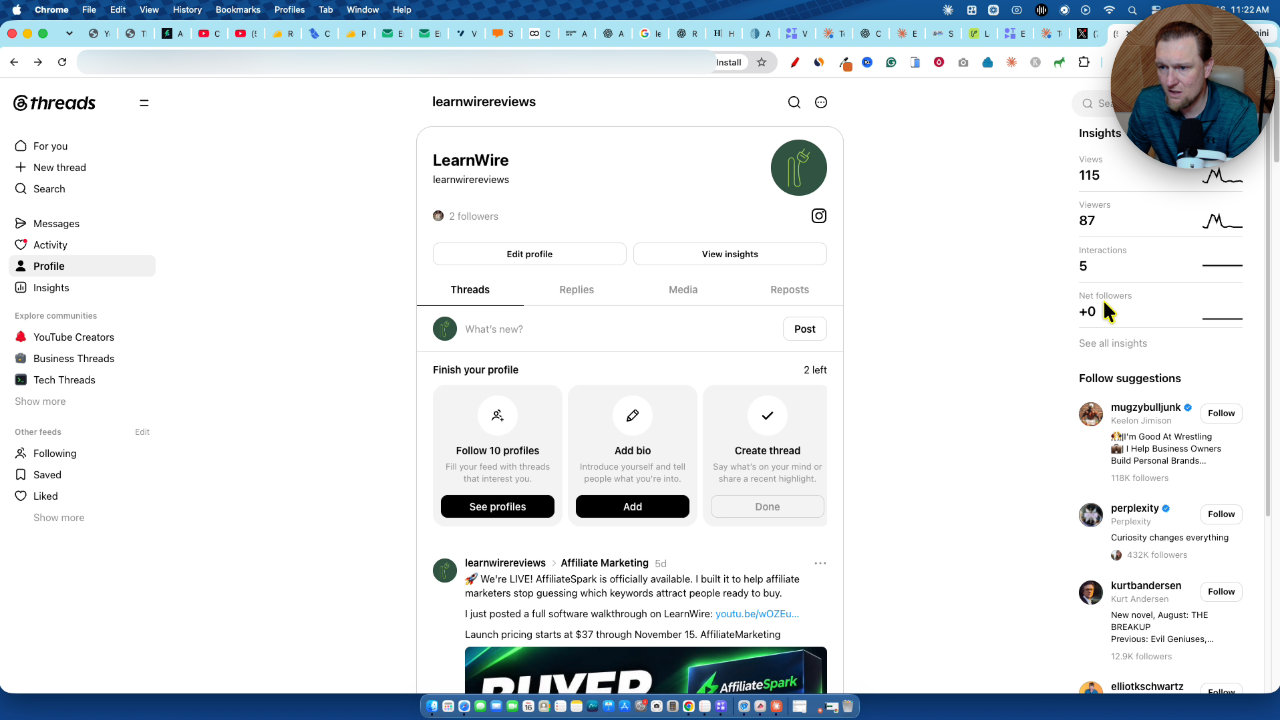
On the connections side, they now support Threads, which I connected during the video, and I could see comments coming in on my Threads account. I would like to see it connect to any website instead of just WooCommerce, WordPress, Etsy and Shopify.
The Tier Surprise With X
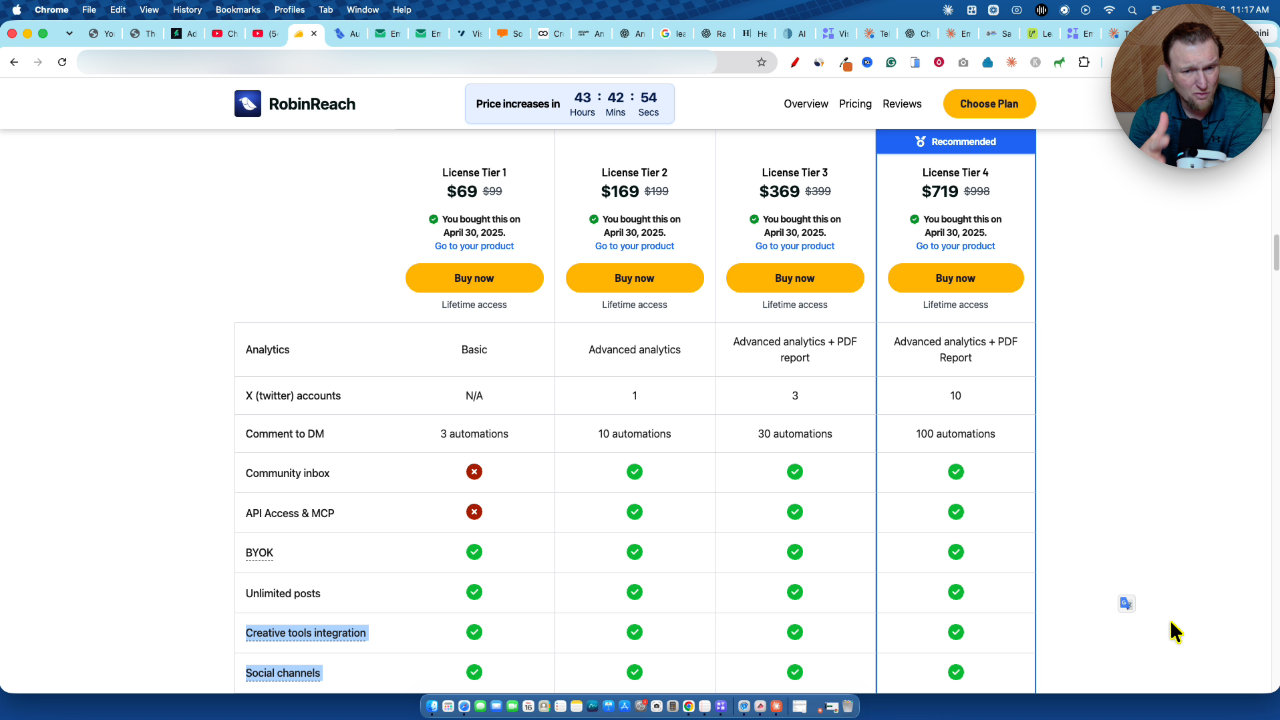
I tried to add X and the tool asked me to upgrade. I assumed I was on Tier 2, but I checked and I am on License Tier 1. Tier 1 does not allow X and does not include MCP. That is exactly why I say go for Tier 2 or higher.
MCP and Automation
For me, MCP is the big winner. On Tier 2 or higher you get API access and MCP, with connection details for Claude, ChatGPT and a REST API. You connect your social accounts in RobinReach, link the MCP, and then prompt Claude or ChatGPT to schedule and post for you.
You also skip applying for developer apps with platforms like Pinterest and waiting months for approval. I already run something similar with other tools, and it works well. I did not set up the MCP in this video, but if you want a tutorial, comment "MCP Social Tutorial".
Creating and Publishing a Post
This was the test that mattered. I opened compose, chose write with AI, picked share a tip and pointed it at AnswerRank. It generated a post that I accepted with use this post.
Then I generated an AI image. I chose a landscape size and a premium style. The image looked great, though I would rather use branded graphics, and the tool had already pulled in an image from my review.
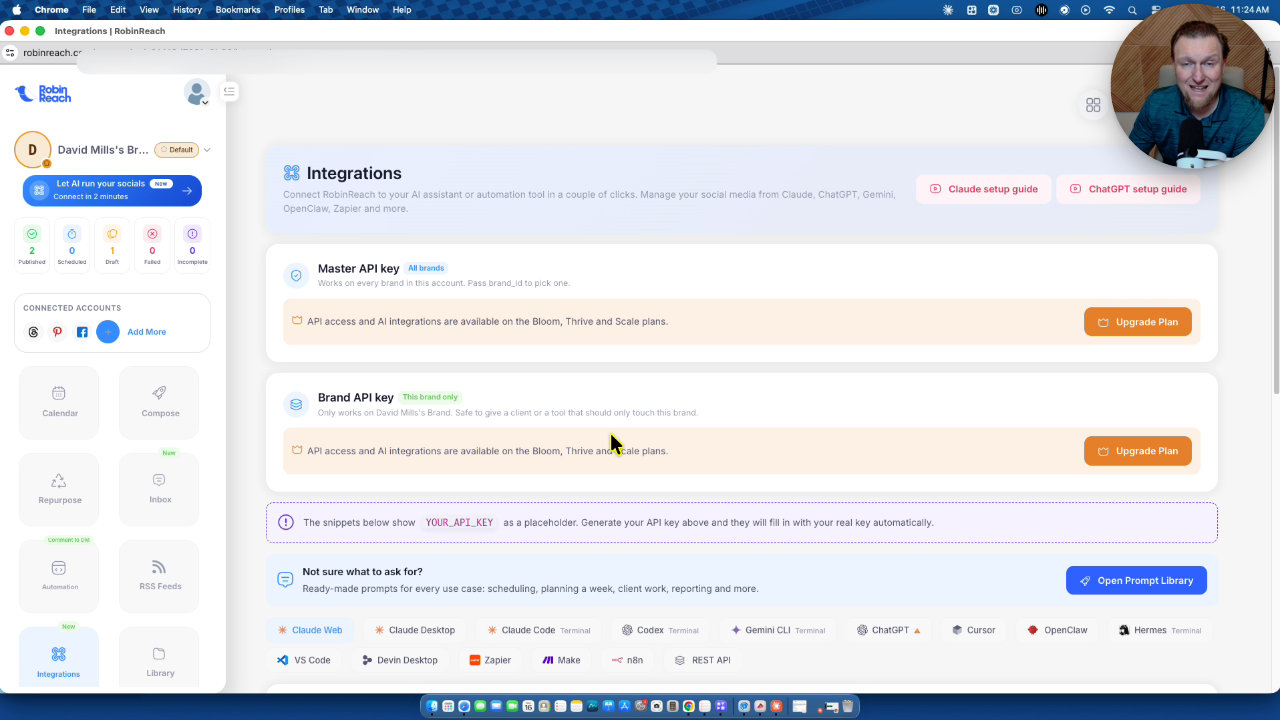
I selected only Facebook, since the post was not optimized for Pinterest, and hit publish now. The post went live on my LearnWire Reviews page with no bugs and nothing broken. Compared to a year and a half ago, this is night and day.
My Verdict
Not a lot has changed in the interface, and I think it is extremely solid. The simple layout, unlimited posts, improved AI tools and MCP make the lifetime deal very attractive. Watch the AI generation caps, and buy Tier 2 or higher unless you are sure you do not need X or MCP.
I am moving my rating up to 4.5 out of 5 stars. I can absolutely recommend it, and the AppSumo link is in the description.
Key features
Scheduling calendar
A clean calendar and compose screen where you write posts, add labels and hashtag groups, and publish now or schedule.
AI post writing
Pick a goal like sharing a tip, give it a topic, and the AI drafts the post. You can then use it as is or run AI optimize.
AI image generation
Generate an image in different styles and sizes right inside the composer. Licence tiers cap monthly image generations, with 20 per month on Tier 1.
Content repurposing
Set up tasks that use a source, like a Facebook page, and turn content into platform-ready posts. Social import and article conversion are also listed.
MCP and API access
Connect RobinReach to Claude or ChatGPT to schedule and post through prompts. This needs License Tier 2 or higher.
Unified inbox
A new inbox lets you see and answer comments on your content from inside the dashboard.
Many platform connections
I connected Facebook, Pinterest and Threads, and the tool also lists LinkedIn, YouTube, Telegram, WordPress, WooCommerce, Etsy and Shopify.
Automations and link shorteners
Comment-to-DM style automations and RSS feeds are built in, along with link shortener integrations like Switchy and Bitly.
Pricing
- Unlimited posts
- 5 social profiles
- 20 AI image generations per month
- No X connection
- No MCP access
- X (Twitter) connection
- API access and MCP
- More profiles, automations and AI usage as you move up
Pros and cons
What I liked
- Simple, clean interface that stays beginner-friendly
- Created and published a post with AI text and an AI image without any bugs
- Unlimited posts, even on License Tier 1
- MCP and API access lets Claude or ChatGPT run scheduling and automation
- Fast, well-rated support options including live chat
- Over 3 years old, 4.6 stars across 112 AppSumo reviews
What could be better
- License Tier 1 cannot connect X or use MCP
- AI image generations are limited, 20 per month on Tier 1
- Website integrations are limited to WooCommerce, WordPress, Etsy and Shopify
- 19% refund rate on AppSumo
Who it's for
Beginners
If you want social scheduling without a complicated interface, the layout is easy to follow.
Creators and small businesses
Unlimited posts and multiple platforms make it practical for steady content posting.
AI automation fans
If you use Claude or ChatGPT, the MCP connection lets you automate scheduling and posting.
Teams and assistants
You can hand the tool to an assistant to manage your social media day to day.
Limitations: when to look elsewhere
- If you need X posting, skip License Tier 1 since it is not included.
- If you want heavy AI image use, check the monthly generation caps on your tier.
FAQ
Reader reviews
RobinReach alternatives
 AppSumo
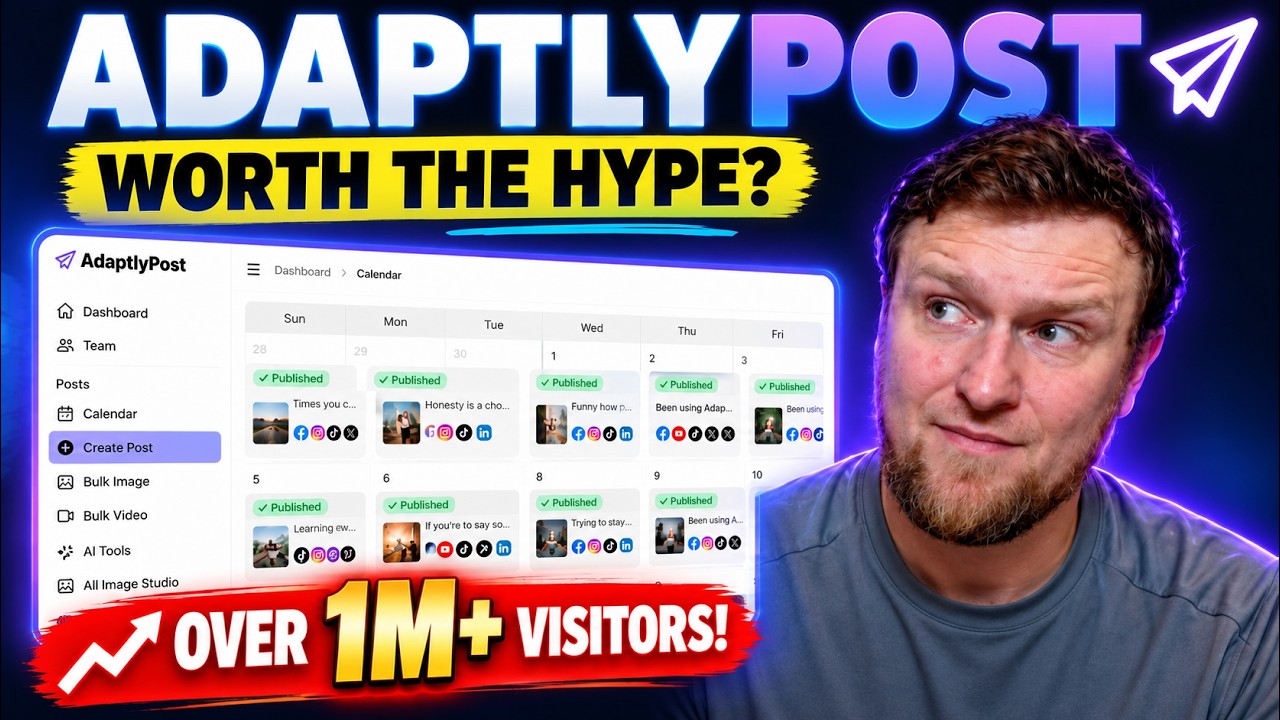
AdaptlyPost
Plan, schedule and publish to nine social platforms with AI captions, images and automations.
 Not on AppSumo now
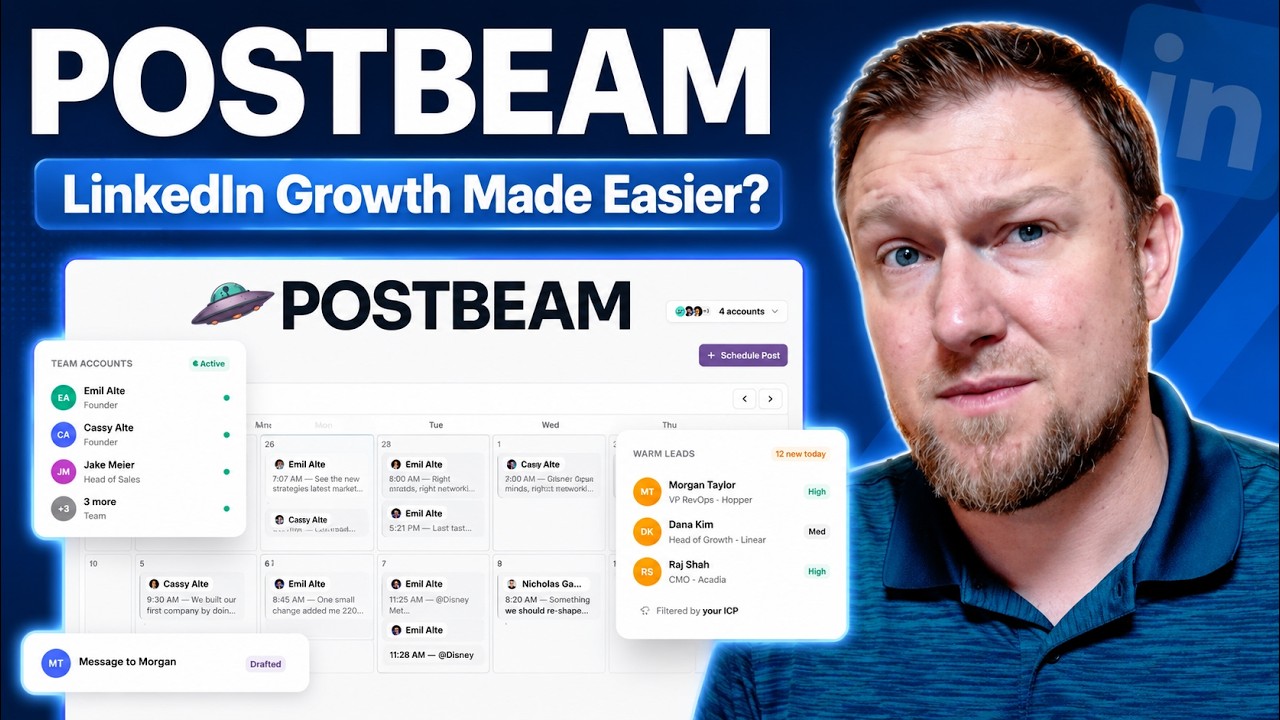
Postbeam
AI tool that drafts, schedules and manages LinkedIn posts and turns engagement into leads.
 WarriorPlusMy Product
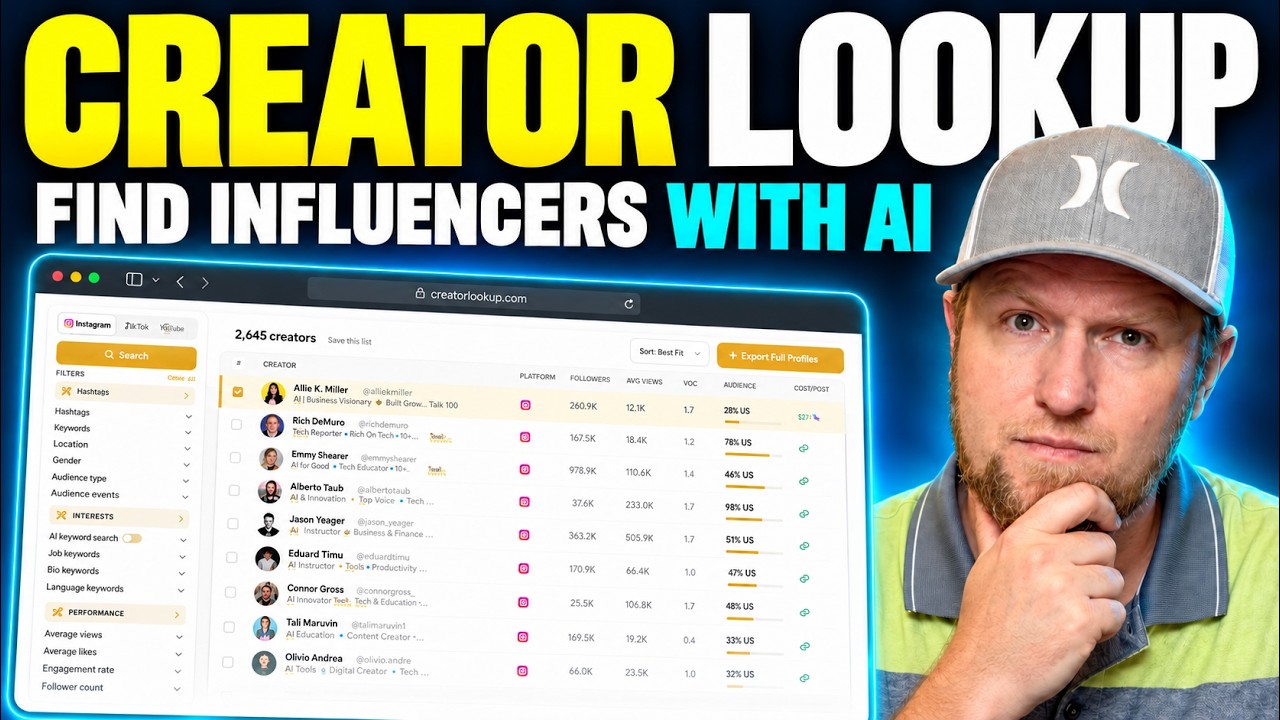
Creator Lookup
Search 400M+ creators on Instagram, TikTok and YouTube and export verified emails.