Supergrow
AI LinkedIn content, scheduling and team approval workflows in one workspace.
Watch my full review
- What it is
- Supergrow is an AI LinkedIn growth platform that writes posts in your brand voice, repurposes content, schedules posts, builds carousels and manages team approvals.
- Pricing
- The AppSumo lifetime deal runs $99, $169 or $369 depending on how many LinkedIn accounts you need.
- Best for
- Marketing teams and agencies growing on LinkedIn, and solo creators who want to repurpose existing content.
- LearnWire's Rating
- 3.9 / 5
My review
Thanks for checking out my Supergrow review, the AI tool for creating, scheduling and tracking LinkedIn posts for you or your team. What stood out right away was how fast it turned one of my website articles into a post, while the setup and navigation slowed me down. If you want the best AI tool for repurposing content on LinkedIn, here is how it went.
There are a ton of new tools on AppSumo during Black Friday, and Supergrow was buried deep enough that I had to scroll to find it. Most LinkedIn tools on there are prospecting tools. This one is built around teams, which is why I wanted to look at it.
Why Supergrow is different
The sales page pitches post ideas from meetings and Slack, a 15 minute AI interview that becomes 3 to 5 drafts in your voice, and one board to approve, schedule and track every teammate's posts. It reminded me of video review tools where you leave comments at exact moments, only for LinkedIn.
I don't have a team, so it is not a perfect fit for my business. I demoed it from a solopreneur angle and used the account I had on Tier 3.
Setup and Content DNA
The onboarding asks how many people you want to activate and what you are trying to solve. It all points at sales and marketing teams. I connected my own LinkedIn profile and created a workspace.
Then comes the Content DNA, your brand voice. The founder's walkthrough shows this being pulled automatically from your LinkedIn profile, but that did not happen for me. I had to fill it in myself.
That took 15 to 20 minutes. I screenshotted the questions and had Claude answer them, but each answer still needed an add button click. A paste-it-all-in box would save a lot of time.
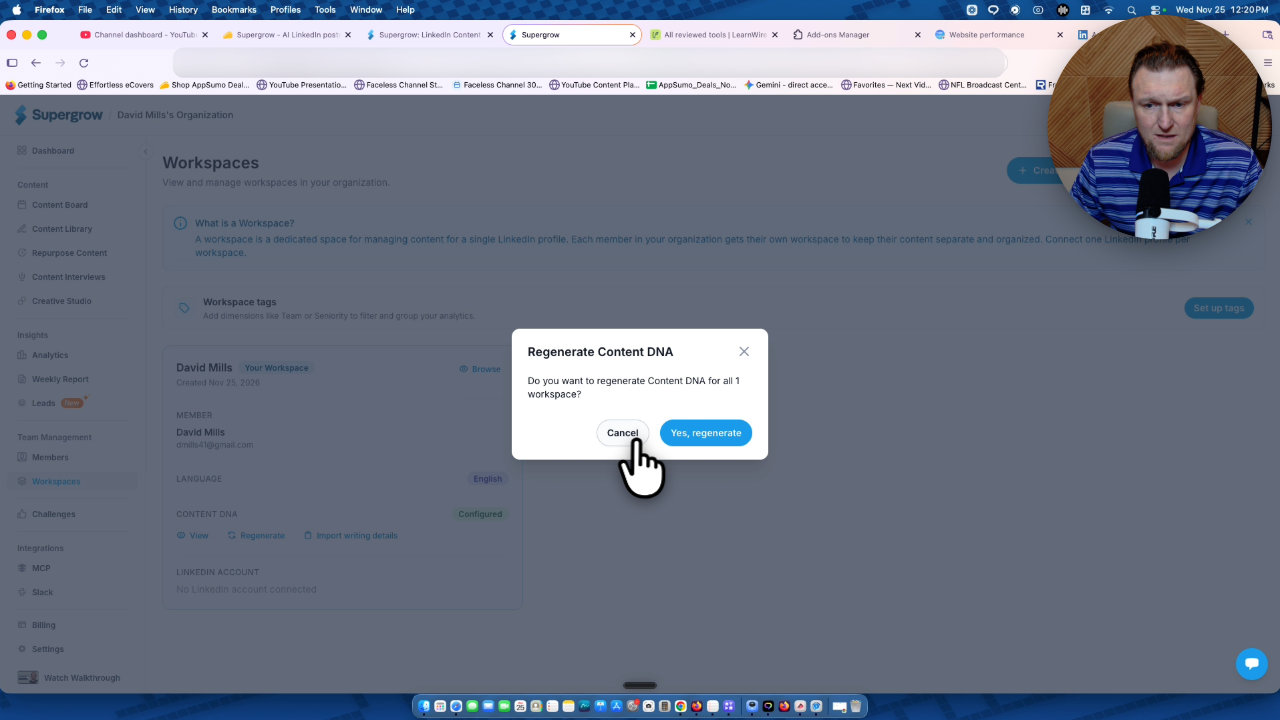
Once saved, it showed an identity score and content pillars based on what I entered. That part was pretty cool.
Repurposing an article
This is where Supergrow impressed me. I pasted the URL of my Nexter review from my website, set the length under 300 words with a conversational tone, and hit generate.
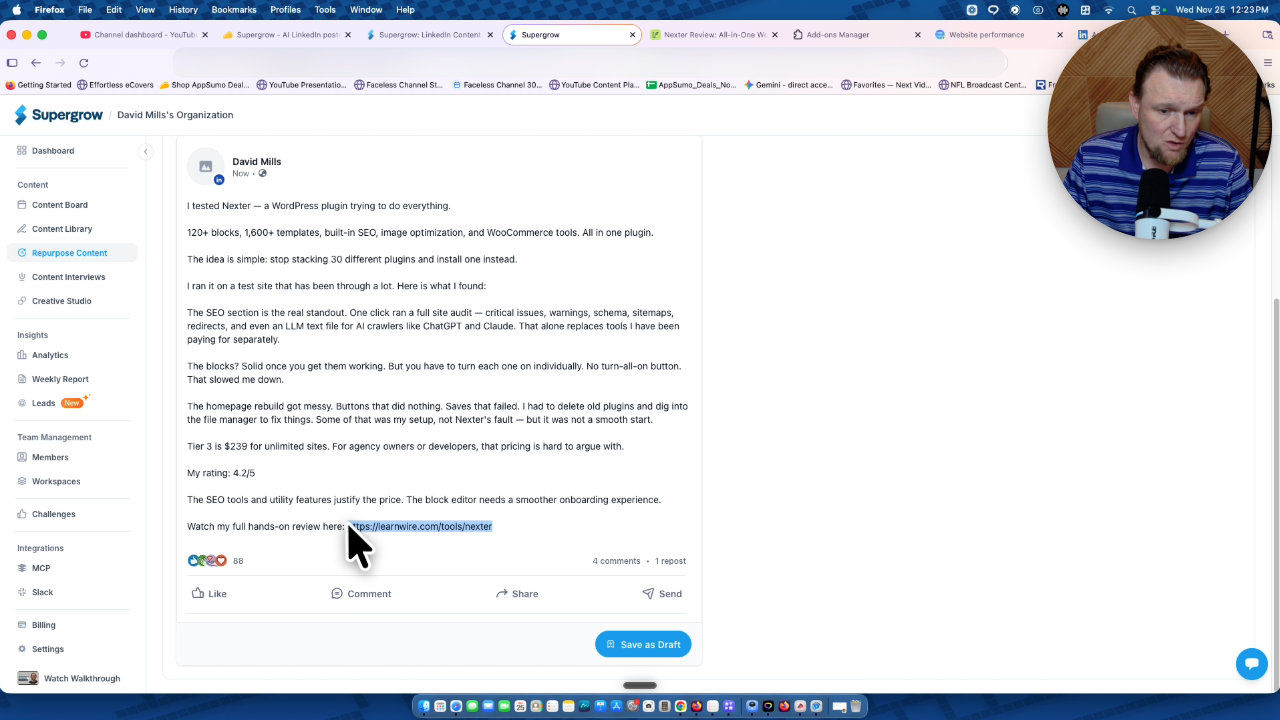
It was very fast and pulled in the article correctly. The post summarized my rating and findings and sent people to my website, where the video lives. It made me think about sending social traffic to the site instead of straight to YouTube.
I saved it as a draft, added an image and a tag, and previewed it.
The navigation problem
Scheduling is where I got stuck. It told me to connect a LinkedIn account, but there was no obvious button. The quick link took me somewhere else, and settings did not have it either.
I eventually found it under connected accounts in workspace settings. The organization level versus workspace level also confused me. That is the part of the UI I would most like fixed.
Content Radar, post generator and Creative Studio
Content Radar is meant to find posts only you can write. I set it up, but it found nothing to read, even with a longer window. It seems to depend on integrations like Slack or meeting notes. I skipped it, and I also skipped the 30 minute Postcast interview.
The post generator worked better. I asked for a post on vibe coding taking longer than you think and it produced a decent draft in my style. You can edit it, save it or generate a carousel.
Creative Studio is where you design carousel looks, and there are calendar and Kanban views for drafts and scheduled posts. There is also an MCP connection for Claude or ChatGPT, which I did not demo.
Analytics and leads
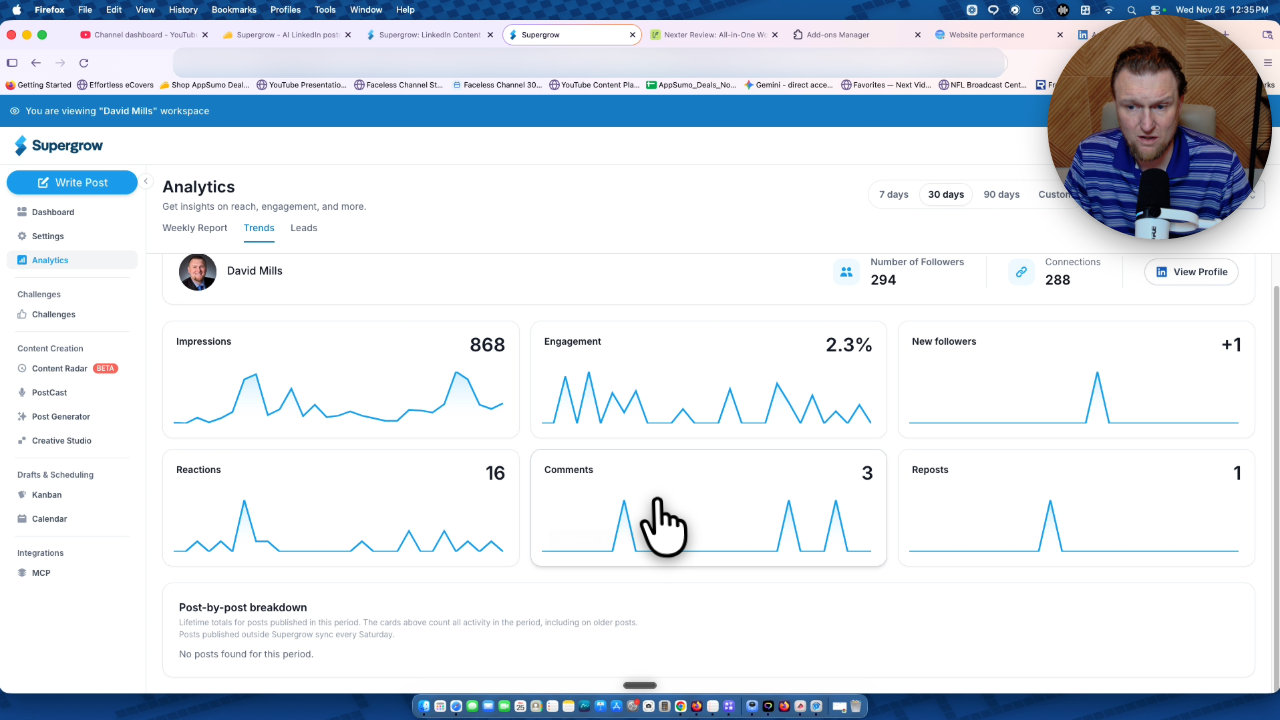
Analytics pulled in my follower count, 294 connections, engagement and trends. I did not have weekly reports since I had not posted from the tool yet, and I am not sure whether it only measures posts made through Supergrow.
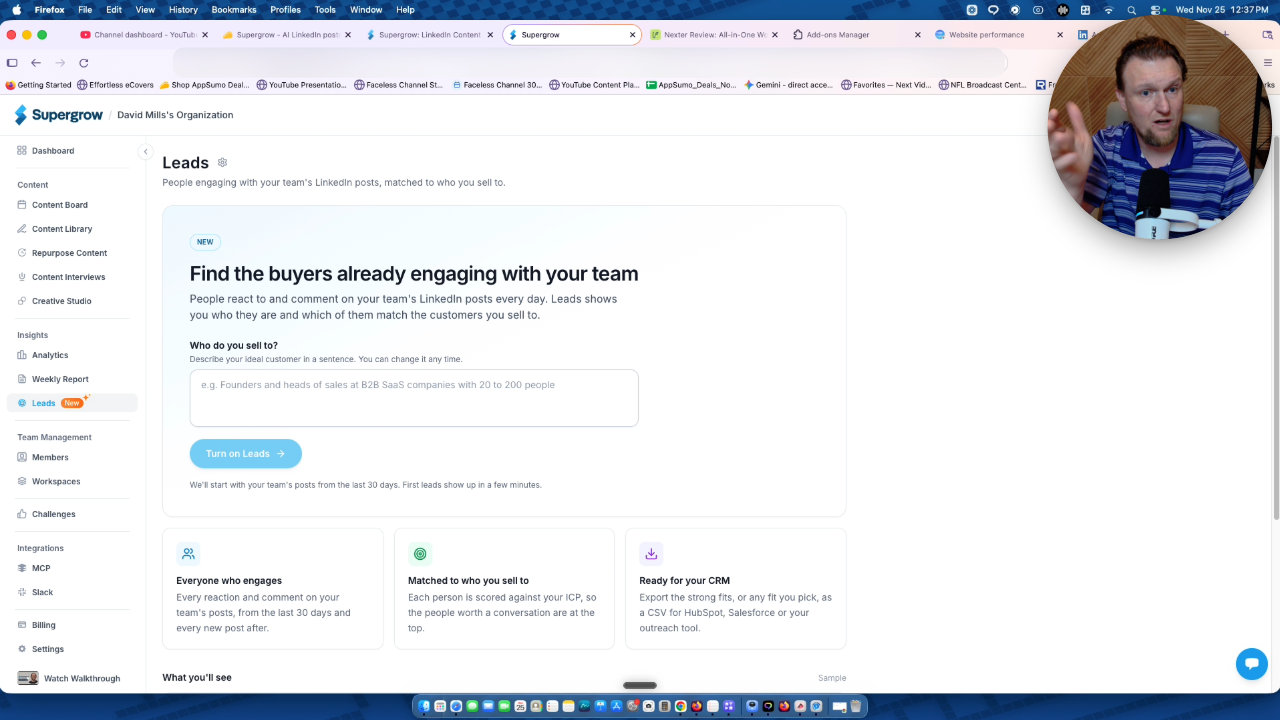
The leads section lets you describe who you sell to and surfaces people to engage with. I could not tell exactly where the engage flow lived.
Pricing and tiers
The pricing is good. We are not looking at $1,000 or $2,000 for the top tier. I would skip Tier 1 and go with Tier 2 if you want the team features. Tier 3 only makes sense for agency-type use with up to 10 accounts. One thing I found confusing is how unlimited team members relate to each teammate having their own LinkedIn account.
My verdict
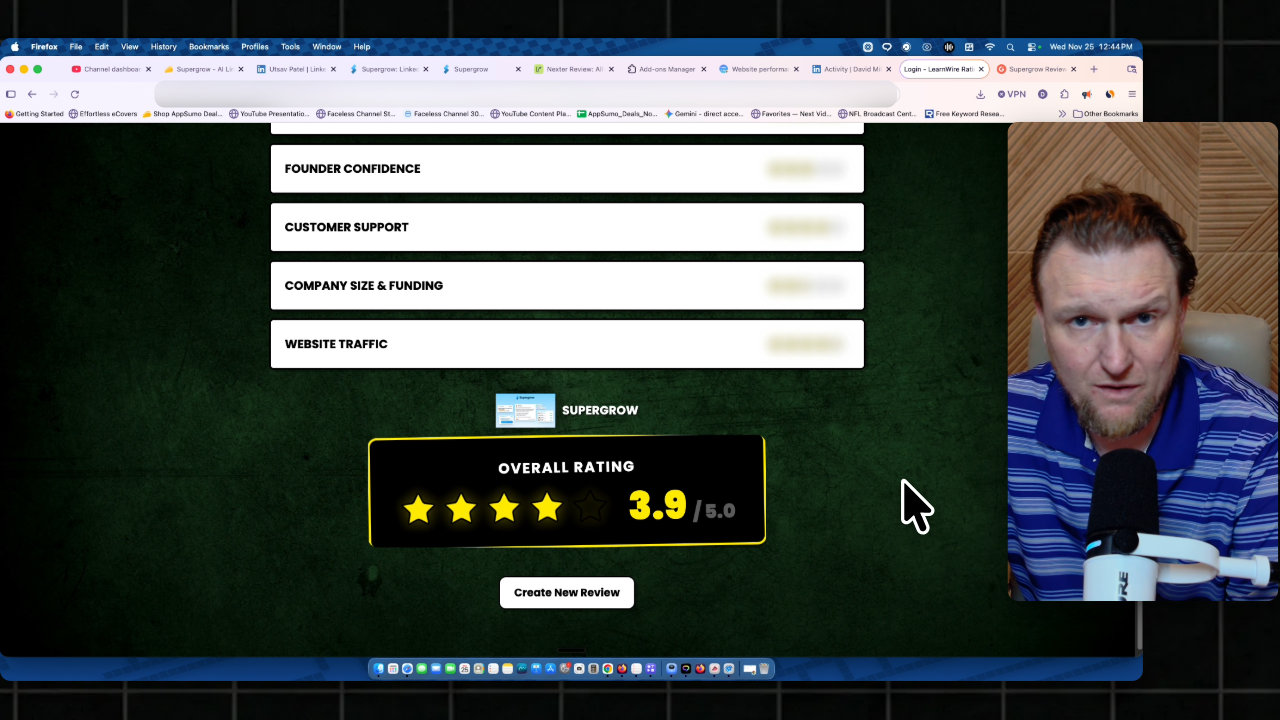
I ran it through my rating system: pricing 5, UI 3, speed and bugs 4, features 4. The final score is 3.9 out of 5. A founder confidence red flag pulled it down, since an earlier product, Tweetlify, was discontinued after Twitter API price increases. Support and traffic scored well.
I can recommend it for growing on LinkedIn, especially for the repurposing and team features. Just expect some clumsy onboarding.
Key features
Content DNA
Stores your brand voice, content pillars and identity so generated posts sound like you. In my test I had to fill it in manually.
Content repurposing
Turns an article URL, YouTube link, PDF or audio into a LinkedIn post. I used one of my website reviews and it was fast.
Post generator
Generates posts from scratch using templates and your Content DNA, with the option to edit, save or generate a carousel.
Creative Studio and carousels
Lets you design looks and create carousels to publish alongside your posts.
Calendar and Kanban
Shows drafts and scheduled posts in a calendar view and a Kanban board, with publish and schedule options.
Team workflows
Includes approval workflows, workspaces per member, team analytics, leaderboards and challenges, and Slack notifications.
Content Radar and AI interviews
Radar looks for post ideas from connected sources, and a roughly 30 minute AI interview can be turned into LinkedIn drafts.
Analytics and leads
Tracks followers, engagement and trends, and has a leads section to find people to engage with.
Pricing
- 1 LinkedIn account
- Missing most team features such as team calendar and team analytics
- 3 LinkedIn accounts
- Approval workflows, team calendar, team analytics, leads and Content Radar
- 10 LinkedIn accounts
- Everything in Tier 2
- Unlimited team members and 1 million AI words per month
Pros and cons
What I liked
- Repurposing an article into a LinkedIn post was very fast
- Lifetime pricing is reasonable for a team-oriented tool
- Takes a different approach from the many LinkedIn prospecting tools on AppSumo
- Founder walkthrough video is valuable and the company responds to questions
- Covers posting, carousels, scheduling, analytics and leads in one place
What could be better
- Onboarding and navigation are confusing, and I could not easily find where to connect my LinkedIn account
- Content DNA did not auto-fill from my profile, so setup took 15 to 20 minutes
- Content Radar found nothing for me
- My rating system flagged a founder confidence red flag over a discontinued earlier product
Who it's for
Marketing teams
Teams that want everyone posting on LinkedIn in their own voice with approvals before anything ships.
Agencies
Tier 3 gives 10 LinkedIn accounts and unlimited team members for managing multiple people.
Solo creators
Tier 1 or 2 works for repurposing your own content, though it is not built primarily for one person.
Limitations: when to look elsewhere
- If you just want a simple solo post scheduler, much of the team functionality will go unused
- Tier 1 is not worth it if you want the team features
- AI words are capped at 1 million per month on Tier 3
FAQ
Reader reviews
Supergrow alternatives
 AppSumo
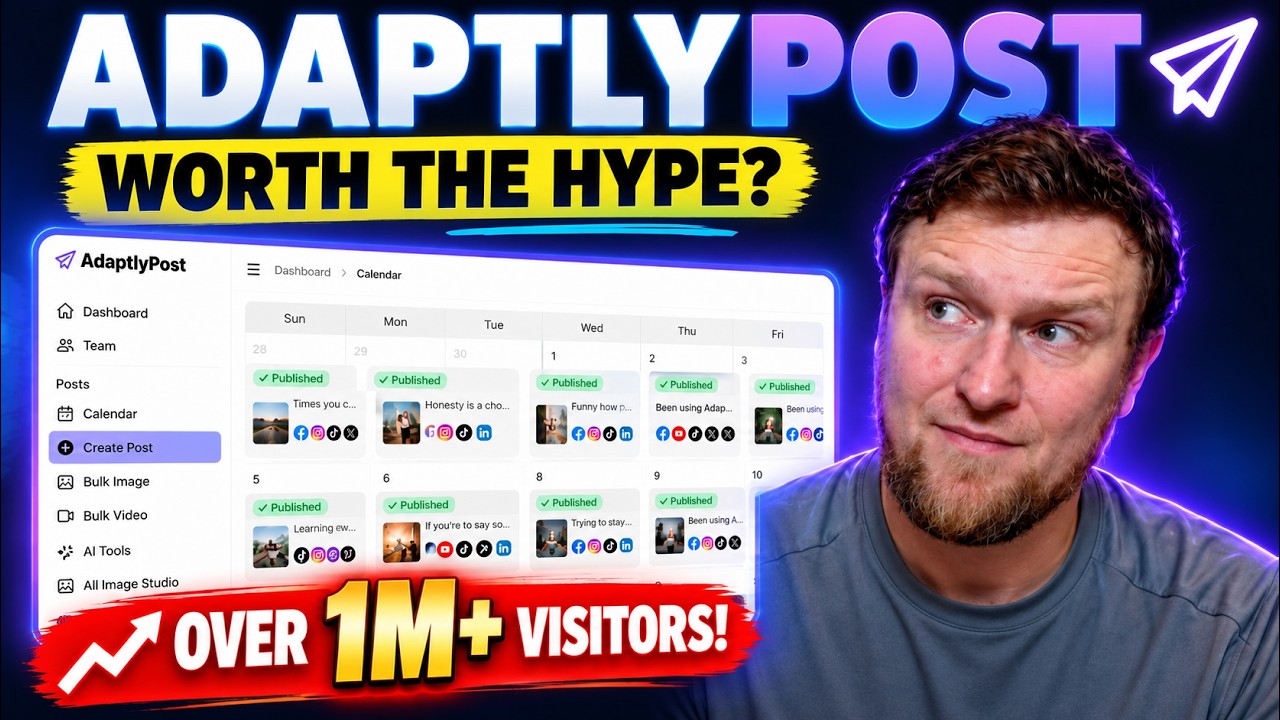
AdaptlyPost
Plan, schedule and publish to nine social platforms with AI captions, images and automations.
 AppSumo
RobinReach
Social media scheduler with AI posts, repurposing, automations and MCP for Claude and ChatGPT.
 Not on AppSumo now
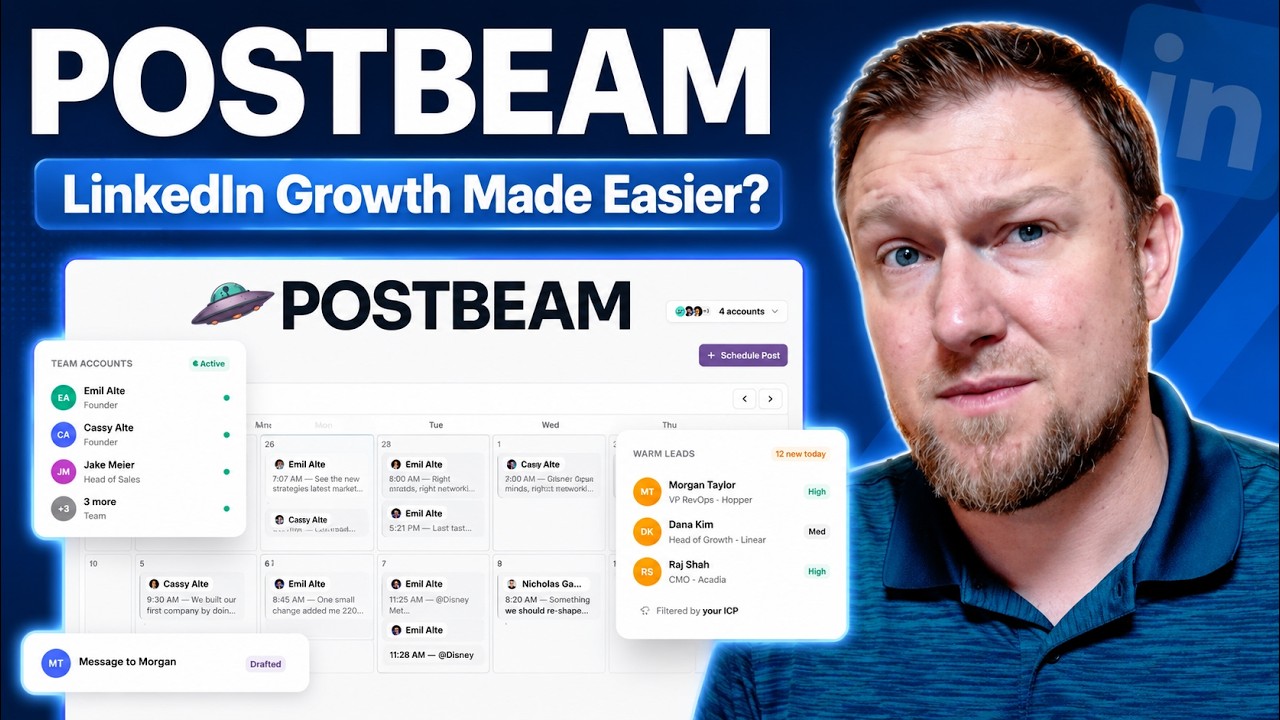
Postbeam
AI tool that drafts, schedules and manages LinkedIn posts and turns engagement into leads.