Nexter
All-in-one WordPress toolkit with blocks, templates, theme builder, SEO and utilities
Watch my full review
- What it is
- Nexter is an all-in-one WordPress toolkit that bundles 120+ Gutenberg blocks, 1,600+ templates, a no-code theme builder, SEO tools, image optimization and WooCommerce features into one plugin.
- Pricing
- The AppSumo lifetime deal runs $69 for 1 site, $149 for 10 sites and $239 for unlimited sites.
- Best for
- WordPress developers, web designers and agency owners who want one plugin to replace a pile of single-purpose ones.
- LearnWire's Rating
- 4.2 / 5
My review
Thanks for checking out my Nexter review, the all-in-one WordPress toolkit that packs blocks, templates, SEO and utilities into one plugin. What stood out was how much of my plugin pile it could replace, even though my homepage rebuild got messy fast. If you are searching for the best all-in-one WordPress plugin lifetime deal, this is worth a close look.
I went into this one because I have a test WordPress site that has been through everything, and it is exactly the kind of site Nexter claims to fix. Nexter had 112 reviews on LearnWire at a 4.6, over 1,200 buyers and a 2% refund rate on AppSumo, so I wanted to see how it held up in real use.
Why I tried it
I have mostly moved away from WordPress for my own sites, but a lot of people haven't. If that is you, the pitch is simple: install Nexter and stop piling on SEO, image compression and WooCommerce plugins. Every extra plugin slows the site down, and there is always one that stops getting updates and breaks something.
Installing and activating
You download the plugin files from your dashboard, upload them in WordPress and activate. Then you paste in your license key. I only needed one key, the Pro license, and everything lit up, including the blocks.
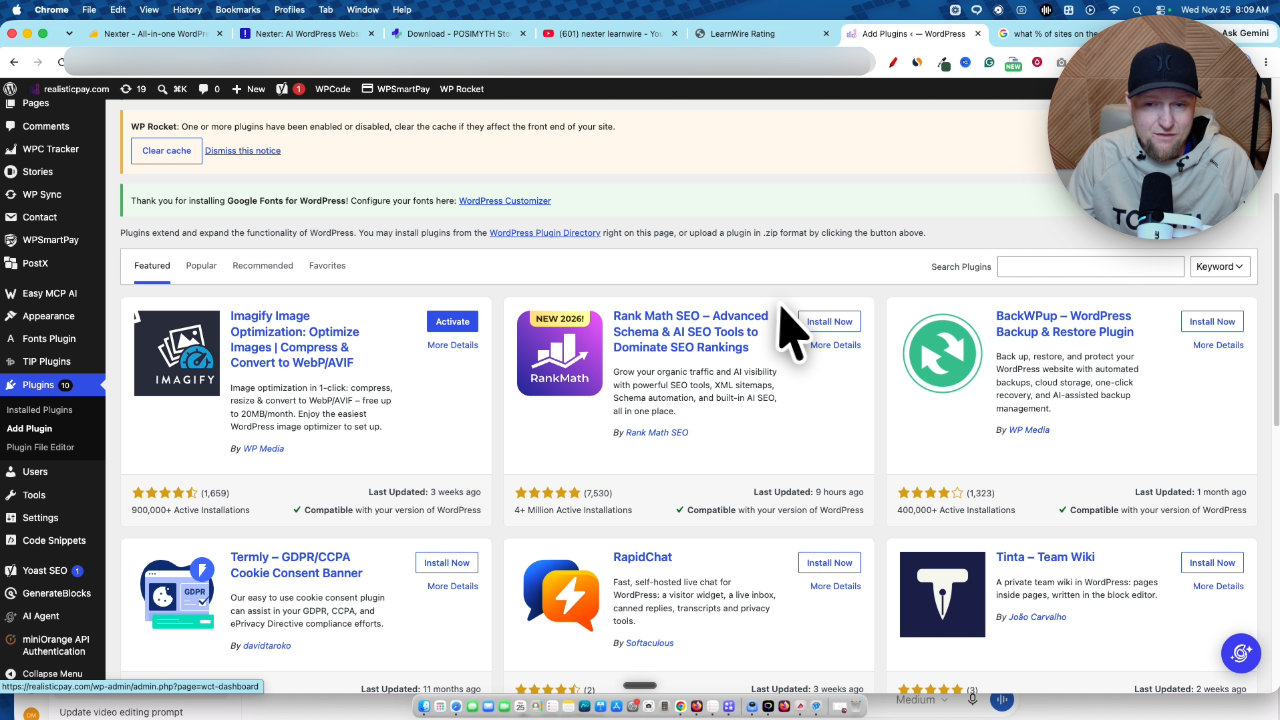
When I opened the Nexter dashboard it had 36 items activated automatically. I also have to say that the WordPress plugin screen still feels like it is from 2012. That is not Nexter's fault, but it made me smile.
Where it got messy
I tried activating the Nexter theme first. My homepage was built on PostX, and even after I deactivated and deleted it, the site did not change. I had to go into SiteGround file manager and remove it by hand.
After that the homepage was gone, so I imported a template, which needed WP Design Kit. Then it got worse: buttons that did nothing, a homepage that looked horrid and saves that failed with errors.
I decided to be fair. I deleted a bunch of old plugins (I had around 40 active, many outdated), including a REST API authentication one that can interfere with Nexter. I will say I think this was my mess, not Nexter's, and I am not taking points off for it.
The real fix was in the blocks settings. I had to go in and turn the blocks on, one by one. I would love a turn on all button there.
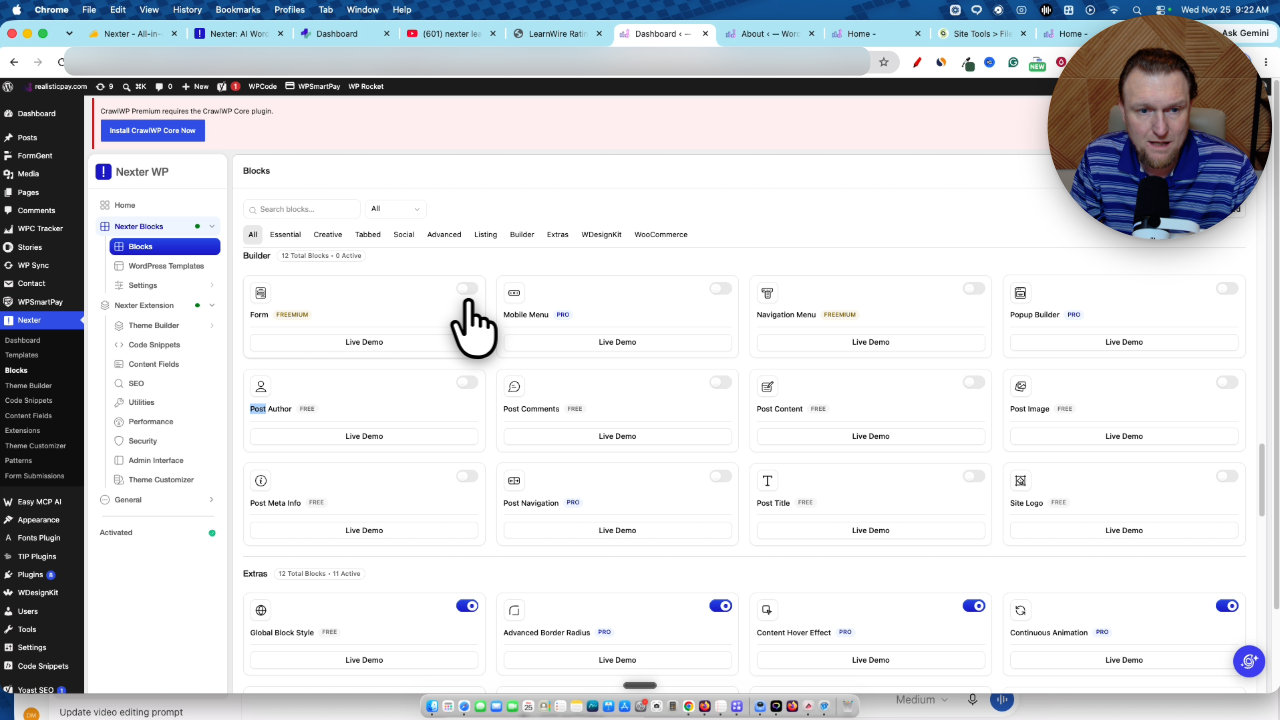
Once they were on, things started working. I picked a post layout, switched off the author, added a box shadow and got something that looked clean. My homepage still needs work, but I could see it coming together.
Honestly, it was not straightforward. I have used easier builders. My view is that you will probably get the look you want faster by pairing Nexter with a different theme.
The SEO section is the highlight
This is where Nexter won me over. I enabled SEO and it turned on the site audit, meta, social, schema markup, sitemaps and redirects.
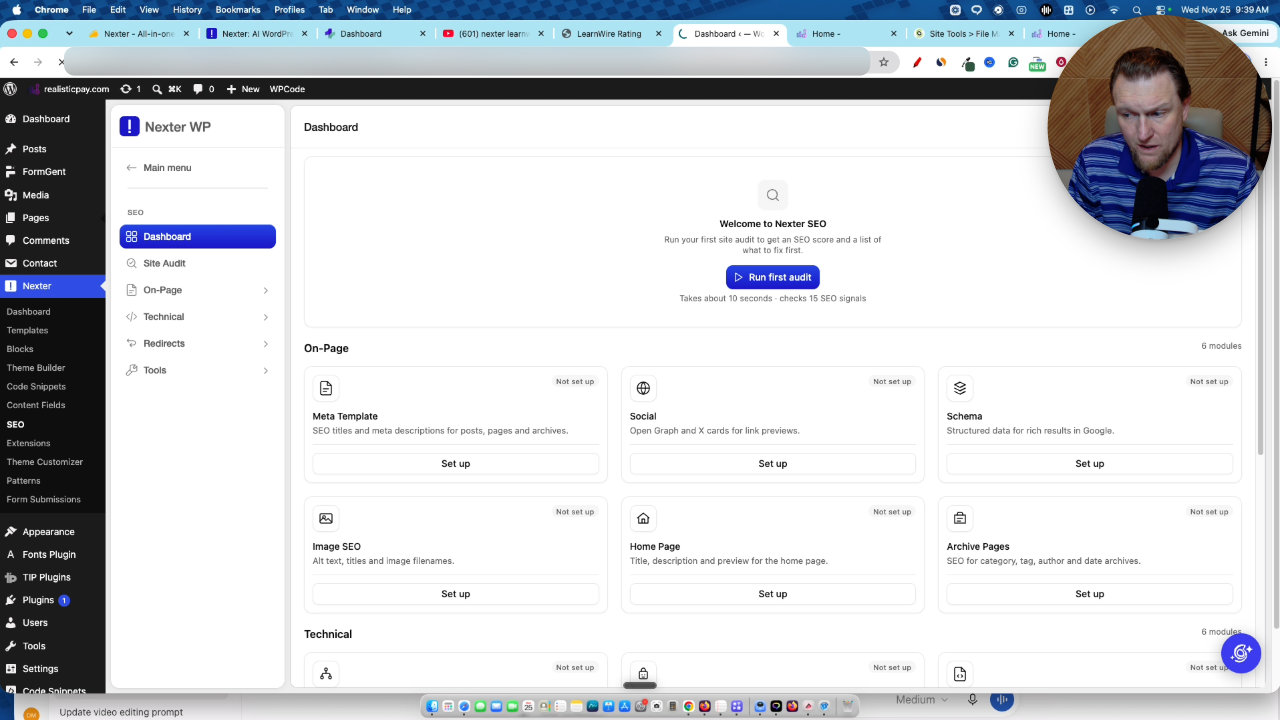
I ran my first audit and it was fast. It showed 1 critical issue, 7 warnings and 10 passed, with a score of 49 out of 100. That is a test site, so I was not surprised.
It also has an LLM text file for AI crawlers like ChatGPT and Claude, robots.txt, image SEO and instant indexing. There are migration tools too, to move over from other SEO plugins. It handles what those 15 to 20 year old SEO plugins do, in one place.
Utilities and image optimization
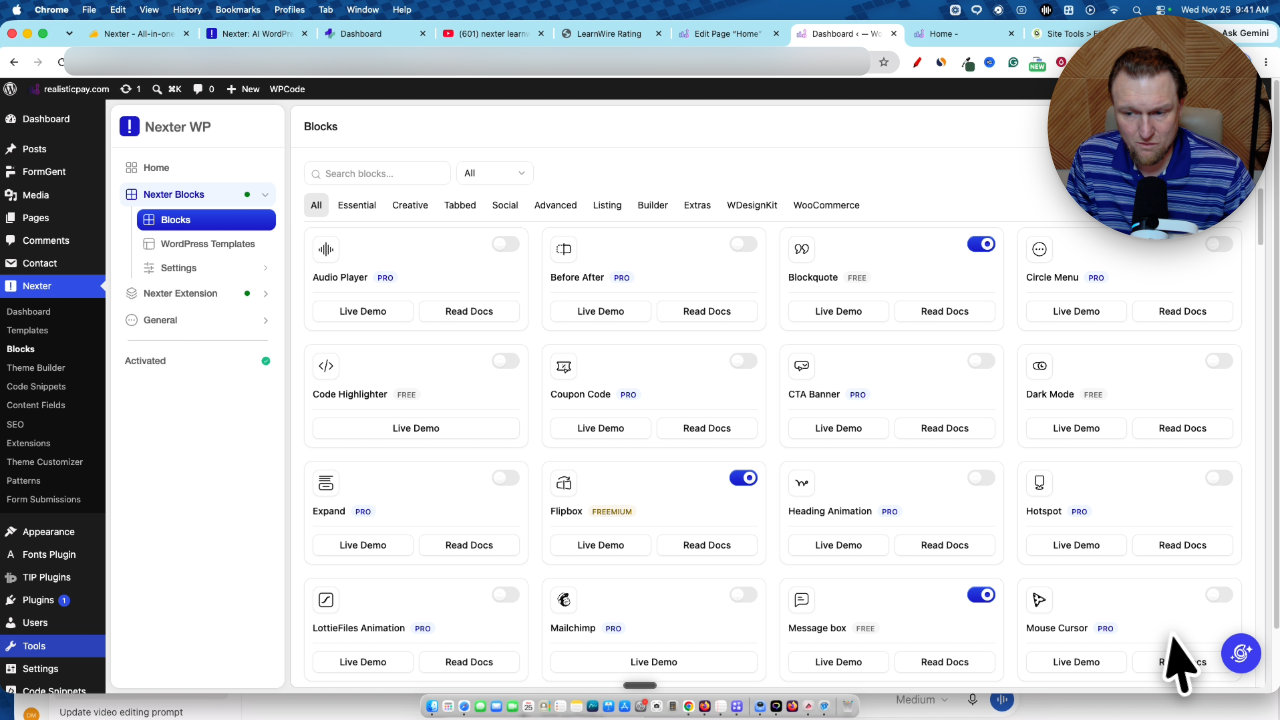
The rest of the dashboard is full of utilities. Code snippets, duplicate posts, regenerate thumbnails, content post order and Google Fonts, which is just one checkbox. Image optimization is in there too, and that alone removes a plugin from most sites.

It is probably a heavy plugin, but you hardly need to install anything else. That is the part I think matters most.
My verdict
I gave pricing 5 stars. Tier 3 at $239 for unlimited sites is hard to beat, and the SEO portion alone would justify it for me. UI and UX got 4 stars because I had to click every item in a section individually, and the editor could be better. Features got 5 stars.
Speed and bugs got 3 stars. Some of what I hit was user error, but there were also things I did not show on camera that just did not work, and basic page design was harder than it should have been. With the software age scoring added, my final LearnWire rating is 4.2 out of 5.
I recommend it, especially for WordPress developers and agency owners. Expect a learning curve with the blocks and templates, and once you have a site you like, save it as a template to reuse.
Key features
Gutenberg blocks
120+ blocks for building pages in the WordPress editor. You have to toggle the blocks on individually before they work, which tripped me up.
Templates and theme builder
1,600+ templates and a no-code theme builder for headers, footers and breadcrumbs. Some templates need the free WP Design Kit installed to import.
Built-in SEO suite
Site audit, meta, social, schema markup, sitemaps, redirects, image SEO and instant indexing, plus an LLM text file for AI crawlers.
Site audit
One click runs an audit with critical issues, warnings and passes, and a score out of 100. Some issues have a quick fix link.
WordPress utilities
Code snippets, duplicate posts, regenerate thumbnails, Google Fonts and image optimization, each switched on with a checkbox.
WooCommerce features
WooCommerce tools are built in, so you don't need to install a separate set of plugins for them. The WooCommerce block starts at license tier 2.
Nexter theme
A WordPress theme you can activate, though I'd probably pair the plugin with a different theme to get the look I want.
Migration tools
The SEO section includes migrate from plugins, import and export tools for moving over from your existing SEO plugin.
Pricing
- 1 website
- No WooCommerce block
- No white label plugin and theme
- 10 websites
- WooCommerce block included
- No white label plugin
- Unlimited websites
- Everything included
- White label plugin and theme
Pros and cons
What I liked
- Very low lifetime pricing, nothing over $250
- Huge feature set that can replace most of the plugins on a typical site
- SEO section covers audit, schema, sitemaps, redirects and instant indexing
- Clean, easy-to-navigate dashboard
- Tier 3 gives unlimited sites, great for agencies
What could be better
- Learning curve with blocks and templates
- Blocks must be turned on one at a time, with no turn-on-all button
- Some buttons did nothing and some saves failed during my testing
- Templates need WP Design Kit and a free account
- Getting a homepage to look right was harder than I expected
Who it's for
WordPress developers
If you build WordPress sites regularly, one plugin with SEO, blocks and utilities saves a lot of setup.
Agency owners and web designers
Tier 3 with unlimited sites means you can put it on every client site going forward.
People tired of plugin bloat
If your site runs 20 to 40 plugins and keeps breaking on updates, consolidating into one tool makes sense.
Limitations: when to look elsewhere
- If you want a quick, no-fuss drag and drop homepage, I found it harder than other builders I have used.
- If you are not on WordPress, this does nothing for you.
FAQ
Reader reviews
Nexter alternatives
 AppSumo

 AppSumo
Hostinger
A one-year AppSumo bundle with hosting, email marketing and AI agent apps for $24.