How Small Channels Can Find Low Competition Product Keywords
I built AffiliateSpark, and I sell it on WarriorPlus, so this is me showing my own tool and not a neutral review. In my video I walk through how a small channel can find low competition product keywords, then turn them into videos on a schedule. Here is the workflow, plus the limits you should know about.
Why the video title itself is a keyword experiment
The title of my video, "how small channels can find low competition product keywords," is not something people type into a search bar. I picked it on purpose, and I came up with it using the tool.
I think it is smart to mix two kinds of videos. Some target real search keywords that can rank at the top and keep earning. Others target browse and suggested traffic, which usually gets views faster but tends to die out without the evergreen effect.
I did a similar thing recently and we ranked number 1 on YouTube, and number 1 on Google for another similar keyword that was an actual search-based one.
Step 1: Generate video ideas from an angle
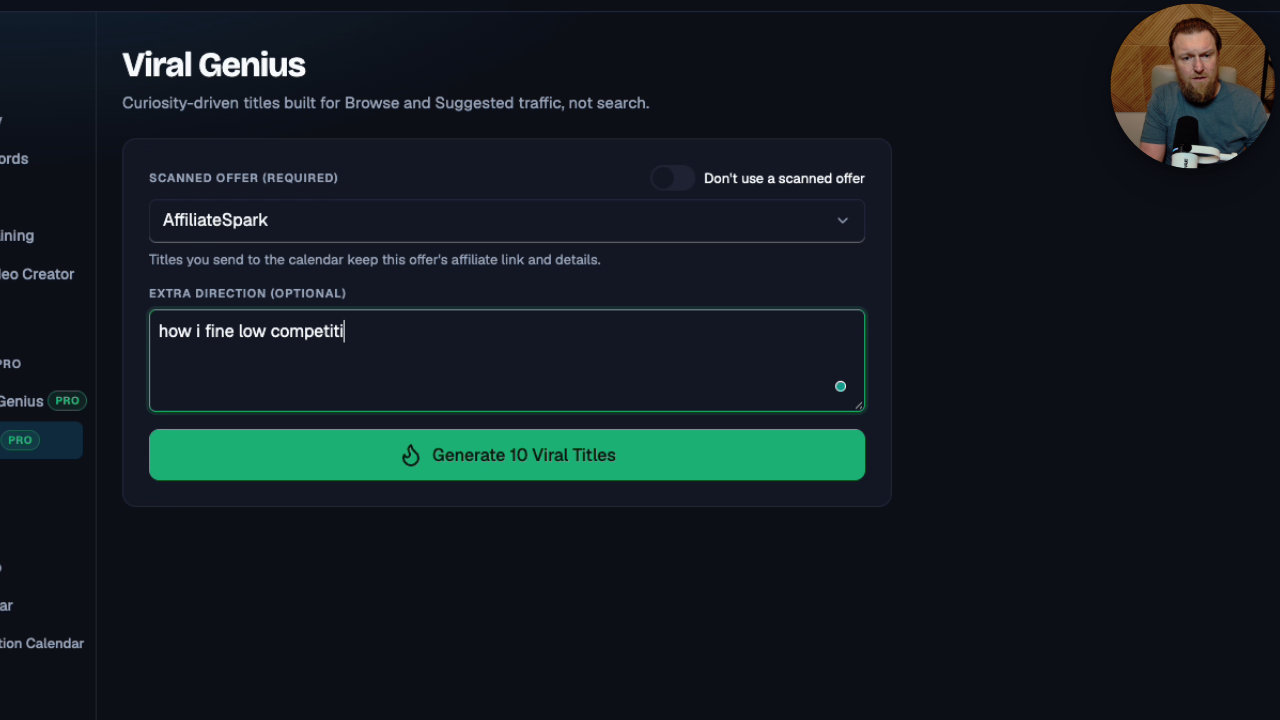
I start in Viral Genius inside AffiliateSpark. I select my offer, which here is AffiliateSpark itself, and type in an angle: how I find low competition keywords for affiliate marketing.
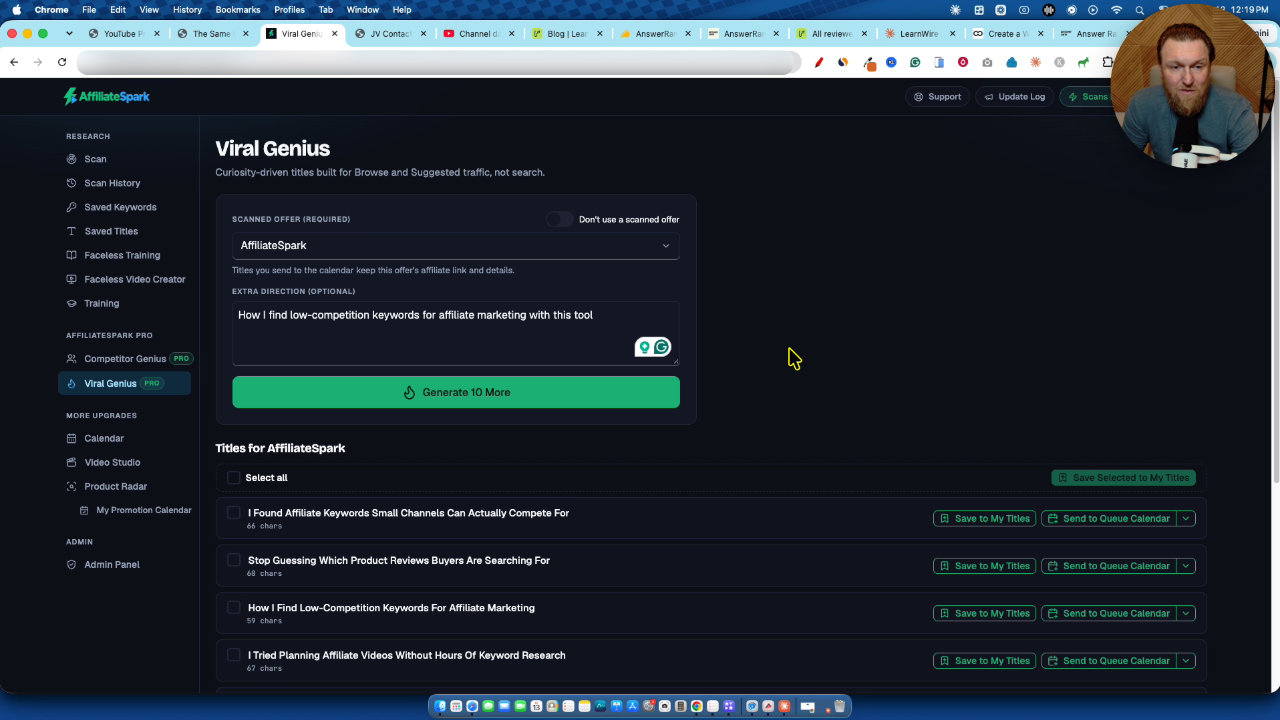
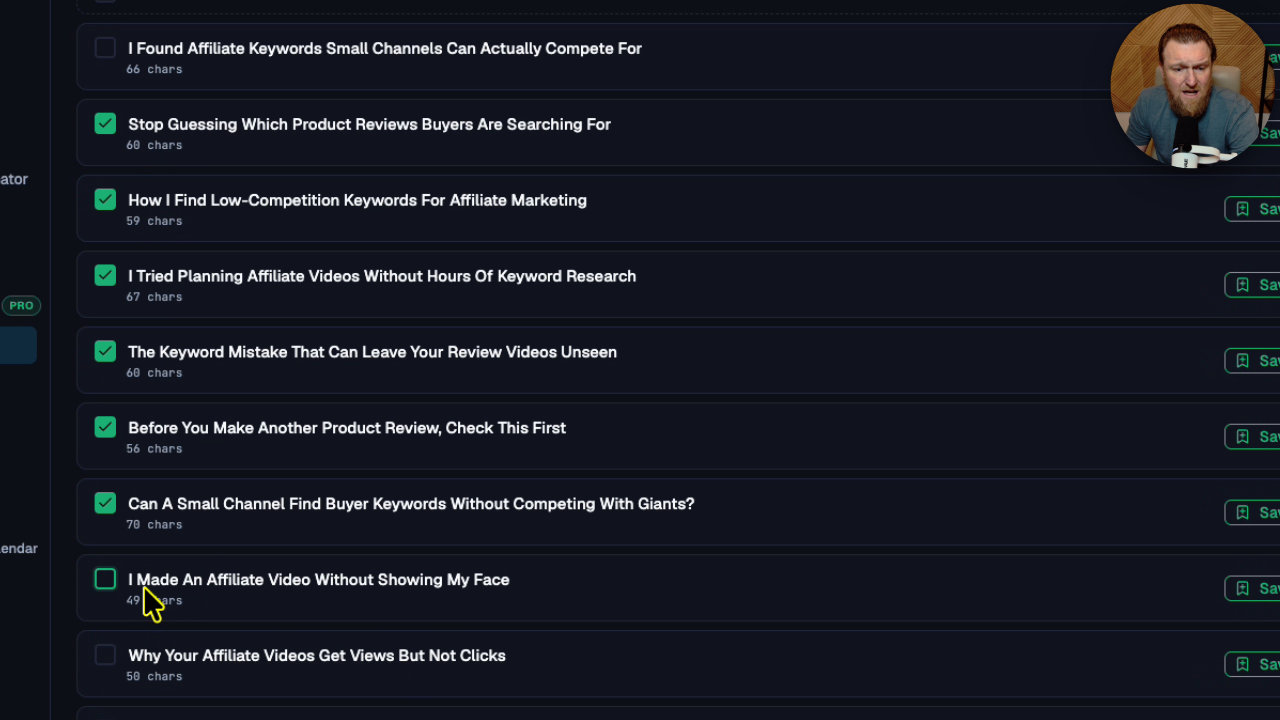
Then I click generate ideas. It came back with titles like "I found affiliate keywords small channels can actually compete for," "The keyword mistake that can leave your review video unseen," and "Why your affiliate videos get views but no clicks."
I will be upfront: these are not based on search data. They are idea starters aimed at browse and suggested traffic. I checkmarked the ones I liked and saved them all to my titles.
Step 2: Send titles to the content calendar
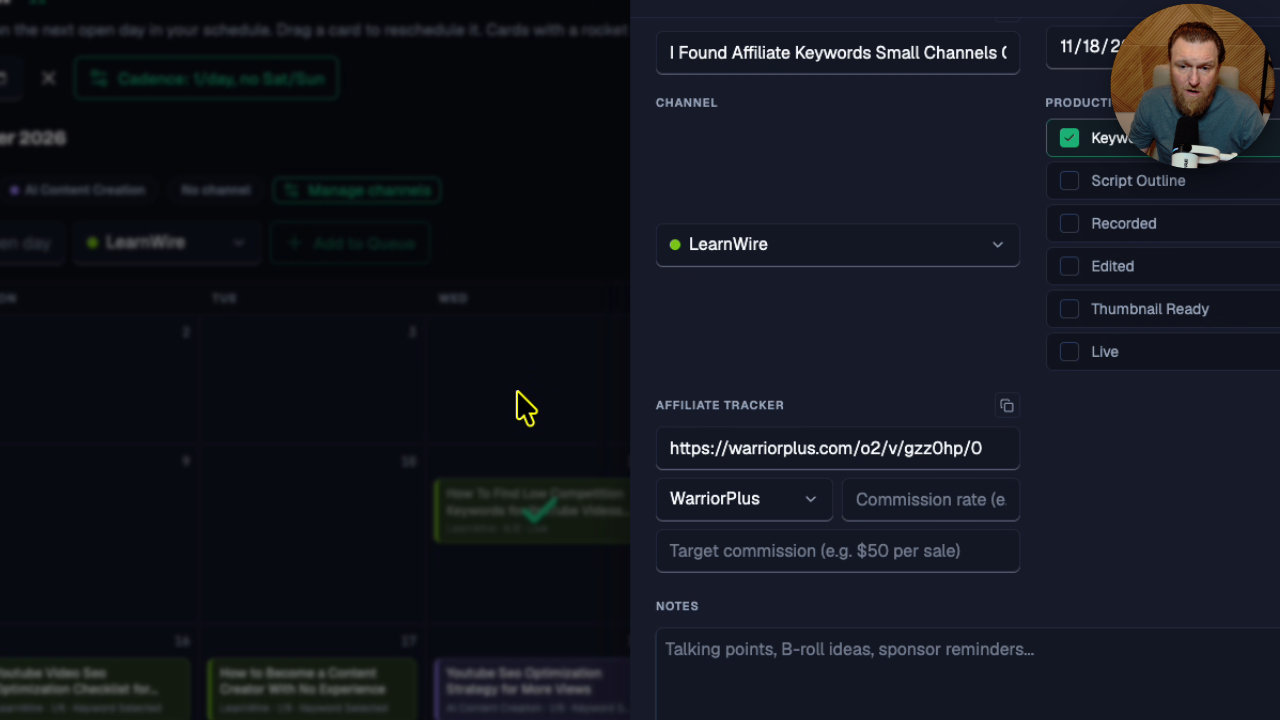
From the saved titles, I pick a product to promote, choose which channel the video is for, and send it to the calendar. It drops into the next available slot and already knows my affiliate link, because I uploaded it earlier in the scan section.
One caveat: the calendar is currently only on my admin account. I manage multiple YouTube channels and needed it for my own business, so I built it for myself first. I may add it to everyone's account, and I might message some customers to see if they want it.
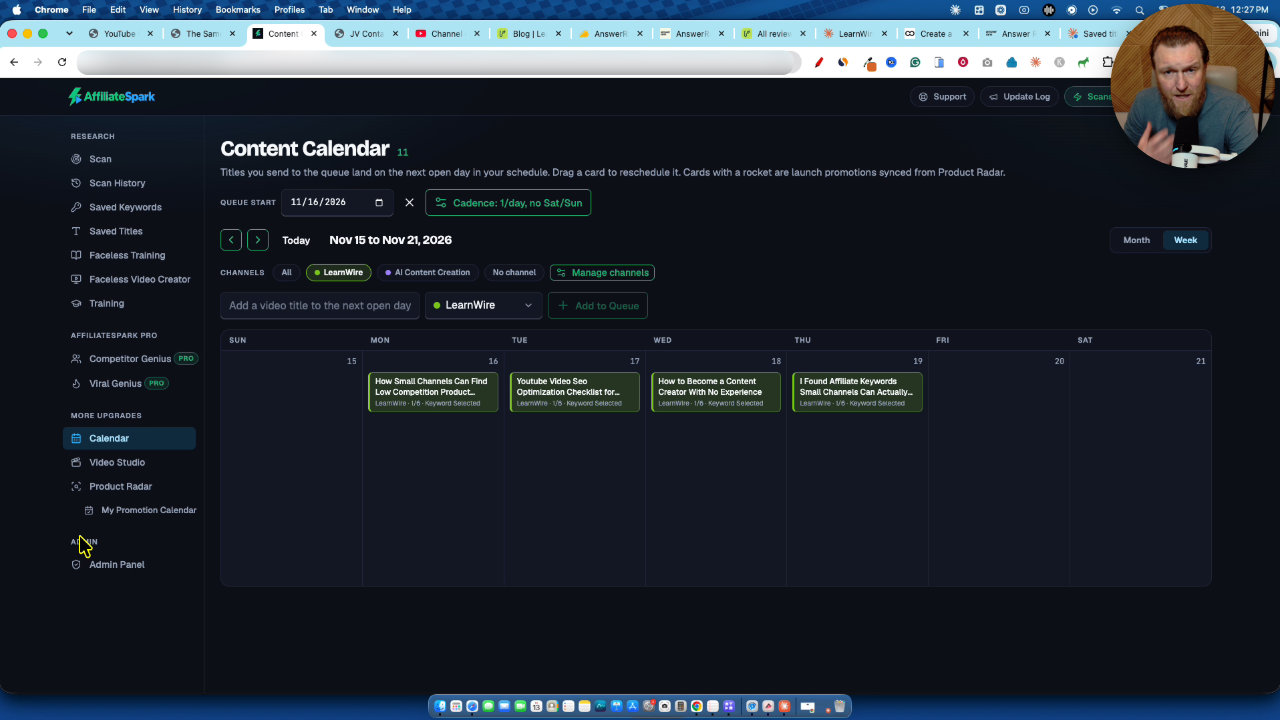
In the calendar you can add channels (I have two), drag and drop videos to rearrange them, and mark videos as published with a checkmark. You can set a cadence of one, two or three videos a day, pick Friday, Saturday or Sunday, or build a full custom schedule.
If you miss a few days, you do not have to rebuild anything. I set a new queue start for Monday and hit apply. The published video kept its checkmark and the rest of the queue restarted.
Step 3: Scan a product page for real keyword data
The data-driven part starts with pasting a link to the product page and scanning it. My example was ClickFunnels. The software reads the page, works out who it is for, lists buyer pain points, and then finds keywords people would type that do not include the product name.
I have improved the filters since launch. You can add a manual keyword, then filter the results. In my example I set:
- Volume of at least 10
- Difficulty of 30 maximum
- CPC of a minimum of about $2
- Optional long-tail keywords
The competition colors are based on Google on purpose. About half my YouTube views come from external Google, and after almost 6 years of doing YouTube SEO, I find that ranking on one usually means ranking on the other. The tool also tells you whether a keyword is competitive on YouTube, so you get both.
I saved a couple of keywords from the scan, like "how to build a sales funnel" and "how to launch an online course."
Step 4: Recheck saved keywords for competition
In the saved keywords section, I pick the ClickFunnels set of 30 keywords and run a recheck. The AI looks for exact matches and counts how many videos are ranking for them.
"Best marketing automation software" showed a CPC of about $40, low competition on Google and no competition on YouTube. That is a strong sign for anyone with a monetized channel too.
I would not pick it blindly, though. Another result, "best marketing software top picks," had low search volume, so I would choose something else. "Best marketing automation software for small business" looked perfect to me.
The trick: feature the product without putting it in the title
You would make a tutorial on ClickFunnels, but you would not put ClickFunnels in the title. You target the buyer keyword. Someone searches for it, finds your video, and learns about the product you are promoting.
I saved that title, found it in my saved title list under ClickFunnels, and sent it to the calendar. With the affiliate link filled in on the scan, it shows right there. You make the video and mark it published.
Faceless videos and the training
AffiliateSpark includes training on making videos without being on camera or even using your voice. The idea is to record your screen while you scroll and pause, then upload the recording to AI tools that analyze it frame by frame and write a script. After that you can use ElevenLabs to train your own voice or pick a high-quality voiceover.
My point is that showing a landing page and posting is not going to make money. You need to show the actual software and provide value. The prompts in the training tell you which tools to use.
Pricing, scans and why they are limited
Here is what I said in the video, and it was during launch, so check the current offer:
- Front end is $37, or $18.50 with the 50% off coupon while it lasted.
- The front end includes 100 scans.
- Pro is $67 and raises you to 250 scans.
- A bundle link gives the entire funnel in one checkout for $187.
- I plan to add packs of 100 credits next week, probably around $10 to $20, with no subscription.
I have used 89 of my own 100 scans so far. The limit exists because the tool relies on AI and a DataForSEO subscription that I pay for every time it runs, including for YouTube competition and Competitor Genius.
I calculated that running 100 scans costs me around $20 to $25. So on the discounted front end, I actually lose money. I am fine with that, and I would rather be transparent than promise unlimited credits and shut down in six months, which is how many lifetime deal tools fail.
My takeaway
The workflow is simple: generate ideas, scan a product page, filter by volume, difficulty and CPC, recheck for competition, then send the title to the calendar. It is built to take you from a product to a scheduled video.
It is limited by credits, and the calendar is not yet available to everyone. But if you are a small channel promoting affiliate products, it gives you real data to pick keywords instead of guessing.
My AffiliateSpark review
 WarriorPlusMy Product
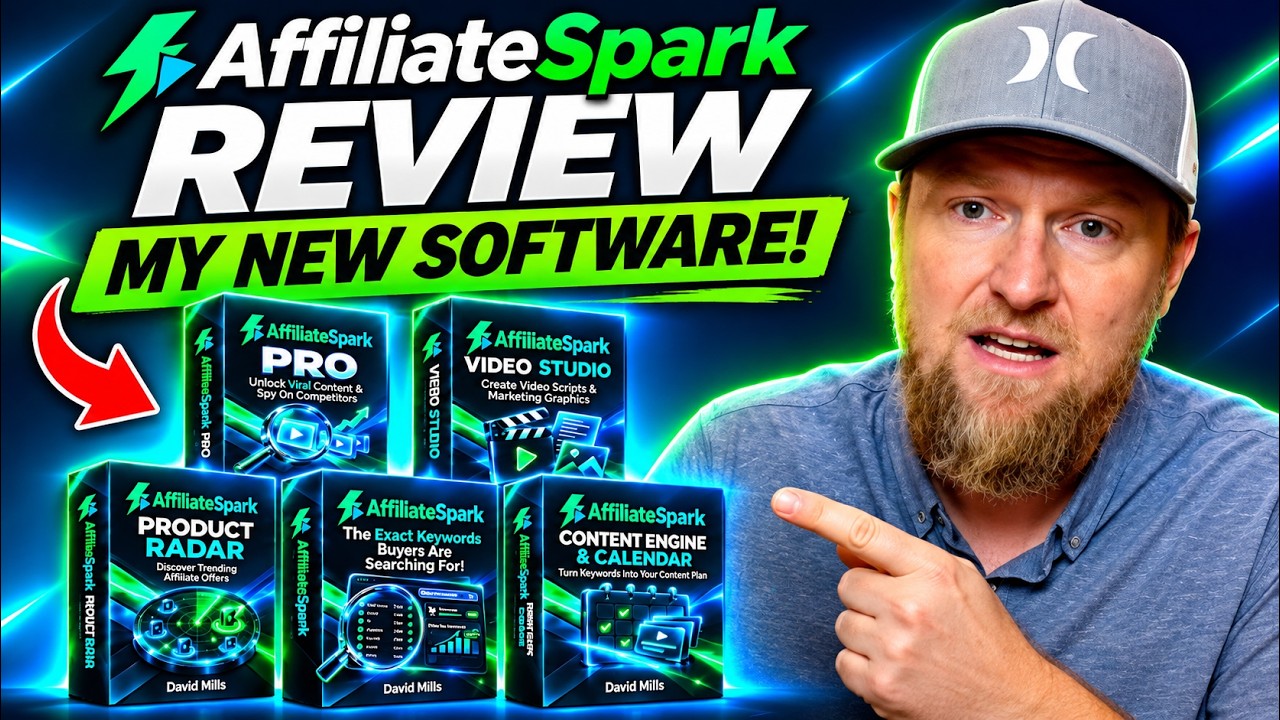
AffiliateSpark
Scan product pages for buyer keywords, check YouTube competition, and generate video titles.
More about AffiliateSpark
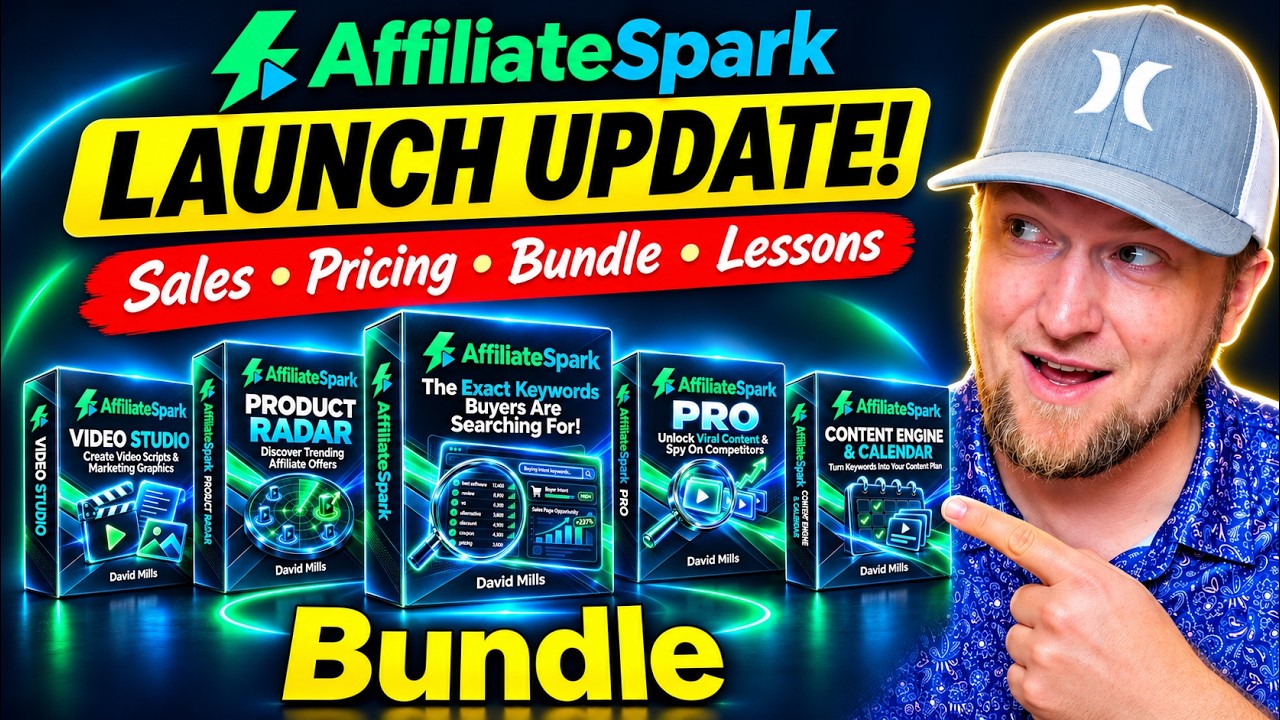
AffiliateSpark Update: How I Ranked #1 on YouTube With It
I built AffiliateSpark to find low-competition YouTube keywords for affiliate videos. Here's the workflow, the new bundle and features, and the limits you should know about.
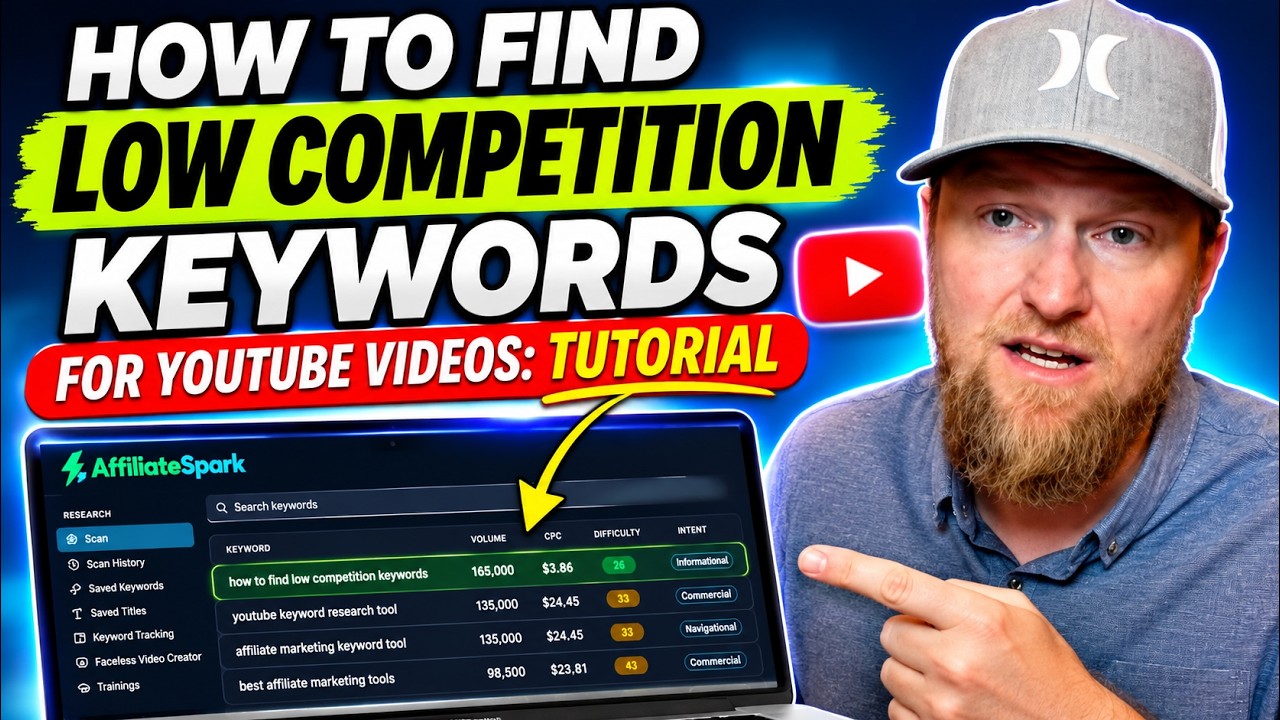
How I Find Low Competition YouTube Keywords With AffiliateSpark
I built AffiliateSpark, and I used it live to find the title of my own tutorial video. Here is the step-by-step keyword workflow, from scanning a page to filling a content calendar.
More in Affiliate Marketing & Traffic Generation
Why Your Affiliate Work Disappears and How Blox Hero Fixes It
Most affiliate content stops earning once a launch ends. I walk through the hero page and flip page idea behind Blox Hero, and what it does and does not change.
Pin2Profit After 30 Days: My Real Pinterest Affiliate Results
I'm 30 days into Pin2Profit and checked every Pinterest account. Impressions and views are showing up, but the new test accounts haven't produced outbound clicks yet.
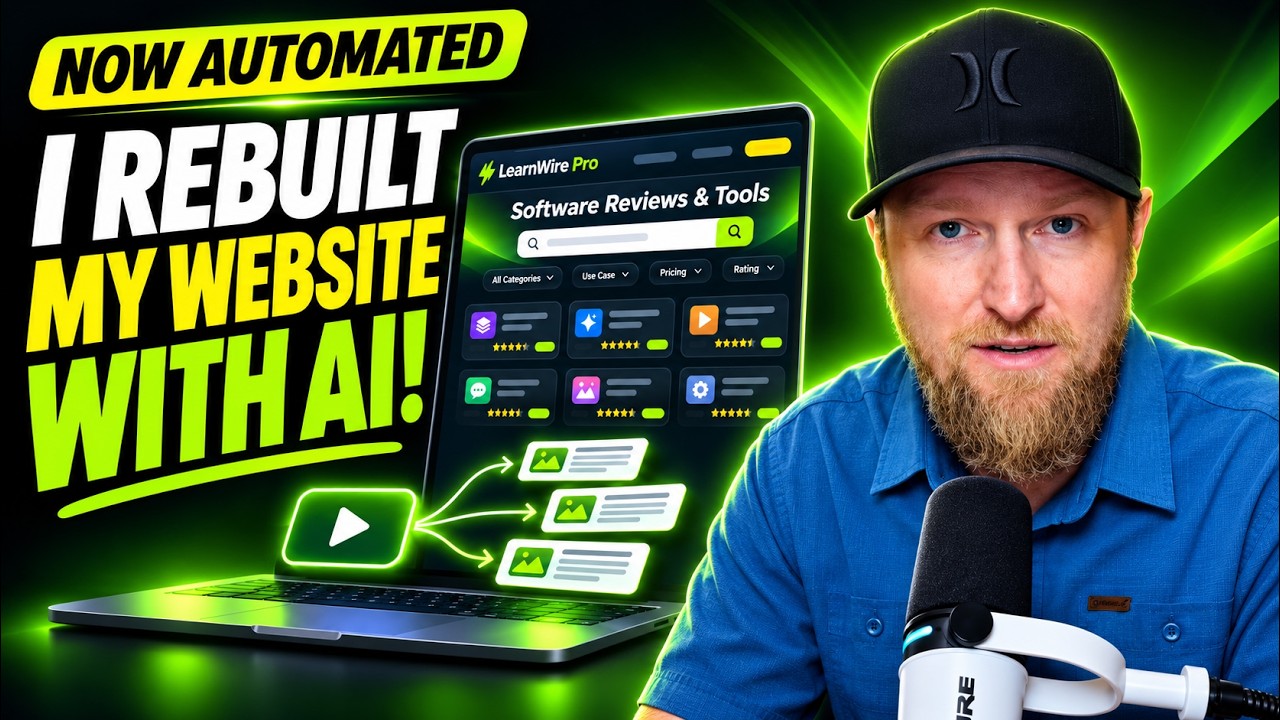
I Rebuilt My Website With AI: Ghost Migration and Autopilot Posts
I moved LearnWire Pro off Ghost and rebuilt it as a software review directory with Claude and Flute. Here is what it does, how I did it, and what it really took.