VideoMule
Turns screen recordings into narrated tutorial videos with AI scripts and voiceover.
Watch my full review
- What it is
- VideoMule analyzes a screen recording, writes a script and adds an AI voiceover, including a clone of your own voice through ElevenLabs. It also has captions, an editor and AI avatars.
- Pricing
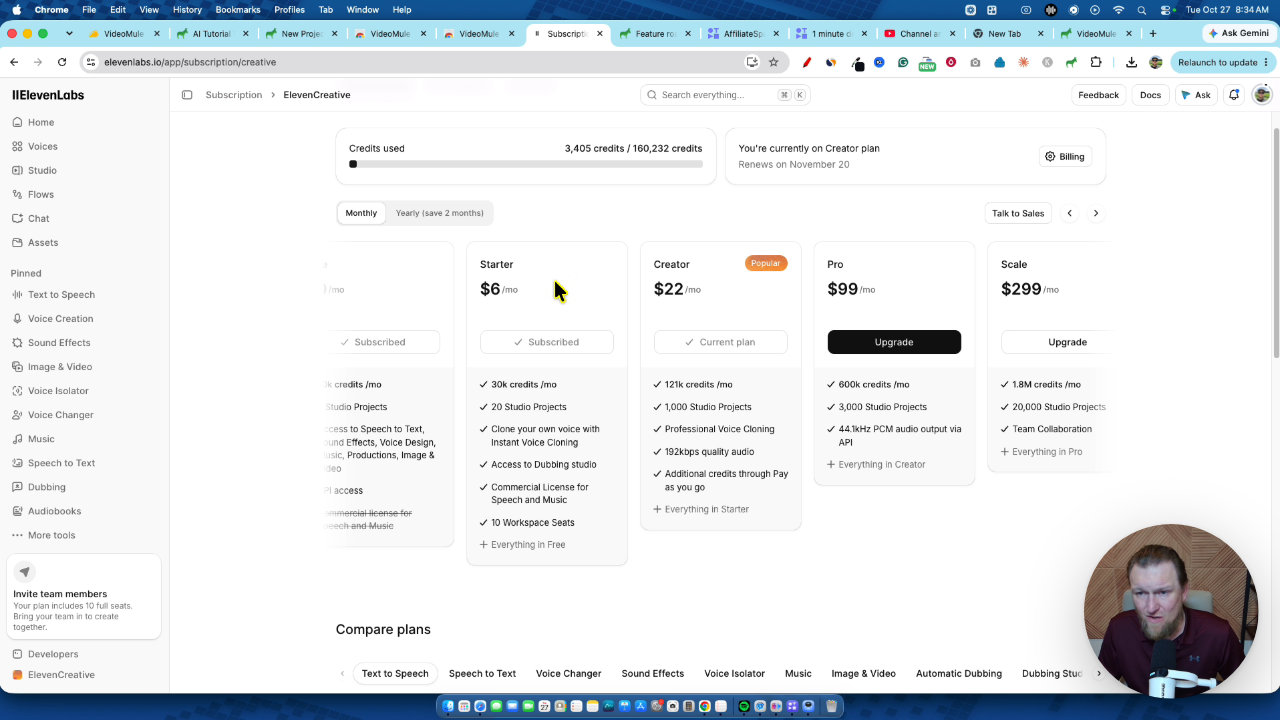
- AppSumo lifetime tiers run from $69 to $699, and ElevenLabs is a separate cost at about $22 per month for the Creator plan.
- Best for
- People who want tutorial, review or demo videos but can't or won't record their own voice.
- LearnWire's Rating
- 3.8 / 5
My review
This VideoMule review covers the AI tool that turns screen recordings into narrated tutorial videos. What stood out was hearing my own cloned voice read a clean script that I never wrote, while the renders and missing settings were more frustrating. If you're searching for the best AI tutorial video maker with a lifetime deal, here is how it held up.
I knew about VideoMule before it hit AppSumo, since a few big tech channels were already pushing it. So I got my hands on it quickly and put in hours of testing across several videos. I want to give you the good and the not so good.
My starting point matters here. I teach people to record their screen and talk, and that is still what I recommend first. VideoMule is the next best thing if you can't bring yourself to do that.
Setting up the recorder and ElevenLabs
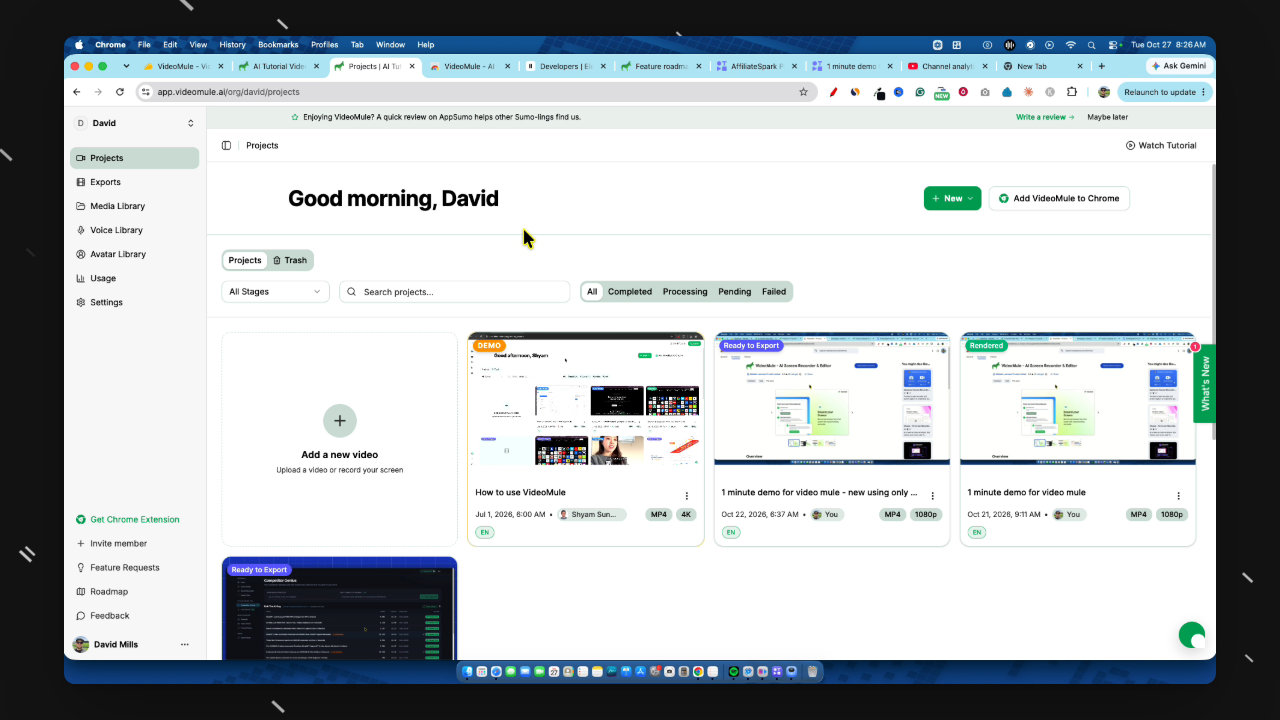
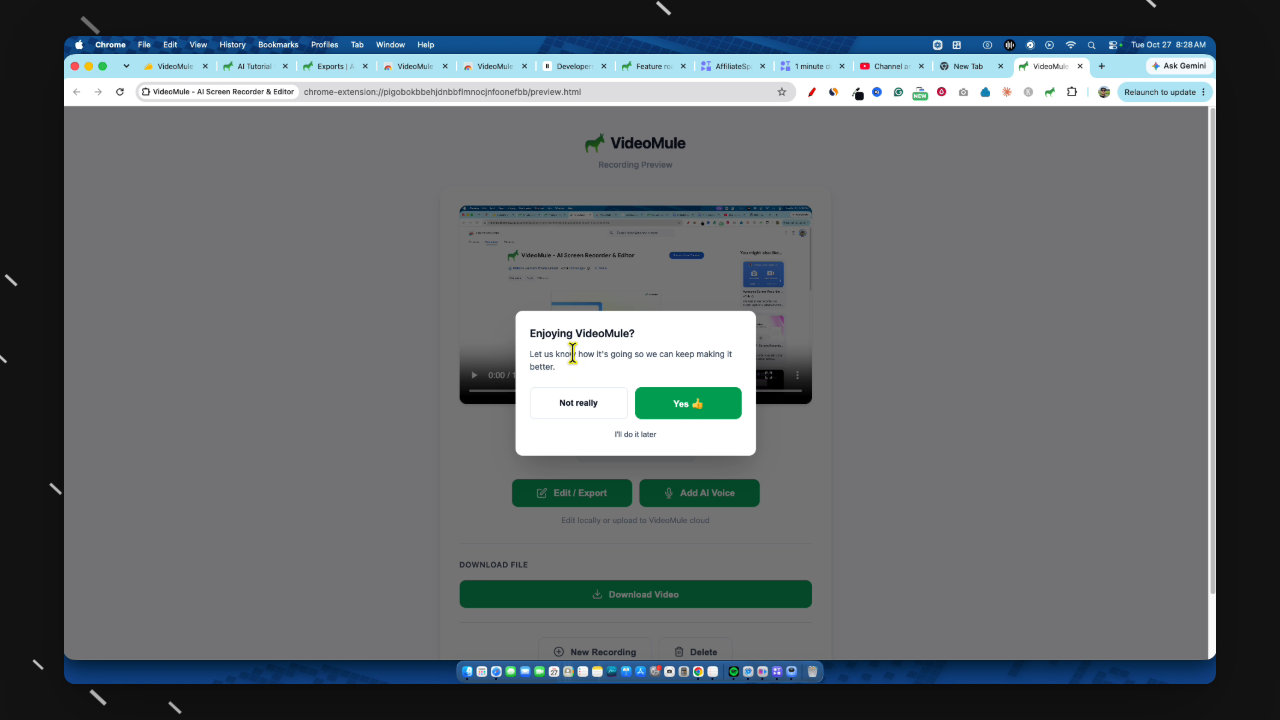
I added the Chrome extension, picked my screen and my Shure microphone, turned the camera off and recorded a short unscripted clip. It came out at 1 minute 28 seconds. You can also record elsewhere and upload the file.
For voice, you bring in an ElevenLabs API key through settings. I tried the starter plan first, and the instant clone didn't sound as good. The Creator plan at about $22 per month gave me professional cloning, and it sounds like me.
Uploading a project and choosing analysis options
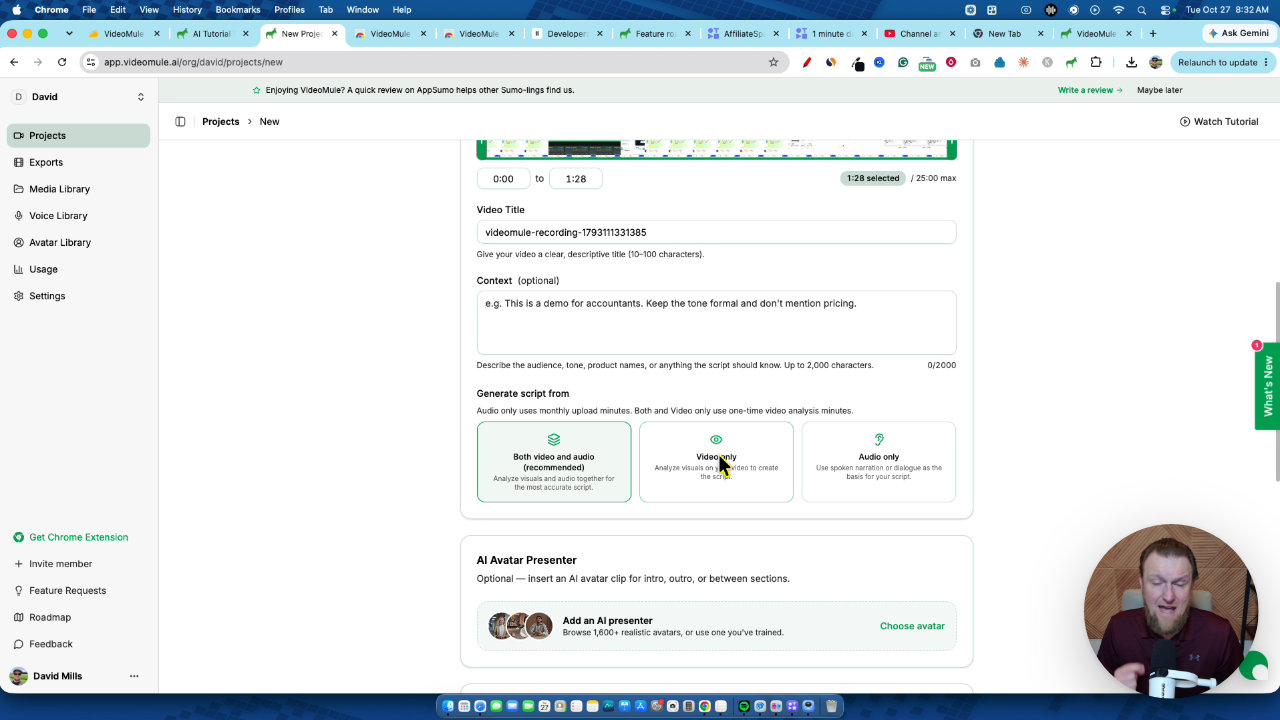
In Projects, I added the video and VideoMule immediately began analyzing the screen and my audio. The choice that matters is which source it uses for the script. Video only analyzes everything, which is the right pick if you said nothing while recording. Audio only uses your narration as the base and polishes it.
Here is the catch I want you to understand. The video analysis minutes are one-time, not recurring, so silent recordings eat credits you have to keep buying. I narrated the whole time, so I chose audio only.
Voices, templates and the generated script
You can preview VideoMule's built-in voices. Some are good, but for YouTube or a sales page I'd use a better voice of my own. Mine is a unique one, which also makes it stand out.
I picked my professional voice and the follow original audio style template. Other templates include product demo, how-to and listicle. Last week the template choice seemed to be part of what was breaking for me, so this looks newer.
It analyzed the video, wrote a script from my audio and the screen, and prepared the editor. The script sounded good.
The editor, captions and gaps
The video arrived with captions already on. I changed the highlight color, size and opacity, then expanded the text onto mostly one line. You can adjust each caption on its own too, which I liked.
Then the rough edges showed up. My new video had a few dead gaps of 3 to 5 seconds, and I couldn't find the effects setting with skip silences on it. I had to trim by hand, and it didn't bring everything over cleanly the first time. I'd much rather have the auto feature, so I sent a screenshot to support.
What worked well in other projects
On an older six-minute project, skip silences removed about 2 minutes of dead air with one click. The step-by-step overlays were also great. Each new section gets a short title card that adds a bit of depth, which suits YouTube tutorials or employee training.
The final render of my clip was good. It even pronounced a tricky word correctly this time, though it sometimes gets that one wrong. I also tested an avatar project with a full script, intro and outro. The script was written from my recording alone.
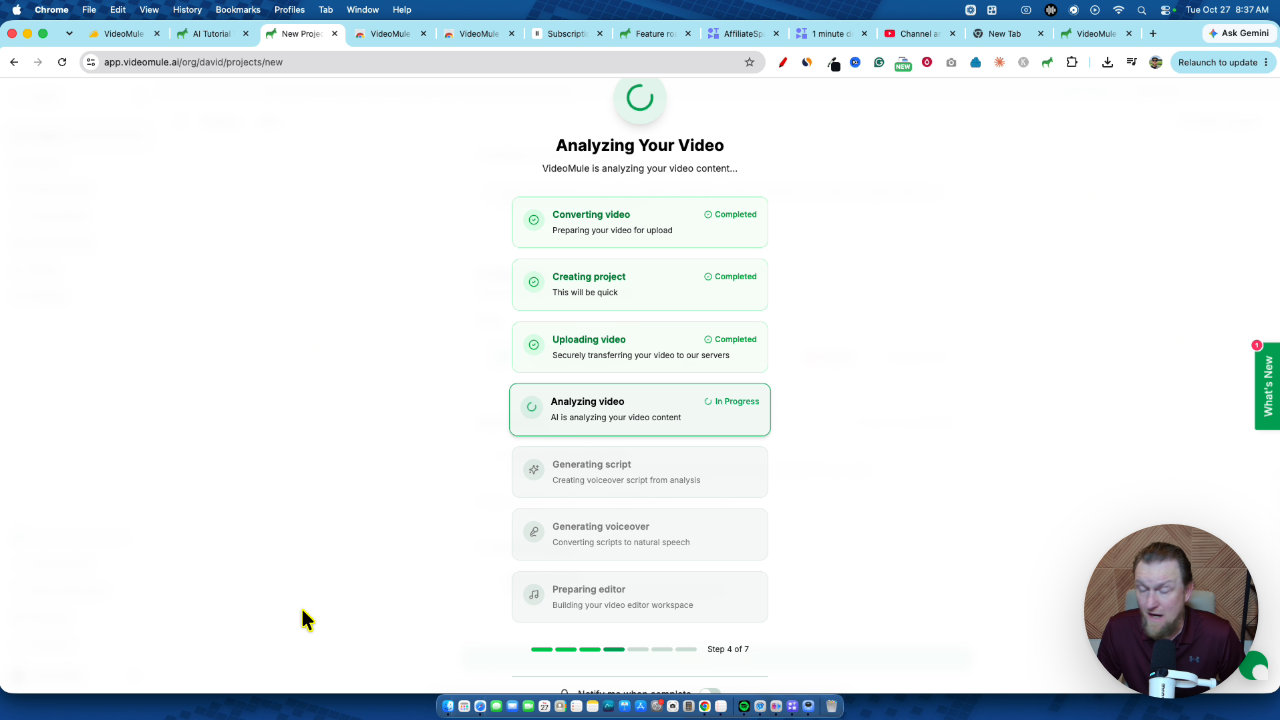
The avatar section lets you upload a photo to make your own avatar, plus stock avatars and a digital twin. But rendering avatars never worked for me, even right before filming. I can't tell you how well that part performs.
Support and reliability
The week before, my projects were looping and failing, even on 1 and 5 minute videos. I went back and forth with support, and they were quick, responsive and looked into it within hours. Within 24 hours all my videos had uploaded and rendered.
I give support 5 out of 5. But that doesn't erase the bugginess I saw.
My verdict
The tool excites me a lot, and it can really help people who don't want to record their own videos. I won't use it for my own channel, because my voice and face are what make LearnWire what it is. But if you start a channel with this technology from day one, it can work.
My unbiased score after multiple days and multiple videos is 3.8 out of 5. There was too much that didn't work to give it a 5. Still, almost no other software like this offers a lifetime deal, so on that basis alone it gets my top recommendation. If you buy, go with Tier 4 or 5 because the minutes are tight.
Key features
Screen recording analysis
You upload a raw recording and VideoMule figures out what is happening on screen, then writes a script and syncs it to the video.
ElevenLabs voice cloning
You paste in an ElevenLabs API key and can narrate with your own professional voice clone. Mine sounded like a 9 out of 10.
Chrome extension recorder
You can record your screen from a Chrome extension, then upload the file to a project.
Script templates and editing
You can follow the original audio style or pick templates like product demo, how-to, quick guide, how-to tutorial and listicle. You can edit the script and regenerate it.
Captions and typography controls
Captions are generated automatically, and you can change highlight color, size, opacity and layout, globally or per caption.
Skip silences
On some video types, one button trims silent gaps from the narration. It saved me about 2 minutes on a project.
AI avatars
You can add stock avatars or upload a photo to make your own, plus intros, outros and step-by-step overlays.
Libraries and team tools
The dashboard has projects, exports, a media library, a voice library, usage tracking, an avatar library and member invites.
Pricing
- The tier I recommend, because monthly upload minutes are limited
- The tier I'm on
- Includes 400 one-time video analysis minutes
- Roughly 24 five-minute videos or 12 ten-minute videos per month
Pros and cons
What I liked
- Writes a solid script from a screen recording and syncs the voiceover
- Cloned voice through ElevenLabs sounds very close to me
- Captions and typography are easy to customize
- Skip silences worked well when it was available
- Support was excellent and fixed my broken projects within 24 hours
- One of very few tools like this offered as a lifetime deal
What could be better
- I ran into bugs and slow, looping renders during testing
- AI avatar rendering did not work for me
- The effects and skip silences option was missing on some videos, so I trimmed gaps by hand
- Monthly upload minutes are limited, and video analysis minutes are one-time only
- You need a paid ElevenLabs plan for a good voice
Who it's for
Creators who dislike recording their voice
If you have a strong accent or just cringe at your own recording, this is the next best option to talking yourself.
Affiliate and review channel builders
It works for tutorial and review style YouTube channels where the screen carries the content.
SaaS teams and trainers
Product demos, sales videos and in-house training videos are all good uses.
Limitations: when to look elsewhere
- If you can record your own voice and screen, I'd still do that first.
- If you need flawless avatar rendering today, look elsewhere, because it failed for me.
- If you want unlimited AI processing, note that video analysis minutes are one-time and monthly upload minutes are capped.
FAQ
Reader reviews
VideoMule alternatives
 JVZoo
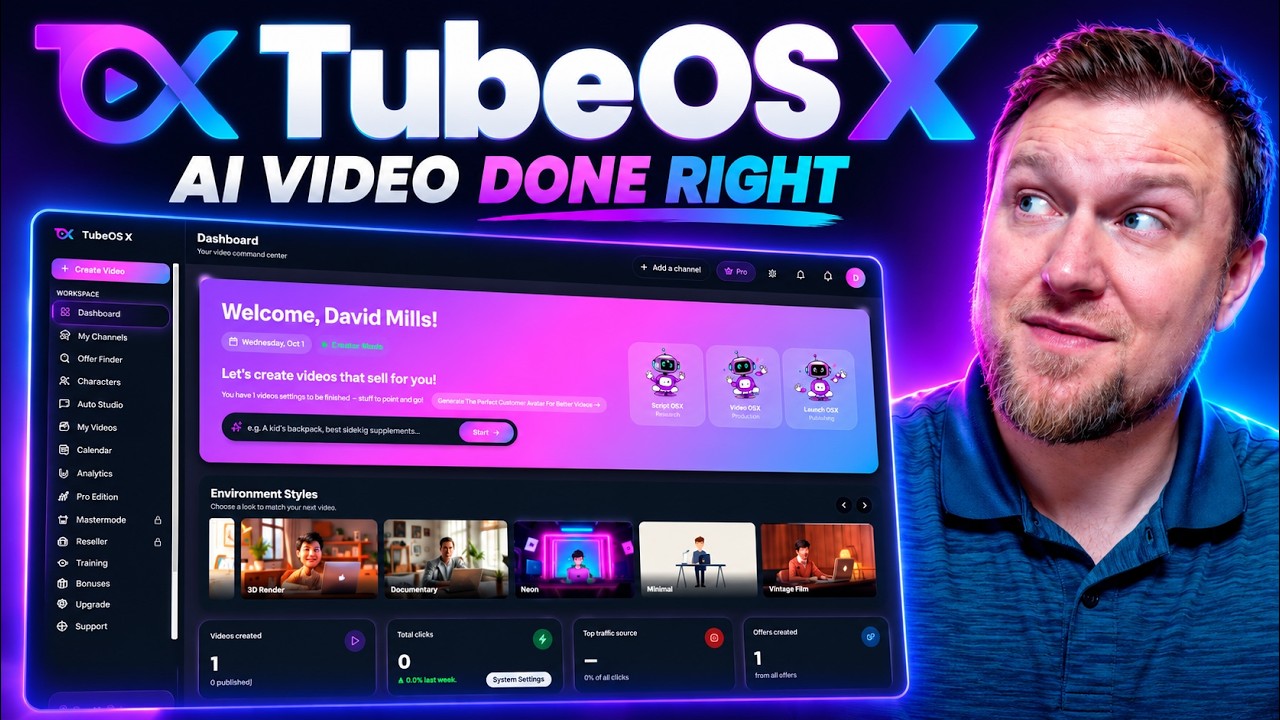
TubeOS X
AI YouTube video creator with custom characters, voice cloning, thumbnails, SEO and publishing.
 AppSumo
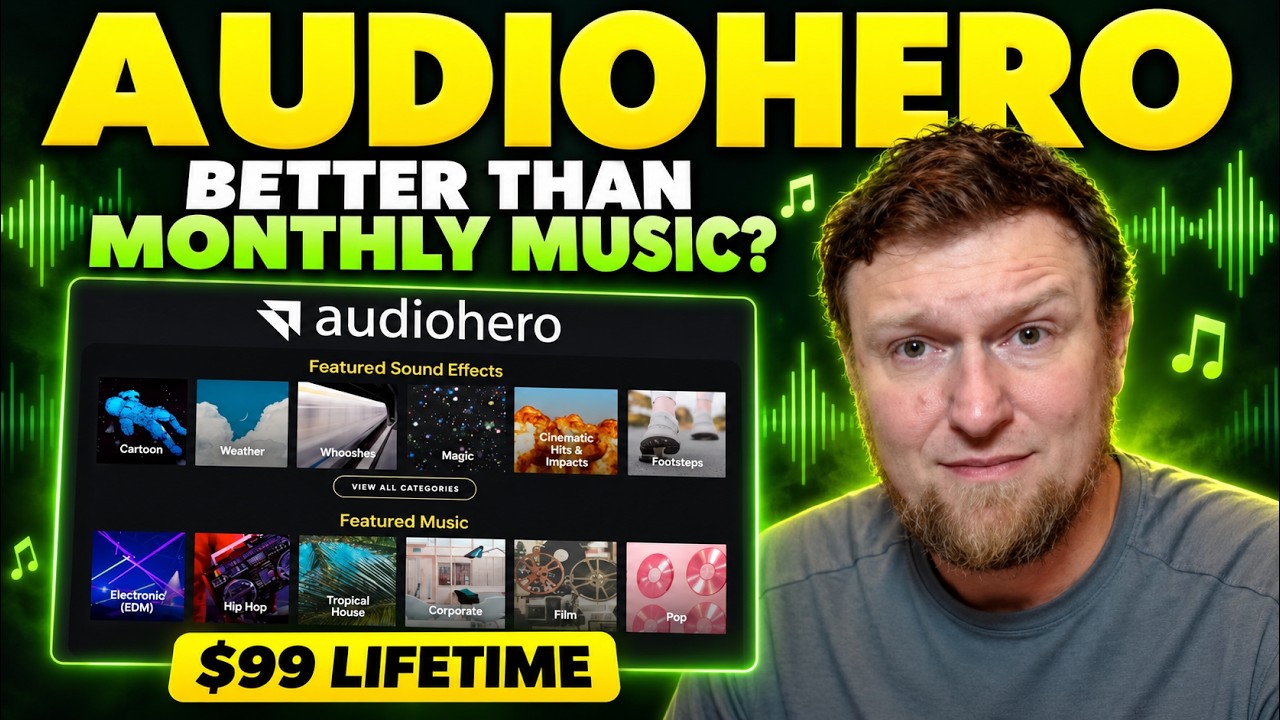
AudioHero
Licensed music and sound effects library for YouTube creators, on a lifetime deal
 AppSumo