TubeOS X
AI YouTube video creator with custom characters, voice cloning, thumbnails, SEO and publishing.
Watch my full review
- What it is
- TubeOS X is an AI video creator for YouTube that builds scripted videos with consistent character avatars, animated scenes, cloned voiceovers, thumbnails and SEO packages, then publishes from inside the app.
- Pricing
- I mentioned the Bundle All Access Pass at around $317, and credit packs at $97 for roughly 27 three to four minute videos.
- Best for
- YouTubers, faceless channel builders and agencies who want higher quality AI videos than typical stock footage slop.
- LearnWire's Rating
- 5.0 / 5
My review
Here is my TubeOS X review, covering an AI video creator that builds YouTube videos with consistent custom characters. What stood out right away was how good the animated scenes and cloned voice looked, though a 15 scene video took noticeably longer to render. If you are searching for the best AI tool for creating faceless YouTube videos, this one deserves a close look.
I have tested a lot of AI video creators, and most of them lean on stock footage and generic visuals. TubeOS X is the first one in a while that made me stop and rewatch the output. I tested it on one of my personal development channels.
Setting up the channel and brand
You start by connecting your YouTube channel. Then I would spend about 15 minutes in the Brand Hub, because that is where the software learns your tone, voice, audience and look. You can even drop in a competitor channel URL and keywords.
The brand identity score tells you how complete this is. I skipped most of it for the demo, but I would not skip it on a real channel.
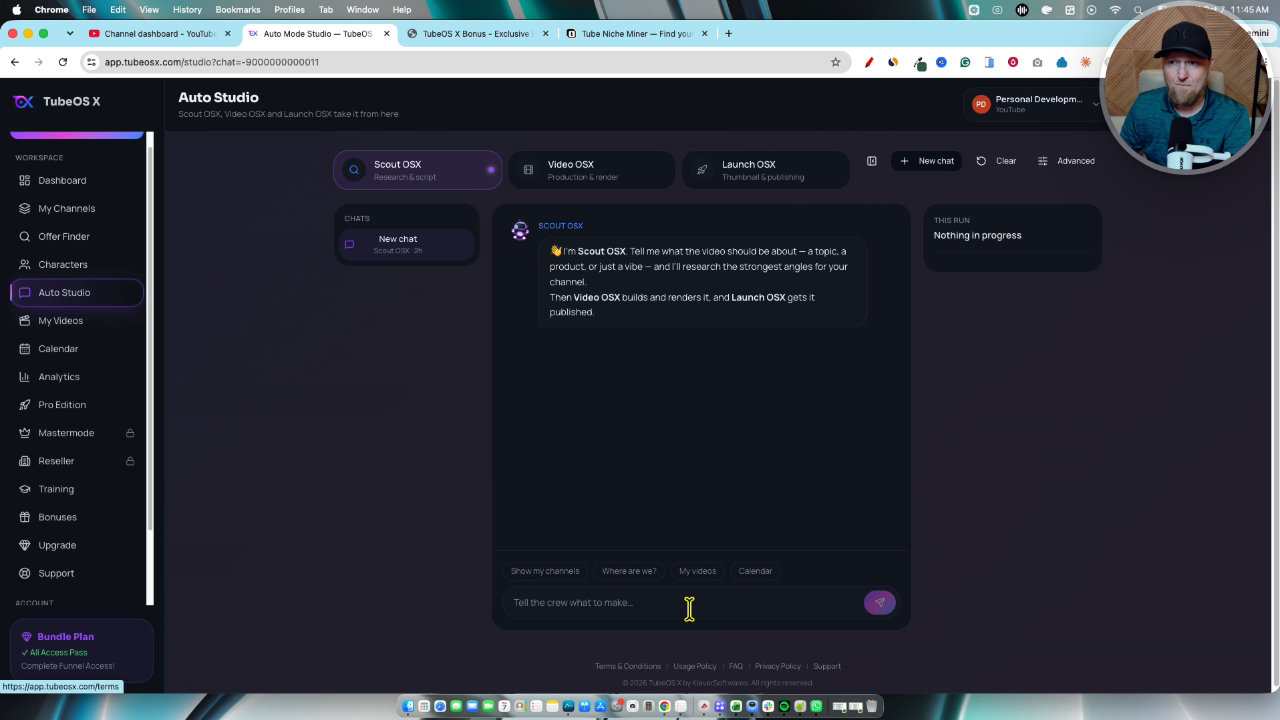
Creating a character
The Characters section is where this gets interesting. I uploaded a photo of myself and it generated avatars in a caricature style with a big head. You can also use the character library or describe one and let AI build it.
Styles include cartoon, 3D and photorealistic. I like that you can mix realistic and cartoon videos, because that is something few channels are doing.
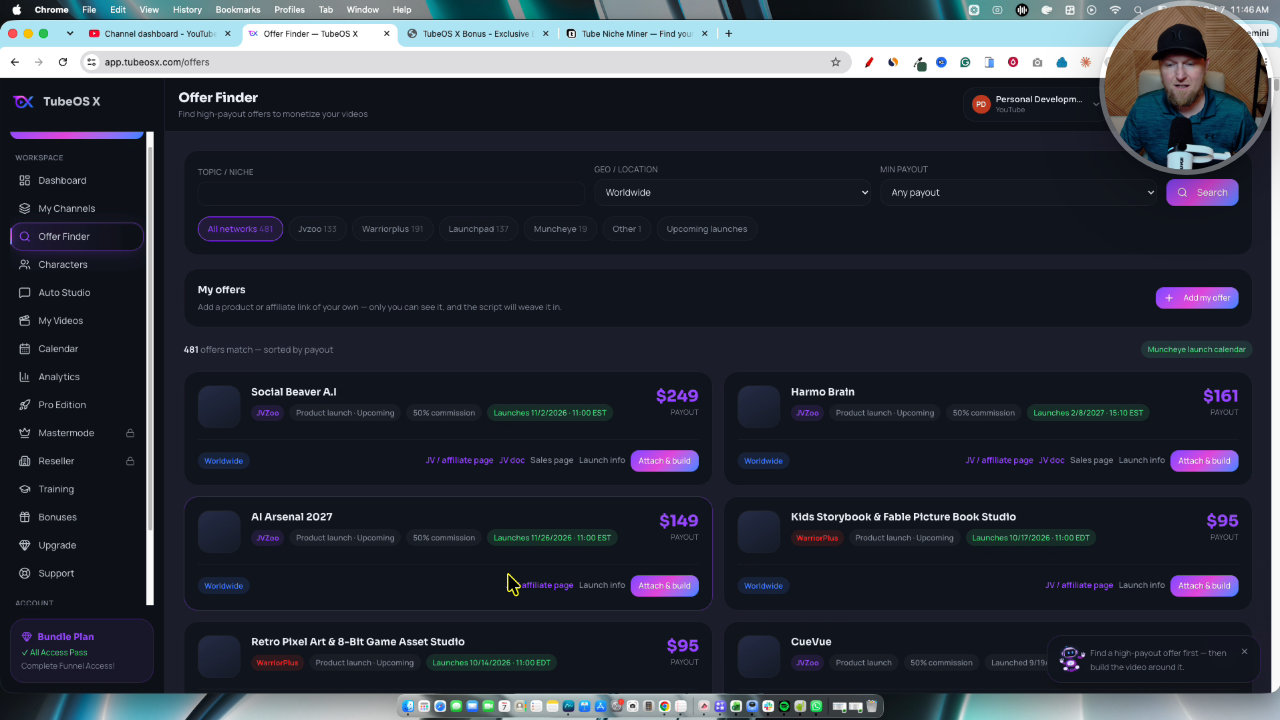
Building a video step by step
I prefer the wizard over the Auto Studio chat mode. You choose a channel, pick a niche or custom keyword, and generate five or ten ideas. I generated five, and it showed competition scores and recommendations.
For the keyword I pulled one from my Tube Niche Miner bonus: how to improve your life in your 40s. Then I picked a script style. I went with viral retention, but story based, step by step tutorial and hot take are all there.
Storyboard, visuals and animation
I built a 60 second script, and it split into 15 scenes. Then it is three steps: build scenes, generate all visuals, animate. You can keep editing while it works in the background.
This one was slower than the four minute video I made earlier, probably because it was creating animated scenes with a consistent character. I animated only the first few scenes, which saves credits and time.
Voiceover, captions and music
The default speed on my cloned voice was too fast. Dropping it to 80 fixed it. I am not sure if you can save that as a brand default.
For music, I turned it down to about 10. I usually avoid music bundled in these tools because I do not know where it came from, so use audio you are cleared to use.
Thumbnail, SEO and publishing
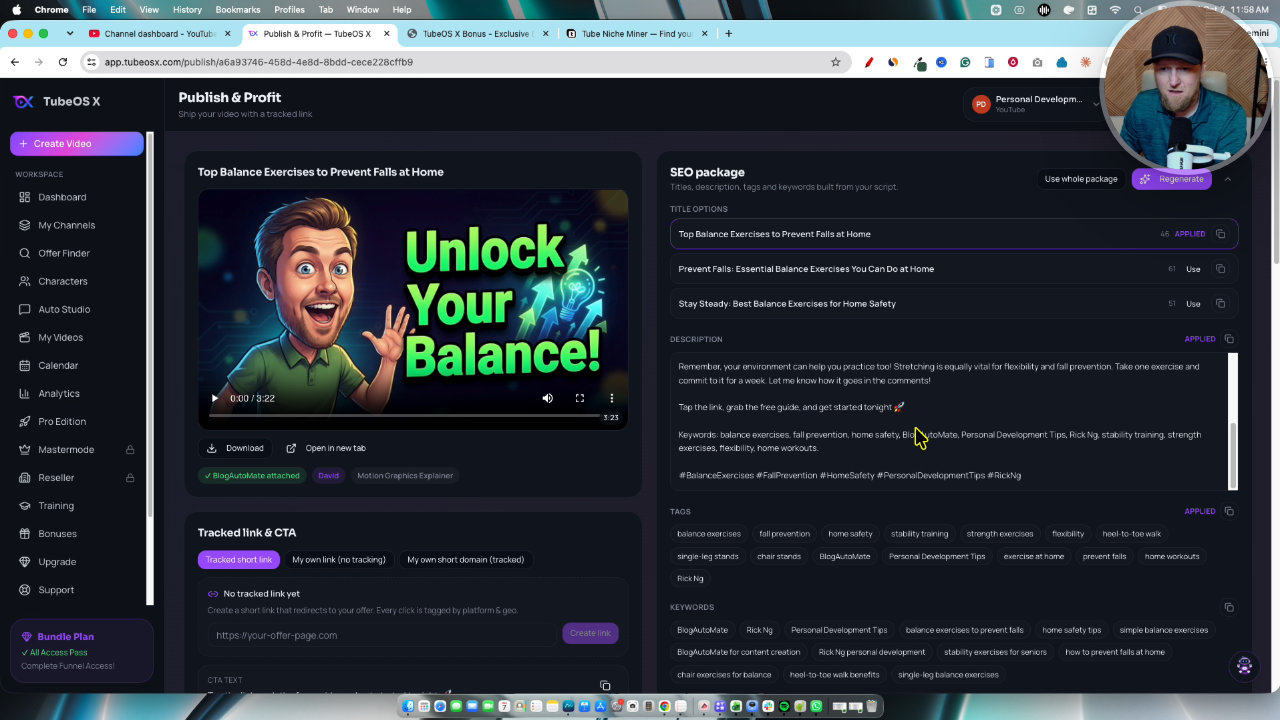
After the video, you generate a thumbnail concept, and on the Pro edition thumbnails are unlimited. Then the SEO package builds the title options, description and tags. You can use the whole package and publish or schedule right there.
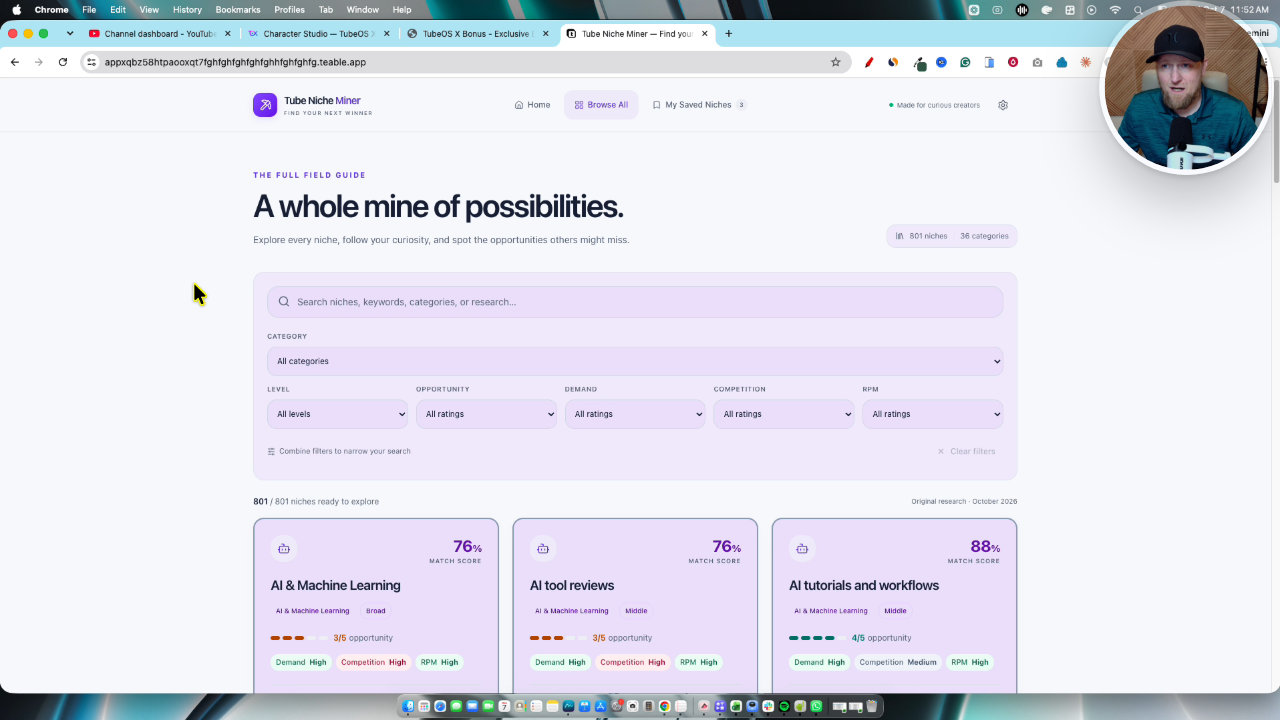
What the output looked like
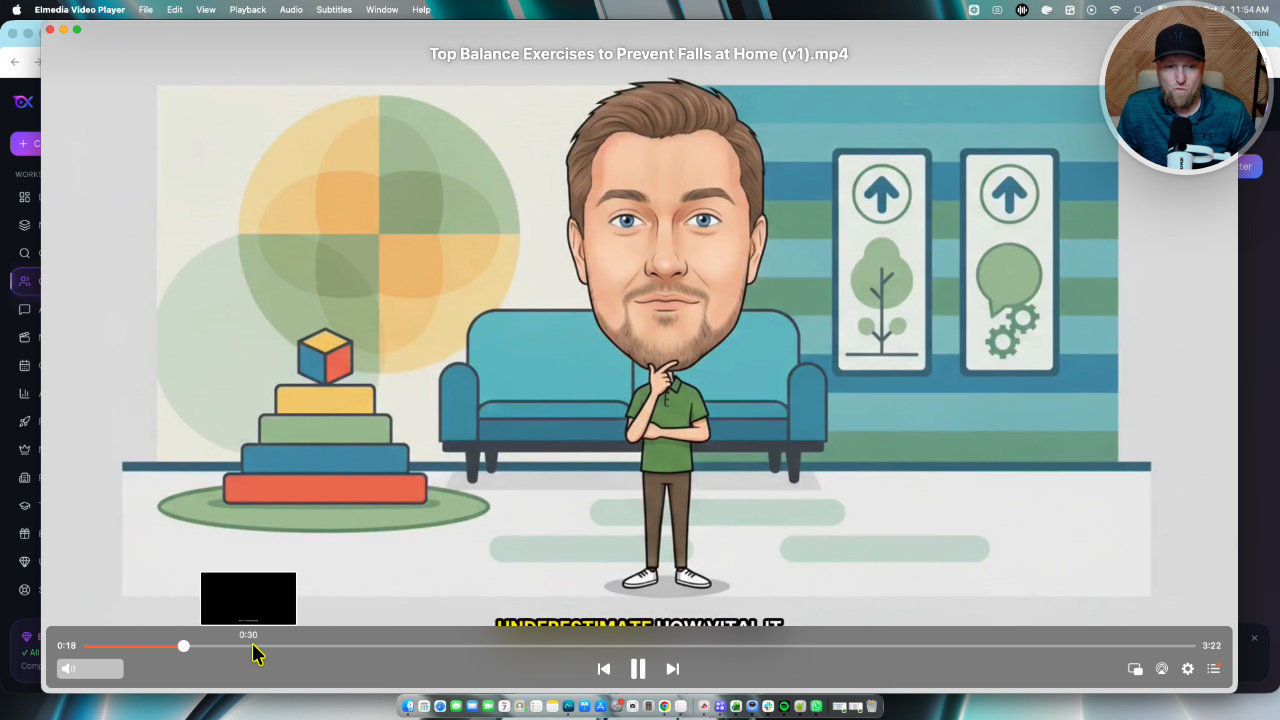
I played back two finished videos. Both had my cloned voice, clean animation and calls to action that pointed to an offer. This is not AI slop, in my opinion. The quality is high enough that you would normally pay an animator for it.
Credits and cost
Everything runs on credits. A three or four minute video cost about 200 of my roughly 3,500 starting credits. By my math, $97 of credit packs gets you around 27 videos of that length.
That is far cheaper than paying someone thousands for five to ten videos a month. Still, every AI action costs the developers money, so expect to buy credits if you produce a lot.
Why I like the missing automation mode
I checked with one of the creators, and they left off a push-button mode that schedules a video a day. I agree with that. If you want to earn on YouTube, you need to check the thumbnail, title and video before publishing, or you just put out junk.
My verdict
TubeOS X is my favorite video creation software of the year so far. It is customizable to your brand and niche, the characters stay consistent, and it handles script, voice, thumbnail, SEO and publishing in one app. I give it 5.0 out of 5.
I would pick the bundle if you are serious, since Master Mode, 10 members and reseller rights make it a real agency setup. Just plan for the credit costs and give yourself time for the longer renders.
Key features
Custom and consistent characters
Upload a photo and it creates avatars of you, or pick from a character library or describe one with AI. Styles include cartoon, 3D, photorealistic and caricature.
Wizard video creation
You pick a channel, niche or custom keyword, generate five or ten ideas, choose a script style, then build the storyboard, visuals, voiceover, captions and music step by step.
Voice cloning
I cloned my own voice inside the software. Turning the speed down to 80 gave me the best result.
Thumbnails and SEO package
It generates thumbnail concepts, plus titles, description and tags. You can use the whole package and publish or schedule from inside the app.
Offer finder and calls to action
Browse offers from JVZoo, WarriorPlus, Launchpad and Muncheye, or add your own. The offer gets built into your content plan and scripts as calls to action, with tracked links in analytics.
Brand Hub
Set your brand identity, tone, voice and audience knowledge, and add competitor channel URLs and keywords. There is a brand identity score you want as high as possible.
Auto Studio chat mode
A chat-style option where you describe your channel and ask for ideas and videos. I prefer the wizard, but it is there if you like chatting to get things done.
Calendar and Master Mode
The calendar shows your queue, and Master Mode lets you connect up to 10 YouTube channels, add up to 10 members and schedule 90 days of content.
Pricing
- Pro Edition plus front end edition
- Master Mode with up to 10 YouTube channels and 10 members
- Schedule 90 days of content
- Reseller rights, keep 100% of profits
- My bonuses plus Tube Niche Miner
- Access to TubeOS X
- My bonus package
- Credit based system
- Roughly 200 credits for a three or four minute video
Pros and cons
What I liked
- Video quality is well above typical AI slop, with consistent characters and animated scenes
- Wizard workflow covers ideas, script, visuals, voice, thumbnail, SEO and publishing in one place
- Voice cloning worked well once I slowed the speed to 80
- Offers are built into scripts as calls to action with tracked links
- The bundle adds agency features, reseller rights and 90-day scheduling
- No automation mode, which forces a final review before publishing
What could be better
- Everything runs on credits, so heavier use costs more
- The 60 second video with 15 scenes took a while to generate and animate
- Default voice speed was too fast for me and I could not confirm a way to save a default
- I would not trust the built-in background music for copyright reasons
Who it's for
YouTube creators
Anyone building a channel who wants branded, consistent characters and a full workflow from idea to publish.
Faceless channel builders
People using avatars, stick figures or cartoon characters instead of appearing on camera.
Agency owners
With the bundle, Master Mode and member seats let you run several channels and hire people to operate the software.
Affiliate marketers
Offer finder and call to action placement suit creators promoting their own or affiliate offers.
Limitations: when to look elsewhere
- If you want a one-click automated daily posting mode, it does not have one, by design.
- If you want unlimited generation with no credit costs, look elsewhere.
- If you need licensed music, bring your own audio rather than relying on the built-in tracks.
FAQ
Reader reviews
TubeOS X alternatives
 AppSumo
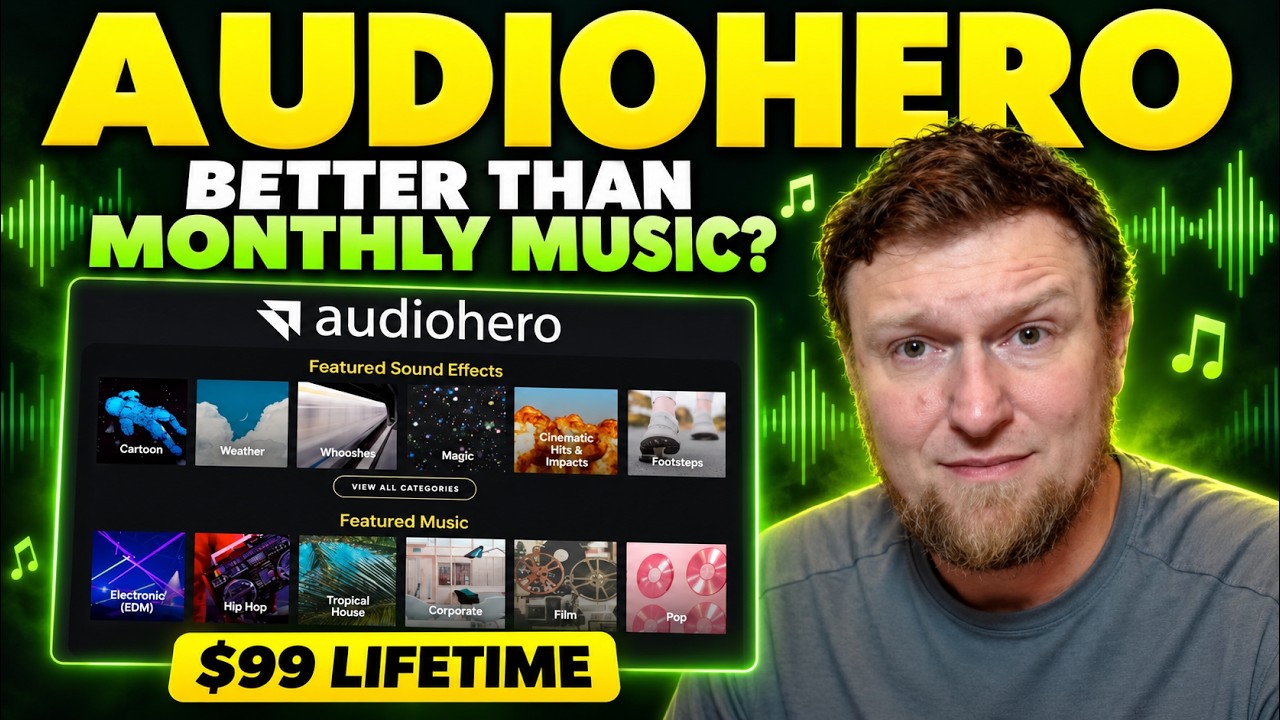
AudioHero
Licensed music and sound effects library for YouTube creators, on a lifetime deal
 AppSumo
 JVZooLaunch Ended · Now Evergreen
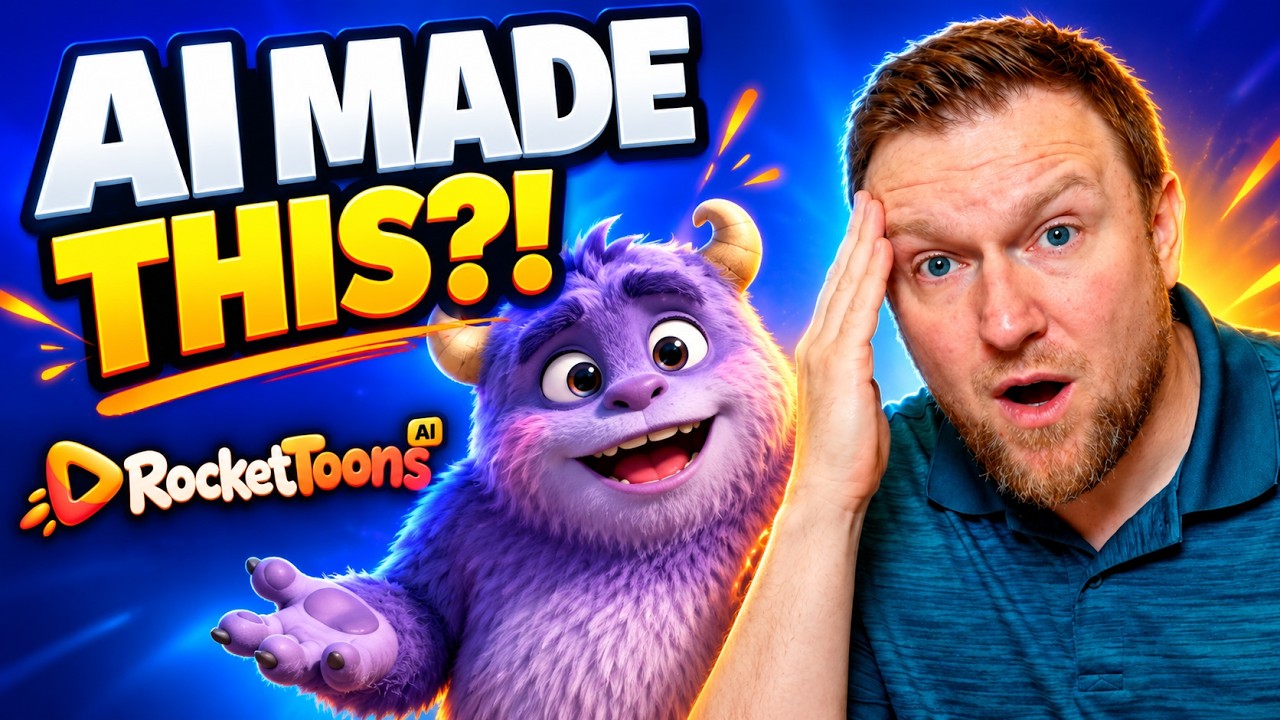
RocketToons
AI cartoon and explainer video generator with characters, voiceover, timeline and scheduler