TubeOnAI
Turn YouTube videos, podcasts and PDFs into summaries, blogs, slides, infographics and more.
Watch my full review
- What it is
- TubeOnAI is a YouTube-focused content repurposing tool. You paste in a video link and it creates summaries, blog posts, emails, slide decks, infographics, flowcharts and more.
- Pricing
- The AppSumo lifetime deal starts at $59, with higher license tiers at $149 and $379. I recommend skipping tier 1.
- Best for
- YouTubers and content creators who want to repurpose videos into other formats without starting from scratch.
- LearnWire's Rating
- 4.0 / 5
My review
Thanks for checking out my TubeOnAI review, a tool that turns a pasted YouTube link into summaries, blogs, slides and more. The slide deck, mind map and infographic output impressed me most, though the blog post and email sounded factual and robotic. If you want the best AI tool for repurposing YouTube videos into blog posts, this one deserves a close look.
TubeOnAI has been on AppSumo for a while and I hadn't gotten around to reviewing it. It's YouTube related and built for content repurposing, so it fits my business well. I wanted to see what one video of mine could turn into.
Why I Tried TubeOnAI
The pitch is simple: paste a link and get a pile of content out of it. It's been around since 2023 and its site gets around 106,000 visitors, so it looks like a real business. On AppSumo it has an exact 4 out of 5 rating from 51 reviews.
I used my license tier 3 account for the walkthrough, so what I show is the full product.
Setting Up and Summarizing a Video
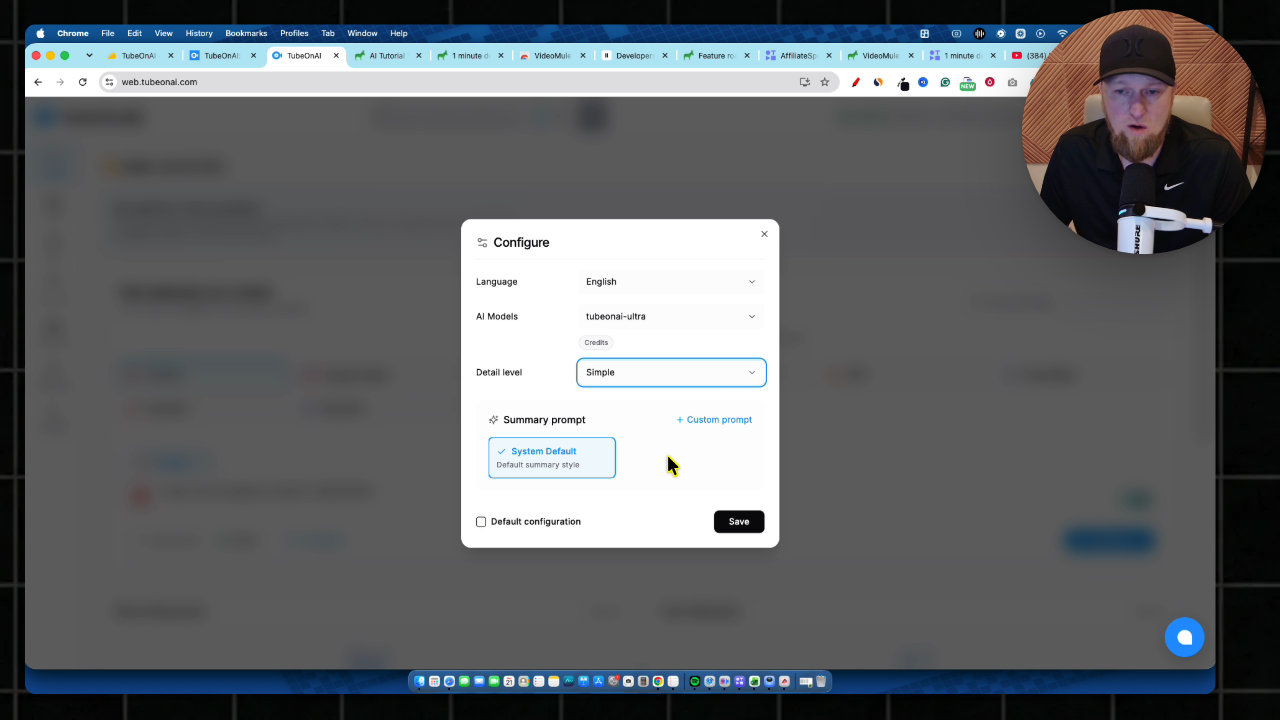
The onboarding asks how you want it to write. I picked the Ultra model since I had the credits and wanted the best results. There's a big list of output languages, and a detail level of simple, takeaways or comprehensive. I kept English and simple.
I pasted in my Follow.it review video, opened the configure options and hit generate. The layout reminds me of Google's NotebookLM.
The summary was a really nice rundown. You can also ask questions, pull standout quotes and save them as Markdown, text or PDF. The transcript is there too, and I switched it into Spanish with one click.
Repurposing Into Blogs and Emails
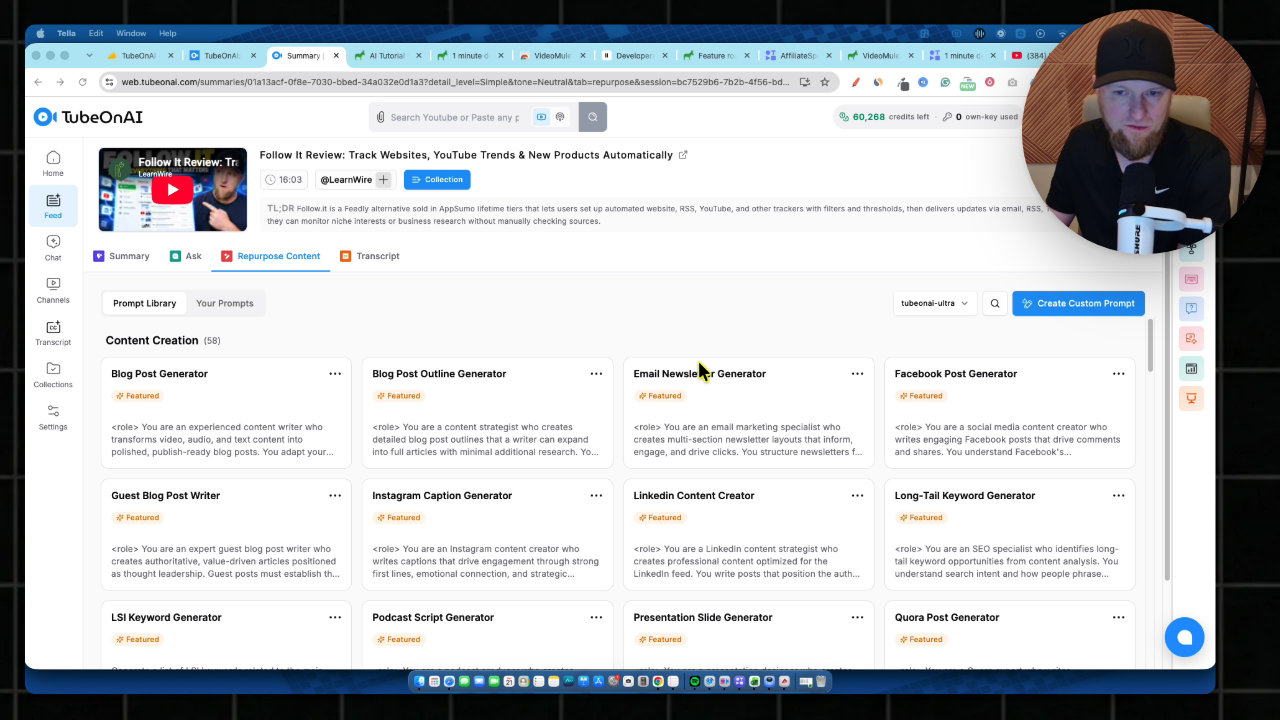
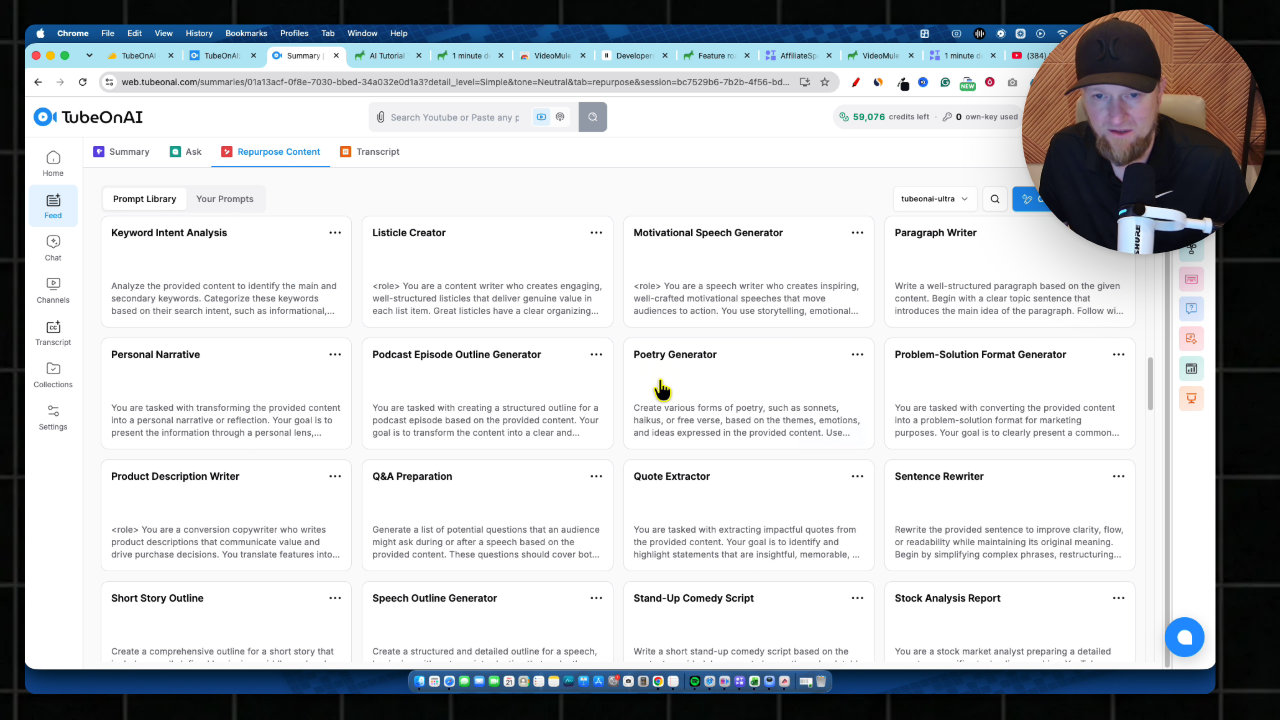
The Repurpose Content section has 58 options. The blog post generator is the obvious start, and it shows you the prompt, which is a massive one.
**Here's a gotcha:** I accidentally clicked out while it was writing and lost the blog post. Don't touch anything until it finishes. Afterward I also couldn't find a save button, only download and regenerate. You get back to your content through your prompts, which is confusing.
The post itself was well structured, with short paragraphs, an FAQ and a meta description. But it's very factual and robotic, and doesn't sound like a human wrote it. The email had the same issue. A custom prompt would probably fix that.
Channels, Settings and Publishing
You can sync a YouTube channel and have it auto-summarize new uploads. It doesn't help with titles, descriptions or thumbnails before you publish, but it covers what you'd do afterward to drive traffic.
In settings you can add custom prompts and skills, plug in OpenAI, Claude, Gemini or OpenRouter keys, and connect Google Drive, OneDrive and Dropbox. Social accounts include WordPress, Bluesky, LinkedIn, Telegram and Discord. I'd like to see Ghost added.
Audio, Mind Maps, Infographics and Slides
This was the best part. From the video I generated an audio overview, a mind map, a flowchart, flashcards, an infographic, an image and a slide deck. The audio voice sounded good, but I couldn't find a way to choose it.
The mind map and flowchart were useful, and I could see using them to plan a follow-up video. The flashcards could work for courses.
The slide deck came out as 8 slides in the Dynamic style. You can edit text, images and elements, chat with it, export it and present right in the app. I think this is one of the most impressive features.
My Verdict
I'd give TubeOnAI a 4 out of 5. It has a bunch of features and I wasn't overly impressed, but it's a solid tool if this is what you're looking for, especially as a YouTuber.
The pricing is where I hesitate. Tier 1 takes too much away, tier 2 still locks out the slides, infographics and flowcharts, so tier 3 is where the product really opens up. Know that before you buy.
Key features
Video summaries
Paste a YouTube link and it transcribes the video and writes a summary. You can pick the AI model, output language and detail level.
Repurpose Content library
Shows 58 content creation prompts, including a blog post generator, email generator, slide generator, Quora, LSI keyword generator and TikTok. It's almost overwhelming how much is in there.
Ask and chat
Ask questions about the source, or pull out standout quotes and best lines. You can save the results as Markdown, text or PDF.
Audio overview, mind map and flowchart
Generates an audio overview, a mind map and a flowchart from the video. It reminds me a bit of Google's NotebookLM.
Slides and infographics
Creates an editable slide deck with selectable styles, plus infographics. You can present directly in the app or export the slides.
Flashcards and images
Builds flashcards you could use for courses, plus standard AI images from the content.
Channel sync and auto summaries
Sync a YouTube channel and it can automatically summarize new uploads and email them to you.
Publishing and integrations
Connect WordPress, Bluesky, LinkedIn, Telegram and Discord for publishing, plus Google Drive, OneDrive and Dropbox. You can also add your own OpenAI, Claude, Gemini or OpenRouter keys on higher tiers.
Pricing
- No bring your own key
- No webhook or developer API
- No bulk video summary
- No content editor assistant
- 10,000 credits per month
- Summarize entire YouTube playlists
- Content editor assistant
- Bring your own key
- No generative interactive content, infographics, flowcharts or slides
- 60,000 credits per month
- Everything unlocked, including infographics, flowcharts and slides
Pros and cons
What I liked
- Turns one video into a huge range of content formats
- Slide decks, infographics, mind maps and flowcharts are impressive
- Shows its prompts and lets you write custom prompts and add your own skills
- Transcripts and translation (I switched one into Spanish) are built in
- Publishing options include WordPress, LinkedIn, Bluesky, Telegram and Discord
What could be better
- Tier 1 has a lot of red and takes too much away
- Generated blog posts and emails sound factual and robotic, not like a human
- Leaving the screen mid-generation can lose the blog post, and finding saved content is confusing
- No way to choose the voice in the audio overview
- No Ghost or similar website publishing yet
Who it's for
YouTubers
If you want to drive traffic to videos you've already published, it handles the work you'd do afterward.
Content marketers
Useful for repurposing one source into blogs, emails, slides and social content in one place.
Course creators
Flashcards, slides and infographics could be handy for training material.
Limitations: when to look elsewhere
- If you're considering tier 1, look elsewhere or step up, since key features are missing.
- If you want human-sounding output without writing your own prompts, the defaults will feel robotic.
- It doesn't handle the pre-publish YouTube work like titles, descriptions and thumbnails.
FAQ
Reader reviews
TubeOnAI alternatives
 AppSumo
StoryChief
AI content research, writing, SEO and multi-channel publishing in one workflow.
 AppSumo
 Not on AppSumo now
StealthGPT
AI humanizer, detector, SEO writer and research agent in one content platform.