Mootion
AI video generator with characters, templates and a thumbnail tool, sold on AppSumo.
Watch my full review
- What it is
- Mootion is an AI video generation tool with instant mode, director mode, templates, a character library and an AI thumbnail generator.
- Pricing
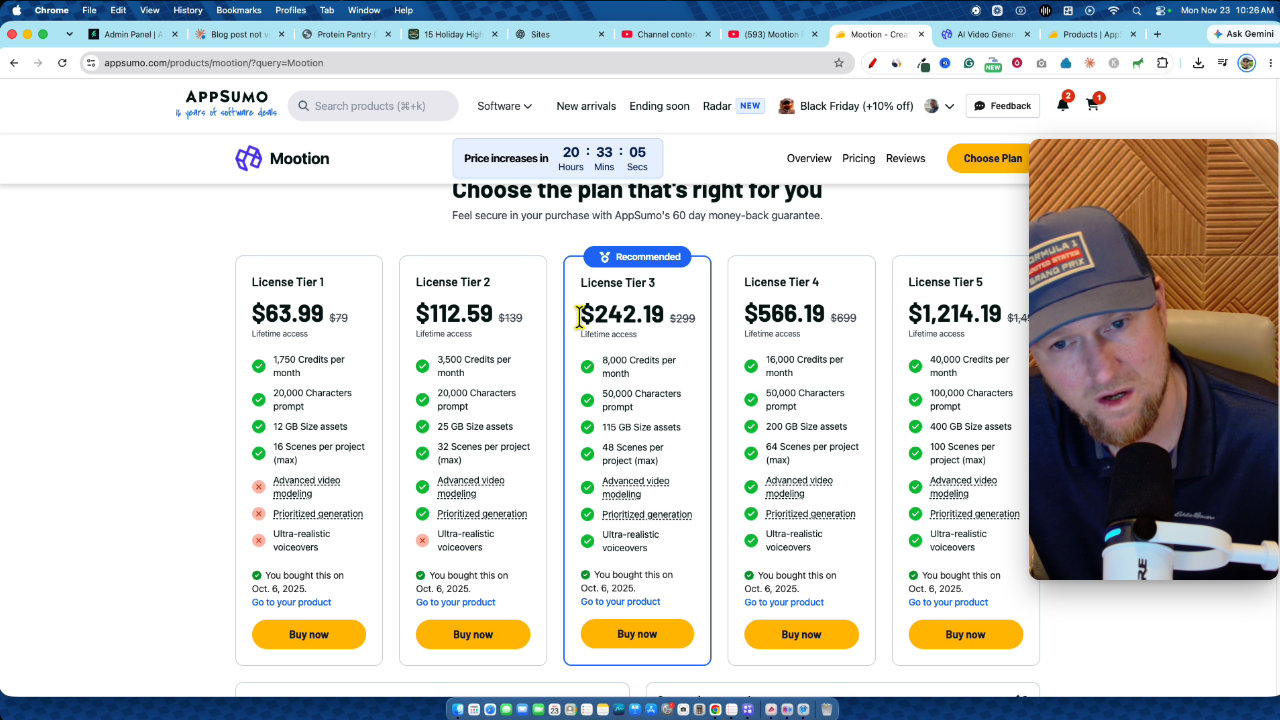
- On AppSumo, license tiers run from $63.99 up to $1,214, with monthly credits that scale by tier.
- Best for
- Short-form creators who can live with slow renders and watch their credits closely.
- LearnWire's Rating
- 2.8 / 5
My review
Thanks for checking out my Mootion review, the AI video generator I first scored 4.3 a year ago. This time what stood out was a 15 second clip that still hadn't finished after 16 minutes, while the thumbnail tool worked fine. If you're hunting for the best AI video generator lifetime deal, you need to know the credit costs first.
I covered Mootion about a year ago, and since it's back in the AppSumo Black Friday lineup, I wanted to see if my old score still held up. Short answer: it didn't.
Credits come first
Before testing, I want to be clear about something. AI video is expensive everywhere, and a lifetime deal with recurring monthly credits is a tough model. The company can't give away unlimited credits forever, and I think heavy users could eventually cost them money.
That said, as a buyer you still need to know what you're getting. I'm on the tier 3 plan with 8,000 credits, and I used over 2,000 of them during this test with little to show for it.
The new interface
The first thing I noticed is that the dashboard has been redone. It's more modern and much less cartoonish than what I remembered. I set up a character by uploading a photo of me, naming it David and describing the voice.
Instant mode
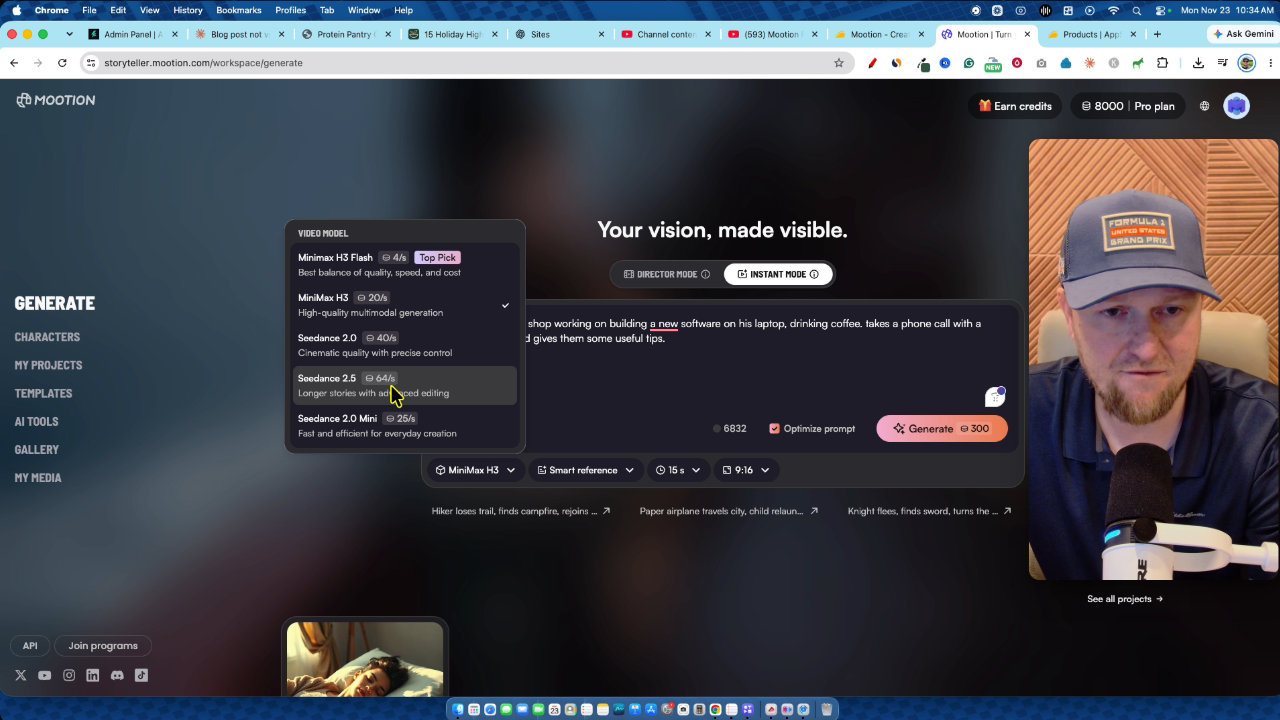
In instant mode you write a prompt, optimize it, pick a length, an aspect ratio and a model. I like that it shows the credit cost up front. A 10 second video on the recommended MiniMax model was 40 credits, while 15 seconds on another model was 300.
The catch is that I couldn't find a way to use my saved character here. Neither the @ button nor a slash worked.
Then the generation just sat there. After about 10 minutes for a 15 second clip, nothing. At 16 minutes, still nothing. I put that in the bug column.
Director mode
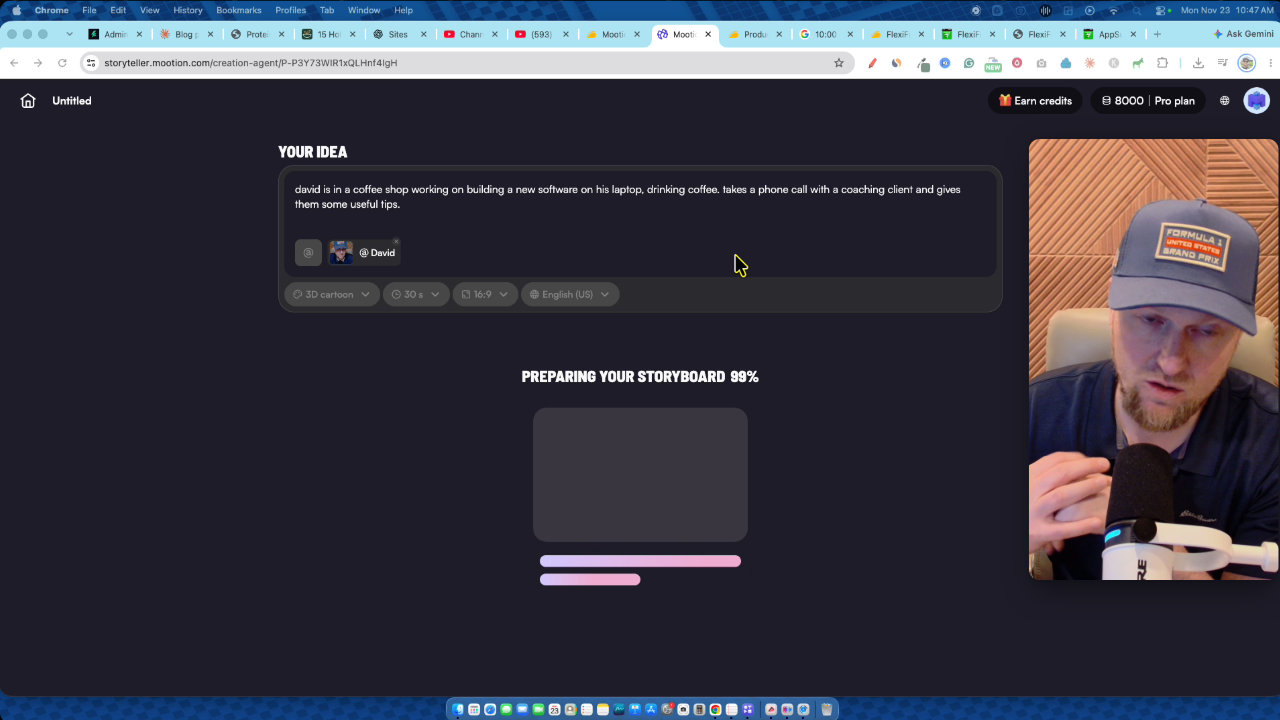
Director mode has a 30 second minimum, and this is where you can add your character. It builds a storyboard with four scenes, dialogue, camera motion and sound effects, and you can adjust scenes or regenerate the script. The storyboard cost 80 credits and generating the clips would be another 120.
I like this workflow and the interface is clean. But it doesn't offer prompt optimization, so you need to bring a polished idea. And those clips never rendered either because MiniMax seemed to be failing.
Templates
The faceless short video template drops you into the older, purple, cartoonish interface. It feels odd to jump from the modern UI to that, and I think it should be uniform.
Still, this was the best video result. I chose images only, and it rendered in about 15 seconds. The script about David in a coffee shop was decent, and I'd call the result a 7 or 8 out of 10. The same transition on every scene was too much for me. For a niche Shorts channel, I can see this being cheap on credits.
Animating scenes is where the cost jumps. Animating a four-minute science video would be around 3,100 credits, and MiniMax H3 was 1,500.
Thumbnail generator
This one impressed me. I uploaded my photo, chose a lifestyle style and it cost 20 credits. The result looked really good and came back fast. The typography version was also good. I couldn't pick my saved character here either, which seems like an obvious miss.
The top model
I tried Seedance 2.5 in instant mode for 960 credits. It took a long time, but it finished. The coffee shop looked very high quality, though the laptop screen was backwards. At that price, you'd get only about eight 15 second clips on 8,000 credits.
I also couldn't find a log showing where credits were being spent, which would help a lot.
How I scored it
I broke the rating down this time. Time and speed got a 2.5, bugs a 1 (three of five videos failed), credits and pricing a 3, the UI a 3.5 and quality a 3.8.
My overall score is 2.8 out of 5. Is that fair or too harsh? Let me know. The thumbnails and image-based templates are good, but I can't recommend it until generation is reliable.
Key features
Instant mode
You type a prompt, optionally optimize it, pick a length, aspect ratio and model, and it generates a clip. You can't pick a saved character here.
Director mode
Builds a storyboard with scenes, dialogue, camera motion and sound effects before generating clips. It has a 30 second minimum and lets you add a character.
Templates
Faceless short videos, idea to video and script to video. The image-only version rendered in about 15 seconds in my test.
Character library
You upload a picture, add a name, description and voice, and save a character for reuse.
AI thumbnail generator
Creates thumbnails from an uploaded photo in styles like lifestyle and typography for about 20 credits. This was the best part of my test.
Other AI tools and gallery
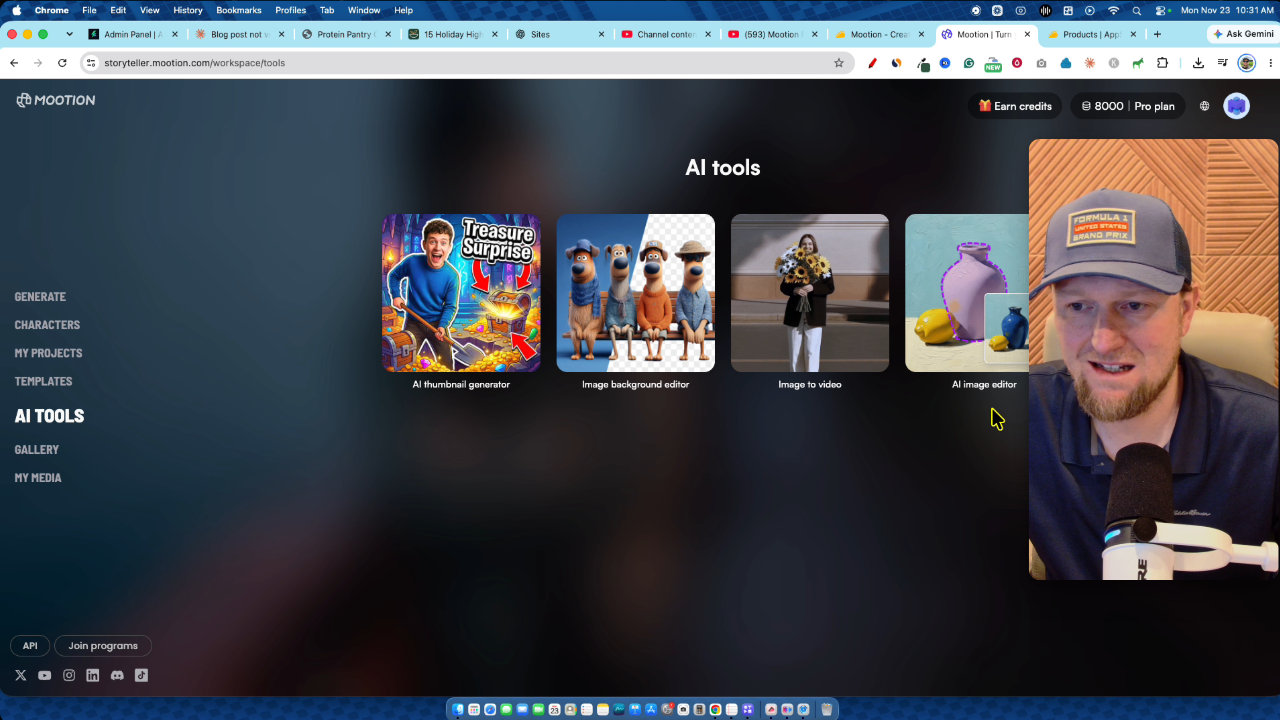
Includes an image background editor, image to video, an AI image editor, a gallery for inspiration and a media library.
Pricing
- 8,000 credits per month
- 16,000 credits per month
- 40,000 credits per month
Pros and cons
What I liked
- The new interface is clean, modern and easy to use
- The AI thumbnail generator looked great and cost few credits
- Image-based template videos render fast and came out around 7 or 8 out of 10
- Director mode gives you an editable storyboard with scenes and dialogue
- Instant mode shows credit costs per model before you generate
What could be better
- Three of the five videos I tried never finished
- A 15 second clip was still not done after 16 minutes
- Top models burn credits fast (960 for one 15 second clip)
- No credit log to see where credits went
- The older template interface looks cartoonish and doesn't match the new one
Who it's for
Short-form content creators
Niche Shorts channels can get decent value from the cheaper image-based templates and short clips.
Creators who need thumbnails
The thumbnail tool was quick, good looking and low cost in credits.
Limitations: when to look elsewhere
- If you want long-form AI video, the credits will drain fast and you'll need to top up.
- If you need reliable, fast renders, look elsewhere for now, since my video generation was slow and buggy.
- If you want to reuse a saved character in instant mode, it isn't possible as far as I could tell.
FAQ
Reader reviews
Mootion alternatives
 JVZoo
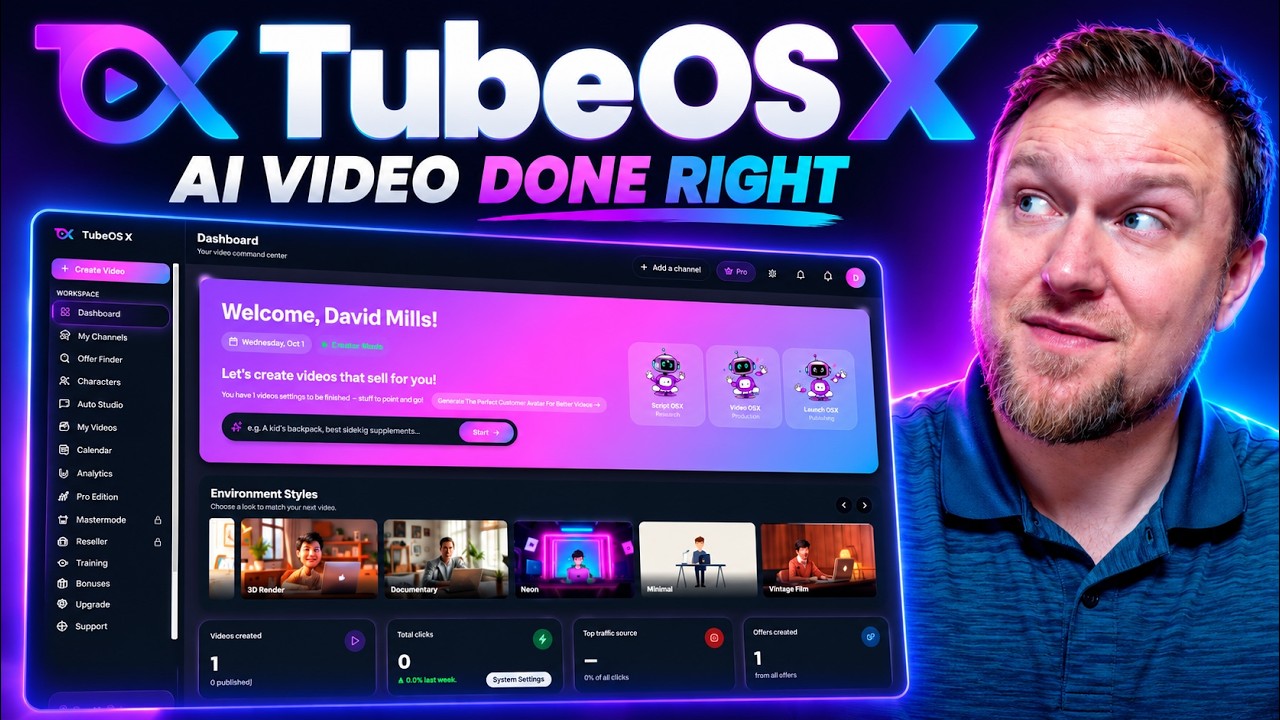
TubeOS X
AI YouTube video creator with custom characters, voice cloning, thumbnails, SEO and publishing.
 AppSumo
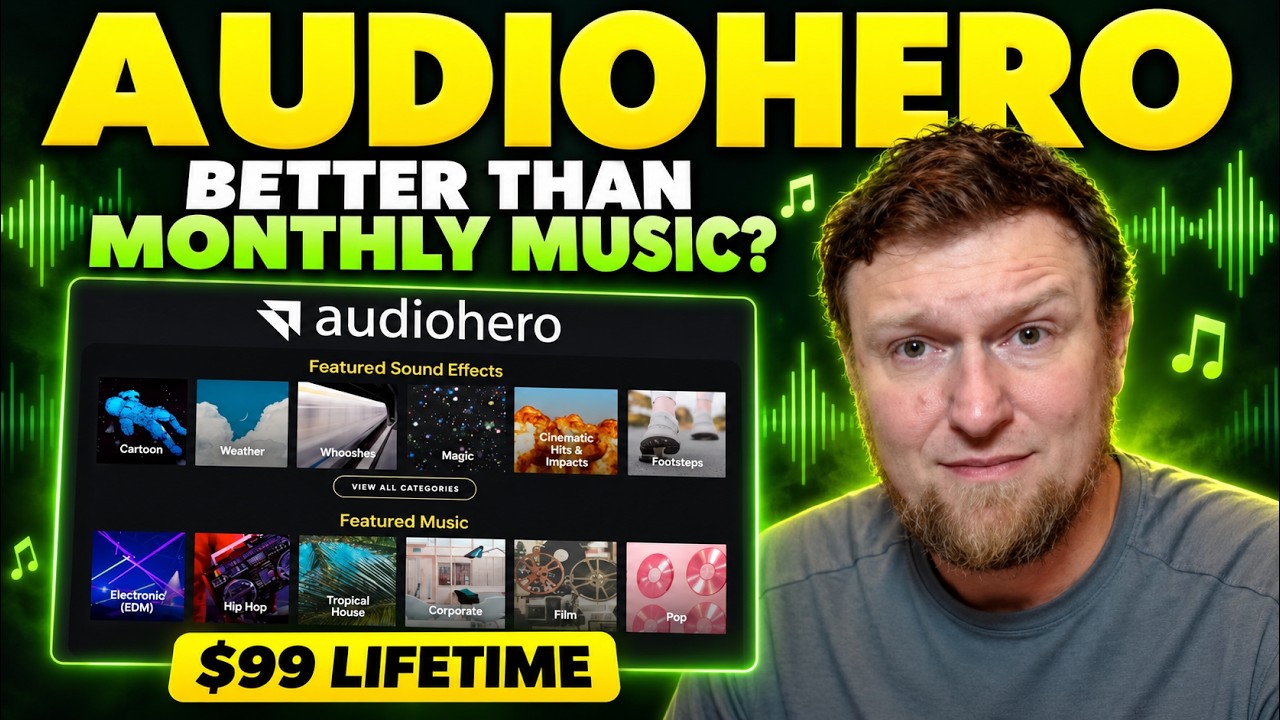
AudioHero
Licensed music and sound effects library for YouTube creators, on a lifetime deal
 AppSumo