MagicCanvas
All-in-one AI video and image generator with a Movie Studio, node workflows and audio tools.
Watch my full review
- What it is
- MagicCanvas is an AI video and image generator that positions itself as an alternative to Higgsfield, Kapwing and Freepik. It includes an AI Movie Studio that can build a full short film from a story idea.
- Pricing
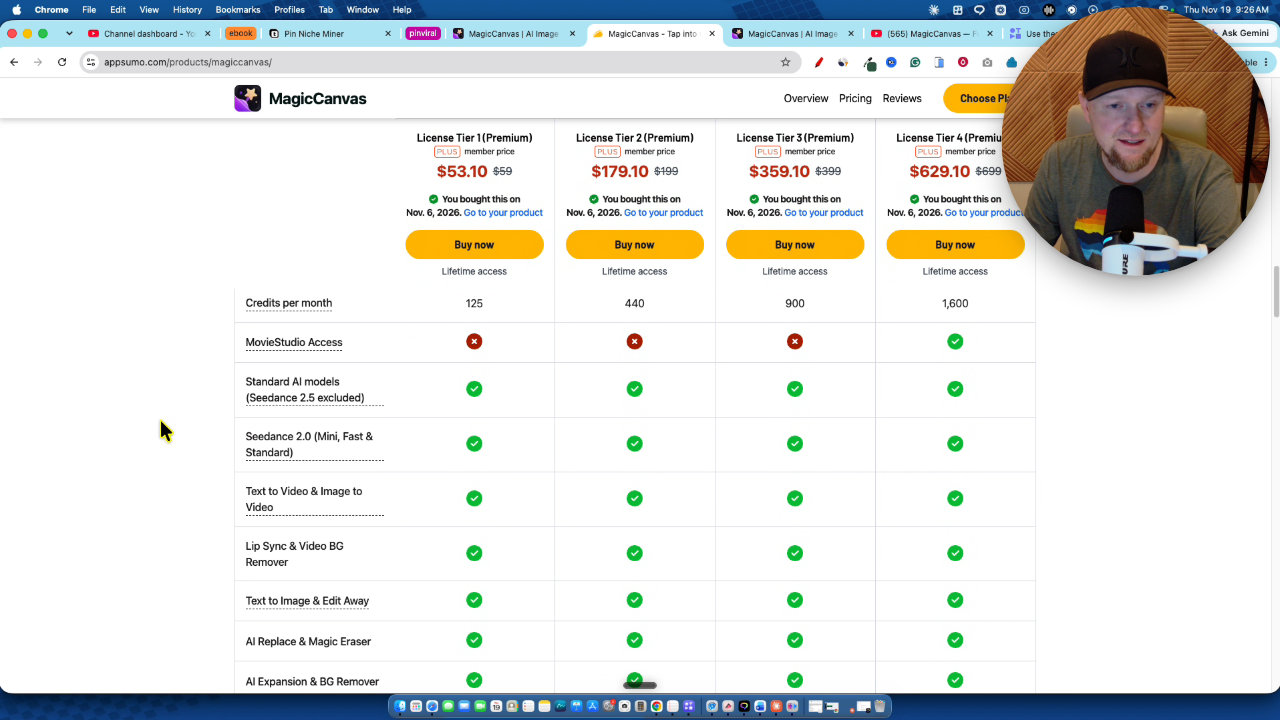
- AppSumo license tiers run from $59 to $699, with monthly credits from 125 to 1,600, and Movie Studio access only on tier 4.
- Best for
- People who want high-quality images and short one-off AI video clips, not full-length films on a tight budget.
- LearnWire's Rating
- 4.0 / 5
My review
Here is my MagicCanvas review, covering the AI video and image generator that can build a full short film from a story idea. What jumped out at me was how finished the one-minute comedy looked, and then how many credits it quietly ate. If you are hunting for the best Higgsfield alternative for AI video generation, this is what I found.
I wanted to know if MagicCanvas is a real alternative to Higgsfield, so I skipped the small demos and went straight for the biggest test. I gave it a story idea and asked for a complete one-minute film. I had never used the tool before, so this was a true first run.
Why I Tried It
MagicCanvas sits in the same space as Higgsfield, Kapwing and Freepik. It is a company that has been around since February 2025, has more than 10 employees and is in the seed phase. Traffic is still modest at around 6,000 monthly visitors, and I would like to see more for a team that size.
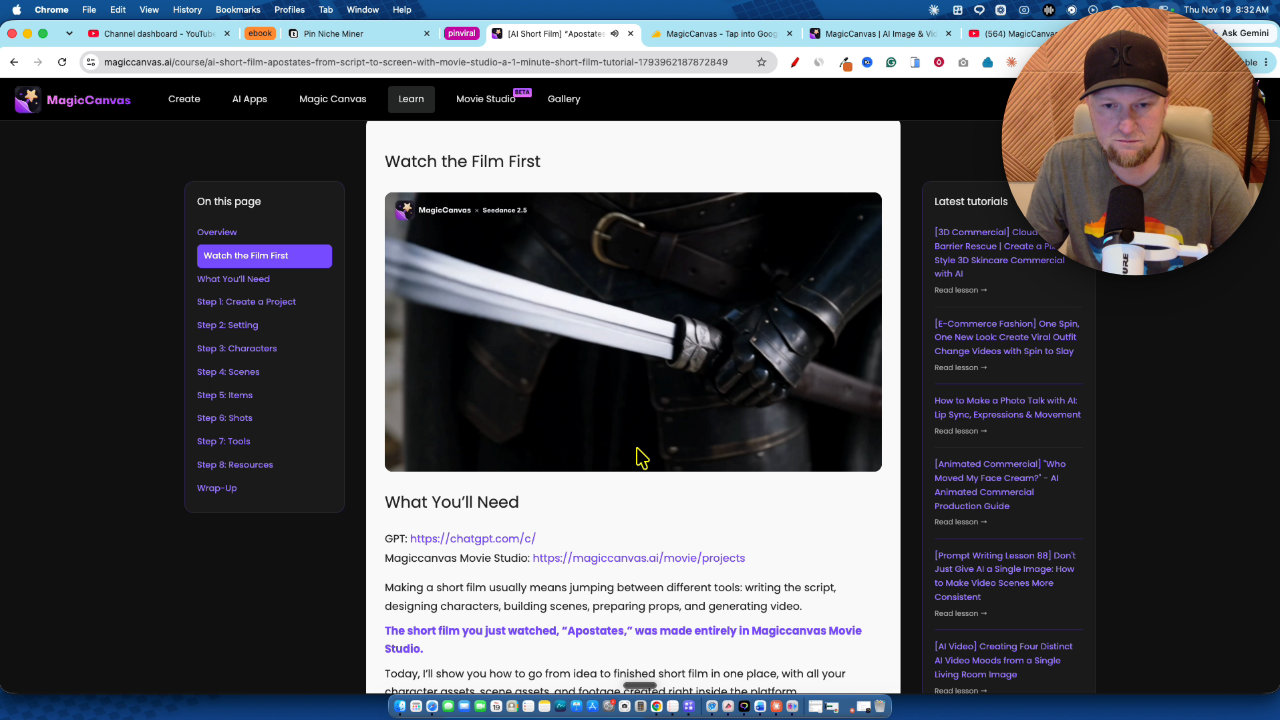
One thing I gave them real credit for is the learning center. There are video lessons, text guides, and example films where you can see the prompts behind them.
Building a Film in Movie Studio
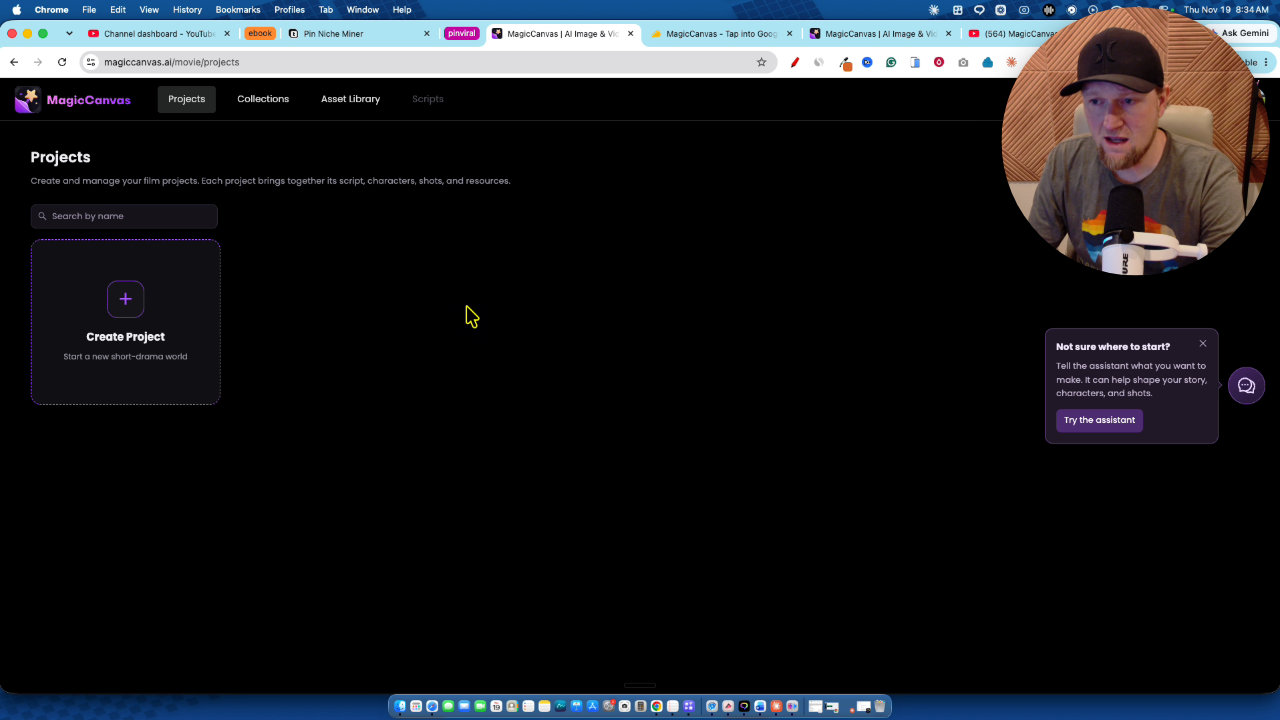
I created a new project and used the built-in assistant. You can pick the chat model, thinking level, image model and video model. I set thinking to max, chose GPT image and Seedance 2.5.
I had ChatGPT come up with a story idea, a dry corporate satire set in a fast food restaurant, and pasted it in. The assistant then walked me through a wizard for the look (live action mockumentary, sitcom style, animation and more), the 16 by 9 aspect ratio and dialogue only.
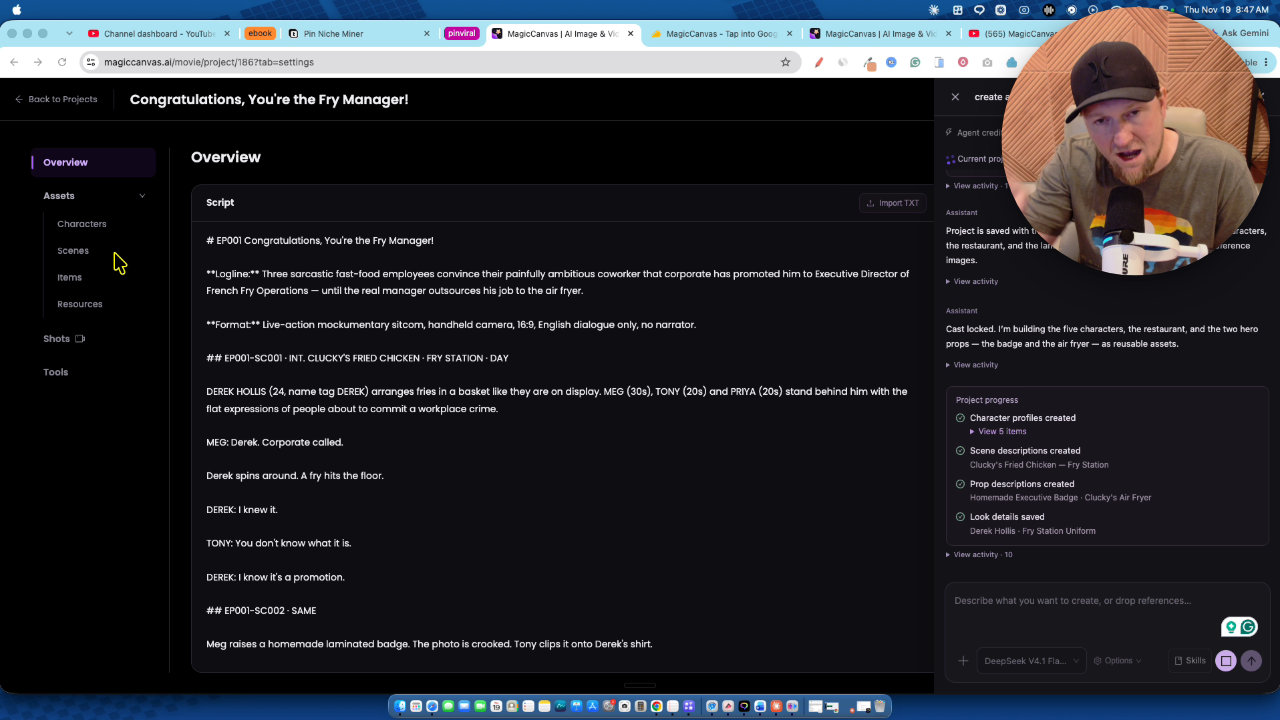
It wrote the script, then created a cast of five characters, the restaurant and two reusable props. It even put the characters in their work clothes. If you run a channel and need the same look every episode, you would go through those steps yourself. For a quick run, letting the AI do everything is a neat way to work.
The Result
It took about 30 minutes from start to finish for a 60 second film called Congratulations, You're the Fry Manager. The dialogue was funny, the characters stayed consistent and it came out assembled into a single cut. For a first attempt, I was impressed.
If you want a 10 minute video, multiply that time by about 10. Expect a few hours of rendering, so this is something to set running while you do other work.
The Credit Problem
I started with 1,600 credits on tier 4 and used about 370 on that one film. I used the top model, so that is partly on me. Even so, it means roughly five one-minute videos a month, and maybe one five-minute video.
The value claims bother me too. A minute and a half of video costing around 440 credits, which they value at about $200, does not feel right. I also could not find anywhere that shows how many credits a project used. That is not transparent, and they should fix it.
Cheaper Models and One-Off Clips
The create section has image to video, text to video, text to image, audio and more. I tried image to video with a lion and checked the usage cost page first. Seedance 2.0 mini is the cheapest at 2 credits per second at 720p, and the cost shows before you press generate. My 4 second clip cost 8 credits, and it looked really good.
I recommend 720p over 1080p. This is where I think the tool earns its price: short clips of 4 to 10 seconds.
Images and the Canvas
Text to image was simple. I asked for a realistic lion climbing a hill at medium quality, 1K, square, and it cost 2 credits. Clicking into the result opens plenty more editing options.
The Magic Canvas itself is a node-based workspace with a copilot that shows your cost. You can chain steps into workflows, like text to image and then video. There are also AI apps and face swap.
One gap: in text to video there are no style dropdowns. I want options for cartoon or other looks, and I have to guess what to type in the box.
Is It Worth It?
Put in context, a cinematic AI video costs real money almost anywhere. On cheaper models I would guess about $50 per video at minimum, and $100 or more on top models. For a channel doing eight 8-minute videos, I would estimate $400 to $800. That makes the credits less shocking than they first seem.
Still, the $29 a month plan gives 580 credits, which will not cover films either. You will end up buying credit packs.
My verdict: the quality is good, and the images and one-off videos are where I would spend my credits. I knocked it down for the expense, the credit system and the lack of style options. I give MagicCanvas 4 out of 5 stars.
Key features
AI Movie Studio
An assistant walks you through a story, script, look, aspect ratio and dialogue style, then builds the cast, scenes and a finished cut. It is in beta and needs license tier 4.
Consistent characters and scenes
The studio creates characters, a location and reusable props, then keeps them consistent across scenes. You can also build and lock these yourself for more control.
Image to video and text to video
You can animate an uploaded image or generate clips from text, with models like Seedance. The credit cost shows before you hit generate.
Text to image
Generate images with choices for quality, resolution and size. My lion image cost 2 credits.
Node-based Magic Canvas
A canvas where you add nodes and chain steps like text to image, then video. It also has a copilot that shows the cost.
Audio, face swap and AI apps
The create section includes an audio agent, face swap and prebuilt AI apps for specific tasks.
Learning center
Video lessons and text guides, including the prompts behind example films, so you can see how a good video is built.
Pricing
- 125 credits per month
- No Movie Studio access
- 440 credits per month
- No Movie Studio access
- 900 credits per month
- No Movie Studio access
- 1,600 credits per month
- Movie Studio access (beta)
Pros and cons
What I liked
- The one-minute film I generated was genuinely high quality and funny
- The Movie Studio handles script, cast, scenes and assembly for you
- The cost in credits is shown before you generate a clip
- Seedance 2.0 mini is cheap at 2 credits per second for 720p
- Strong learning center with videos, text guides and example prompts
- Node workflows, face swap and audio tools add range
What could be better
- My one-minute film used about 370 credits and took roughly 30 minutes
- Credits drain fast, so full films need extra credit packs
- I could not find a clear place to see credits used per project
- No style dropdowns or presets in text to video, so you have to know what to write
- Movie Studio is locked behind the $699 tier
Who it's for
Creators making one-off clips
Short 4 to 10 second videos on cheaper models are where the credits go furthest.
Image makers
Text to image, editing and image to video are the best value use of this tool in my testing.
Filmmakers with a real budget
If you will buy credit packs, the Movie Studio produces cinematic results you could not easily shoot in real life.
Limitations: when to look elsewhere
- If you want to make full-length videos on a small budget, the credit system will not stretch far.
- If you need style presets and guided options in text to video, look elsewhere.
FAQ
Reader reviews
MagicCanvas alternatives
 JVZoo
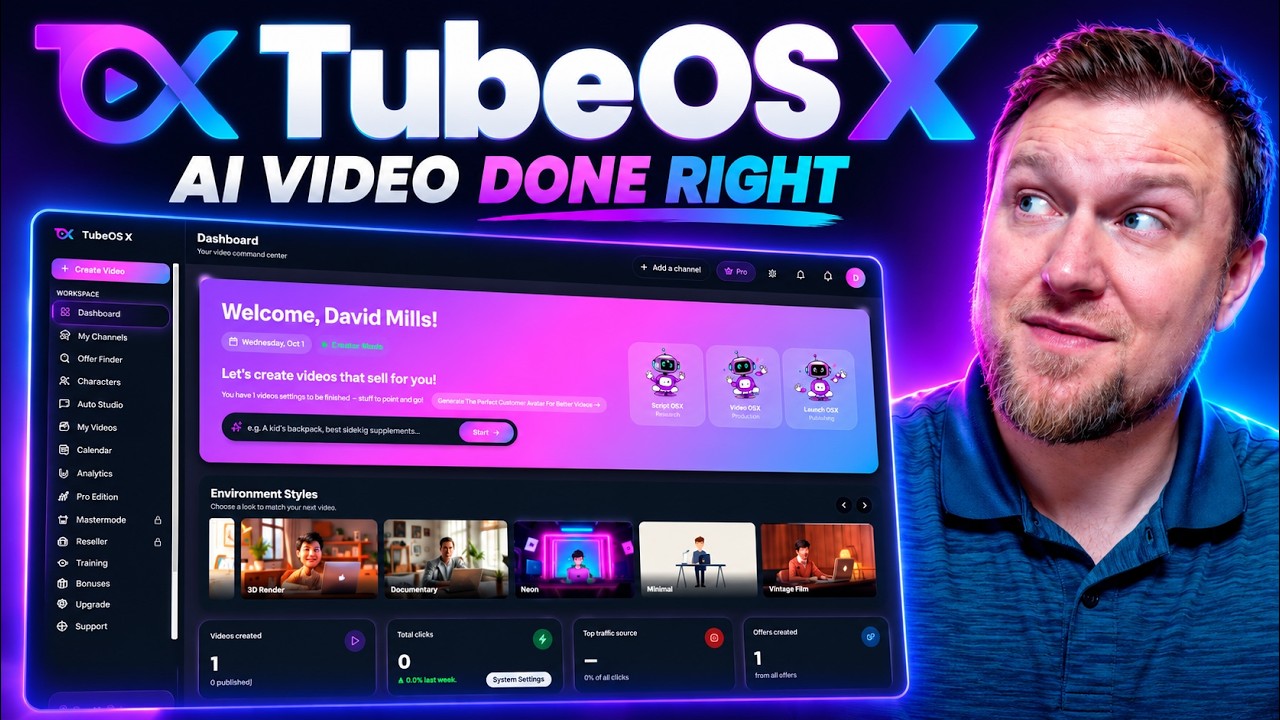
TubeOS X
AI YouTube video creator with custom characters, voice cloning, thumbnails, SEO and publishing.
 AppSumo
AudioHero
Licensed music and sound effects library for YouTube creators, on a lifetime deal
 AppSumo