Jupitrr AI
AI video editor that turns long videos into short social clips with captions and B-roll
Watch my full review
- What it is
- Jupitrr AI is an AI video editor that now focuses on turning long-form talking head videos into short social clips, with captions, automatic B-roll and a timeline editor.
- Pricing
- AppSumo tiers run from $59 for tier 1 up to $899 for tier 5, with video, script and export limits that rise by tier.
- Best for
- Creators who record short videos and want fast edits, captions and B-roll, and who can afford a higher tier.
- LearnWire's Rating
- 3.2 / 5
My review
Thanks for checking out my Jupitrr AI review, the AI video editor that turns long videos into short social clips. What jumped out at me fast was the clip detection, which finished in under a minute, while the ChatGPT edit took around 15 minutes. If you want the best AI tool for repurposing long videos into shorts, here is how it actually performed.
I reviewed Jupitrr a couple of years ago and liked it, back when it was mostly about adding B-roll to long videos. This time I wanted to see what changed, especially because I'm on a tier 2 plan from the original launch and some recent buyers say the newer features aren't reaching early AppSumo customers.
So I tested it with what my tier 2 access allows, and I'll be honest about where that got in the way.
Why the product feels different now
Jupitrr now markets itself as a long-form to short-form clipper, which puts it up against Opus Clips, Descript, CapCut and BigVu. It has been around since January 2023, it's a small bootstrapped UK startup, and the site gets about 53,000 visitors a month. That's a good sign to me.
The pricing has also changed. My tier 2 gets 50 videos a month, and the current tier 2 drops that to 30. Scripts went the other way, from my 3 to 10.
Testing the ChatGPT connection
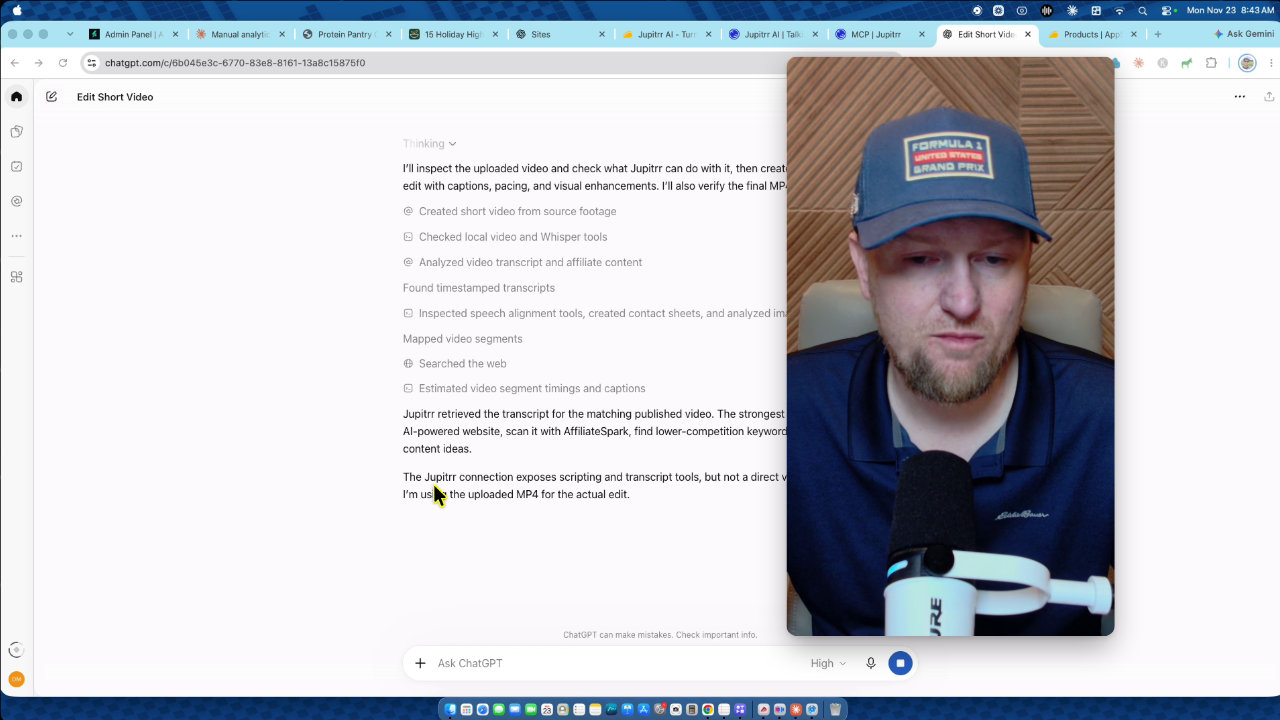
I connected Jupitrr to ChatGPT through MCP, because Claude has been stopping mid-chat on me lately. I pasted in a long prompt, uploaded a 15-minute video and selected the Jupitrr plugin from the plus button.
I asked for a 45-second vertical edit with captions. It worked through the job and noted that the Jupitrr connection exposed scripting and transcription tools but not a direct rendering action, so it used my uploaded MP4 for the actual edit.
The wait was the problem. It took about 14 to 15 minutes to produce the finished short, which is too long for a 45-second result.
What the ChatGPT edit looked like
The result was good. The layout worked, the captions sat about 80% down the page like I asked, and it used screen recording footage to hold attention. I didn't like the 45-second edit label at the top, so I'd need to tighten my prompt. I was pretty pleased overall, apart from that and the time.
The built-in AI video clipping
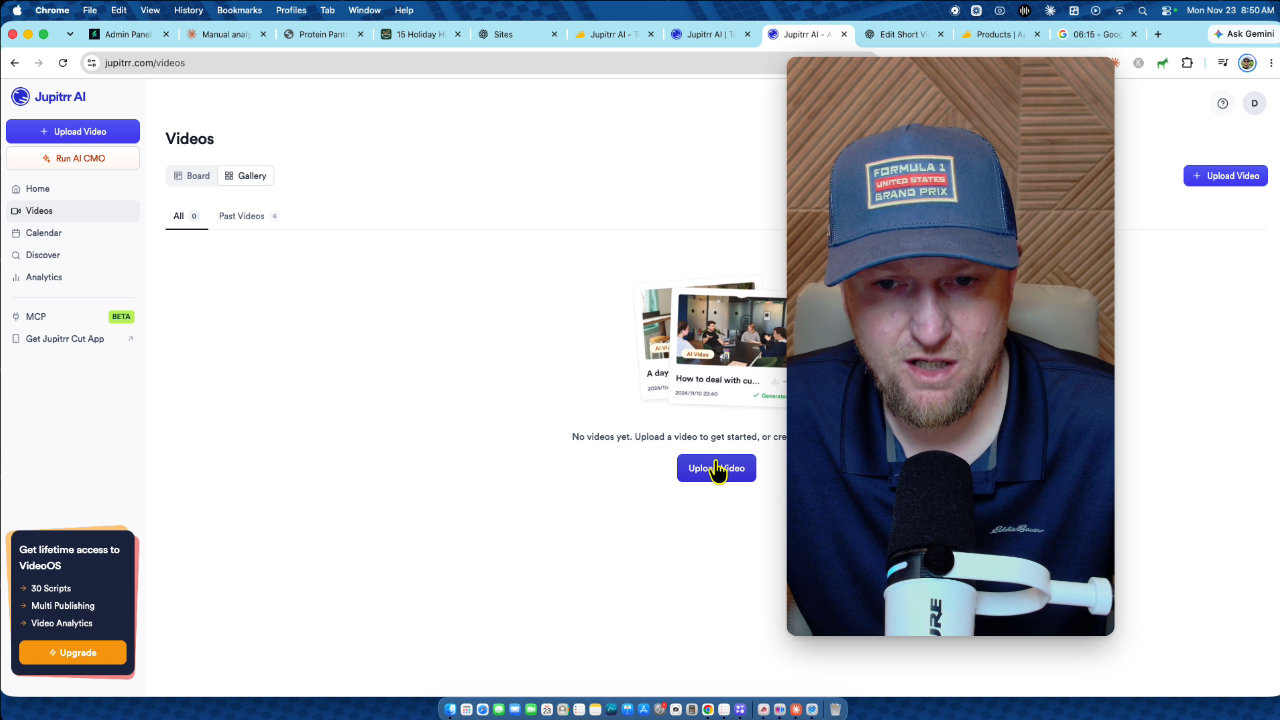
Next I used AI video clipping inside the app with a 15-minute Magic Canvas video. The upload was faster than in ChatGPT, and it found clips in under a minute, returning 10 options.
This is the Opus Clips style of workflow. One clip was just a black screen, so I wouldn't use it, which means you need to review each one. I also couldn't adjust what happens on screen or pick better layouts at this stage. It also isn't stitching together a few seconds here and there into highlights. It takes a straight chunk of footage.
Editing, B-roll and captions
I sent two clips to the editor and chose a split screen format. You can trim silences (natural, tight or extreme), add music, and leave B-roll on from stock, web or uploads.
You get a full timeline editor, which I liked. I moved and enlarged the title text, switched to Poppins, tried a pop caption style and shortened B-roll by dragging the clip. The one thing that frustrated me: I couldn't change the caption box color. I set it to blue and nothing happened.
For quick edits, clipping and captions, I could find real use for this.
Discover, Calendar and the limits
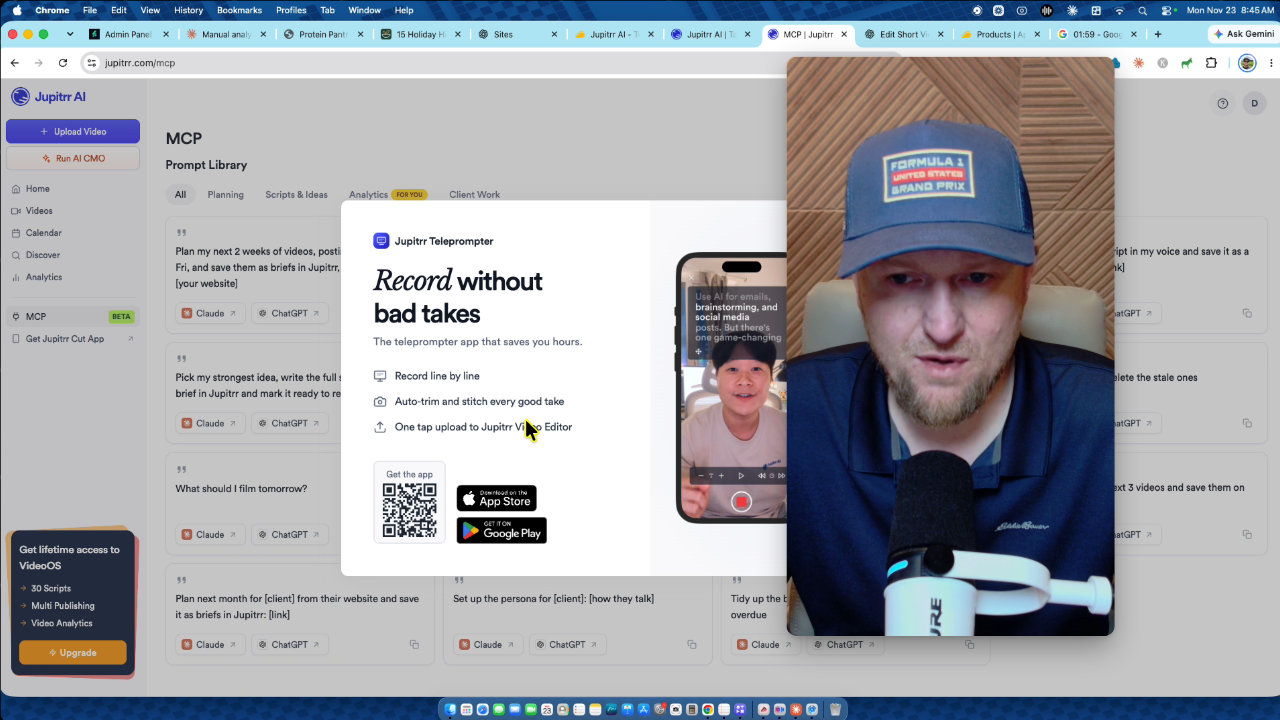
Discover lets you search trending reels by niche, see stats and remix one. Calendar then lays out the angle, script, reference video and captions, and auto-edits your footage to match.
I like the concept, but it counts as a script, and on my tier I only get 3 a month. That is the pattern across the tool. Analytics wanted an upgrade. So did the AI CMO, Video OS, the AI persona and unlimited stock. I felt boxed in by my plan almost everywhere.
My verdict
The video quality is good, and I do have to give it credit for that. But the ChatGPT edit wasn't mind-blowing, the talking head to social clips result was so-so, and the pricing doesn't give you much at the lower tiers. For daily posting, I think you'd want tier 4.
You'll probably get the most out of it if you record a short video and let it handle the editing, which is how the founder shows it. I'm giving Jupitrr AI 3.2 out of 5, about a C. I wanted to give it a 4, but I'm trying not to be too generous. By my own rule, anything 3 or higher is worth a look if it fits your business, and this does.
Key features
AI video clipping
Upload a long video and it finds the best clips for shorts. My 15-minute video was analyzed in under a minute and returned 10 clip options.
ChatGPT MCP connection
You can connect Jupitrr to ChatGPT through MCP and prompt it to edit an uploaded video. I asked for a 45-second vertical edit with captions.
Automatic B-roll
B-roll is pulled in automatically from stock, web or uploads. You can shorten or remove clips right on the timeline.
Captions and formats
There are several caption styles and layouts, including split screen. You can change fonts like Poppins, move text and pick pop-style captions.
Full timeline editor
After clips are rendered you land in a full editor with trim silences (natural, tight, extreme), background music and a visual timeline.
Discover and Calendar
Discover shows trending reels by niche with stats, and you can remix one. Calendar holds the angle, script, reference video and captions, then auto-edits your footage.
Publishing and scheduling
You can connect YouTube, Instagram, LinkedIn and TikTok, then schedule or publish finished videos from the app.
Pricing
- Lowest tier on the current deal
- 30 videos per month
- 10 scripts per month
- Unlocks features like long to short generation, branded presets, subtitle translation and video analytics
- The tier I'd want for roughly one video per day
- Unlimited videos and video searches
- 50 scripts, 50 uploads and 50 exports per month
Pros and cons
What I liked
- Video quality is genuinely good, with polished visuals and captions
- Clip detection is fast, under a minute for a 15-minute video
- Full timeline editor with split screen, B-roll and caption styles
- Can schedule and publish to connected social accounts
- Active development and a solid reputation, with a 4.3 AppSumo rating
What could be better
- Lower tiers feel heavily restricted, with upgrade prompts almost everywhere
- Plan limits were cut compared to the original AppSumo deal
- The ChatGPT MCP edit took about 14 to 15 minutes for a 15-minute video
- Clip picking is not smart, it takes 45 seconds of footage instead of piecing together highlights
- Could not change the caption background color in my test
Who it's for
Short-form creators
If you record a short video and want it edited with captions and B-roll, this is where the tool gets the most value.
Creators clipping long videos
It works for quick clipping and captions, though my results were only so-so for talking head into social clips.
Buyers on higher tiers
Tier 4 or above is where the limits start to make sense for regular posting.
Limitations: when to look elsewhere
- If you want a clipper that stitches highlights together intelligently, look at alternatives like Opus Clips
- If you only want a low tier, expect to hit upgrade walls for analytics, AI CMO, persona and more
- If you need fast turnaround from the ChatGPT connection, the 15 minute wait may be a problem
FAQ
Reader reviews
Jupitrr AI alternatives
 JVZoo
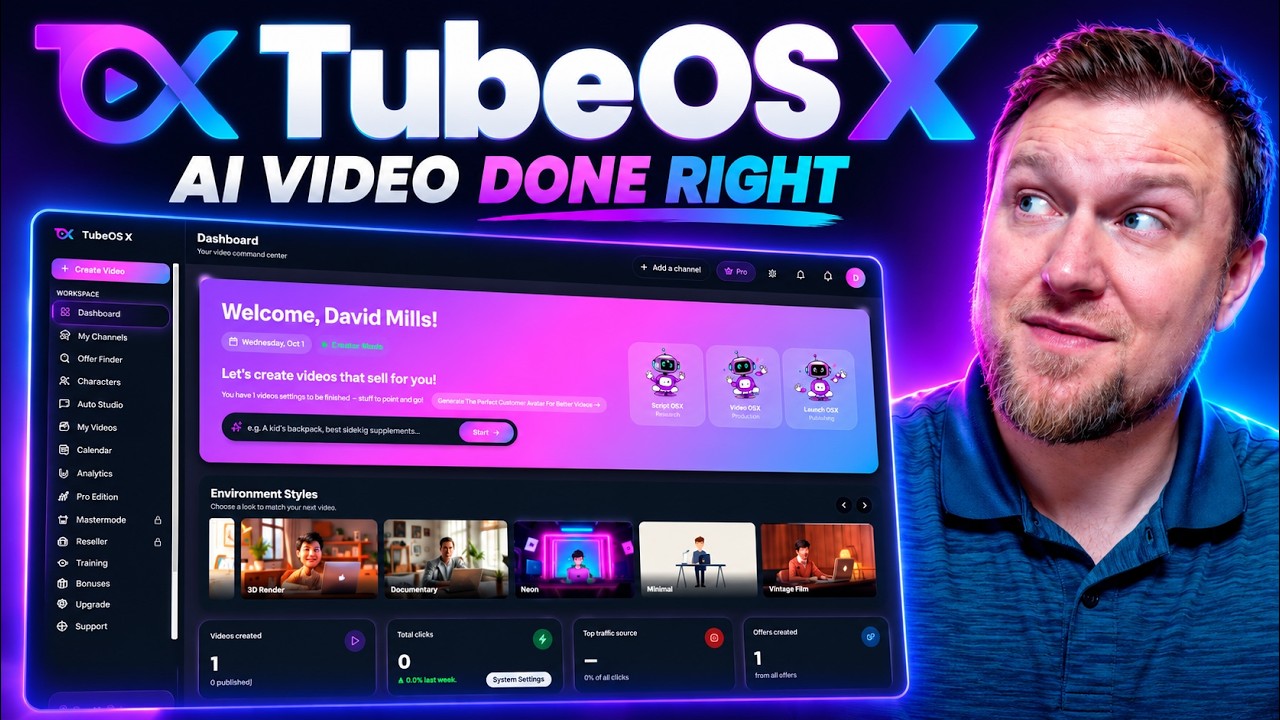
TubeOS X
AI YouTube video creator with custom characters, voice cloning, thumbnails, SEO and publishing.
 AppSumo
AudioHero
Licensed music and sound effects library for YouTube creators, on a lifetime deal
 AppSumo