I Turned One Keyword Into a 20,000-Word Book With AI
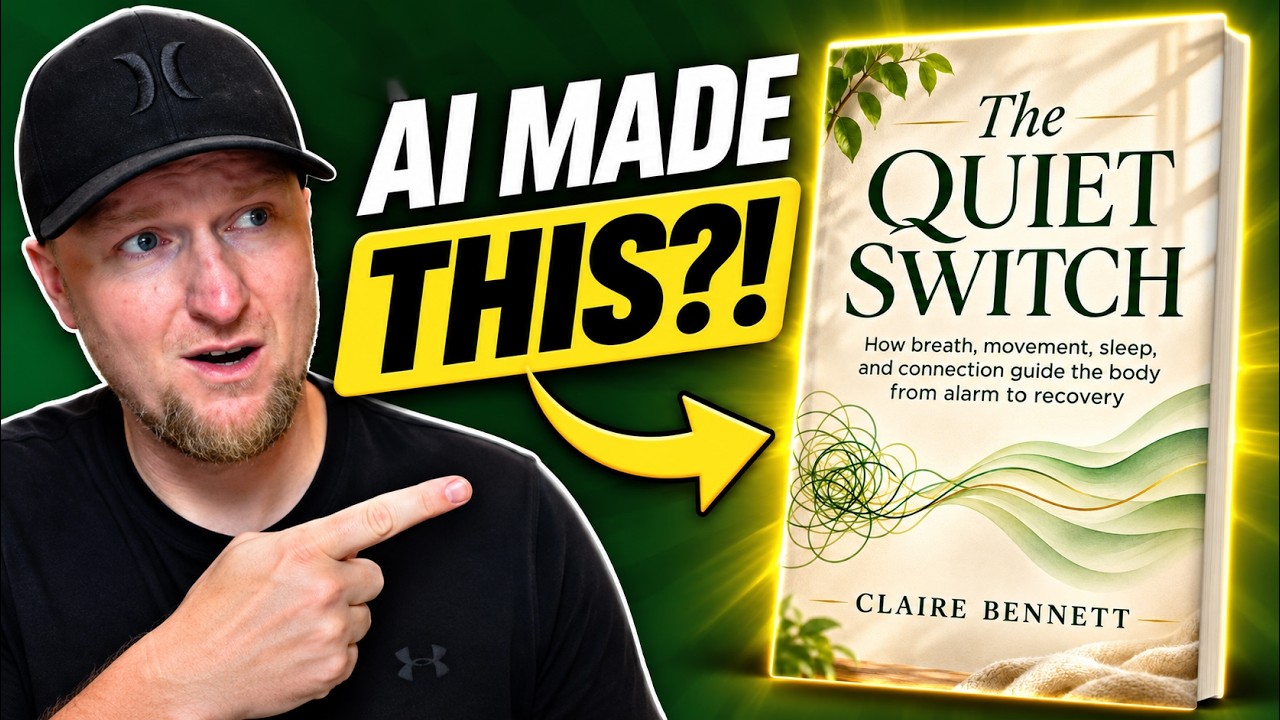
One of my favorite things to do is put the tools I review to actual use. So in this video I combined an AI book generator with an AI cover tool, started from a single keyword, and set the finished book up for sale.
I used Aivolut Books for the manuscript and KDP Fiction Cover Studio (which comes with a nonfiction version during its launch) for the cover. ChatGPT filled in the gaps. Here is the whole workflow and what I thought of it.
Step 1: Find a topic with ChatGPT
I asked ChatGPT for trending nonfiction topics that are in demand. It broke them down and gave me a list of 10 book ideas to consider.
I grabbed Reset Your Nervous System and used "nervous system" as my keyword. ChatGPT rated nervous system regulation as a medium to high demand niche and a really good opportunity.
Why use a book tool at all?
You can absolutely ask any large language model to write a book one chapter at a time. But you won't have a finished product ready to go at the snap of a finger.
You're paying for automation and time savings. The question isn't whether you can do it with a ChatGPT subscription. It's whether you want to build all the prompts and automations just to write one book. Probably not.
Aivolut Books is from the same creator as Word Hero, and I showed it at $59 on AppSumo. There was another AI book writer on AppSumo at the time too. My point in the video was that it's less about the specific tool and more about actually using whatever you buy.
Step 2: Generate ideas and pick one
Inside Aivolut Books I pasted in the keyword, chose nonfiction, set the topic to health and fitness, kept it on a single book, and hit generate ideas.
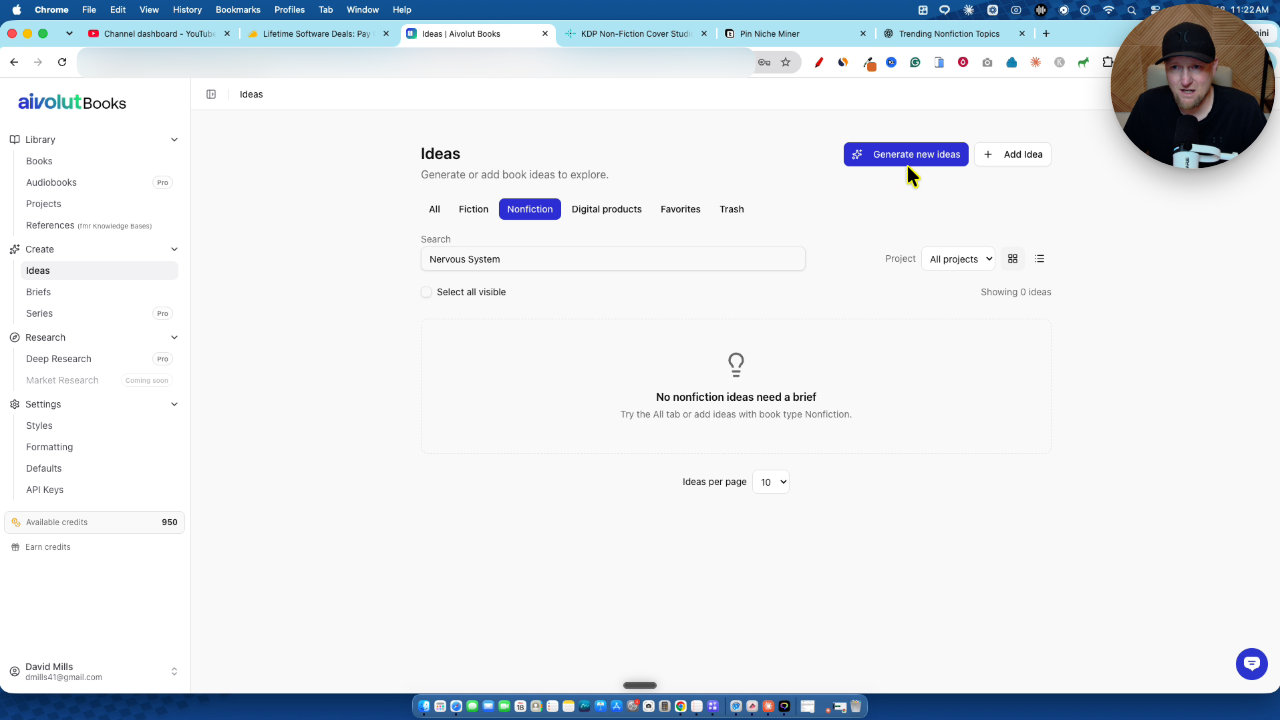
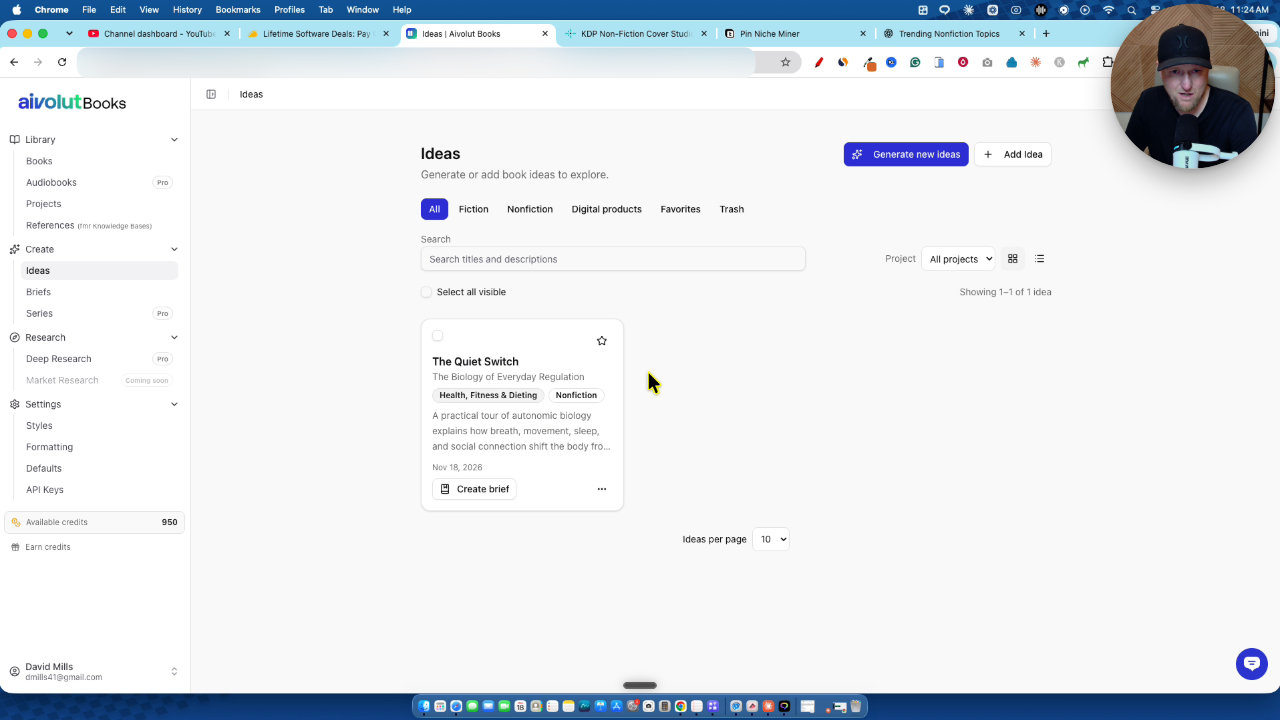
It came back with six concepts. Instead of picking one myself, I pasted all six into ChatGPT and asked which would do best for sales. It chose The Quiet Switch, citing the broadest audience and the best fit with what people are buying in that niche. I saved that idea.
Step 3: Create the brief and generate the book
From the saved idea I clicked create brief. You can go with a 10,000-word or 20,000-word book, and I went with 20,000 words.
I asked ChatGPT for a pen name and used Claire Bennett. For the writing style I picked conversational expert. I left the cover on AI decides, because I planned to make a better one with my second tool.
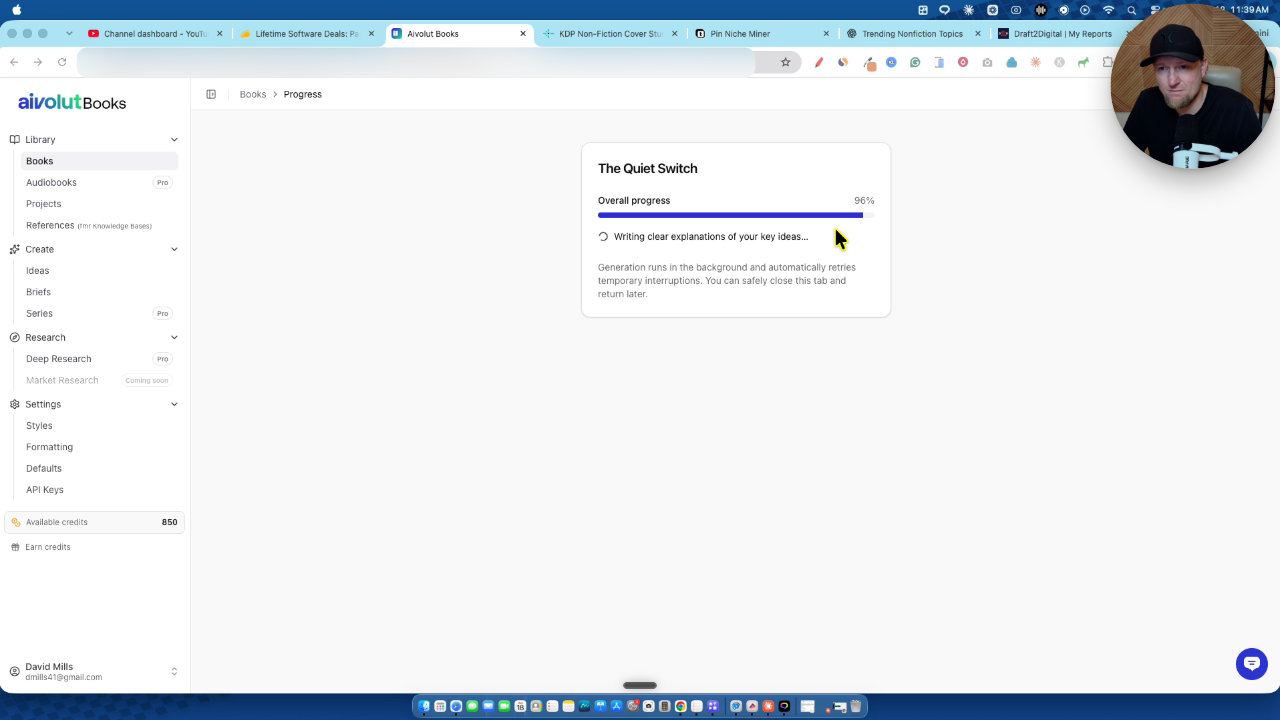
The outline came back with 12 chapters. You can also attach up to 5 references. I chose to generate the entire book at once rather than chapter by chapter, and it used 100 credits.
It was at 44% after about 8 to 10 minutes, then sped up and finished roughly 4 minutes later. The opening reads well. I exported it as a docx to look at the full manuscript.
Step 4: Use the book to feed the cover tool
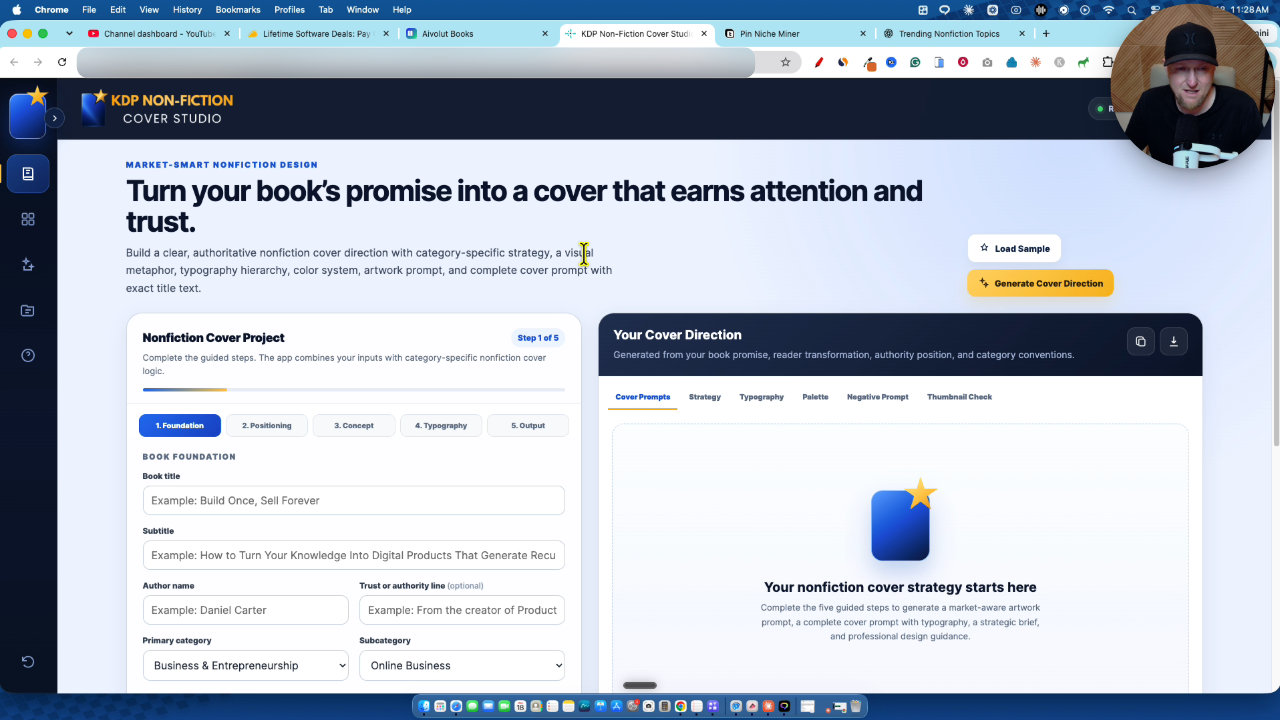
While the book was generating, I started on the cover in KDP Cover Studio. It's a prompt generator, so you still create the image in ChatGPT, but the prompt engineering is far more advanced than what I'd write myself.
I filled in the title, the long subtitle, the author name, category (health and wellness, then stress reduction), book type (practical how-to guide, step-by-step system) and a calm and reassuring tone.
For the core book premise, I didn't know what the finished book covered. So I pasted the full manuscript into ChatGPT and asked it to fill the fields out. It described a science-informed approach built on four pillars: breath, movement, sleep and social connection.
My screenshot trick for the settings
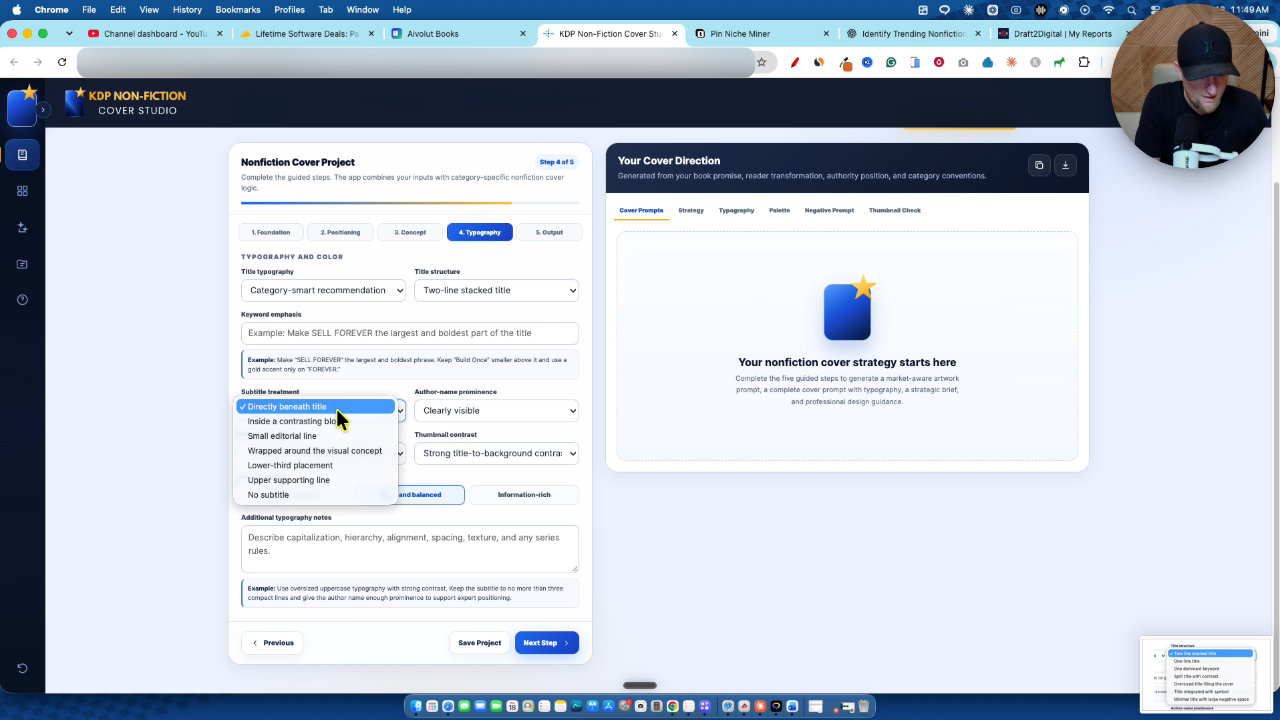
Some fields are dropdowns I can't copy. So I screenshot the options, paste the image into ChatGPT, and ask it to choose for this book. That covered typography (editorial, two lines stacked, subtitle directly beneath the title, muted natural palette), and more.
Yes, this took an extra 10 to 15 minutes. But ChatGPT learns the pattern, so later on I didn't have to type anything. I just pasted the screenshots and hit go.
Step 5: Generate the cover
I kept the two-thirds ebook cover size and the ChatGPT image generation output, with the advanced art director detail level. The tool produced a very large final prompt, and I pasted the whole project into ChatGPT with the image option.
The first cover was very professional: The Quiet Switch, the subtitle, and a design in greens and yellows that fits the niche.
I then tried the three coordinated concepts option. You do have to change a few settings, like the concept and typography, to get variety, and the results still come out fairly similar. Here's how I'd describe them:
- Cover 1: the original, super clean and simple.
- Cover 2: more layers, with a blanket, a desk with a plant and a window reflection. It feels cozier and has more depth.
- Cover 3: made by switching to a different category, which gave an anxiety-focused color palette while keeping my subtitle.
I went with the simple green one. I asked viewers which they preferred, and that's still a fair question to ask yourself.
Step 6: Publish on Draft2Digital
I'm not publishing on Amazon KDP. My account was banned about 4 or 5 years ago and I've never been able to get it back, even after trying.
Instead I use Draft2Digital, where I've made money every month for the last 5 or 6 years. In my account you can see I've sold over 5,000 books. Last month I sold 9 books and this month 4, so it's not a lot of money. If this were my entire business and I focused on it, I believe it could be a few thousand dollars a month.
The process is similar to KDP: add a new book, choose ebook, upload the cover, add your author and go through the steps. I didn't show the full upload.
One warning: don't publish 100 books a day, because they will ban your account. I wouldn't recommend more than one book per day.
What I'd take from this
I haven't published or made a sale from this book yet. I plan to check in next month and make an updated video if it sells, so treat this as a workflow, not proof of income.
Here's what I'd keep:
- Let ChatGPT help with topic choice and with filling in cover settings.
- Read the book, or at least have ChatGPT summarize it, before designing the cover.
- Spend the extra 10 to 15 minutes on cover inputs. It's what makes the prompt detailed.
- Publish somewhere you won't get banned, and keep a sane pace.
KDP Cover Studio was in its launch at $17 when I recorded, with unlimited use and both versions included for a few more days. Check the current offer before you buy.
Tools in this post
 AppSumo
Aivolut Books
AI ebook and book generator with covers, writing styles, knowledge bases and PDF export
 WarriorPlus
KDP Fiction Cover Studio
A prompt generator that builds step-by-step AI book cover prompts for Amazon KDP publishers.
More in Amazon KDP & Digital Product Creation
What Should I Sell? How I Pick a Product Idea With ProductSpark AI
I built ProductSpark AI to fix the "what should I sell?" problem. Here is the exact walkthrough, from finding a sub niche to a master prompt you can build from.
First Book AI Second Look: Writing an Ebook During AppSumo Plus Week
I took a second look at First Book AI during AppSumo Plus Week, wrote a chapter from scratch and tested it. I also show my real Draft2Digital sales and explain my Plus Week bonus package.
Stop Brainstorming Product Ideas: Build a Course with ProductSpark AI
I built ProductSpark AI, and in this walkthrough I take a vague niche (vibe coding) and turn it into a trimmed course outline and sales page copy in about 15 minutes. Here is the process and where the real work still starts.