Amical
Desktop AI dictation that turns speech into polished text or drafted emails in any app.
Watch my full review
- What it is
- Amical is a Mac and Windows desktop app that turns your speech into text in any app, using local or cloud AI models. Its Draft mode turns spoken instructions into polished emails and prompts.
- Pricing
- At the time of recording, the AppSumo lifetime deal started at $49, with five tiers that differ by team members and monthly cloud words.
- Best for
- Creators, marketers and business owners who want to spend less time typing emails and AI prompts.
- LearnWire's Rating
- 4.8 / 5
My review
Thanks for checking out my Amical review, the AI dictation app that turns your voice into polished text in any app. What surprised me most was how accurate and fast it was, even when I whispered, since I'm normally a fast typer who skips dictation. If you want the best AI dictation app for writing emails by voice, here is how it did.
Dictation and note-taking apps aren't really my thing. I focus on marketing tools, website builders and AI writing, and I type fast enough that I think better while typing. Amical stood out enough that I chose to review it anyway.
Why I Tried Amical
Most people would rather speak their thoughts and have them cleaned up. For me, dictation usually adds steps. But I had already tested Amical before filming, and it was accurate and fast enough that I want to train myself to use it across my online work.
On the AppSumo page, I also liked the transparency. The sales count was around 1,700, the rating was 4.7 stars from 112 reviews, and the refund rate was 21%. That refund rate is higher than I would like, and I would want a faster response time too. Still, buyers praised the support.
Setup and Shortcuts
It is a desktop app for Mac or Windows, and you log in with your account. I skipped about 10 minutes of setup, which includes questions about how you will use it, a short training and choosing your hotkeys.
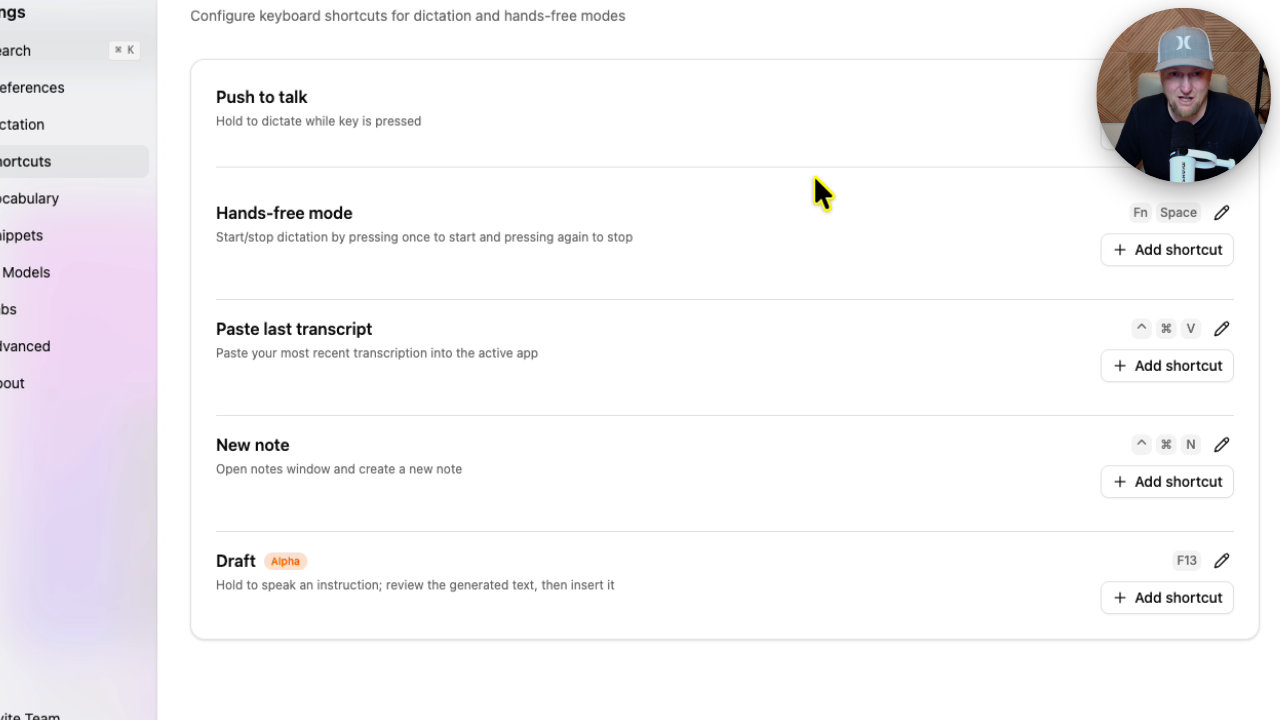
In settings, you can change every shortcut: push to talk, hands-free mode, paste last transcript, new note and draft. I use the function key and F13. Draft mode is my favorite feature.
Regular Dictation Test
For the first test, I held the function key and just talked. I said random things, mentioned my coffee mug, then whispered. The text came out nearly flawless, and it showed up quickly. A very quiet voice still worked.
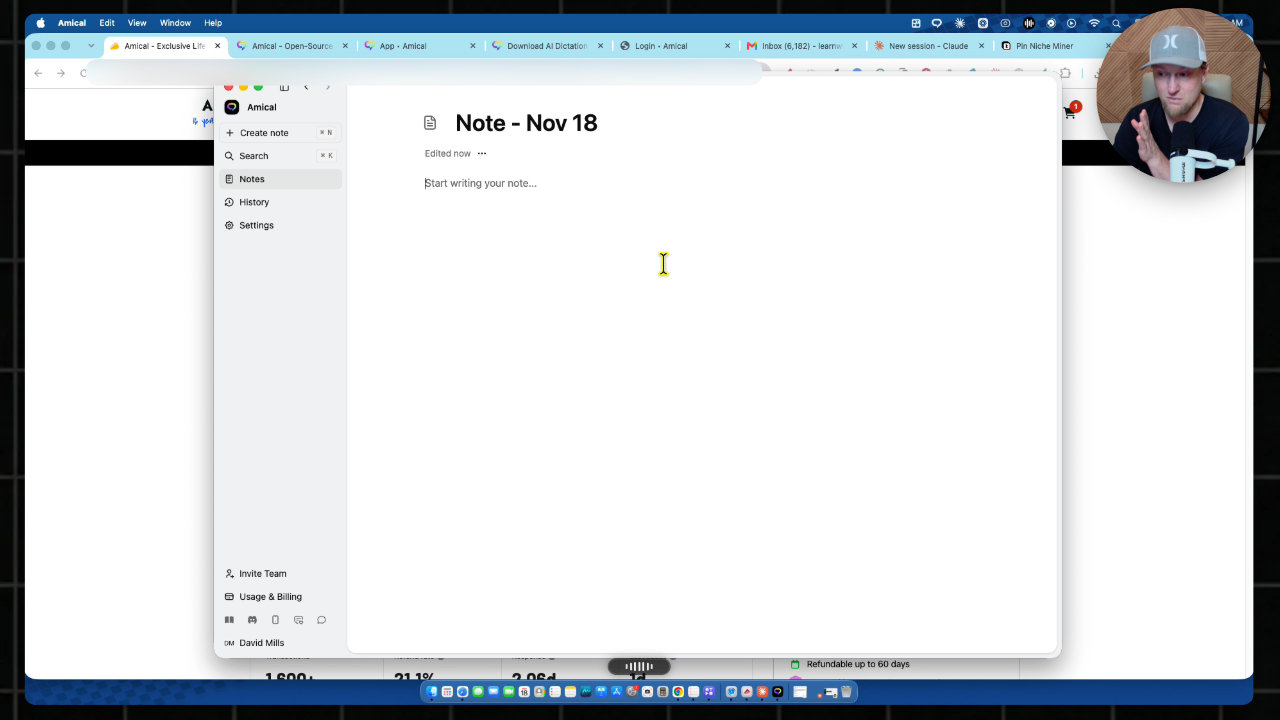
The history tab shows your word count, lets you play or download the audio, and copy the text. You do have to hold the key down while speaking.
Draft Mode in Real Email
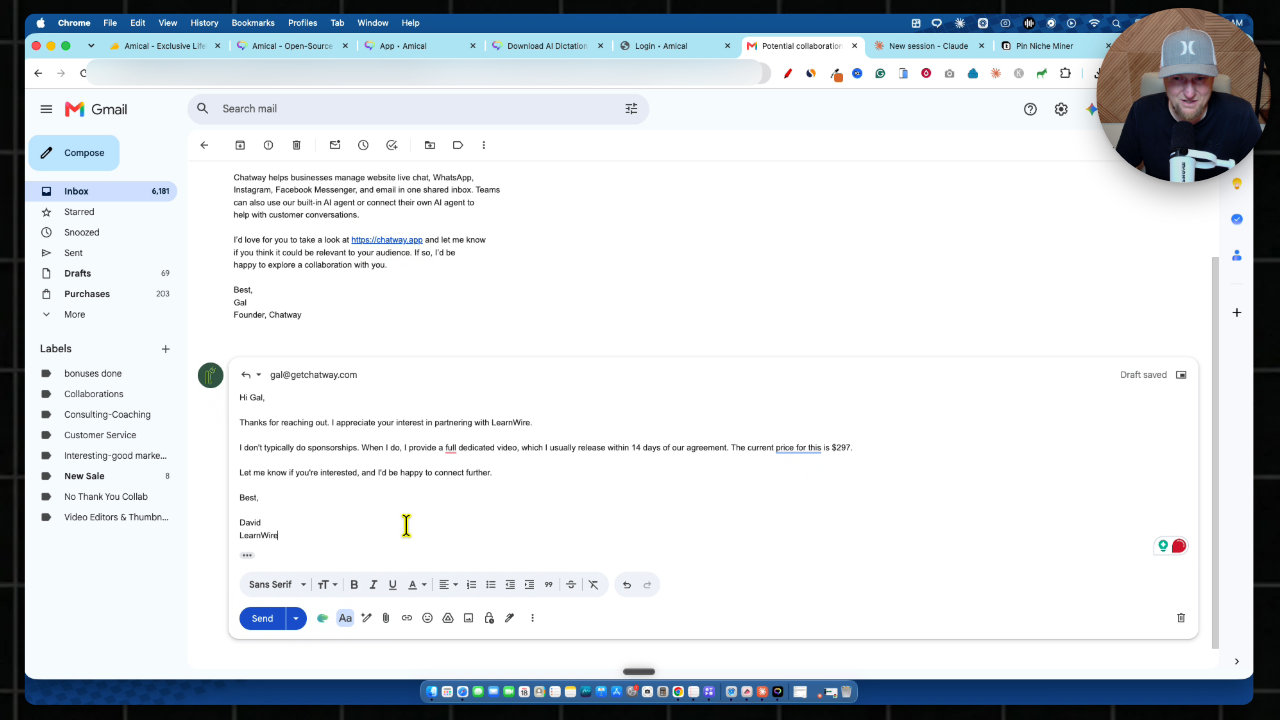
Next I spoke a messy instruction to reply to a sponsorship inquiry. Amical turned it into a clean, professional email, with small corrections made. My first attempt had transcribed LearnWire as Lauren Wire, but speaking clearly fixed it, and the vocabulary setting lets you add a replacement.
Then I tried it in Gmail on a real inquiry. I spoke my reply, reviewed the polished draft, pressed insert and sent it. You get to check it before it goes out, which I like.
One gripe: saved notes get a generic title. I would prefer something like the email subject for context.
Settings Worth Knowing
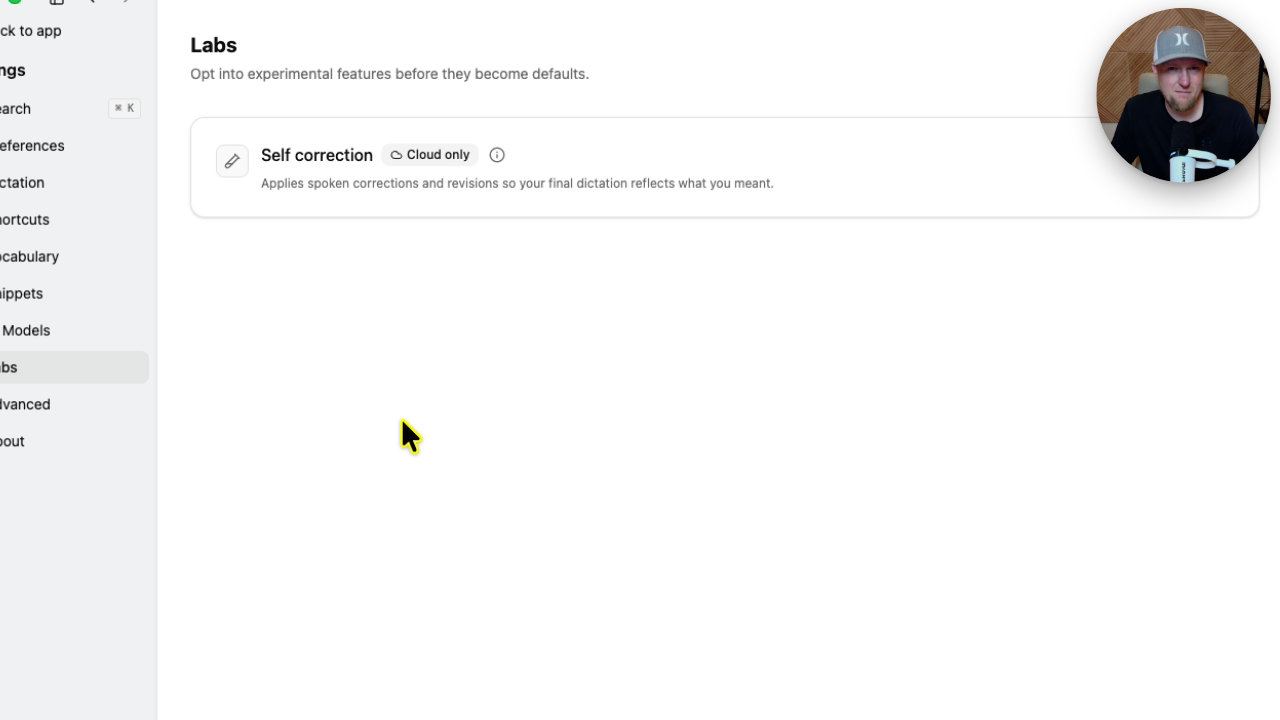
Under Labs, the self-correction option applies spoken corrections, though it might overcorrect, so you can switch it off. AI models default to Amical Cloud, but Whisper and others are available. Snippets let a trigger word expand into text, like a call to action, and the vocabulary list fixes recurring misspellings.
Creating a Claude Prompt
The other test was a prompt. I copied niche details from my Pin Niche Miner tool into Claude, then held F13 and described a Pinterest-focused yoga website with about 8 categories.
Amical wrote a long, detailed master prompt, including an expert web designer and SEO role I never spoke. Claude, using a fast Sonnet model, built the site in four phases.
The result was a somatic yoga site with eight topics, an email opt-in, a FAQ and a $97 course sales page. Images were missing since Claude doesn't make them, but that is a Claude issue, not Amical.
Voice mode inside Claude or ChatGPT exists, but Amical saved me a step by writing the prompt on the spot.
My Verdict
I had no bugs, and for a dictation app it is an incredible tool. Email replies are the biggest use case for me. I installed it, set my hotkeys and plan to use it more in my business. My rating is 4.8 out of 5 stars.
If you type slowly, this could save you hours. If you type fast like me, test whether speaking fits how you think before buying.
Key features
Push-to-talk dictation
Hold a hotkey, speak, and the text appears in whatever app you are using. In my test the accuracy was close to flawless and it was fast.
AI Draft mode
You hold a separate key and speak an instruction, and Amical writes the finished text, like a professional email or a detailed prompt. You can review it before inserting.
Whisper-friendly recognition
It still picked up my voice when I whispered, which is handy when you can't be loud.
Custom vocabulary and snippets
You can add vocabulary replacements for words it mishears, and create trigger-word snippets that expand into text such as a sign-off.
Custom shortcuts and hands-free mode
Push to talk, hands-free mode, paste last transcript, new note and draft all have shortcuts you can change in settings.
Local or cloud AI models
By default it uses the Amical Cloud, but you can switch to Whisper and other models. It supports 100+ languages.
History and notes
Dictations are saved with word counts, and you can play back or download the audio, copy the text or save it as a note.
Self-correction
A Labs setting applies spoken corrections so the final text reflects what you meant, though it can overcorrect.
Pricing
- 1 team member
- 200,000 words per month on cloud
- All features
- 3 team members
- 600,000 words per month on cloud
- 7 team members
- 1.4 million words per month on cloud
- 15 team members
- 3 million words per month on cloud
- 25 team members
- 5 million words per month on cloud
Pros and cons
What I liked
- Accuracy and speed were very impressive in my live test
- Draft mode turns rambling speech into clean, professional emails
- Works in any app, including Gmail and Claude
- Still recognizes a whispered voice
- Flexible shortcuts, vocabulary and snippets, with local model options
- No bugs during my testing
What could be better
- It mis-transcribed LearnWire as Lauren Wire on my first try until I spoke clearly
- You have to hold the hotkey down while speaking
- Saved notes get a generic title instead of a descriptive one
- The AppSumo deal has a 21% refund rate and slower response times than I would like
Who it's for
Content creators and bloggers
If you write a lot of emails, replies and prompts, speaking them can save real time.
Affiliate marketers and online business owners
Handy for handling inbound email and feeding detailed prompts to AI tools without typing.
Slow or hunt-and-peck typers
If typing is a bottleneck for you, an app like this could be life-changing.
Limitations: when to look elsewhere
- If you type fast and think better while typing, like me, dictation may not fit your workflow.
- Larger teams need a higher tier, since the lowest tier is effectively for one user.