Poppy AI Review
A node-based AI workspace for YouTube research, video ideas, titles and thumbnails.
Watch my full review
- What it is
- Poppy AI is a visual, node-based AI workspace where you add your brand, videos and competitor videos, then use templates to generate video ideas, titles, scripts and thumbnails.
- Pricing
- Poppy is back on AppSumo for Black Friday 2026 with six license tiers, and I think tier 1 or 2 is enough for solo creators.
- Best for
- YouTubers and content creators who want research-backed video ideas, titles and thumbnails from one workspace.
- LearnWire's Rating
- 5.0 / 5
My review
Here is my Poppy AI review, a visual AI workspace that researches competitors and generates YouTube ideas, titles and thumbnails. What jumped out at me was how good the titles were once I loaded in my own videos, though the pop-ups got old fast. If you want the best AI tool for YouTube video ideas and thumbnails, this is worth a look.
I wanted to see if Poppy could fit into how I actually plan videos for LearnWire. So instead of a canned demo, I used my own brand, my own past reviews and real competitor videos.
Why I Looked at Poppy
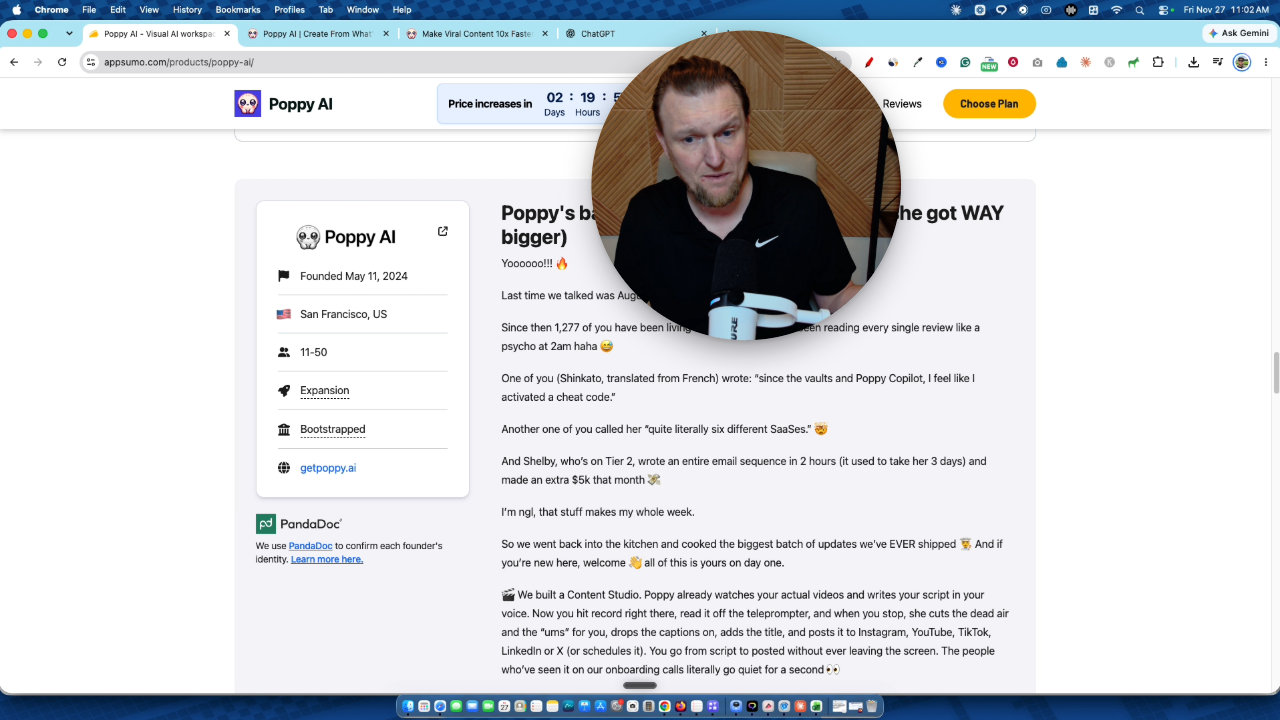
Poppy has been around since 2024 and has a lot of social proof. It sits at a 4.8-star rating on AppSumo, with 162 reviews and about 1,100 purchases, and a 0% refund rate when I checked.
It's also the kind of tool that has a track record, case studies and a real company behind it. For me that moves it out of the "is this even legit" bucket and into "does it fit my workflow."
Getting Around the Workspace
Poppy can feel intimidating at first. It's node-based, so you work on a canvas with groups, notes and video links rather than a normal chat window.
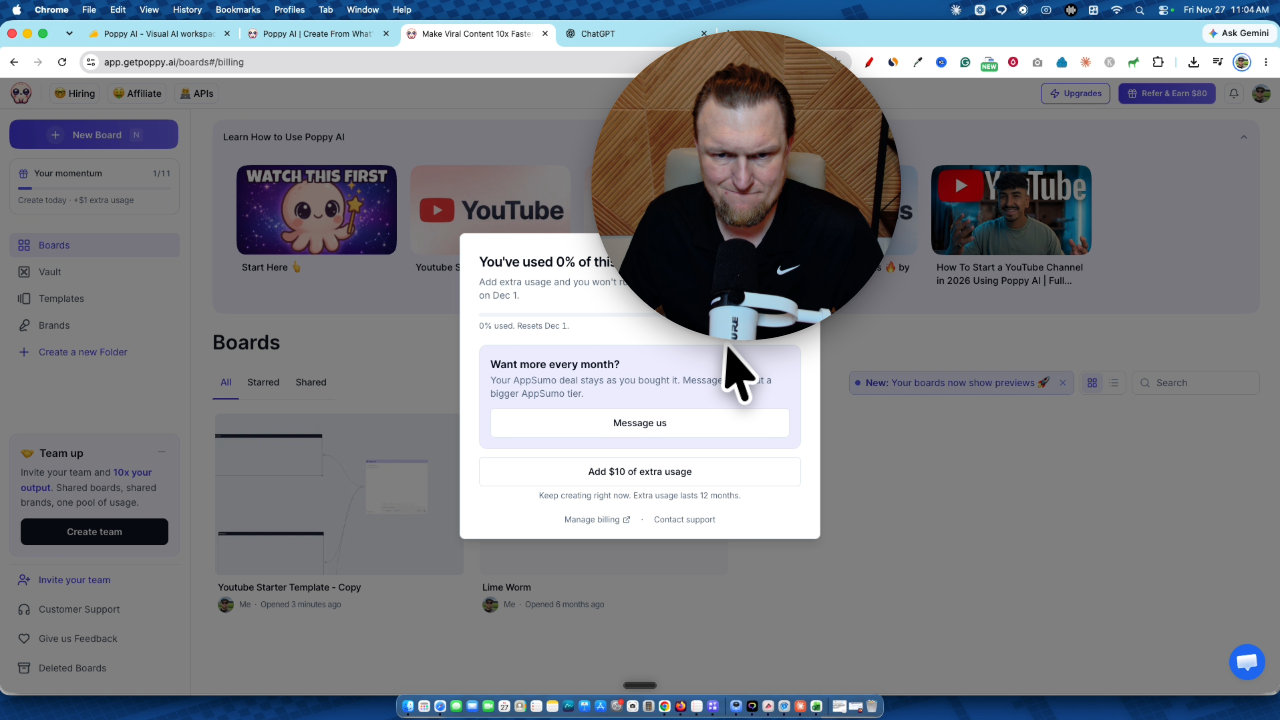
There are boards, a vault, templates and brands. You can set up a brand once and just tell a template to use your brand. I skipped that and did it inside a template instead.
The vault is your content library for videos, links, files and notes. If you invest time here, new workflows go a lot faster.
Building My YouTube Workflow
Choosing a template
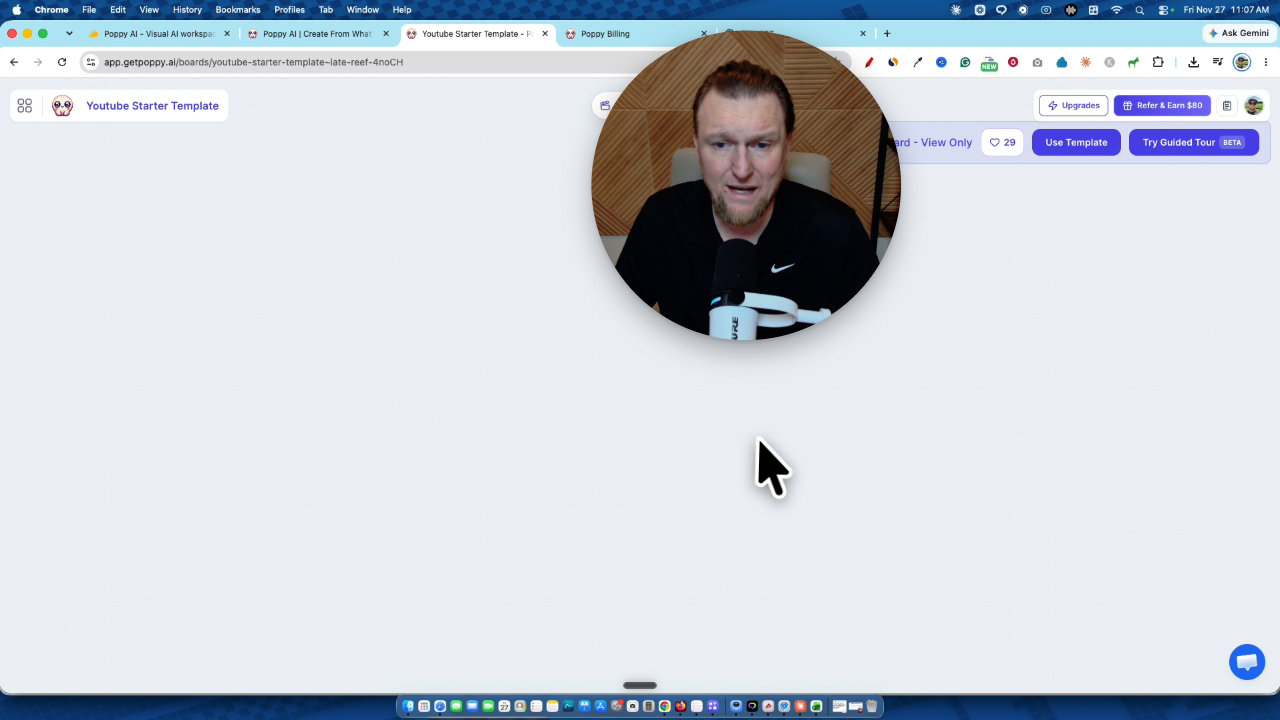
You can browse templates by platform, and community ones show how many times they've been used and liked. That makes it easy to spot what's worth trying. I started with the YouTube starter template.
My one complaint: too many pop-ups and tours. It looks helpful, but it's all over the place.
Adding my brand and videos
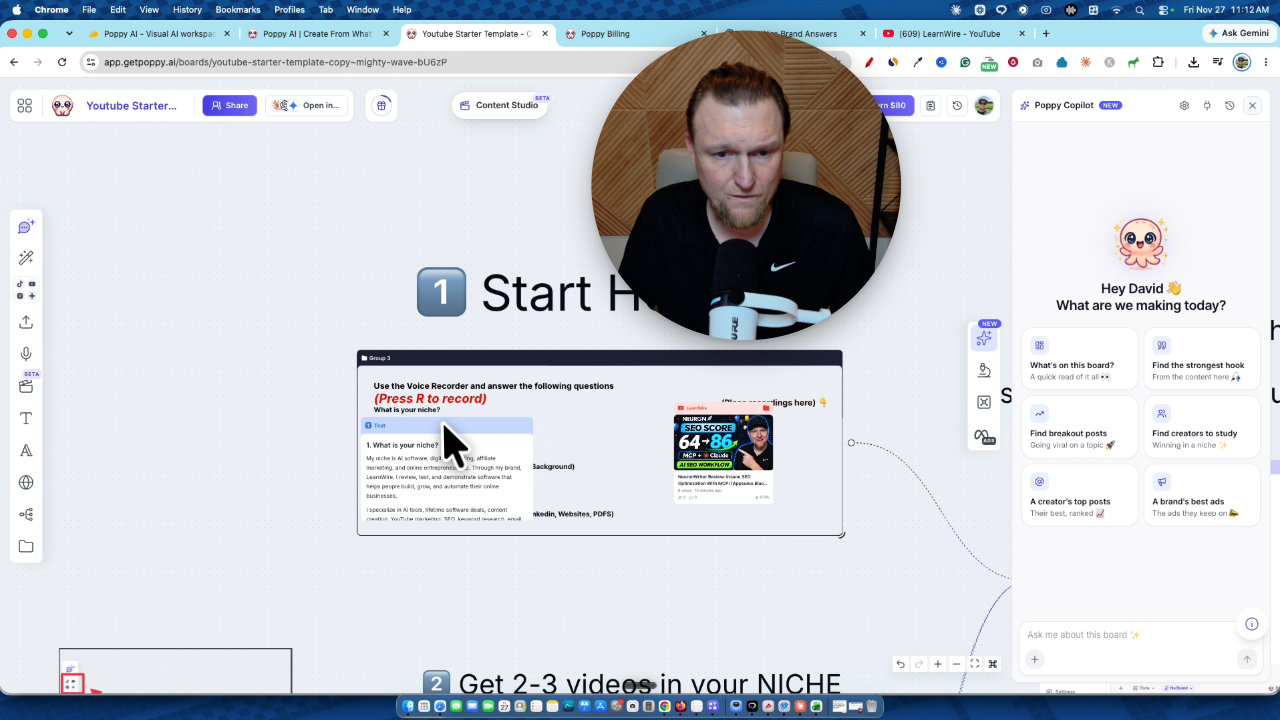
The template asks about your niche and audience. Instead of using the voice recorder, I screenshotted the questions and had ChatGPT answer them based on my LearnWire brand, then pasted the answers into a note inside the group.
Then I pasted in links to my own videos, including one that didn't get the best rating, so Poppy could see how I do my reviews. I ended up adding more videos than planned, around nine in total across my channel and competitors.
Adding competitors
Next, I pasted in competitor videos, including some from channels I follow. I picked ones that did well and a title style I like. The frameworks section was already done for me, so I left it alone.
Generating Video Ideas and Titles
I asked for 10 viral video ideas using the whole template. Poppy pulled from the Ultimate YouTube Title Writing Framework, including the 3 emotions structure and the 55-character rule.
The titles were strong. One was "The $47 AI tool that replaced 6 subscriptions I was paying for." Others covered lifetime deals, AI tools and SEO angles, all in line with the examples I gave it.
This alone is worth it in my opinion. I didn't have to know the framework, and I can just push a button each time.
Each idea has a button to create a script. I personally wouldn't full-blown script my videos, I find it boring. I'd ask for 3 or 4 bullet points to cover per idea and handle the rest myself.
Creating a Thumbnail
I took one of the ideas, opened the create image tool and asked for a faceless viral thumbnail, with no person in it. I set the quality to high and hit go.
It created a new thumbnail node right on the canvas. The result was a very high quality image that matched the idea, with very few words and mostly right on the first try.
It's easy to adjust in the prompt, and you can edit the image directly too.
The Competitor Analysis Template
Then I tried the Ultimate YouTube Title and Thumbnail Frameworks template, which starts with competitor analysis. I added top performing competitor videos plus my top 10 videos from the last 90 days, and paused the recording while it worked so we didn't burn 20 minutes.
Poppy came back with the video concepts it would build first. From there you can paste in a script and drop in PDF guides for title tips and thumbnails to get scripts and thumbnails out of one template.
Plans, Limits and My Verdict
The pricing is steep at the top. Tier 2 is $539, tier 3 is $989, and tier 6 is $4,459. But tier 1 already gets you the important things, including MCP, thumbnails and scheduling to Instagram, YouTube and LinkedIn.
Bring your own key starts at tier 4, API access at tier 5 or 6, and client chatbots only at tier 6. If you're a solo creator, you can ignore most of that.
My verdict: Poppy gets a high score from me, and I gave it a 5/5 rating. It takes a minute to set up, but once your brand, videos and competitors are in, the output is genuinely useful. I use AppSumo Tier 3, and for a solo YouTuber I'd start at tier 1 or 2.
Key features
Visual node-based workspace
You work on a canvas with groups, notes, video links and chats. It can feel intimidating at first, but it makes the whole project visible in one place.
Brands and content vault
You can set up a brand once and reuse it in any template. The vault is a content library for videos, links, files and notes.
Community and official templates
Templates are sorted by platform, such as Instagram Reels, TikTok and YouTube. You can see how many times community templates were used and liked.
Competitor research
You paste in competitor videos and your own top videos, and Poppy analyzes them and suggests video concepts to build first.
Viral video idea and title generation
The YouTube starter template pulled in a title framework with the 3 emotions structure and the 55-character rule, and produced 10 video ideas with a button to create a script from each.
AI thumbnail creation
Using the create image tool, I asked for a faceless thumbnail and got a thumbnail node on the canvas. You can change the model and quality, and it uses your credits.
MCP access
MCP access is included starting at license tier 1. API access only comes at tier 5 or 6.
Copilot chat and extra tools
A chat Copilot lets you tell Poppy what to do. The tools menu also includes presentation, mind map, deep research and create image.
Pricing
- MCP access included
- Thumbnail creation
- Post and schedule to Instagram, YouTube and LinkedIn
- Also works for solo creators running 1 or 2 channels
- The tier I personally use
- 1,500 monthly credits
- Bring your own key starts here
- API access starts here
- Unlimited brands
- 10,000 monthly credits
- 1,500 one-time bonus credits
- Only tier with client chatbot access and white-labeled chatbots
Pros and cons
What I liked
- Very developed tool with a long track record and strong AppSumo ratings (4.8 stars)
- Templates carry proven title frameworks so I don't have to know them myself
- Titles generated from my brand and competitor research were genuinely good
- Thumbnail came out high quality on the first try with very few words
- MCP access and the important features are included from tier 1
What could be better
- It can feel intimidating, with a lot to set up at first
- Too many pop-ups and tours, which felt all over the place
- Pricing climbs fast, with tier 2 at $539 and tier 6 at $4,459
- API access and white-label chatbots are locked to higher tiers
Who it's for
Solo YouTubers
If you run one or two channels for yourself, tier 1 or 2 should cover what you need.
Content creators who want research-backed ideas
The competitor analysis and title frameworks help you plan videos from data rather than guesswork.
Agencies
Higher tiers add unlimited brands, API access and white-labeled client chatbots.
Limitations: when to look elsewhere
- If you want API access, you need tier 5 or 6, and I couldn't demo it.
- If you prefer to write full scripts yourself, I'd use this mostly for ideas and titles, as I would.
- If you need client chatbots, only tier 6 includes them.