EZ Video Affiliate
Turns a sales page into a bonus review video with a built-in bonus delivery system.
Watch my full review
- What it is
- EZ Video Affiliate scans a product's sales page, writes a script, makes the graphics and voiceover, and renders a review video with your own intro and outro. It also includes a bonus page and delivery system.
- Best for
- Beginners who want a simple, low-effort way to start earning affiliate commissions from YouTube videos.
- LearnWire's Rating
- 3.8 / 5
My review
Thanks for checking out my EZ Video Affiliate review, the tool that scans a sales page and turns it into a bonus review video with your own intro and outro. What jumped out at me was the proof from the older version: I had an admin make about 26 videos, and a few of them ranked and earned commissions. I did miss a voice preview, but it's still a simple option if you're hunting for the best way to make affiliate bonus videos for YouTube.
I tried EZ Video Affiliate because I've already used this style of system, and it paid me. It's from Mike from Maine, a top vendor on JVZoo, and it's a redo of a product from a couple of years ago with improved AI.
So this review is a bit different. I can show you proof from the older version first, then test the new one.
Why I Trust This Approach
I have a channel with less than a thousand subscribers that still makes me money every time I post. A year and a half ago I used the earlier software to make simple affiliate videos where I didn't even review the product.
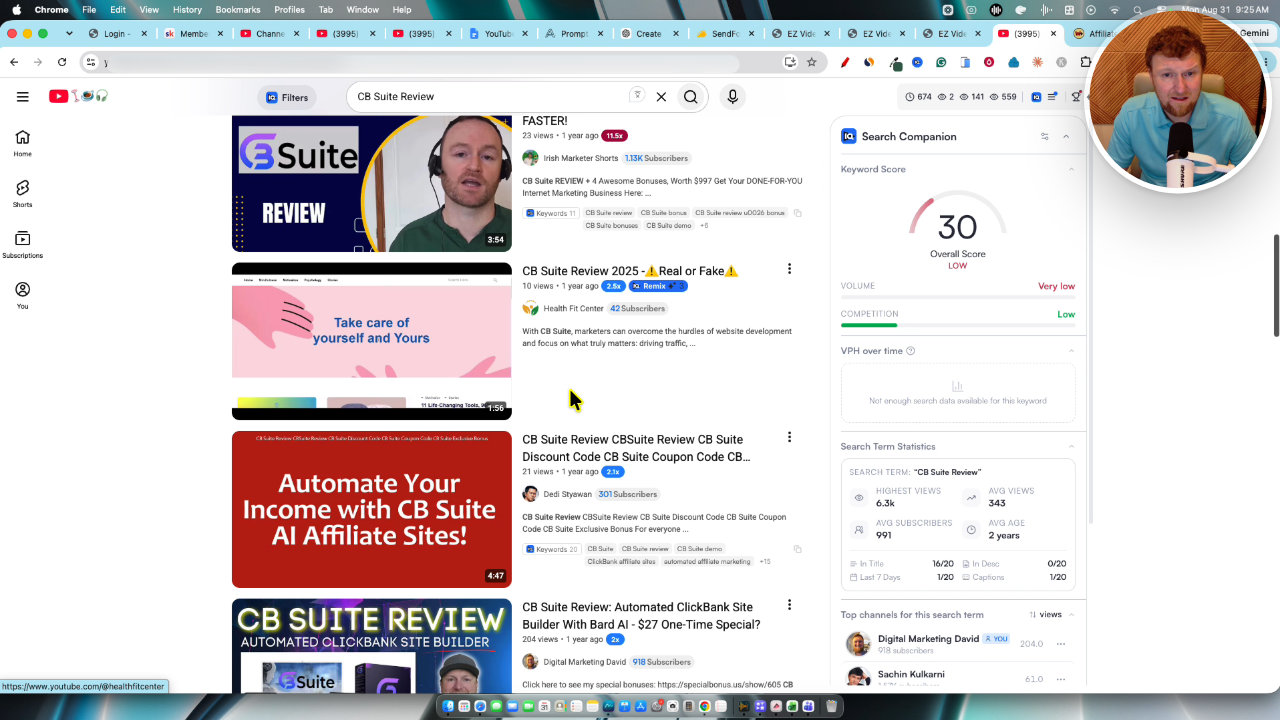
One was a CB Suite review that ranks around number nine for its search, with about 200 views. It got more views than several videos ranked above it.
The videos open with a generic intro of me on camera, then the software scans the sales page and builds the video, then it ends with an outro pointing people to a bonus page. People looking for a bonus find it and click.
The Numbers From My Project
I hired an admin to manage the project, and we made about 26 of these videos. I picked the intros and bonuses, and they published everything.
One Spark AI review video got 16 clicks, four sales and a 25% conversion rate, which made $27. A Lead Siphon System video made two sales for $25.
Overall, I'd say that after 26 videos I made two to $300. That won't make you a millionaire, but it's a good way to get started.
Setting Up Bonuses and Intros
The new dashboard has tutorials, intro and outro videos, an affiliate bonus section and bonus delivery. The look is simple and a bit old school, and I actually like that. It works and it makes sense.
To add a bonus, you give it a name, upload a graphic, write a description and add the access URL (Dropbox, Google Drive, or a software login). Then you save it. If you remember Commission Gorilla, it's similar to that. I built my own custom system, but this one comes built in.
Next I uploaded an intro and outro. I'd build a stock of about 10 of each, recording a quick pair each day with a different shirt, so each video looks like it was made that day. The upload limit is 25 megabytes, so compress if needed.
Creating a Video From Scratch
I picked Vibe Genie, a product from Munchai. I requested my affiliate link, then went to New Video and entered the affiliate link, the product page URL and the product name. I chose to use the intro and outro.
There's a custom copy box where you can paste page content, which is a new addition. If AI scanning is blocked, it still has information to use. Brett's tip is to view the page source and copy that, so it captures all the images and code without problems.
In video settings I chose a voice. I wish I could preview voices, and I'd love to add my own cloned voice. Then I edited the bonus page, checked the script and clicked make graphics. It all runs on autopilot.
The Vibe Genie sales page didn't have a lot on it, since it was just for a webinar. The output will be better and more on point when the page has more content. Rendering cost 15 credits.
What the Finished Video Looked Like
The video had relevant imagery and a human-sounding voiceover, followed by my outro. The bonus page and delivery page were created automatically, with the products already filled in.
You download the video, upload it to YouTube, and title it the way the vendor has the product name, then add review, full demo and bonuses. That gives you a chance to rank in the top 10.
My Verdict
EZ Video Affiliate is a simple way to get started with affiliate videos, and I know that because I did it myself. Doing one or two videos a day could get you to maybe $500 to $1,000, but don't expect $5,000 to $10,000 a month without unique videos, strong exclusive bonuses and a real audience.
The missing voice preview and cloned voice option are annoying, and thin sales pages give you thinner videos. I didn't cover the price in my video, so check the offer page before buying.
My advice: make your bonuses really good. That's what builds an audience that buys through you.
Key features
Sales page scanning
You paste in the product page URL and the AI scans it to write a script. If a blocker stops the scan, you can paste the page content or page source in as custom copy.
Custom intros and outros
You upload your own intro and outro videos, and the software attaches them to the generated video. Uploads max out at 25 megabytes, so keep them to about a minute or less.
Automatic graphics and voiceover
It creates the images for the video and uses a human-sounding AI voiceover. You pick the voice in video settings.
Editable script
The script is written for you, but you can edit it or add anything you want before rendering.
Built-in bonus management
You create bonuses with a name, graphic, description and access URL. The software then builds your bonus page and delivery page automatically.
Credit-based rendering
Rendering the Vibe Genie video cost 15 credits. Finished videos can be downloaded and uploaded to YouTube.
Pros and cons
What I liked
- The approach has made me real money, with videos ranking in the top 10 on YouTube
- Very simple workflow from product link to finished video
- Bonus page and delivery pages are built for you automatically
- Custom intros and outros make each video feel personal and unique
- Can be outsourced to an admin, as I did with about 26 videos
What could be better
- No voice preview, so you can't hear a voice before choosing it
- No option to add your own cloned voice yet
- Output depends heavily on how much content the sales page has
- The interface has an old-school look that some people won't like
- Won't reach $5,000 to $10,000 a month without serious extra work
Who it's for
Beginner affiliate marketers
If you aren't making money with affiliate marketing yet, this is a straightforward way to start publishing videos.
Affiliate marketers who run bonus offers
The built-in bonus pages and delivery system save a lot of setup time.
People who want to outsource video creation
The process is simple enough that I had an admin run it for me.
Limitations: when to look elsewhere
- If you want a polished, fully custom video, a script built from a thin sales page won't deliver that.
- If you want to be a full-time earner quickly, look elsewhere, since this alone is a starting point.
FAQ
Reader reviews
EZ Video Affiliate alternatives
 WarriorPlusMy Product
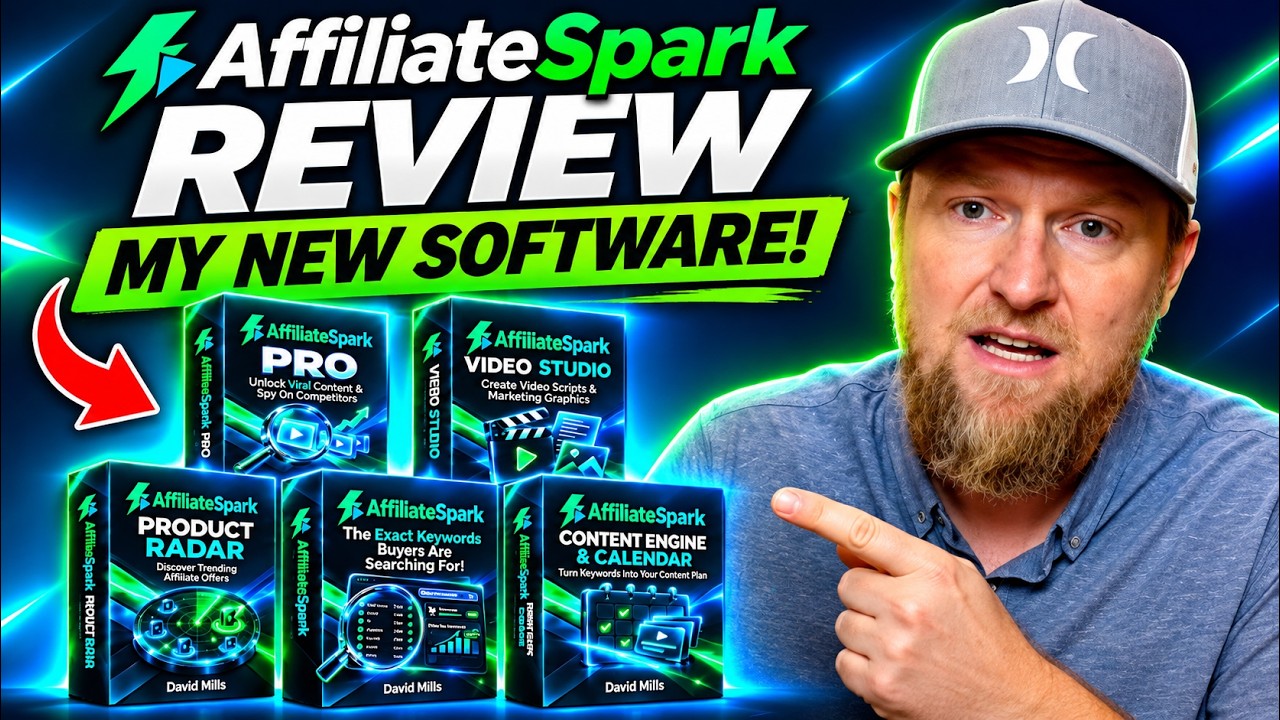
AffiliateSpark
Scan product pages for buyer keywords, check YouTube competition, and generate video titles.
 WarriorPlus
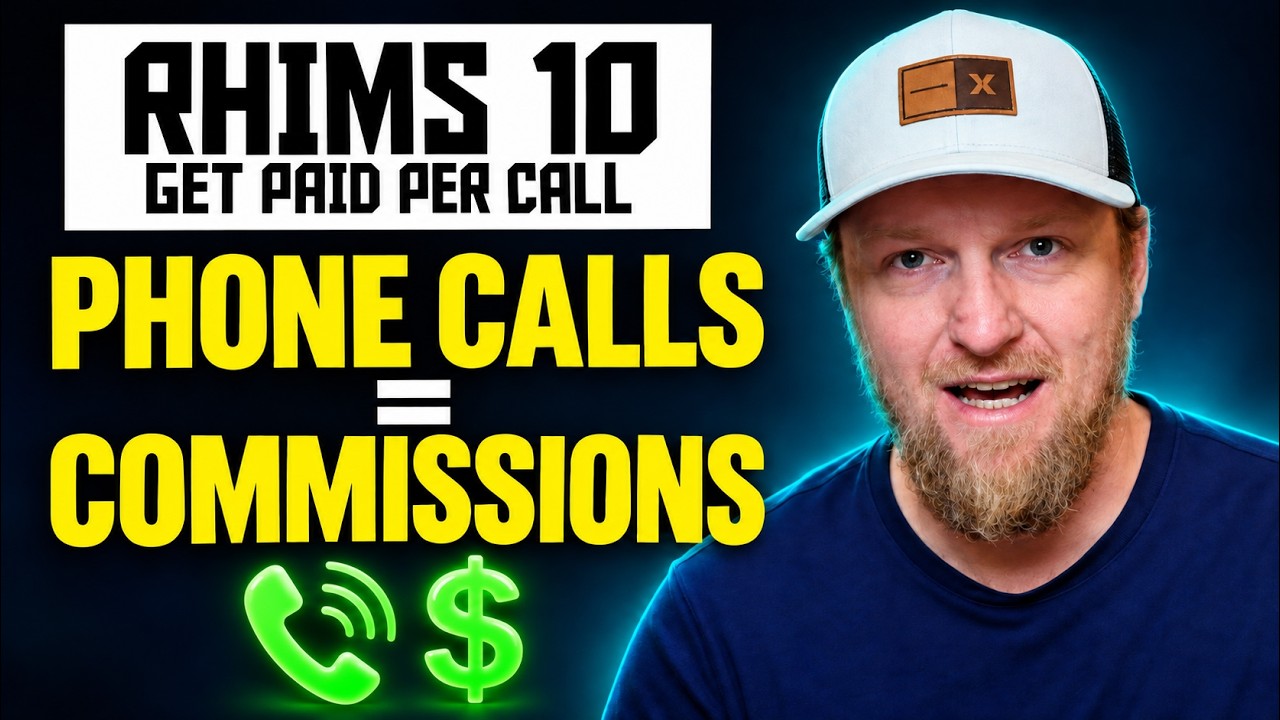
RHIMS 10
A pay-per-call affiliate course on building call-tracked local sites that earn per lead.
 WarriorPlusMy Product
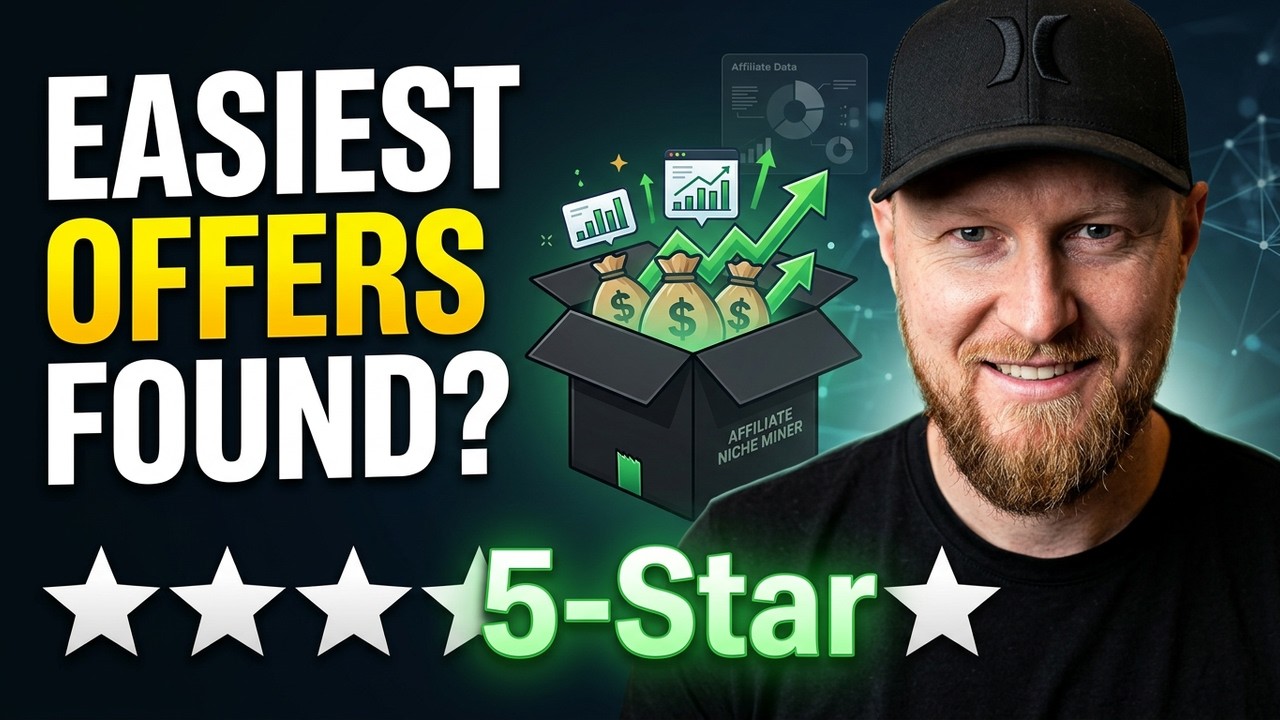
Affiliate Niche Miner
A preloaded database of affiliate niches and offers with a quiz that matches your goals.